
Wall Panel

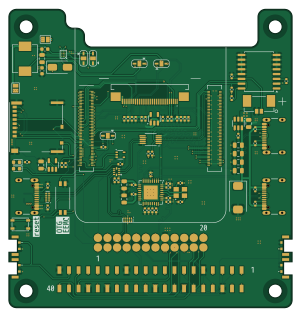
About the Wall Panel PCB
Wall Panel is an open source Raspberry Pi PCB design by dotstartech, published on GitHub under the CERN-OHL-W-2.0 license. It is a 8-layer board measuring 75 × 79 mm, with 99 components from 53 distinct parts.
Its main chip is the ComputeModule4, from the Raspberry Pi family. Other key parts include the TS3USB221RSER, LM3630ATMX, FSUSB42MUX, USB2514B-I/M2 and TPD4EUSB30. By type, the board carries 33 capacitors, 23 resistors, 15 connectors, 11 ICs, 6 switches and 3 diodes.
It belongs with the displays & leds and iot & wireless designs in this gallery.
From the project
Wall mounted 4 inch touch display panel with CM4 inside
Wall Panel is a 4-inch wall-mounted touch display panel powered by Raspberry Pi Compute Module 4 (CM4). It features a 720x720 IPS multitouch display and can be used as a Home Assistant dashboard or any other embedded display application.
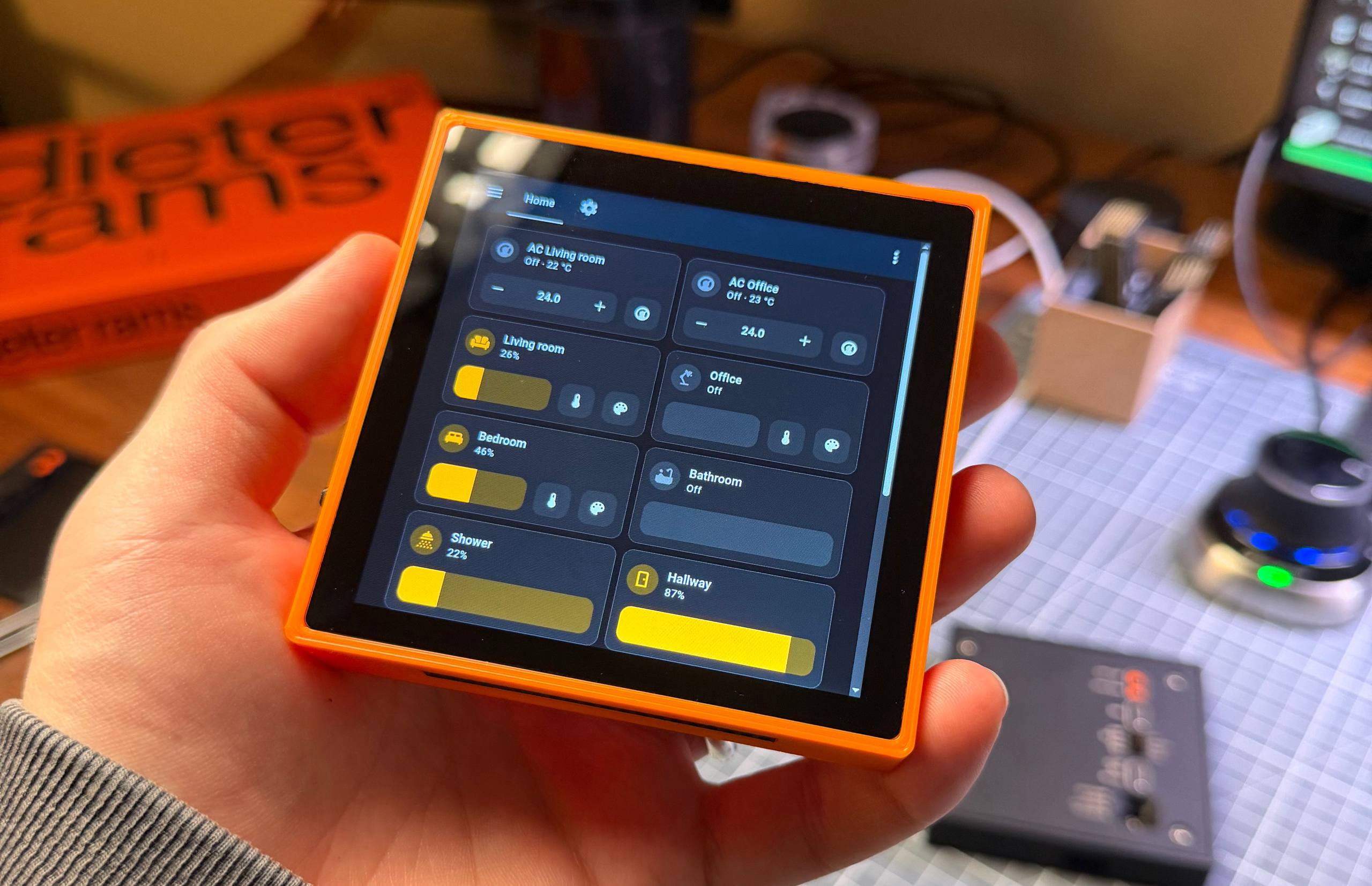
Main components on the Wall Panel
Wall Panel bill of materials (BOM)
99 components, 53 distinct parts.
| Qty | Part | Footprint | Refs |
|---|---|---|---|
| 1 | TS3USB221RSER | RSE_R-PUQFN-N10_ | IC1 |
| 1 | LM3630ATMX | BGA12C40P3X4_139X191X68 | IC2 |
| 1 | FSUSB42MUX | MSOP-10_3x3mm_P0.5mm | U1 |
| 1 | USB2514B-I/M2 | QFN-36-1EP_6x6mm_P0.5mm_EP3.7x3.7mm | U2 |
| 2 | TPD4EUSB30 | USON-10_2.5x1.0mm_P0.5mm | U3, U13 |
| 1 | AP22653W6 | SOT-23-6 | U4 |
| 1 | DS3231M | SOIC-16W_7.5x10.3mm_P1.27mm | U5 |
| 1 | LP5907MFX-2.8 | SOT-23-5 | U7 |
| 1 | 74LVC1G07SE-7 | SOT-353_SC-70-5 | U9 |
| 1 | RT9742GGJ5 | SOT-23-5 | U10 |
| 1 | ABM8G-24.000MHZ-18-D2Y-T | ABM8G | Y1 |
| 3 | USB_C_Receptacle_USB2.0_14P | USB_C_Receptacle_GCT_USB4105-xx-A_16P_TopMnt_Horizontal | J1, J2, J17 |
| 1 | pogo_1-1_3 | pogo_1x3 | J3 |
| 1 | Conn_01x02_Socket | CONN02_533984002_MOL | J4 |
| 1 | SFV30R-4STBE1HLF | SFV30R4STBE1HLF | J5 |
| 1 | pogo_1-4_6 | pogo_1x3 | J7 |
| 1 | pogo_1-7_9 | pogo_1x3 | J8 |
| 1 | pogo_1-10_12 | pogo_1x3 | J9 |
| 1 | THD-20-R | PM254-2-20-WS-8.5 | J10 |
| 1 | pogo_2-1_3 | pogo_1x3 | J11 |
Show 33 more
| Qty | Part | Footprint | Refs |
|---|---|---|---|
| 1 | pogo_2-4_6 | pogo_1x3 | J12 |
| 1 | pogo_2-7_9 | pogo_1x3 | J13 |
| 1 | pogo_2-10_12 | pogo_1x3 | J14 |
| 1 | Micro_SD_Card_Det | SDCARD_MOLEX_503398-1892 | J16 |
| 4 | MountingHole_Pad | 9774030151R | H1, H2, H3, H4 |
| 1 | Jumper_2_Small_Bridged | SolderJumper-2_P1.3mm_Bridged2Bar_Pad1.0x1.5mm | JP2 |
| 1 | ComputeModule4 | Raspberry-Pi-4-Compute-Module | Module1 |
| 4 | SKSLLBE010 | SKSLLBE010 | S1, S3, S4, S5 |
| 1 | 218-2LPSTRF | 2182LPSTRF | S6 |
| 1 | power reset | SW_SPST_PTS810 | SW1 |
| 1 | LED Green | LED_0603_1608Metric | D1 |
| 1 | LED Red | LED_0603_1608Metric | D2 |
| 1 | SS34 | D_SMA | D5 |
| 1 | 10uH | IND-SMD_L7.4-W6.6 | L2 |
| 2 | 27pF | C_0402_1005Metric | C1, C2 |
| 8 | 10u | C_0805_2012Metric | C3, C4, C11, C13, C14, C15, C16, C31 |
| 13 | 100n | C_0402_1005Metric | C5, C6, C7, C8, C9, C10, C17, C22 +5 |
| 1 | 100uF | CP_EIA-7343-31_Kemet-D | C12 |
| 2 | 10uF | C_0402_1005Metric | C20, C21 |
| 4 | 1uF | C_0402_1005Metric | C25, C26, C29, C30 |
| 1 | 2.2uF | C_0603_1608Metric | C35 |
| 1 | 22uF | C_0805_2012Metric | C36 |
| 1 | 1uF | C_0603_1608Metric | C37 |
| 4 | 2.2K 1% | R_0402_1005Metric | R1, R2, R14, R15 |
| 4 | 36K 1% | R_0402_1005Metric | R3, R4, R5, R7 |
| 2 | 12K 1% | R_0402_1005Metric | R6, R22 |
| 2 | 5.1k | R_0402_1005Metric | R8, R9 |
| 4 | 56K | R_0402_1005Metric | R10, R12, R25, R26 |
| 1 | 15K 1% | R_0402_1005Metric | R11 |
| 1 | 10K | R_0402_1005Metric | R13 |
| 2 | 1k | R_0402_1005Metric | R16, R19 |
| 1 | 100K | R_0402_1005Metric | R17 |
| 2 | 4.7k | R_0402_1005Metric | R23, R24 |
Wall Panel design files
The KiCad project lives in the dotstartech/wall-panel repository on GitHub; these links point at the commit this page was built from.
Wall Panel: common questions
What microcontroller does the Wall Panel use?
The Wall Panel is built around the ComputeModule4, from the Raspberry Pi family.
How big is the Wall Panel PCB?
The Wall Panel measures 75 × 79 mm, has 8 copper layers and is 1.6 mm thick.
How many components are on the Wall Panel?
99 components, from 53 distinct parts. The full bill of materials is listed on this page.
Where can I download the Wall Panel design files?
From the dotstartech/wall-panel repository on GitHub, which has the KiCad layout and the schematic; the links under Design files point to each one.
Can I use the Wall Panel design in my own project?
Yes, under the terms of its CERN-OHL-W-2.0 license, which dotstartech chose for the repository.
Can I test firmware for the Wall Panel without the hardware?
Yes. HardLabs builds a simulation of the board from its netlist and BOM, so you can run and debug Raspberry Pi firmware against it before you order a PCB.
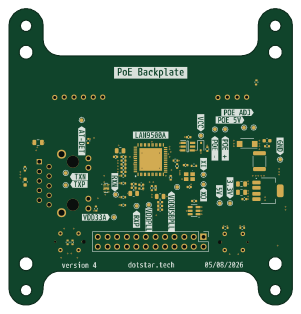
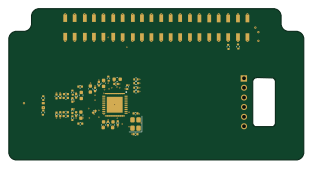
More boards in wall-panel
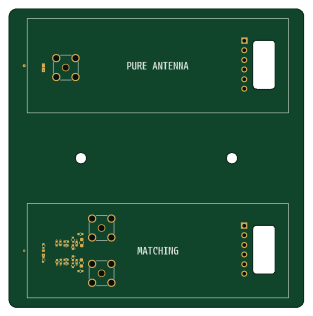
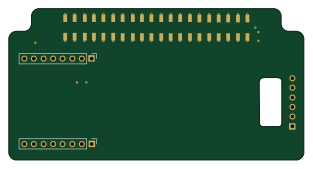
Similar boards
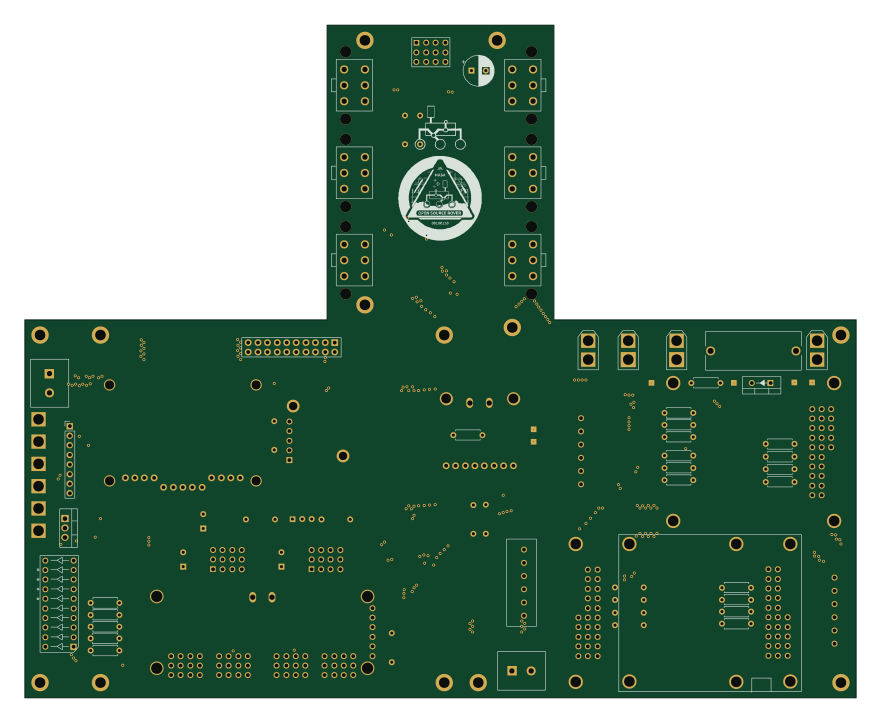 Raspberry Pi
Open source rover
nasa-jpl
220 × 178 mm144 parts2LApache-2.09.7k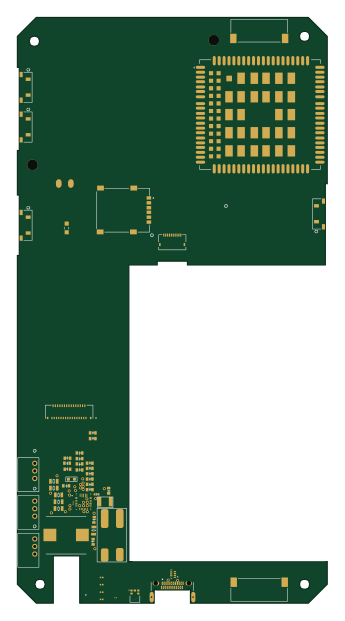 Raspberry Pi
SPIRIT
SPIRIT-org
82 × 155 mm130 parts6LCERN-OHL-S-2.01.3k Raspberry Pi
CM5RevEng
schlae
55 × 40 mm417 parts10LNo license1.0k Raspberry Pi
Haxo hw
cardonabits
102.4 × 211.3 mm38 parts2LCustom license672 Raspberry Pi
Desktop 50 Pin TopConn
BlueSCSI
89.2 × 82.6 mm103 parts2LGPL-3.0449 Raspberry Pi
PowerBook
74.5 × 56.3 mm78 parts2LGPL-3.0449