
4 open source boards using the Pi Pico
Real designs built with the Pi Pico, from public GitHub projects: a quick way to see how others power, decouple and connect it. Each board comes with its KiCad files, full parts list and a render — and you can simulate its firmware on HardLabs.
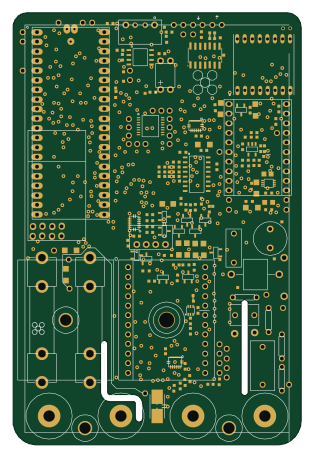 RP2040/RP2350
HydraMeter 0.4
jduffy105
76.2 × 114.3 mm288 parts2LCERN-OHL-S-2.0174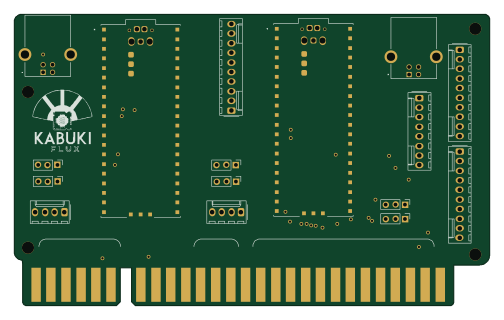 RP2040/RP2350
JAMMA 2player xbox360
KabukiFlux
125.7 × 77 mm17 parts2LMIT17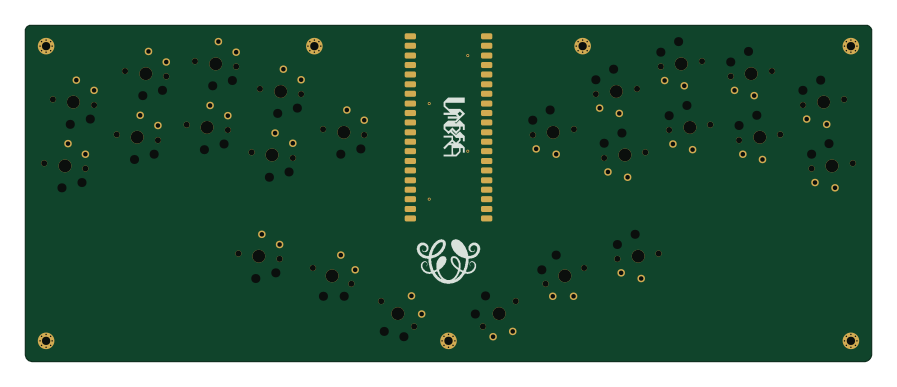 RP2040/RP2350
Umbra
skarrmann
224 × 89 mm32 parts2LMIT13 RP2040/RP2350
Vectorscope GuyFawkes
shabaz123
14 × 1 mm81 parts2LGPL-3.03
The Pi Pico in open source designs
The gallery holds 4 open source boards using the Pi Pico from 4 GitHub repositories; a typical one measures about 101 × 83 mm and carries around 57 components.
100% are two-layer designs, the rest use four layers or more, and 100% carry an open source license.
The most starred is HydraMeter 0.4 by jduffy105.
Microcontrollers on boards using the Pi Pico
What boards using the Pi Pico are built for
Pi Pico: common questions
Where can I find a Pi Pico reference design?
Each of the 4 boards on this page is a real design using the Pi Pico. Open one to see how it is wired up, with the full BOM, a render of the layout and links to its KiCad files.
Which microcontrollers do boards using the Pi Pico use?
Most are built on RP2040/RP2350 (4).
How big is a typical board using the Pi Pico?
The median is 101 × 83 mm, and 100% are two-layer designs.
What is the most popular open source board using the Pi Pico?
By GitHub stars, HydraMeter 0.4 by jduffy105, with 174 stars.
Can I simulate one of these boards using the Pi Pico before building it?
Yes. HardLabs turns a board's netlist and BOM into a working simulation, so you can boot and test firmware against it with no hardware on your desk.