
6 open source boards using the MC6809
Real designs built with the MC6809, from public GitHub projects: a quick way to see how others power, decouple and connect it. Each board comes with its KiCad files, full parts list and a render — and you can simulate its firmware on HardLabs.
- schematic only · 84 parts
Nanocomp6809
breadboardinglabs
84 partsApache-2.024 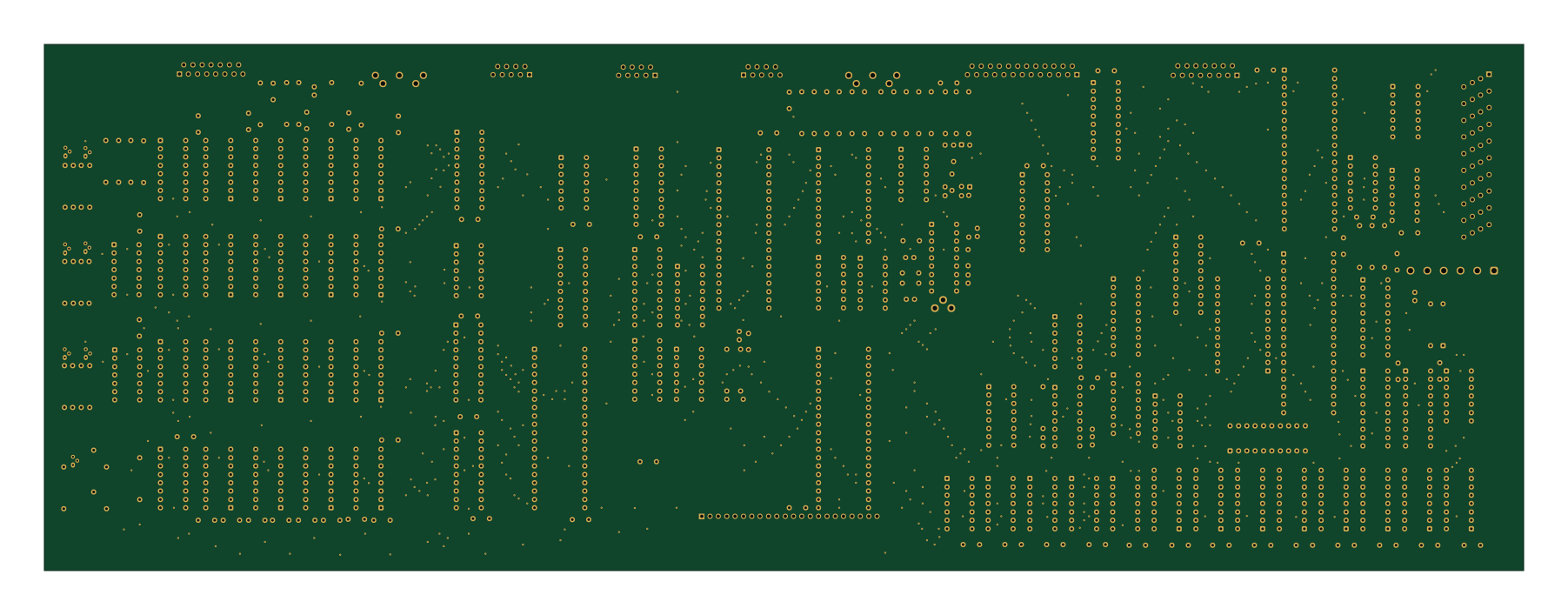
Apollo 7 Squale
jfdelnero
450 × 160 mm219 parts2LNo license6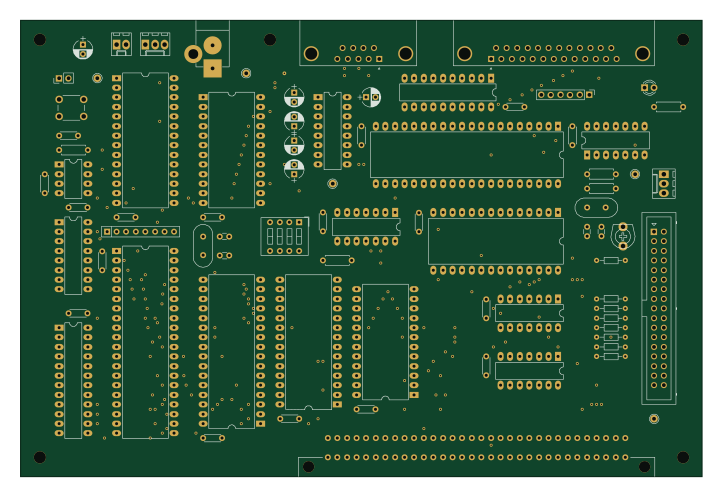 NXP
LFlex21
laurent-fr
180.3 × 120.7 mm77 parts2LNo license4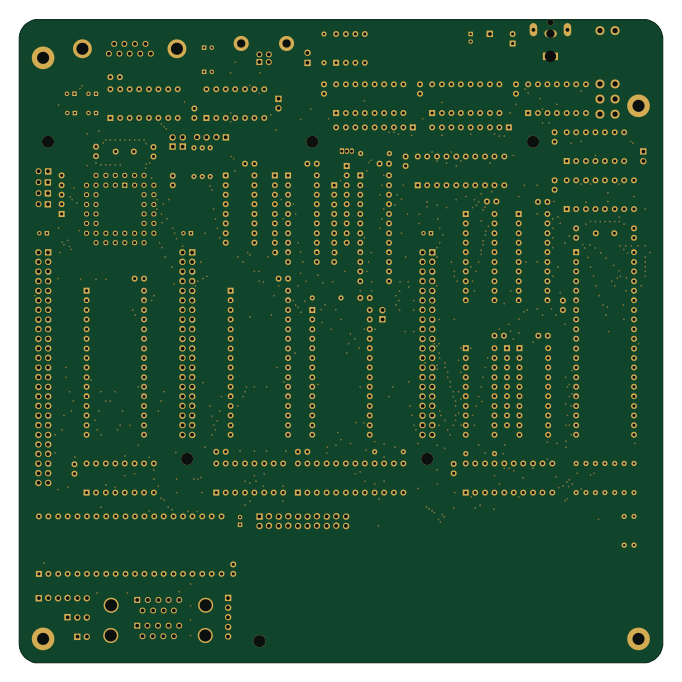
Motherboard
MicroLind-Developers
170.2 × 170.2 mm120 parts4LCERN-OHL-P-2.00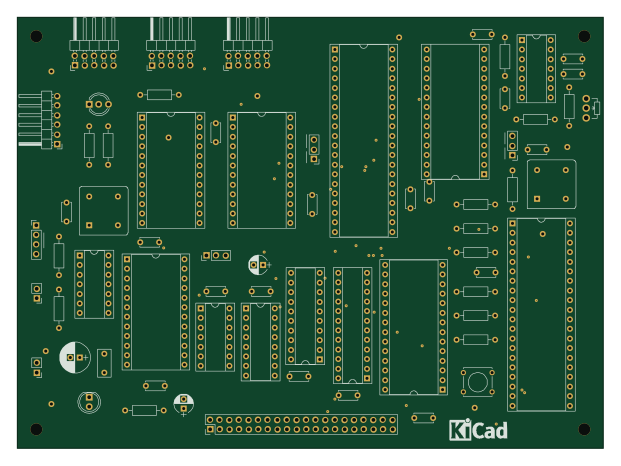
MUTIF09 Single Board Computer
ja1umi
155 × 114 mm68 parts2LMIT10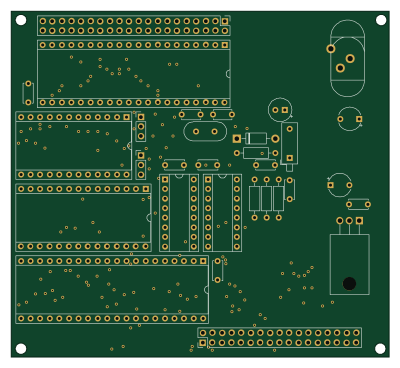
MicroKit09 v1
electrickery
100 × 91.4 mm31 parts2LNo license1
How designs wire the MC6809
Read from the KiCad layouts of 5 open source designs, one per repository: what each pin of the MC6809 connects to, and the resistors, capacitors and other passives placed on it.
- The NMI pin has a pull-up to 5V on 5 of 5 designs, most often 10 kΩ (then 4.7 kΩ).
- The IRQ pin has a pull-up to 5V on 5 of 5 designs, most often 10 kΩ (then 4.7 kΩ).
- The FIRQ pin has a pull-up to 5V on 5 of 5 designs, most often 10 kΩ (then 4.7 kΩ).
- The RESET pin has a pull-up to 5V on 5 of 5 designs, most often 10 kΩ (then 4.7 kΩ).
| Pin | Connected to | Parts on the pin |
|---|---|---|
| VSSpin 1 | Connected to: GND 100% | — |
| NMIpin 2 | Connected to: A connector 80% |
|
| IRQpin 3 | Connected to: A connector 80% |
|
| FIRQpin 4 | Connected to: A connector 60% |
|
| VCCpin 7 | Connected to: 5V 100% |
|
| DMA/BREQpin 33 | Connected to: A connector 40% · 5V 40% |
|
| MRDYpin 36 | Connected to: A connector 40% · 5V 40% |
|
| RESETpin 37 | Connected to: A connector 80%, 6821 40% |
|
| EXTALpin 38 | Connected to: Signal 100% |
|
| XTALpin 39 | Connected to: Signal 60% · GND 40% |
|
| HALTpin 40 | Connected to: A connector 60% · 5V 40% |
|
29 more pins vary from design to design. Connections count pins, parts count designs; values in brackets are how many parts had that value. Designs read include MUTIF09 Single Board Computer by ja1umi, Apollo 7 Squale by jfdelnero, LFlex21 by laurent-fr and MicroKit09 v1 by electrickery.
The MC6809 in open source designs
The gallery holds 6 open source boards using the MC6809 from 6 GitHub repositories; a typical one measures about 170.2 × 120.7 mm and carries around 81 components.
80% are two-layer designs, the rest use four layers or more, and 50% carry an open source license.
The most starred is Nanocomp6809 by breadboardinglabs.
Microcontrollers on boards using the MC6809
What boards using the MC6809 are built for
MC6809: common questions
Where can I find a MC6809 reference design?
Each of the 6 boards on this page is a real design using the MC6809. Open one to see how it is wired up, with the full BOM, a render of the layout and links to its KiCad files.
What pull-up resistor is used on the MC6809 NMI pin?
The NMI pin has a pull-up to 5V on 5 of 5 designs, most often 10 kΩ (then 4.7 kΩ). Counted from the KiCad layouts of 5 open source designs using the MC6809.
What pull-up resistor is used on the MC6809 IRQ pin?
The IRQ pin has a pull-up to 5V on 5 of 5 designs, most often 10 kΩ (then 4.7 kΩ). Counted from the KiCad layouts of 5 open source designs using the MC6809.
What pull-up resistor is used on the MC6809 FIRQ pin?
The FIRQ pin has a pull-up to 5V on 5 of 5 designs, most often 10 kΩ (then 4.7 kΩ). Counted from the KiCad layouts of 5 open source designs using the MC6809.
What parts are used alongside the MC6809?
The 74LS138, 74LS245, 6821, 74LS08 and GAL16V8 appear in the most repositories here.
Which microcontrollers do boards using the MC6809 use?
Most are built on NXP (1).
How big is a typical board using the MC6809?
The median is 170.2 × 120.7 mm, and 80% are two-layer designs.
What is the most popular open source board using the MC6809?
By GitHub stars, Nanocomp6809 by breadboardinglabs, with 24 stars.
Can I simulate one of these boards using the MC6809 before building it?
Yes. HardLabs turns a board's netlist and BOM into a working simulation, so you can boot and test firmware against it with no hardware on your desk.