
Open source PCB designs you can simulate
21,636 boards
Every public KiCad project we can find on GitHub, with its processor, full parts list and a render of the board. Any of them can be brought up in simulation: open one and run firmware on it before you order a single PCB.
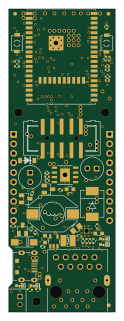 ESP32
ESP32ESP32-PoE Rev K
OLIMEX
28 × 80 mm131 parts4LApache-2.0407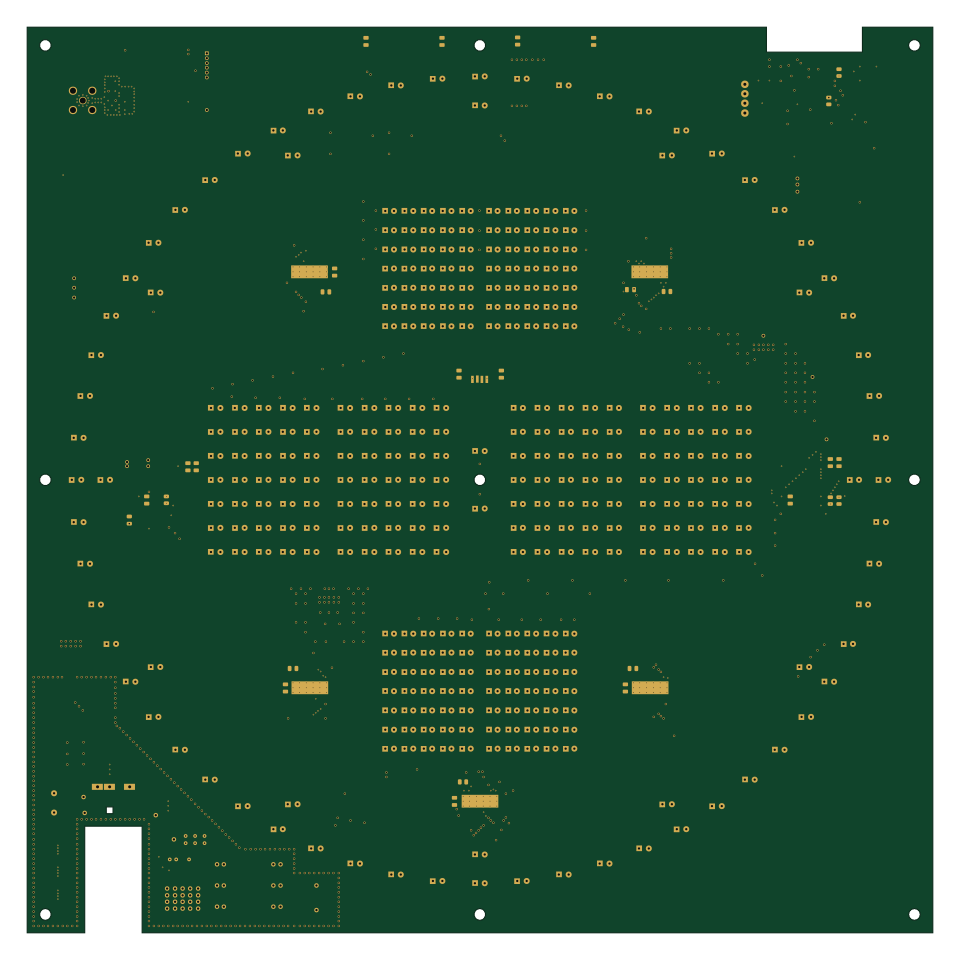 ESP32
ESP32Broadcast clock
espena
239.5 × 239.5 mm440 parts4LGPL-3.028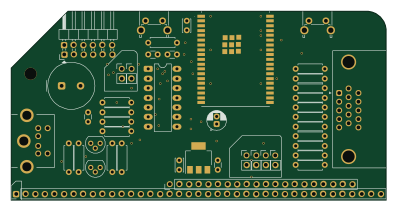 ESP32
ESP32Rc fabgl
PickledDog
99.1 × 49.9 mm46 parts2LApache-2.017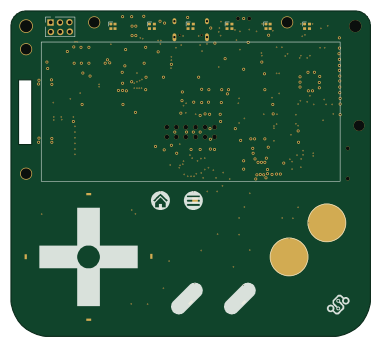 ESP32
ESP32Kami hardware
Nicolai-Electronics
95 × 86 mm100 parts4LCERN-OHL-P-2.02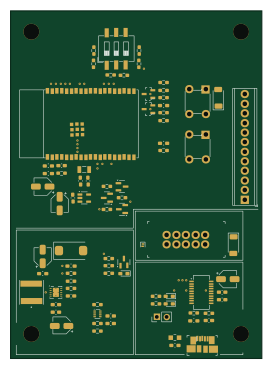 ESP32
ESP32Bike embedded app
nicolaeandreivasile
66.5 × 92 mm82 parts2LNo license1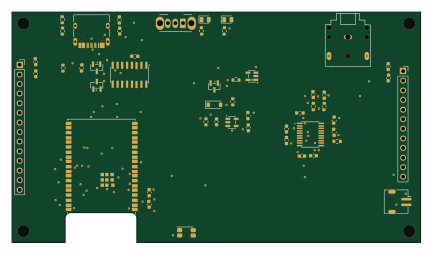 ESP32
ESP32StreamerBasic
alantrundle
108 × 60.9 mm51 parts2LNo license1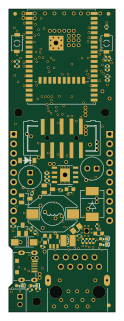 ESP32
ESP32ESP32-PoE Rev L
28 × 80 mm131 parts4LApache-2.0407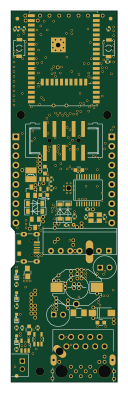 ESP32
ESP32ESP32-PoE-ISO
28 × 98.2 mm130 parts4LNo license142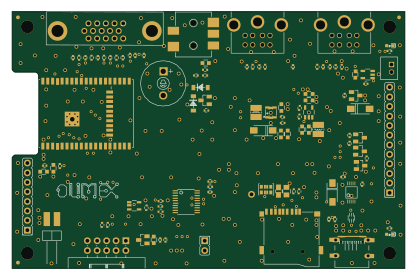 ESP32
ESP32ESP32-SBC-FabGL Rev B
104 × 68 mm112 parts2LGPL-3.029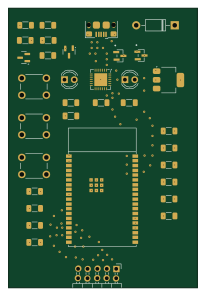 ESP32
ESP32Compute Node
AkshathRaghav
50 × 74 mm34 parts4LApache-2.03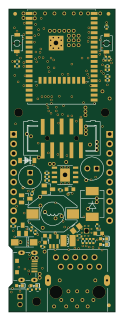 ESP32
ESP32ESP32-PoE Rev L1
28 × 80 mm131 parts4LApache-2.0407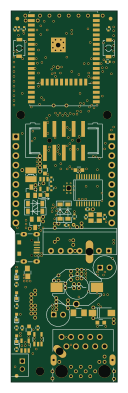 ESP32
ESP32ESP32-PoE-ISO
28 × 98.2 mm130 parts4LNo license142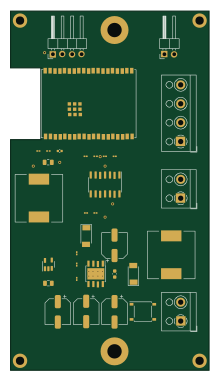 ESP32
ESP32Thermostat
kelvie
52.5 × 95 mm33 parts2LApache-2.04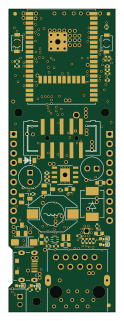 ESP32
ESP32ESP32-PoE Rev M
28 × 80 mm130 parts4LApache-2.0407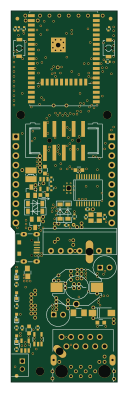 ESP32
ESP32ESP32-PoE-ISO
28 × 98.2 mm128 parts4LNo license142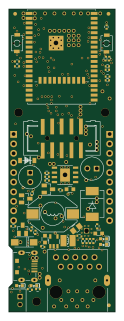 ESP32
ESP32ESP32-PoE Rev J
28 × 80 mm129 parts4LApache-2.0407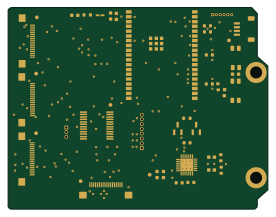 ESP32
ESP32Mcu modulino
OpenAir-Lab
68.9 × 53.3 mm36 parts4LMIT3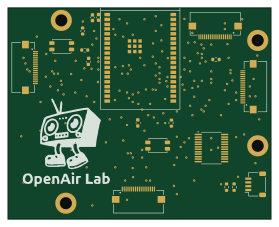 ESP32
ESP32Testbed mcu
69.6 × 55.9 mm19 parts2LMIT3
About these open source PCB designs
Every board here is a published hardware project: a public GitHub repository with KiCad design files and a bill of materials. HardLabs reads those files directly — the board outline for its size, the copper layers, every footprint for the parts list — and draws the render from the layout itself, so what you see is the design as committed rather than a product photo.
Boards are indexed by the microcontroller they are built around, by what they are for, and by every IC and module on them. That makes the gallery a quick way to find a reference design: look up a part number to see how other engineers power, decouple and connect it.
Using an open source board as a reference design
- Find boards built on your chip or with the part you are designing around.
- Compare their size, layer count and bill of materials, and open the KiCad files on GitHub.
- Check the license before reusing any of the design.
- Simulate the firmware on HardLabs to test your changes before you order a PCB.
Open source PCB designs: common questions
What is an open source PCB?
A printed circuit board whose design files — schematic, layout and bill of materials — are published for anyone to study and, depending on the license, to modify and manufacture.
Are these PCB designs free to use?
It depends on each project's license. Open hardware licenses such as CERN-OHL and CC BY-SA, and software licenses such as MIT, allow reuse on their terms; a repository with no license keeps all rights with its author. Every board page shows its license.
What design files do the boards come with?
They are KiCad projects: the .kicad_pcb layout and the schematic (or a netlist from older KiCad versions), plus a bill of materials, usually a CSV. Each board page links to those files in the original GitHub repository.
How do I find boards that use a specific part?
Search for the part number, or open the part's page from the list of parts. It shows every board built with that part and the parts most often used alongside it.
How many boards are there, and how often is the list updated?
21,636 boards from 10,868 repositories today. New projects are found and added every night.
Can I test a board's firmware before ordering the PCB?
Yes. HardLabs builds a simulation of a board from its netlist and BOM, so you can boot and debug firmware against it with no hardware on your desk.