
23 open source boards using the ESP32-WROVER-E
Real designs built with the ESP32-WROVER-E, from public GitHub projects: a quick way to see how others power, decouple and connect it. Each board comes with its KiCad files, full parts list and a render — and you can simulate its firmware on HardLabs.
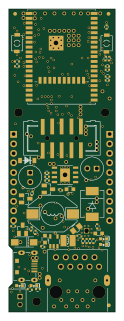 ESP32
ESP32-PoE Rev K
OLIMEX
28 × 80 mm131 parts4LApache-2.0407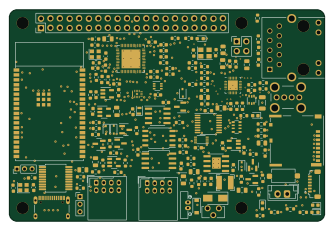 ESP32
EsPiFF
MDCservice
83.5 × 56 mm168 parts6LGPL-3.0224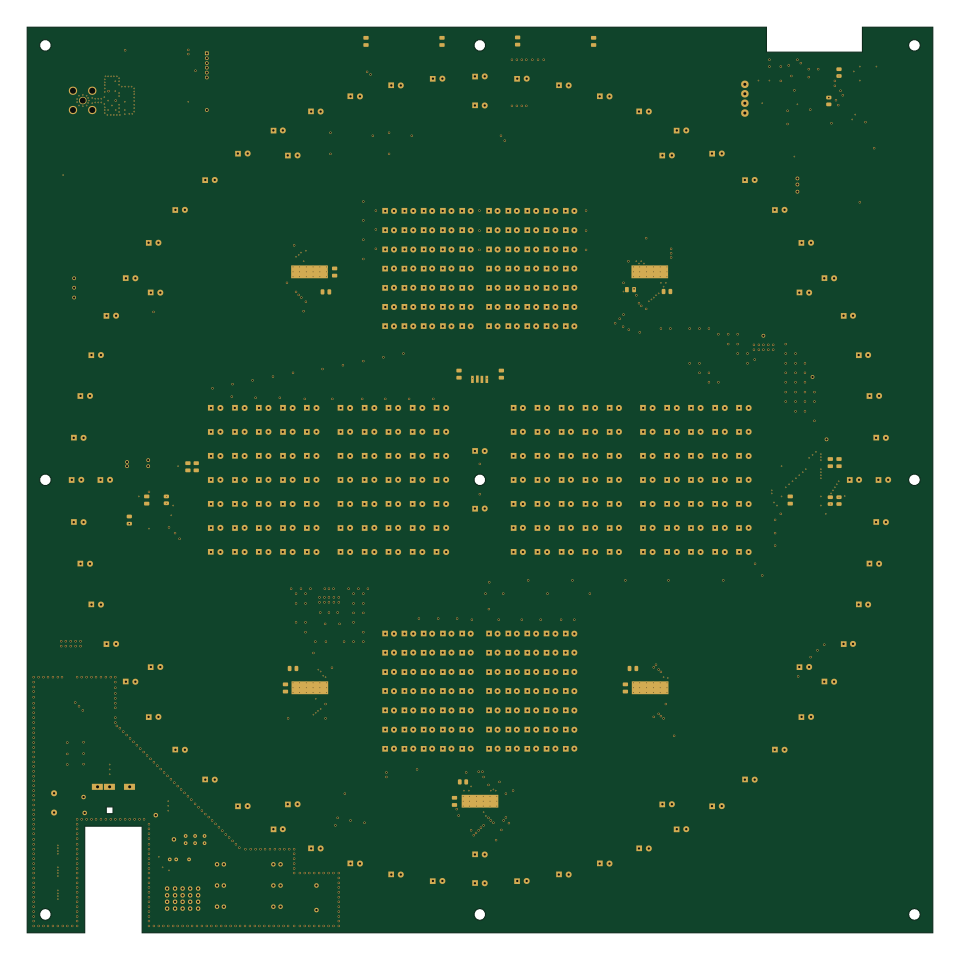 ESP32
Broadcast clock
espena
239.5 × 239.5 mm440 parts4LGPL-3.028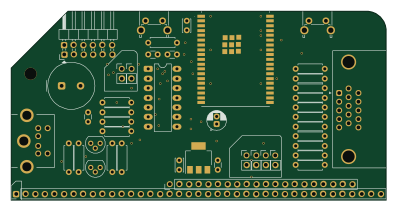 ESP32
Rc fabgl
PickledDog
99.1 × 49.9 mm46 parts2LApache-2.017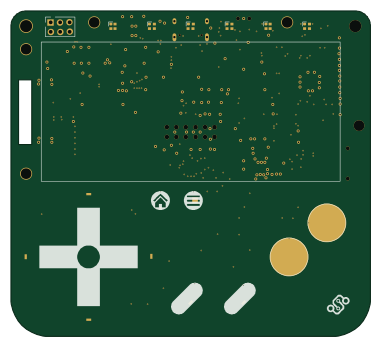 ESP32
Kami hardware
Nicolai-Electronics
95 × 86 mm100 parts4LCERN-OHL-P-2.02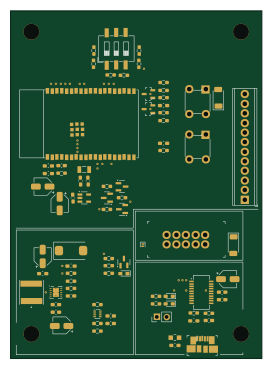 ESP32
Bike embedded app
nicolaeandreivasile
66.5 × 92 mm82 parts2LNo license1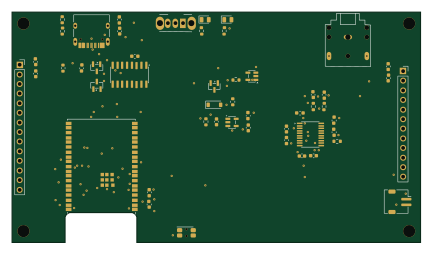 ESP32
StreamerBasic
alantrundle
108 × 60.9 mm51 parts2LNo license1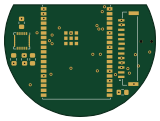 ESP32
ESP-Smartwatch
Westsi
40 × 29.7 mm34 parts4LGPL-2.01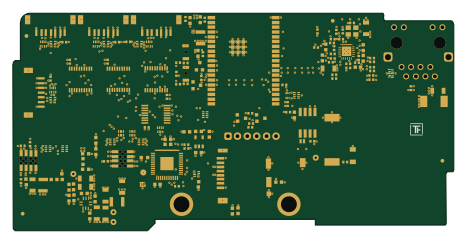 ESP32
Warp esp32-ethernet v2-brick
Tinkerforge
116.5 × 57.5 mm211 parts4LNo license0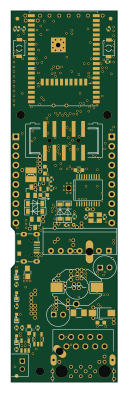 ESP32
Uplink
JimothyJohn
28 × 98.2 mm130 parts4LMIT0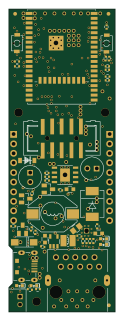 ESP32
Schemantic
ashutosh-rath02
28 × 80 mm129 parts4LMIT0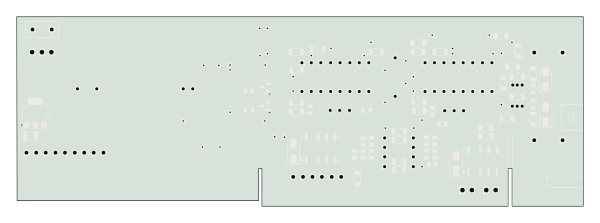 ESP32
Esp32-audio player
gameinstance
149.8 × 50.1 mm93 parts2LGPL-3.00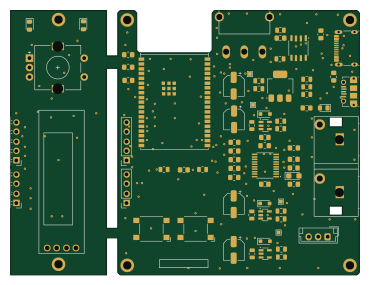 ESP32
LucaudioESP32
lucococo
92.4 × 70 mm91 parts2LNo license0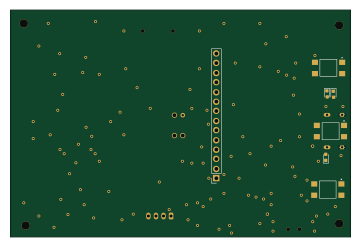 ESP32
Thermal-Camera
Abhey-05
90 × 60 mm56 parts2LNo license0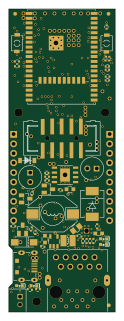 ESP32
ESP32-PoE Rev L
28 × 80 mm131 parts4LApache-2.0407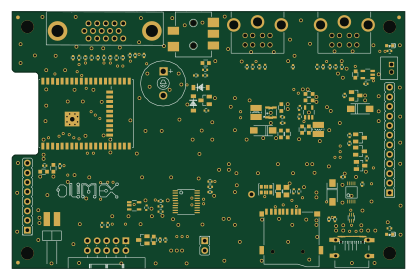 ESP32
ESP32-SBC-FabGL Rev B
104 × 68 mm112 parts2LGPL-3.029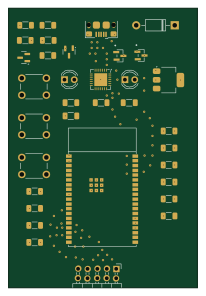 ESP32
Compute Node
AkshathRaghav
50 × 74 mm34 parts4LApache-2.03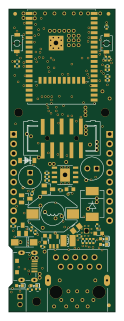 ESP32
ESP32-PoE Rev L1
28 × 80 mm131 parts4LApache-2.0407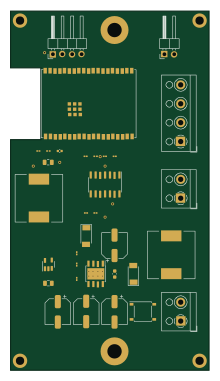 ESP32
Thermostat
kelvie
52.5 × 95 mm33 parts2LApache-2.04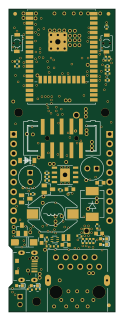 ESP32
ESP32-PoE Rev M
28 × 80 mm130 parts4LApache-2.0407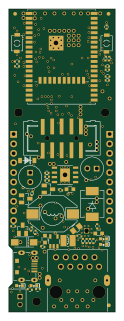 ESP32
ESP32-PoE Rev J
28 × 80 mm129 parts4LApache-2.0407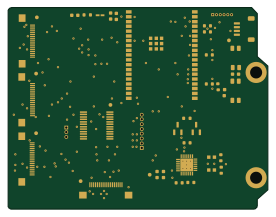 ESP32
Mcu modulino
OpenAir-Lab
68.9 × 53.3 mm36 parts4LMIT3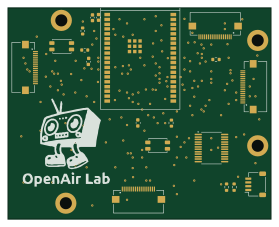 ESP32
Testbed mcu
69.6 × 55.9 mm19 parts2LMIT3
How designs wire the ESP32-WROVER-E
Read from the KiCad layouts of 18 open source designs, one per repository: what each pin of the ESP32-WROVER-E connects to, and the resistors, capacitors and other passives placed on it.
- The EN/CHIP_PU pin has a pull-up to 3.3V on 17 of 18 designs, most often 10 kΩ (then 4.7 kΩ).
- The EN/CHIP_PU pin has a capacitor to GND on 16 of 18 designs, most often 100 nF (then 1 µF).
- The 3V3 pin is tied to 3.3V on 18 of 18 designs.
- The GPIO0/BOOT/ADC2_CH1 pin has a pull-up to 3.3V on 7 of 17 designs, most often 10 kΩ (then 4.7 kΩ).
| Pin | Connected to | Parts on the pin |
|---|---|---|
| GNDpin 1, 15, 38 | Connected to: GND 92% | — |
| 3V3pin 2 | Connected to: 3.3V 100% | — |
| EN/CHIP_PUpin 3 | Connected to: A connector 22% |
|
| SENSOR_VP/GPIO36/ADC1_CHpin 4 | Connected to: A connector 33% · not connected 28% |
|
| NCpin 17, 18, 19, 20, 21, 22, 27, 28, 32 | Connected to: Not connected 96% | — |
| MTDO/GPIO15/ADC2_CH3pin 23 | Connected to: A connector 53% · not connected 18% |
|
| GPIO0/BOOT/ADC2_CH1pin 25 | Connected to: A connector 29% |
|
| U0RXD/GPIO3pin 34 | Connected to: A connector 47% |
|
| GND_THERMALpin 39 | Connected to: GND 94% | — |
20 more pins vary from design to design. Connections count pins, parts count designs; values in brackets are how many parts had that value. Designs read include ESP32-PoE Rev J by OLIMEX, EsPiFF by MDCservice, ESP32-SBC-FabGL Rev B by OLIMEX and Broadcast clock by espena.
The ESP32-WROVER-E in open source designs
The gallery holds 23 open source boards using the ESP32-WROVER-E from 18 GitHub repositories; a typical one measures about 68.8 × 74 mm and carries around 100 components.
61% use four copper layers or more, and 78% carry an open source license.
The most starred is ESP32-PoE Rev L by OLIMEX.
Parts used alongside the ESP32-WROVER-E
Microcontrollers on boards using the ESP32-WROVER-E
What boards using the ESP32-WROVER-E are built for
ESP32-WROVER-E: common questions
Where can I find a ESP32-WROVER-E reference design?
Each of the 23 boards on this page is a real design using the ESP32-WROVER-E. Open one to see how it is wired up, with the full BOM, a render of the layout and links to its KiCad files.
What pull-up resistor is used on the ESP32-WROVER-E EN/CHIP_PU pin?
The EN/CHIP_PU pin has a pull-up to 3.3V on 17 of 18 designs, most often 10 kΩ (then 4.7 kΩ). Counted from the KiCad layouts of 18 open source designs using the ESP32-WROVER-E.
How is the ESP32-WROVER-E 3V3 pin connected?
The 3V3 pin is tied to 3.3V on 18 of 18 designs. Counted from the KiCad layouts of 18 open source designs using the ESP32-WROVER-E.
What pull-up resistor is used on the ESP32-WROVER-E GPIO0/BOOT/ADC2_CH1 pin?
The GPIO0/BOOT/ADC2_CH1 pin has a pull-up to 3.3V on 7 of 17 designs, most often 10 kΩ (then 4.7 kΩ). Counted from the KiCad layouts of 18 open source designs using the ESP32-WROVER-E.
What parts are used alongside the ESP32-WROVER-E?
The BL4054B-42TPRN(SOT23-5), SN74LVC1G04DBVR(SOT23-5), SY8089AAAC(SOT23-5), CH340T(SSOP20W) and LAN8710A-EZC(QFN32) appear in the most repositories here.
Which microcontrollers do boards using the ESP32-WROVER-E use?
Most are built on ESP32 (23).
How big is a typical board using the ESP32-WROVER-E?
The median is 68.8 × 74 mm, and 39% are two-layer designs.
What is the most popular open source board using the ESP32-WROVER-E?
By GitHub stars, ESP32-PoE Rev L by OLIMEX, with 407 stars.
Can I simulate one of these boards using the ESP32-WROVER-E before building it?
Yes. HardLabs turns a board's netlist and BOM into a working simulation, so you can boot and test firmware against it with no hardware on your desk.