
1,140 open source PCB designs, indexed by the chip they’re built around
Real boards from 401 public GitHub repositories, read straight from their KiCad files: size, layers, the full parts list and a render of the PCB. Find one close to what you’re building, then simulate its firmware on HardLabs before you order anything.
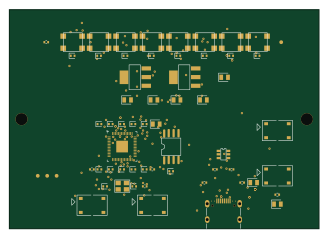 RP2040/RP2350
0c3674082e0cce0e5fe83b9af95129ea7c01d67ed40b5156bc41833dda929227
autonomous-ai
82 × 58 mm61 parts2LMIT5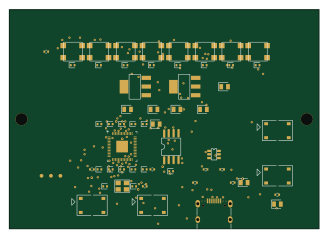 RP2040/RP2350
8cbaade584c8ef763fa9af5c713a37588c2bd61387d1f656ca2ef936a5395e5b
82 × 58 mm60 parts2LMIT5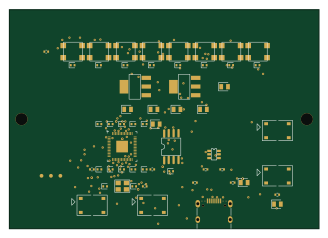 RP2040/RP2350
Be79c457c206e3a3650faa3826ae084735ed4006831f68a1d37d8182eaa5718a
82 × 58 mm60 parts2LMIT5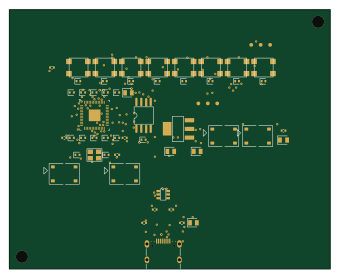 RP2040/RP2350
0ad413ac7b1f3052468051d202df40ac5719b2a56f32a0c4100b7529dfbd8603
84.9 × 68.6 mm59 parts2LMIT5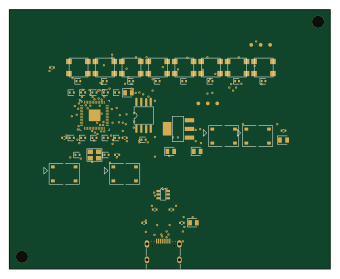 RP2040/RP2350
Ecbe2d0f31bef39fb133ca1f18d6136e094c90ef33bda9feea7b37d5a0b041d2
84.9 × 68.6 mm59 parts2LMIT5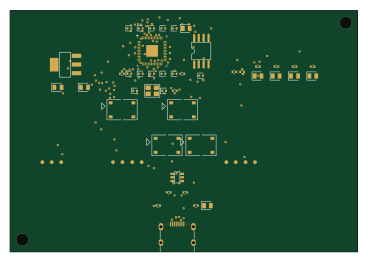 RP2040/RP2350
3496407a4c3f8d61372345d80c2e00fbeb4898cbb642fa92152b240c5d1bcd98
91.9 × 63.8 mm55 parts2LMIT5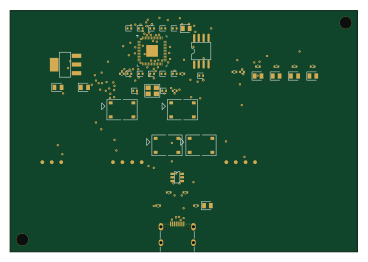 RP2040/RP2350
3f383b465cc9441e5b57b9ae90c3386e6929ca3397688fe2c8566aa91ebf6c8c
91.9 × 63.8 mm55 parts2LMIT5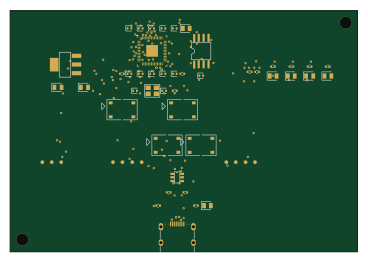 RP2040/RP2350
7b0c03aebaba0fa556ae045b810a7cc44b8da18fcc2d11a80d10dd73c383dc7c
91.9 × 63.8 mm55 parts2LMIT5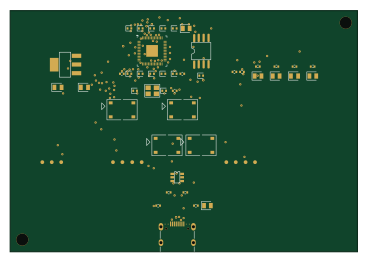 RP2040/RP2350
A225e84274e64dbb4baa3a4d40eaa13d58d7b11f948f345e913ec6cc0f33a4ec
91.9 × 63.8 mm55 parts2LMIT5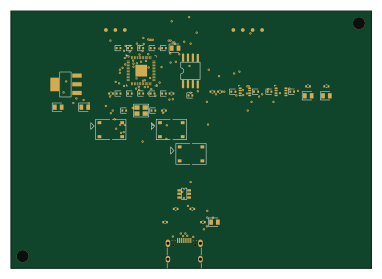 RP2040/RP2350
Eae125ce91d5220efa92105e51b069a0e56b70021c6ffda8759e7e6ba92ac7f0
95.3 × 68 mm52 parts2LMIT5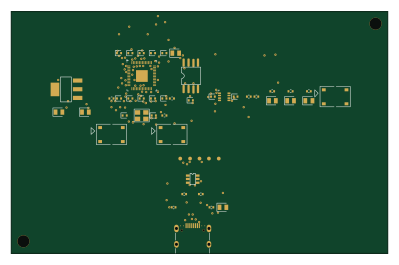 RP2040/RP2350
Dc80c2a4d6d0bf841b60143f36c68ea0416ec0cdd1587a3cd0b9677e905d9a38
99.6 × 64 mm49 parts2LMIT5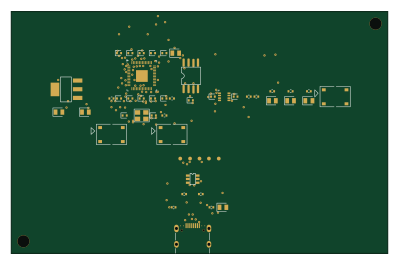 RP2040/RP2350
Fa2be566e90b440c630a8ae853494758887e4ef24ceae603de02d5987b2b1543
99.6 × 64 mm49 parts2LMIT5
About these open source PCB designs
Every board here is a published hardware project: a public GitHub repository with KiCad design files and a bill of materials. HardLabs reads those files directly — the board outline for its size, the copper layers, every footprint for the parts list — and draws the render from the layout itself, so what you see is the design as committed rather than a product photo.
Boards are indexed by the microcontroller they are built around, by what they are for, and by every IC and module on them. That makes the gallery a quick way to find a reference design: look up a part number to see how other engineers power, decouple and connect it.
Using an open source board as a reference design
- Find boards built on your chip or with the part you are designing around.
- Compare their size, layer count and bill of materials, and open the KiCad files on GitHub.
- Check the license before reusing any of the design.
- Simulate the firmware on HardLabs to test your changes before you order a PCB.
Open source PCB designs: common questions
What is an open source PCB?
A printed circuit board whose design files — schematic, layout and bill of materials — are published for anyone to study and, depending on the license, to modify and manufacture.
Are these PCB designs free to use?
It depends on each project's license. Open hardware licenses such as CERN-OHL and CC BY-SA, and software licenses such as MIT, allow reuse on their terms; a repository with no license keeps all rights with its author. Every board page shows its license.
What design files do the boards come with?
They are KiCad projects: the .kicad_pcb layout and the schematic (or a netlist from older KiCad versions), plus a bill of materials, usually a CSV. Each board page links to those files in the original GitHub repository.
How do I find boards that use a specific part?
Search for the part number, or open the part's page from the list of parts. It shows every board built with that part and the parts most often used alongside it.
How many boards are there, and how often is the list updated?
1,140 boards from 401 repositories today. New projects are found and added every night.
Can I test a board's firmware before ordering the PCB?
Yes. HardLabs builds a simulation of a board from its netlist and BOM, so you can boot and debug firmware against it with no hardware on your desk.