
11 open source boards using the CC56-12EWA
Real designs built with the CC56-12EWA, from public GitHub projects: a quick way to see how others power, decouple and connect it. Each board comes with its KiCad files, full parts list and a render — and you can simulate its firmware on HardLabs.
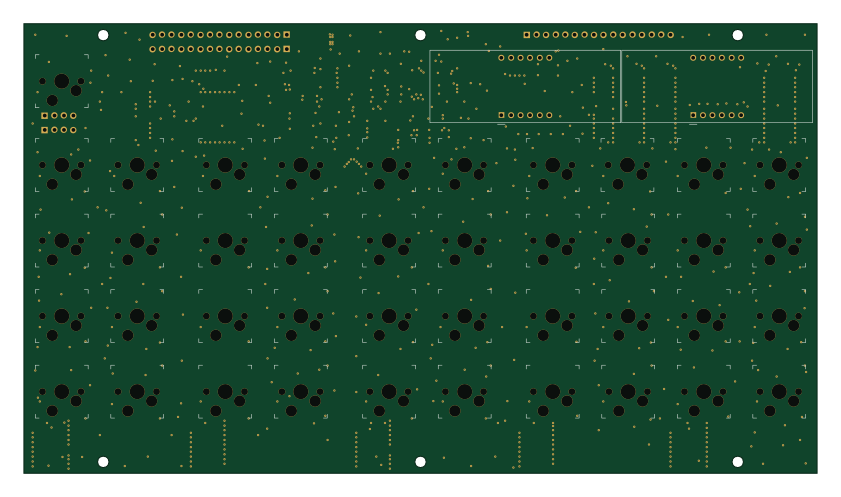
Claculator Keypad
Robert-Mones
210 × 119 mm195 parts6LNo license5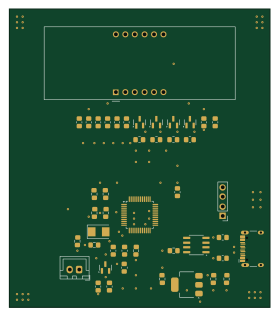 STM32
Comprehensive-Design and-Practice-Project-A---Digital-Thermometer-Based on-NTC
xuejun7777
69 × 79 mm44 parts2LNo license2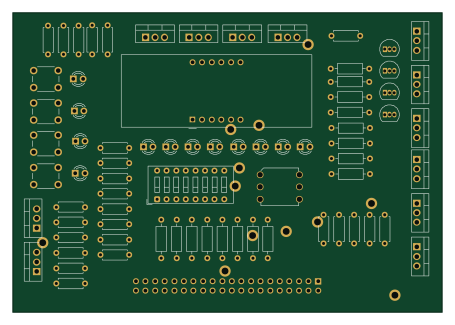
ExtDE0 7Seg
Peace-ADIKEPETO
113.7 × 79.3 mm77 parts2LGPL-2.00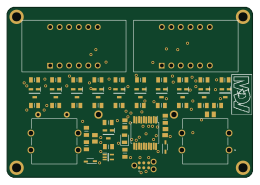 PIC
StopWatch
rubenelportero
65 × 45 mm53 parts4LNo license0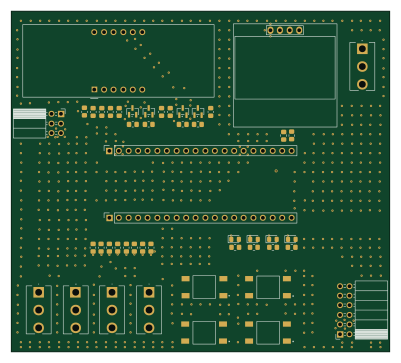
TangNano20K-BaseBoard
michalgluszak
100 × 90 mm49 parts2LNo license0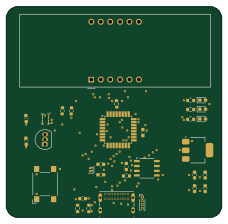 AVR/Arduino
DL-FinalProject
adbik4
57 × 55.8 mm33 parts2LNo license0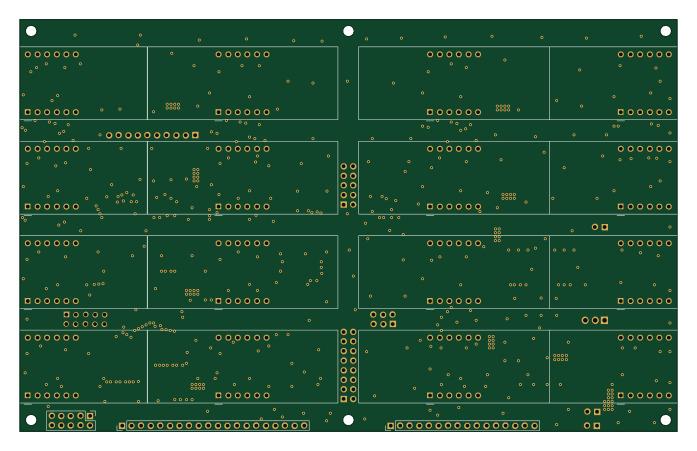
Claculator Display
174 × 109 mm160 parts4LNo license5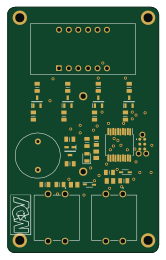 PIC
BytesCounter
40 × 65 mm34 parts2LNo license0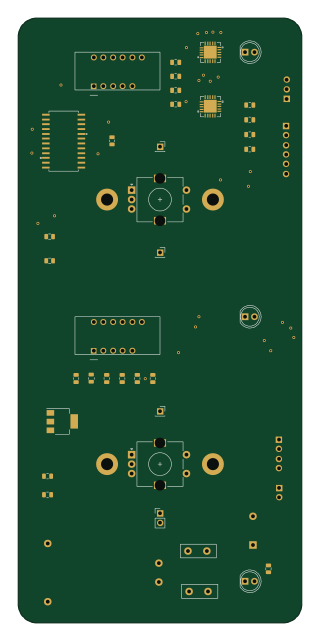 ESP32
Oven2
bybzmt
75 × 160 mm47 parts2LNo license0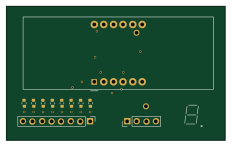
7seg
GHOST-mHBr
58 × 35.5 mm11 parts2LNo license0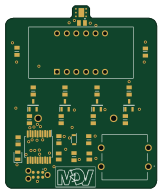 PIC
RHT device
40 × 48.4 mm28 parts4LNo license0
How designs wire the CC56-12EWA
Read from the KiCad layouts of 8 open source designs, one per repository: what each pin of the CC56-12EWA connects to, and the resistors, capacitors and other passives placed on it.
- The E pin has a series resistor on 4 of 8 designs, most often 330 Ω (then 180 Ω).
- The D pin has a series resistor on 4 of 8 designs, most often 330 Ω (then 180 Ω).
- The DPX pin has a series resistor on 4 of 8 designs, most often 330 Ω (then 180 Ω).
- The C pin has a series resistor on 4 of 8 designs, most often 330 Ω (then 180 Ω).
| Pin | Connected to | Parts on the pin |
|---|---|---|
| Epin 1 | Connected to: CC56-12EWA 25%, the microcontroller 25% |
|
| Dpin 2 | Connected to: CC56-12EWA 25%, the microcontroller 25% |
|
| DPXpin 3 | Connected to: CC56-12EWA 25%, the microcontroller 25% |
|
| Cpin 4 | Connected to: CC56-12EWA 25%, the microcontroller 25% |
|
| Gpin 5 | Connected to: CC56-12EWA 25%, the microcontroller 25% |
|
| Bpin 7 | Connected to: CC56-12EWA 25%, the microcontroller 25% |
|
| Fpin 10 | Connected to: CC56-12EWA 25%, the microcontroller 25% |
|
| Apin 11 | Connected to: CC56-12EWA 25%, the microcontroller 25% |
|
4 more pins vary from design to design. Connections count pins, parts count designs; values in brackets are how many parts had that value. Designs read include Claculator Display by Robert-Mones, Comprehensive-Design and-Practice-Project-A---Digital-Thermometer-Based on-NTC by xuejun7777, DL-FinalProject by adbik4 and Oven2 by bybzmt.
The CC56-12EWA in open source designs
The gallery holds 11 open source boards using the CC56-12EWA from 8 GitHub repositories; a typical one measures about 69 × 79 mm and carries around 47 components.
64% are two-layer designs, the rest use four layers or more, and 9% carry an open source license.
The most starred is Claculator Keypad by Robert-Mones.
Parts used alongside the CC56-12EWA
Microcontrollers on boards using the CC56-12EWA
What boards using the CC56-12EWA are built for
CC56-12EWA: common questions
Where can I find a CC56-12EWA reference design?
Each of the 11 boards on this page is a real design using the CC56-12EWA. Open one to see how it is wired up, with the full BOM, a render of the layout and links to its KiCad files.
What resistor goes on the CC56-12EWA E pin?
The E pin has a series resistor on 4 of 8 designs, most often 330 Ω (then 180 Ω). Counted from the KiCad layouts of 8 open source designs using the CC56-12EWA.
What resistor goes on the CC56-12EWA D pin?
The D pin has a series resistor on 4 of 8 designs, most often 330 Ω (then 180 Ω). Counted from the KiCad layouts of 8 open source designs using the CC56-12EWA.
What resistor goes on the CC56-12EWA DPX pin?
The DPX pin has a series resistor on 4 of 8 designs, most often 330 Ω (then 180 Ω). Counted from the KiCad layouts of 8 open source designs using the CC56-12EWA.
Which microcontrollers do boards using the CC56-12EWA use?
Most are built on PIC (3), AVR/Arduino (1), ESP32 (1) and STM32 (1).
How big is a typical board using the CC56-12EWA?
The median is 69 × 79 mm, and 64% are two-layer designs.
What is the most popular open source board using the CC56-12EWA?
By GitHub stars, Claculator Keypad by Robert-Mones, with 5 stars.
Can I simulate one of these boards using the CC56-12EWA before building it?
Yes. HardLabs turns a board's netlist and BOM into a working simulation, so you can boot and test firmware against it with no hardware on your desk.