
4 open source boards using the NEO-M8M
Real designs built with the NEO-M8M, from public GitHub projects: a quick way to see how others power, decouple and connect it. Each board comes with its KiCad files, full parts list and a render — and you can simulate its firmware on HardLabs.
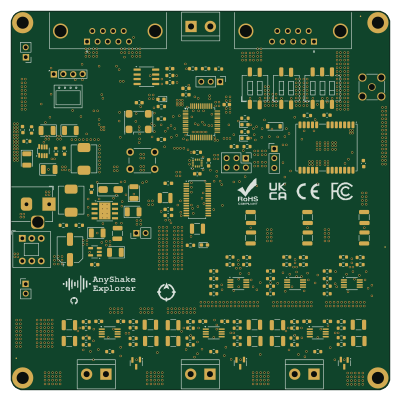 STM32
STM32Explorer
anyshake
100 × 100 mm244 parts2LCustom license95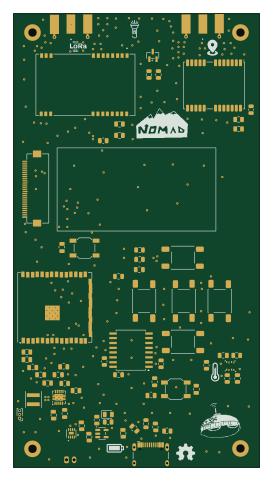 ESP32
ESP32Nomad
0Zane
65 × 120 mm69 parts2LMIT15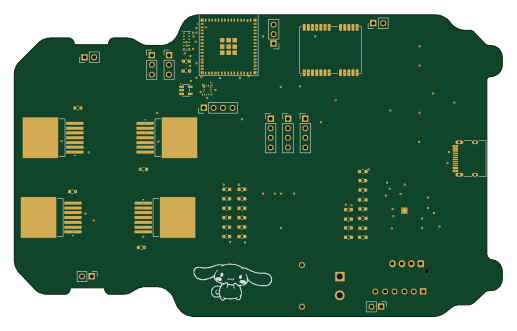 ESP32
ESP32Rc car
alaotach
129 × 79.8 mm85 parts4LNo license2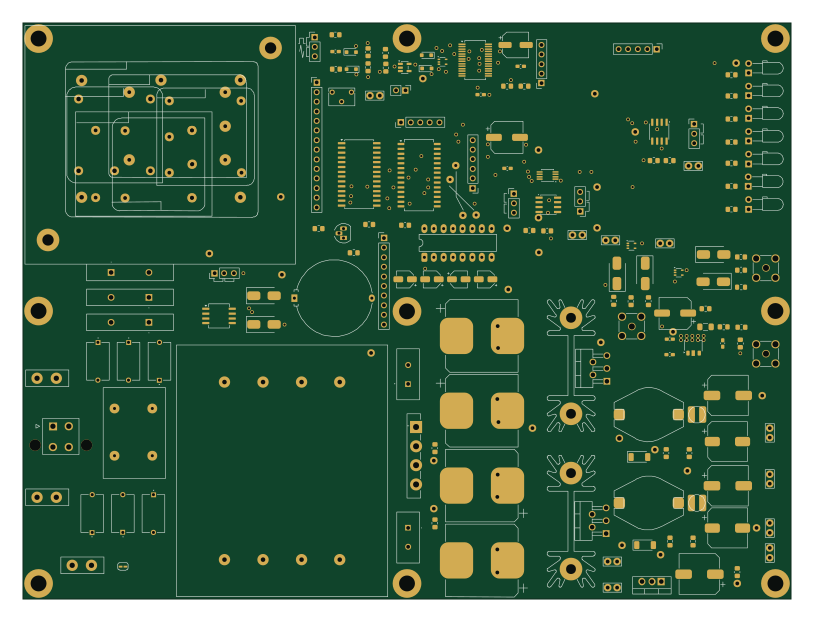 PIC
PICGPSDO
dewayne57
203.2 × 152.4 mm157 parts2LApache-2.00
The NEO-M8M in open source designs
The gallery holds 4 open source boards using the NEO-M8M from 4 GitHub repositories; a typical one measures about 114.5 × 110 mm and carries around 121 components.
75% are two-layer designs, the rest use four layers or more, and 50% carry an open source license.
The most starred is Explorer by anyshake.
What boards using the NEO-M8M are built for
NEO-M8M: common questions
Where can I find a NEO-M8M reference design?
Each of the 4 boards on this page is a real design using the NEO-M8M. Open one to see how it is wired up, with the full BOM, a render of the layout and links to its KiCad files.
Which microcontrollers do boards using the NEO-M8M use?
Most are built on ESP32 (2), PIC (1) and STM32 (1).
How big is a typical board using the NEO-M8M?
The median is 114.5 × 110 mm, and 75% are two-layer designs.
What is the most popular open source board using the NEO-M8M?
By GitHub stars, Explorer by anyshake, with 95 stars.
Can I simulate one of these boards using the NEO-M8M before building it?
Yes. HardLabs turns a board's netlist and BOM into a working simulation, so you can boot and test firmware against it with no hardware on your desk.