
Open source PCB designs you can simulate
6,828 boards
Every public KiCad project we can find on GitHub, with its processor, full parts list and a render of the board. Any of them can be brought up in simulation: open one and run firmware on it before you order a single PCB.
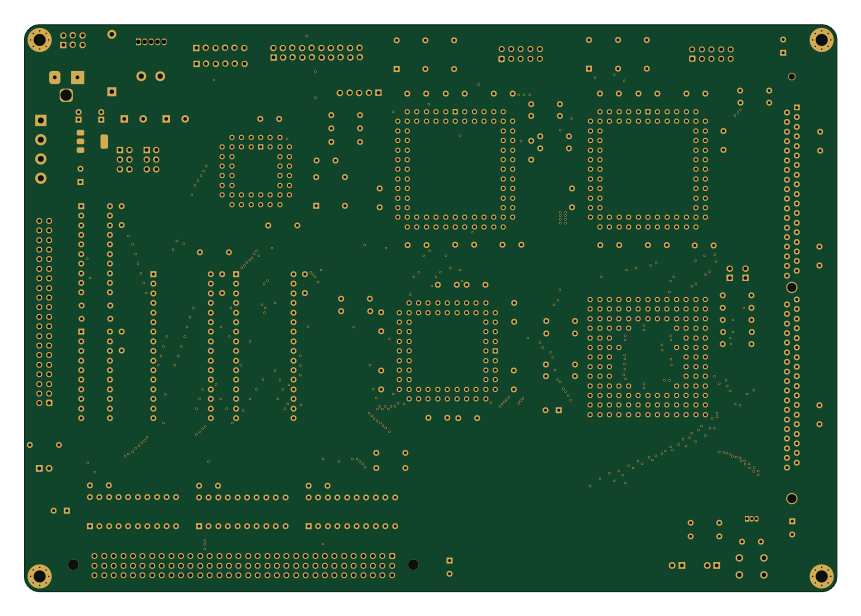
Mackerel-30
crmaykish
215 × 150 mm127 parts4LMIT94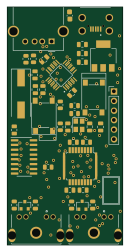 AVR/Arduino
Adbuino
akuker
30.5 × 63 mm43 parts2LGPL-2.060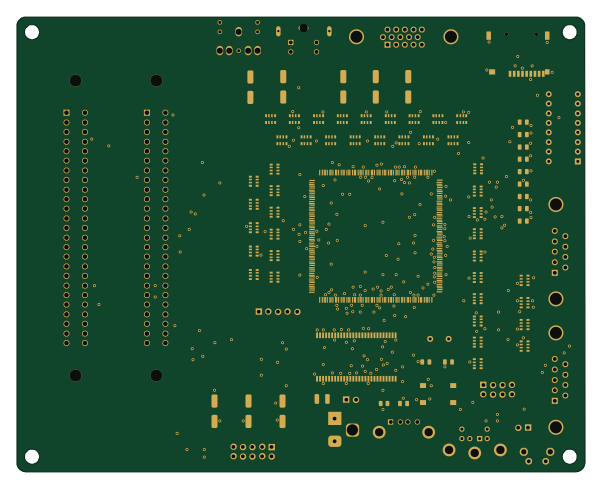 WCH CH32/CH55x
Trhmsx
cristianoag
150.4 × 120.4 mm127 parts4LNo license29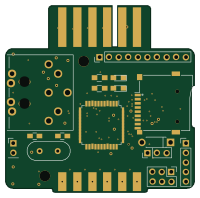 AVR/Arduino
SD2IEC Pluggable
hackup
50 × 49.4 mm44 parts2LNo license29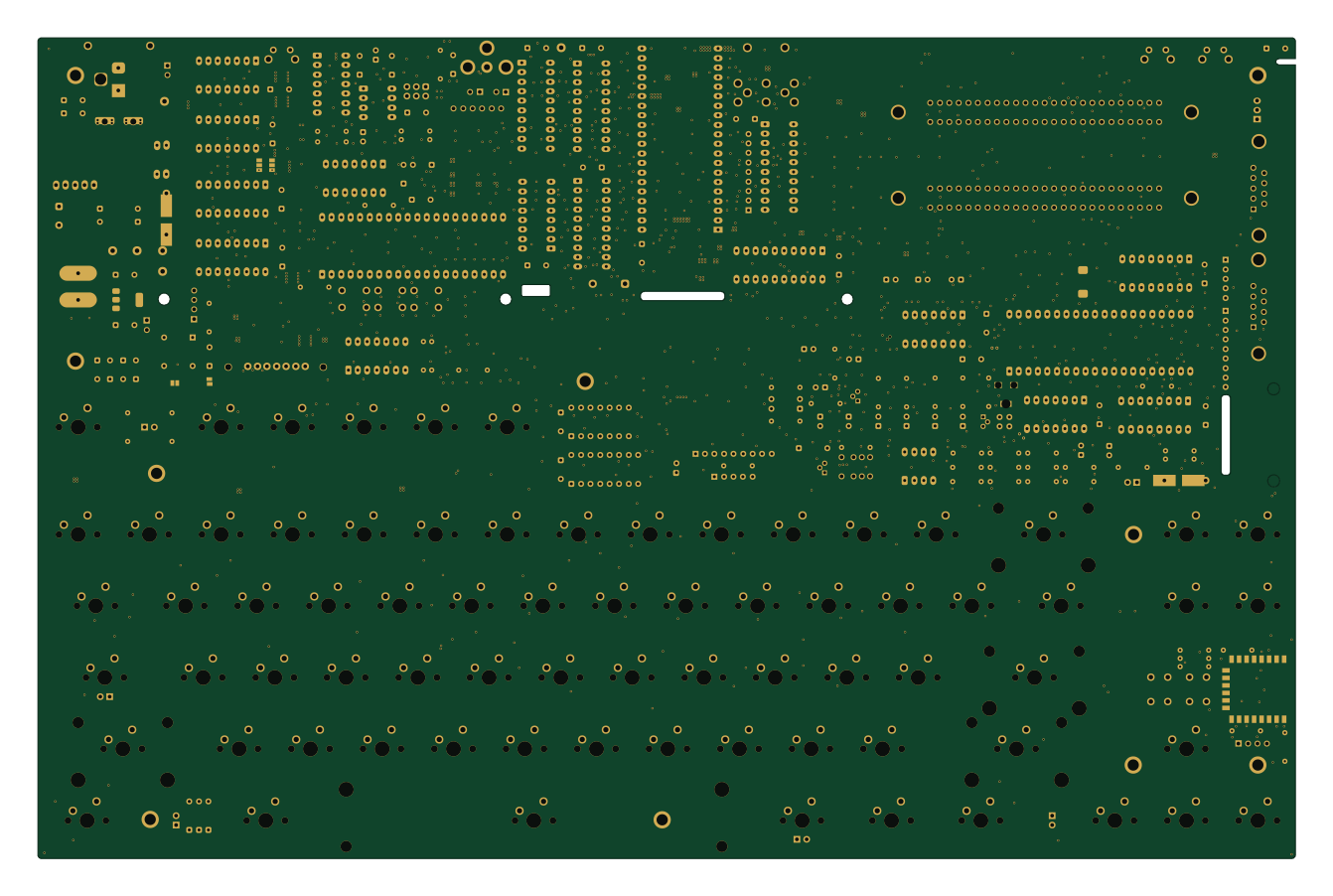 ESP8266
Stargate
leomanes
335 × 218.6 mm274 parts2LGPL-3.017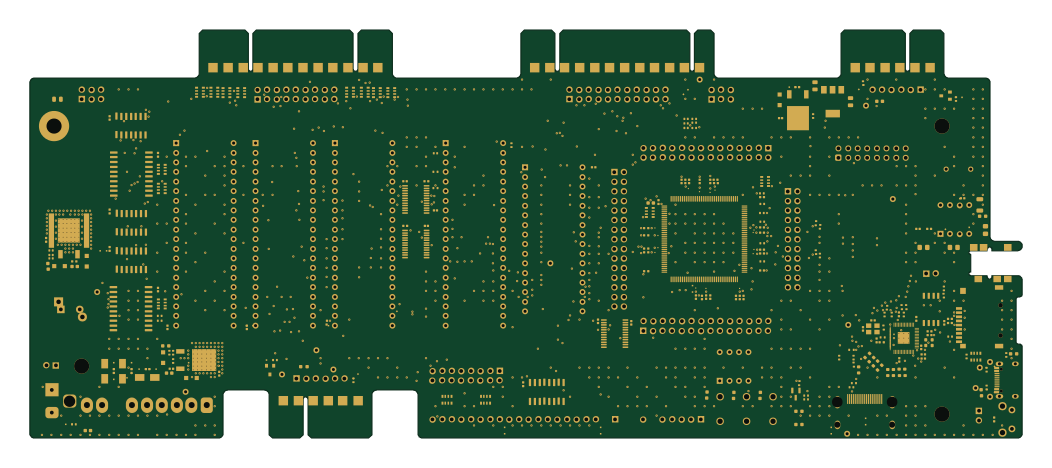 RP2040/RP2350
Commodore pet clone
DLehenbauer
262.5 × 108 mm258 parts2LCC0-1.013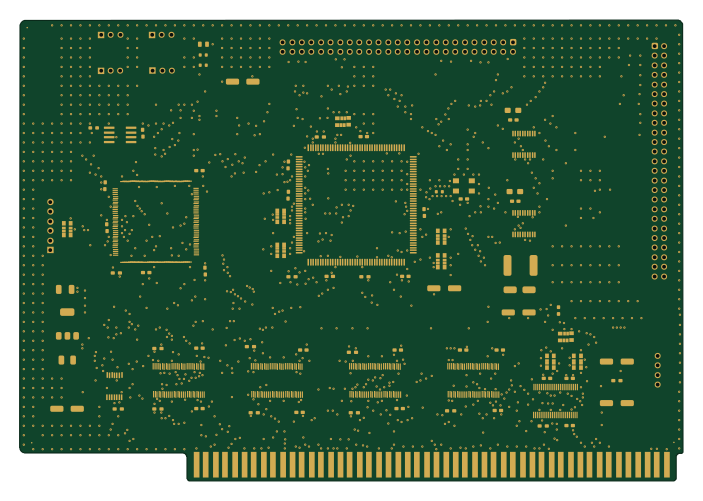
A4092
A4091
175.6 × 122.1 mm83 parts4LNo license10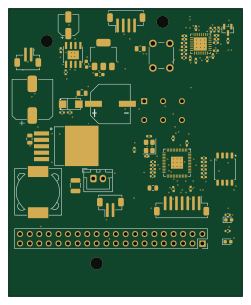 RP2040/RP2350
Digits
justinlindh
61.9 × 76.2 mm74 parts2LAGPL-3.04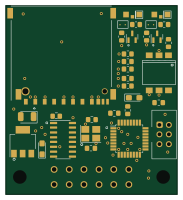 AVR/Arduino
Tapecart sd vertical
djtersteegc
45.4 × 50 mm33 parts2LMIT4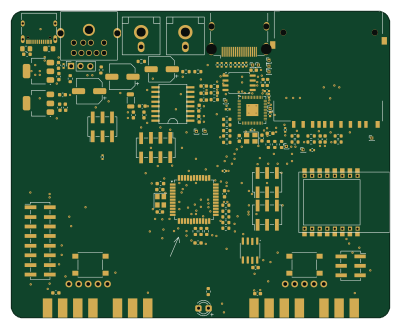 RP2040/RP2350
GameBox
PHOL-LABS
100 × 81 mm128 parts4LNo license1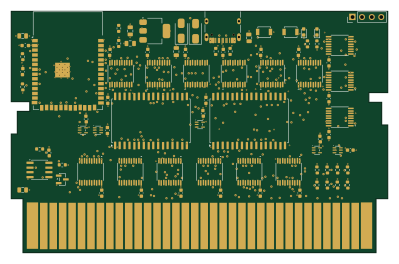 ESP32
ESP32Nescart
Keitark
99.7 × 63.9 mm84 parts6LMIT0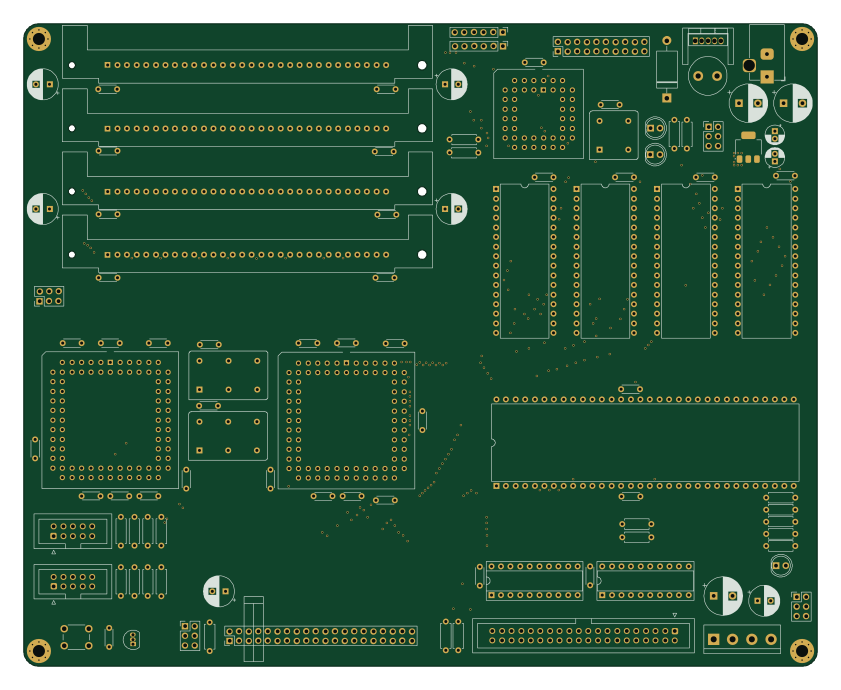
Mackerel-10 v1
210 × 170 mm110 parts4LMIT94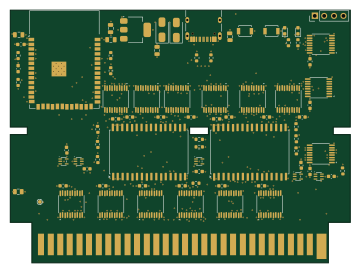 ESP32
ESP32Nescart fc Rev A-FC
90 × 66.8 mm80 parts6LMIT0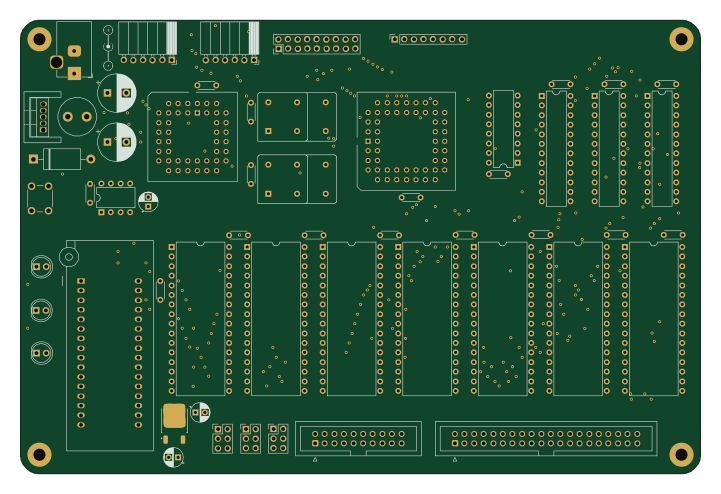
Mackerel-08 SBC v1
180 × 120 mm81 parts4LMIT94
About these open source PCB designs
Every board here is a published hardware project: a public GitHub repository with KiCad design files and a bill of materials. HardLabs reads those files directly — the board outline for its size, the copper layers, every footprint for the parts list — and draws the render from the layout itself, so what you see is the design as committed rather than a product photo.
Boards are indexed by the microcontroller they are built around, by what they are for, and by every IC and module on them. That makes the gallery a quick way to find a reference design: look up a part number to see how other engineers power, decouple and connect it.
Using an open source board as a reference design
- Find boards built on your chip or with the part you are designing around.
- Compare their size, layer count and bill of materials, and open the KiCad files on GitHub.
- Check the license before reusing any of the design.
- Simulate the firmware on HardLabs to test your changes before you order a PCB.
Open source PCB designs: common questions
What is an open source PCB?
A printed circuit board whose design files — schematic, layout and bill of materials — are published for anyone to study and, depending on the license, to modify and manufacture.
Are these PCB designs free to use?
It depends on each project's license. Open hardware licenses such as CERN-OHL and CC BY-SA, and software licenses such as MIT, allow reuse on their terms; a repository with no license keeps all rights with its author. Every board page shows its license.
What design files do the boards come with?
They are KiCad projects: the .kicad_pcb layout and the schematic (or a netlist from older KiCad versions), plus a bill of materials, usually a CSV. Each board page links to those files in the original GitHub repository.
How do I find boards that use a specific part?
Search for the part number, or open the part's page from the list of parts. It shows every board built with that part and the parts most often used alongside it.
How many boards are there, and how often is the list updated?
6,828 boards from 3,344 repositories today. New projects are found and added every night.
Can I test a board's firmware before ordering the PCB?
Yes. HardLabs builds a simulation of a board from its netlist and BOM, so you can boot and debug firmware against it with no hardware on your desk.