
197 open source boards using the ESP32-S3-WROOM-1-N16R8
Real designs built with the ESP32-S3-WROOM-1-N16R8, from public GitHub projects: a quick way to see how others power, decouple and connect it. Each board comes with its KiCad files, full parts list and a render — and you can simulate its firmware on HardLabs.
 ESP32
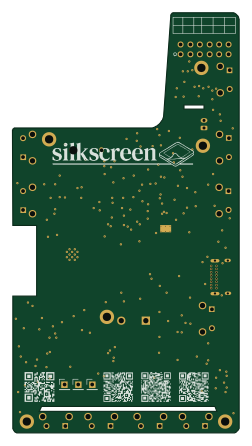
Silkscreen
iandchasse
60 × 111.3 mm171 parts2LCERN-OHL-S-2.0585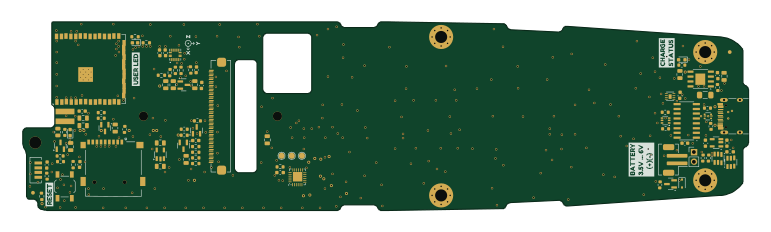 ESP32
Omote
OMOTE-Community
192.4 × 50 mm135 parts2LGPL-3.0153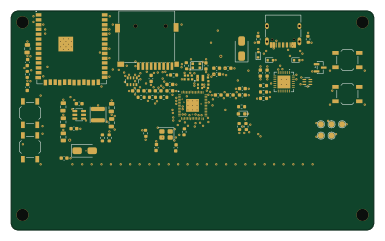 ESP32
FujiNet-Astrocade-Rev0
FujiNetWIFI
96 × 58 mm77 parts6LCERN-OHL-S-2.0138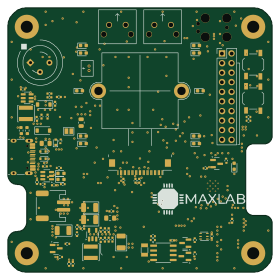 ESP32
Tokay lite
maxlab-io
70 × 70 mm146 parts4LCERN-OHL-P-2.0129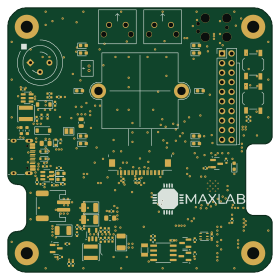 ESP32
MaxLab AI Camera
Valar-Systems
70 × 70 mm146 parts4LCERN-OHL-S-2.0112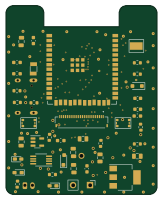 ESP32
Timeleapcam
hnz1102
40 × 50 mm90 parts4LNo license39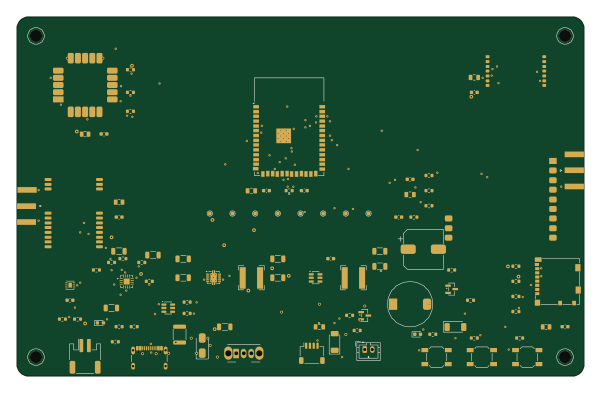 ESP32
Skysweep32 rev c
bobberdolle1
150 × 95 mm91 parts4LGPL-3.034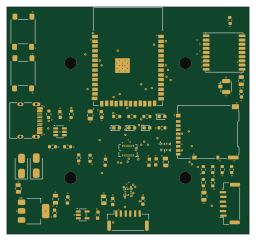 ESP32
Dronemagnav
ajisrawi
64 × 60 mm56 parts4LCustom license11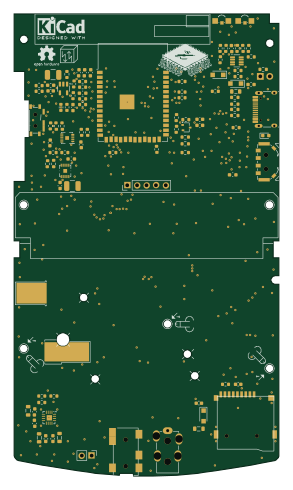 ESP32
ILI9341 ESP32 GBC
theBrutzler
70 × 122.3 mm111 parts2LNo license9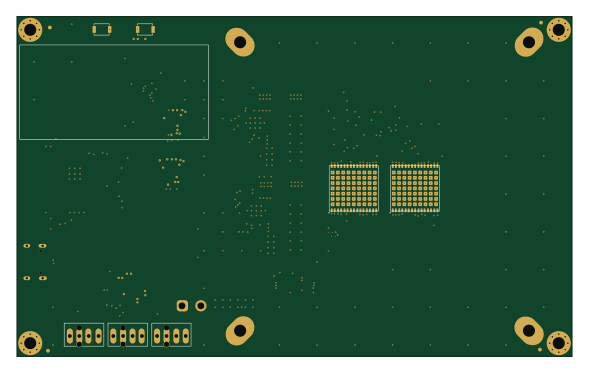 ESP32
Naja duo
bitaxeorg
147 × 90 mm198 parts6LCERN-OHL-S-2.07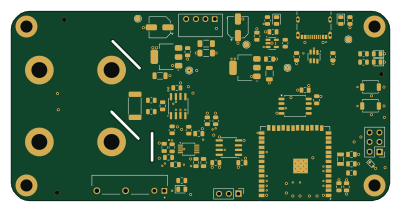 ESP32
Psu ext hardware
PSU-Ext-Org
100 × 50 mm110 parts4LCERN-OHL-S-2.07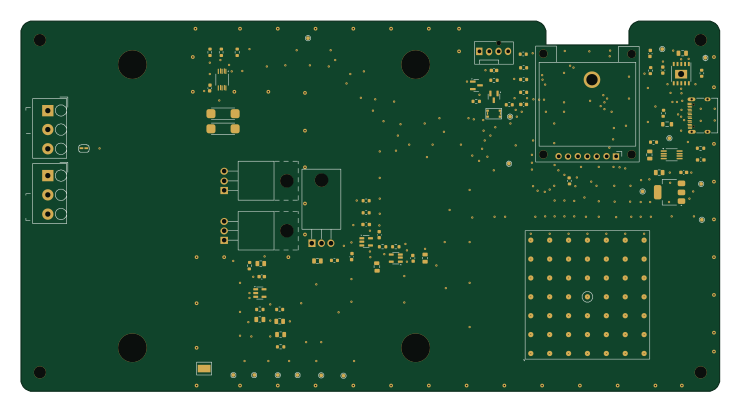 ESP32
Electricload
185 × 98 mm71 parts2LNo license5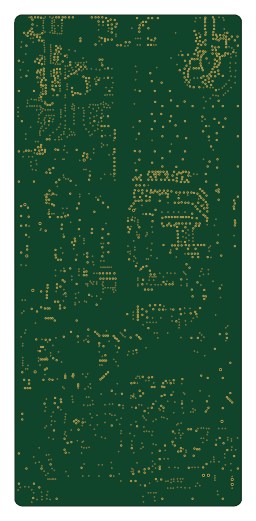 ESP32
Parsnip
LimesKey
60 × 130 mm400 parts4LCC-BY-NC-4.04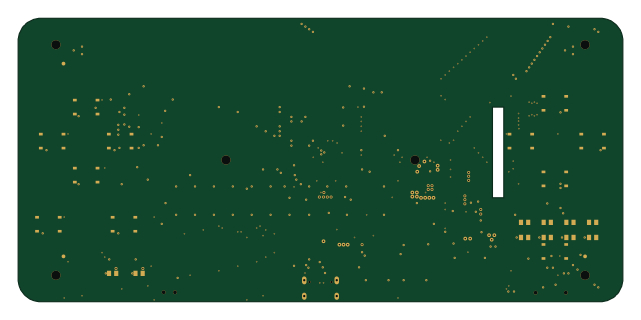 ESP32
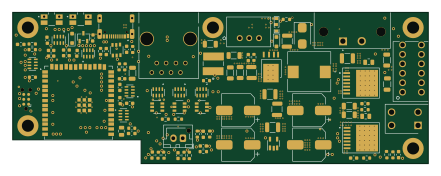
Esp32-emu turbo
 pjcau160 × 75 mm102 parts4LNo license4
 ESP32
BugWiper2.0 Controller
M-Scholli
110 × 40 mm95 parts4LApache-2.04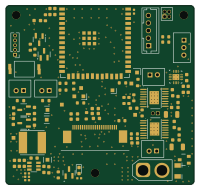 ESP32
Soft-Robotics
esb8
49.9 × 47.3 mm84 parts4LCustom license4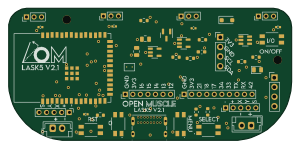 ESP32
LASK5 V2-0
Open-Muscle
75 × 35 mm43 parts2LCERN-OHL-S-2.03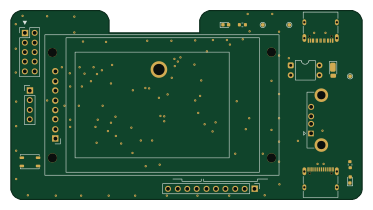 ESP32
Ssh bridge for raspberrypi
93 × 50 mm34 parts2LNo license3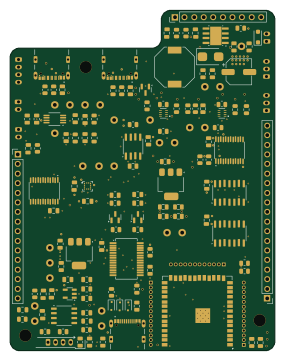 ESP32
LiF FC-PCB rev1
aventadoro-ish
70 × 90 mm193 parts4LNo license2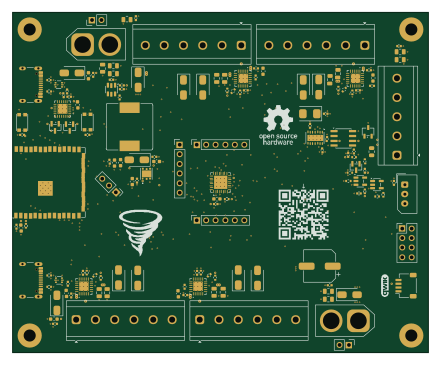 ESP32
URC
spikonado
110 × 90 mm150 parts4LCERN-OHL-W-2.02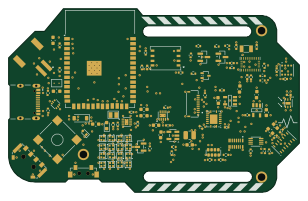 ESP32
NX-ISD
Ghost3379
77 × 48.6 mm108 parts4LGPL-3.02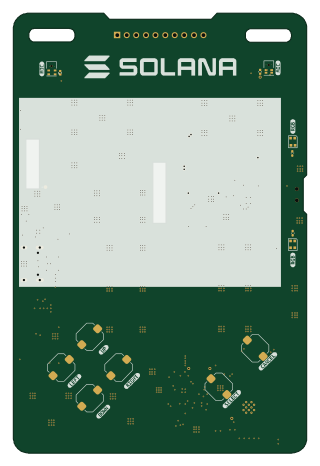 ESP32
Solana badge
spacemandev-git
77.6 × 116.3 mm81 parts2LNo license2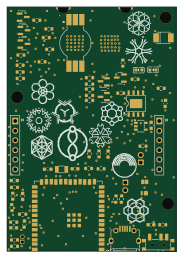 ESP32
Sparkles old
hdsjulian
44.7 × 64.6 mm76 parts4LApache-2.02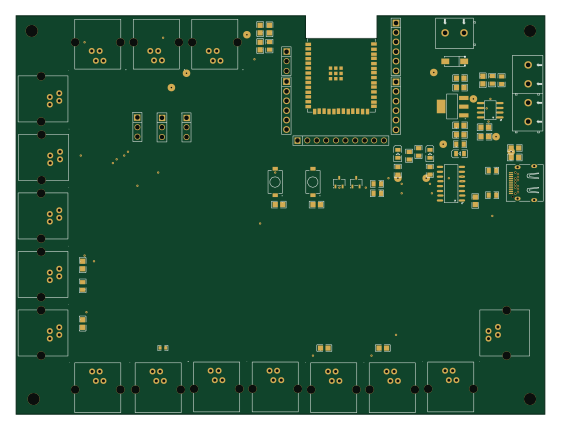 ESP32
RECUV
TsunaHalo2001
140 × 105.5 mm73 parts2LNo license2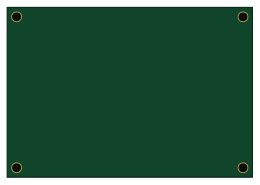 ESP32
Mcp platform
Pclika
65 × 45 mm45 parts4LApache-2.02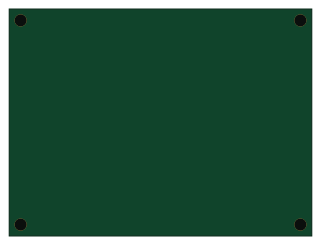 ESP32
Smart fans system
OneAsmallFish
80 × 60 mm16 parts2LMIT2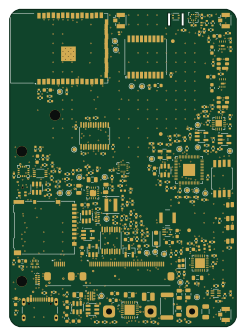 RP2040/RP2350
StratosCore
pantojinho
60 × 84 mm245 parts4LNo license1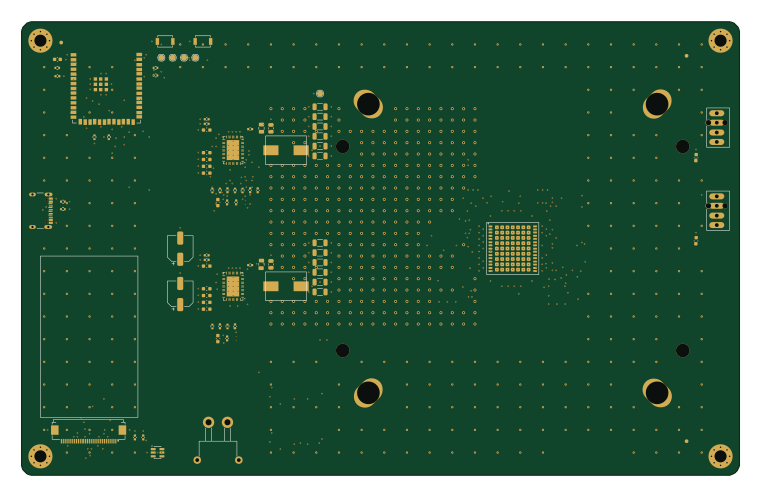 ESP32
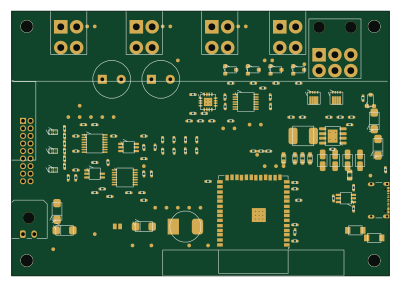
BitaxeFlux
 Zayno190 × 120 mm150 parts6LCERN-OHL-S-2.01
 ESP32
Chainaxe
johnny9
100 × 70 mm109 parts4LCERN-OHL-S-2.01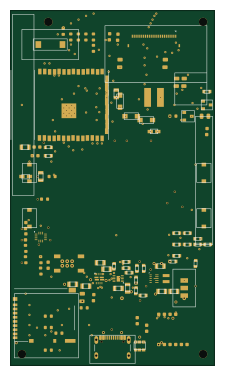 ESP32
ENKU-Base reader
aliaksei-lameyka
54 × 94 mm103 parts4LNo license1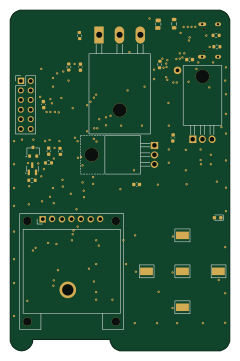 ESP32
Dcpower
58 × 90 mm101 parts2LNo license1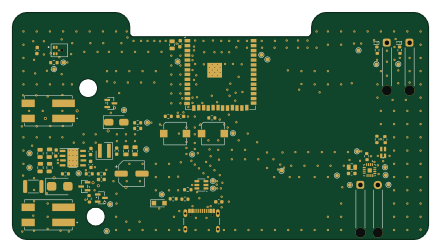 ESP32
ClearBell V0.2
akoerner-dev
110 × 60 mm57 parts4LMIT1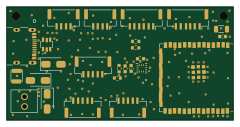 ESP32
ESP32-S3-Flight-Controller
andrewromanenco
60 × 30 mm51 parts4LCERN-OHL-P-2.01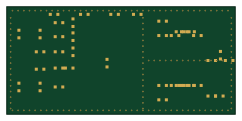 ESP32
Lexicon hardware
superlexicon
60.4 × 28.4 mm39 parts6LNo license1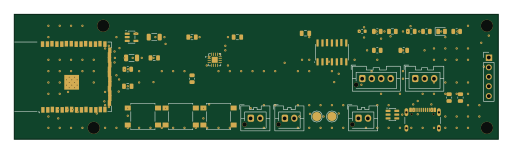 ESP32
DotGlow-ESP32
ElectroIoT
128 × 33 mm35 parts2LMIT1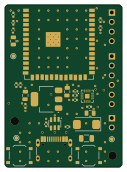 ESP32
Neo robot
techmiguel
31 × 43 mm27 parts2LMIT1
How designs wire the ESP32-S3-WROOM-1-N16R8
Read from the KiCad layouts of 116 open source designs, one per repository: what each pin of the ESP32-S3-WROOM-1-N16R8 connects to, and the resistors, capacitors and other passives placed on it.
- The EN pin has a pull-up to 3.3V on 102 of 115 designs, most often 10 kΩ (then 5.1 kΩ).
- The EN pin has a capacitor to GND on 101 of 115 designs, most often 1 µF (then 100 nF).
- The 3V3 pin is tied to 3.3V on 105 of 116 designs (a signal on 10).
- The IO36 pin is left unconnected on 104 of 114 designs (a signal on 10).
| Pin | Connected to | Parts on the pin |
|---|---|---|
| GNDpin 1, 40, 41 | Connected to: GND 93% | — |
| 3V3pin 2 | Connected to: 3.3V 91% | — |
| ENpin 3 | Connected to: A connector 20% |
|
| IO46pin 16 | Connected to: Not connected 67% · a signal 33% | — |
| IO45pin 26 | Connected to: Not connected 68% · a signal 32% | — |
| IO0pin 27 | Connected to: Signal 98% |
|
| IO35pin 28 | Connected to: Not connected 90% | — |
| IO36pin 29 | Connected to: Not connected 91% | — |
| IO37pin 30 | Connected to: Not connected 91% | — |
30 more pins vary from design to design. Connections count pins, parts count designs; values in brackets are how many parts had that value. Designs read include Silkscreen pcb by iandchasse, Omote by OMOTE-Community, FujiNet-Astrocade-Rev0 by FujiNetWIFI and Tokay lite pcb by maxlab-io.
The ESP32-S3-WROOM-1-N16R8 in open source designs
The gallery holds 197 open source boards using the ESP32-S3-WROOM-1-N16R8 from 124 GitHub repositories; a typical one measures about 80 × 71 mm and carries around 70 components.
66% use four copper layers or more, and 54% carry an open source license.
The most starred is Silkscreen pcb by iandchasse.
Parts used alongside the ESP32-S3-WROOM-1-N16R8
Microcontrollers on boards using the ESP32-S3-WROOM-1-N16R8
What boards using the ESP32-S3-WROOM-1-N16R8 are built for
ESP32-S3-WROOM-1-N16R8: common questions
Where can I find a ESP32-S3-WROOM-1-N16R8 reference design?
Each of the 197 boards on this page is a real design using the ESP32-S3-WROOM-1-N16R8. Open one to see how it is wired up, with the full BOM, a render of the layout and links to its KiCad files.
What pull-up resistor is used on the ESP32-S3-WROOM-1-N16R8 EN pin?
The EN pin has a pull-up to 3.3V on 102 of 115 designs, most often 10 kΩ (then 5.1 kΩ). Counted from the KiCad layouts of 116 open source designs using the ESP32-S3-WROOM-1-N16R8.
How is the ESP32-S3-WROOM-1-N16R8 3V3 pin connected?
The 3V3 pin is tied to 3.3V on 105 of 116 designs (a signal on 10). Counted from the KiCad layouts of 116 open source designs using the ESP32-S3-WROOM-1-N16R8.
How is the ESP32-S3-WROOM-1-N16R8 IO36 pin connected?
The IO36 pin is left unconnected on 104 of 114 designs (a signal on 10). Counted from the KiCad layouts of 116 open source designs using the ESP32-S3-WROOM-1-N16R8.
What parts are used alongside the ESP32-S3-WROOM-1-N16R8?
The USBLC6-2SC6, AMS1117-3.3, CH340C, AP2112K-3.3TRG1 and AP2112K-3.3 appear in the most repositories here.
Which microcontrollers do boards using the ESP32-S3-WROOM-1-N16R8 use?
Most are built on ESP32 (195) and RP2040/RP2350 (2).
How big is a typical board using the ESP32-S3-WROOM-1-N16R8?
The median is 80 × 71 mm, and 34% are two-layer designs.
What is the most popular open source board using the ESP32-S3-WROOM-1-N16R8?
By GitHub stars, Silkscreen pcb by iandchasse, with 585 stars.
Can I simulate one of these boards using the ESP32-S3-WROOM-1-N16R8 before building it?
Yes. HardLabs turns a board's netlist and BOM into a working simulation, so you can boot and test firmware against it with no hardware on your desk.