
17 open source boards using the W25Q128JVSIM
Real designs built with the W25Q128JVSIM, from public GitHub projects: a quick way to see how others power, decouple and connect it. Each board comes with its KiCad files, full parts list and a render — and you can simulate its firmware on HardLabs.
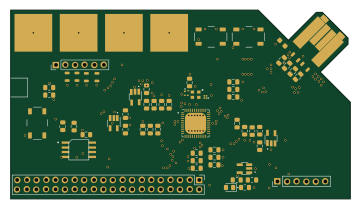 FPGA
Fomu hardware
im-tomu
90 × 50 mm57 parts2LCC-BY-SA-4.0236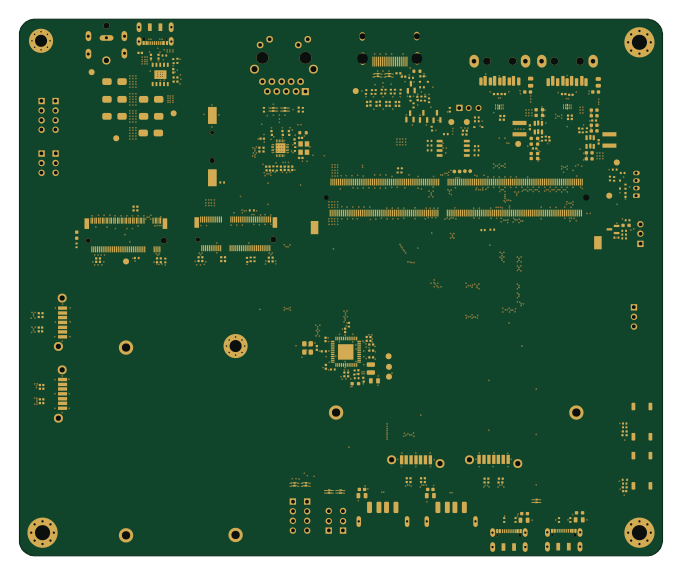
MuBook
LtBrain
170.2 × 142 mm260 parts4LMIT36
Qspi pmod
mole99
30.7 × 20 mm15 parts2LApache-2.016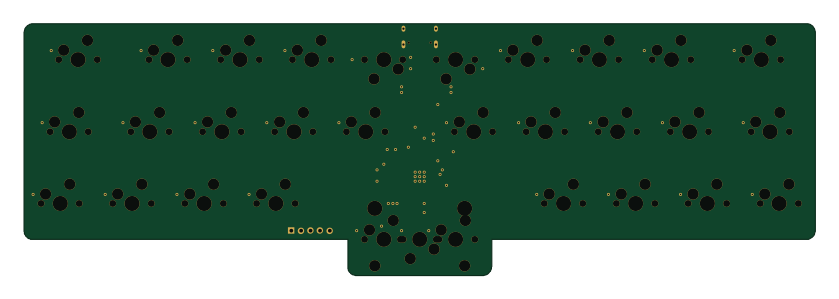 RP2040/RP2350
Littol
baconspoon85
209.6 × 66.7 mm80 parts2LNo license4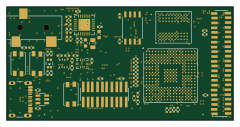
Hw udsp card
crsknr
60 × 30 mm211 parts6LGPL-3.02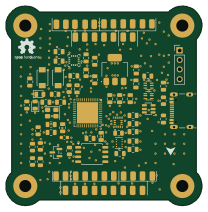 STM32
KHATAF-F411
xXsenseiXx
51.9 × 52.8 mm67 parts4LNo license2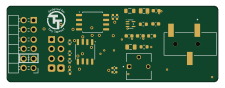
Cartridge pmod
joaln27
56 × 20 mm25 parts2LApache-2.02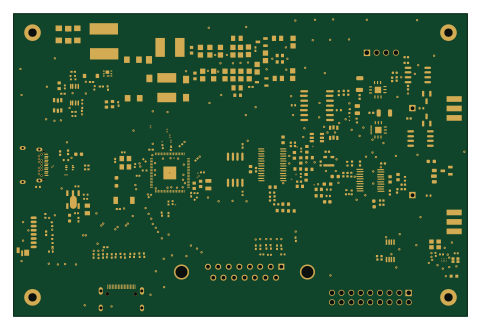 RP2040/RP2350
Ultr4rick
kelu124
120 × 80 mm258 parts6LNo license0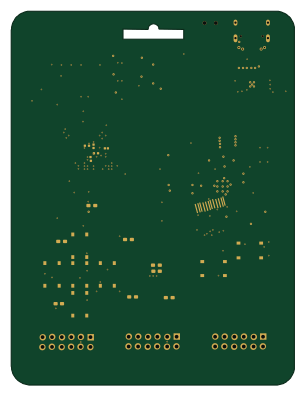 RP2040/RP2350
Greybadge25
NUSGreyhats
75 × 99 mm126 parts2LNo license0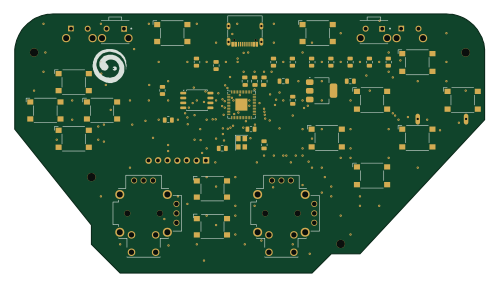 RP2040/RP2350
Omnicontroller
rp958
124.5 × 68.6 mm48 parts2LCERN-OHL-S-2.00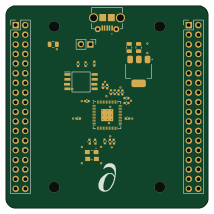 RP2040/RP2350
Custom-RP2040-Dev-Board
PartialScience
53.3 × 53.3 mm30 parts2LMIT0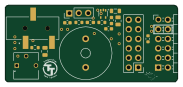
Tt audio pmod
45.7 × 20.3 mm18 parts2LApache-2.02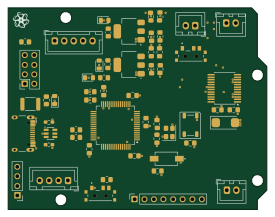 RP2040/RP2350
2026 12 2Wheel Balance Robot v1
gfm16617
68.6 × 53.4 mm56 parts2LNo license3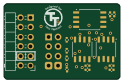
Qspi pmod
30.7 × 20 mm15 parts2LApache-2.02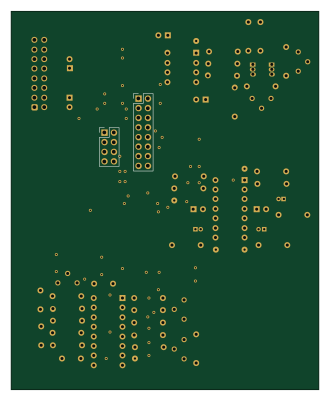 RP2040/RP2350
VCO PCB B REV2
81.3 × 100 mm52 parts2LNo license3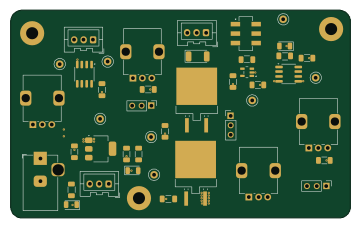 RP2040/RP2350
Levitation Analog v1
90 × 55 mm44 parts2LNo license3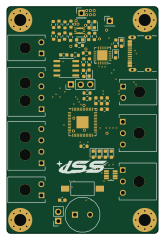 RP2040/RP2350
Stargazer Camera Board
ISSUIUC
40 × 60 mm110 parts2LNo license31
How designs wire the W25Q128JVSIM
Read from the KiCad layouts of 13 open source designs, one per repository: what each pin of the W25Q128JVSIM connects to, and the resistors, capacitors and other passives placed on it.
- The VCC pin has a decoupling capacitor on 11 of 12 designs, most often 100 nF (then 1 µF).
- The CS pin has a pull-up to 3.3V on 8 of 13 designs, most often 10 kΩ (then 805 Ω).
| Pin | Connected to | Parts on the pin |
|---|---|---|
| CSpin 1 | Connected to: The microcontroller 54%, a connector 23% |
|
| GNDpin 4 | Connected to: GND 100% | — |
| VCCpin 8 | Connected to: 3.3V 92% |
|
5 more pins vary from design to design. Connections count pins, parts count designs; values in brackets are how many parts had that value. Designs read include Fomu hardware by im-tomu, MuBook by LtBrain, Stargazer Camera Board by ISSUIUC and Qspi pmod by mole99.
The W25Q128JVSIM in open source designs
The gallery holds 17 open source boards using the W25Q128JVSIM from 13 GitHub repositories; a typical one measures about 68.6 × 53.4 mm and carries around 56 components.
76% are two-layer designs, the rest use four layers or more, and 53% carry an open source license.
The most starred is Fomu hardware by im-tomu.
Parts used alongside the W25Q128JVSIM
Microcontrollers on boards using the W25Q128JVSIM
What boards using the W25Q128JVSIM are built for
W25Q128JVSIM: common questions
Where can I find a W25Q128JVSIM reference design?
Each of the 17 boards on this page is a real design using the W25Q128JVSIM. Open one to see how it is wired up, with the full BOM, a render of the layout and links to its KiCad files.
What decoupling capacitors do designs use on the W25Q128JVSIM VCC pin?
The VCC pin has a decoupling capacitor on 11 of 12 designs, most often 100 nF (then 1 µF). Counted from the KiCad layouts of 13 open source designs using the W25Q128JVSIM.
What pull-up resistor is used on the W25Q128JVSIM CS pin?
The CS pin has a pull-up to 3.3V on 8 of 13 designs, most often 10 kΩ (then 805 Ω). Counted from the KiCad layouts of 13 open source designs using the W25Q128JVSIM.
What parts are used alongside the W25Q128JVSIM?
The RP2040, USBLC6-2SC6, AMS1117-3.3 and APS6404L-3SQR-SN appear in the most repositories here.
Which microcontrollers do boards using the W25Q128JVSIM use?
Most are built on RP2040/RP2350 (9), FPGA (1) and STM32 (1).
How big is a typical board using the W25Q128JVSIM?
The median is 68.6 × 53.4 mm, and 76% are two-layer designs.
What is the most popular open source board using the W25Q128JVSIM?
By GitHub stars, Fomu hardware by im-tomu, with 236 stars.
Can I simulate one of these boards using the W25Q128JVSIM before building it?
Yes. HardLabs turns a board's netlist and BOM into a working simulation, so you can boot and test firmware against it with no hardware on your desk.