
22 open source boards using the STM32G431CBU6
Real designs built with the STM32G431CBU6, from public GitHub projects: a quick way to see how others power, decouple and connect it. Each board comes with its KiCad files, full parts list and a render — and you can simulate its firmware on HardLabs.
 STM32
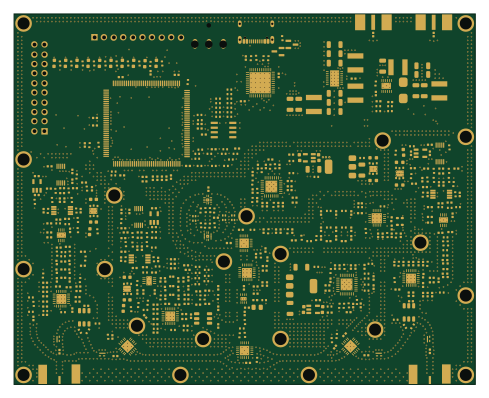
LibreVNA
jankae
122 × 98 mm592 parts6LGPL-3.01.6k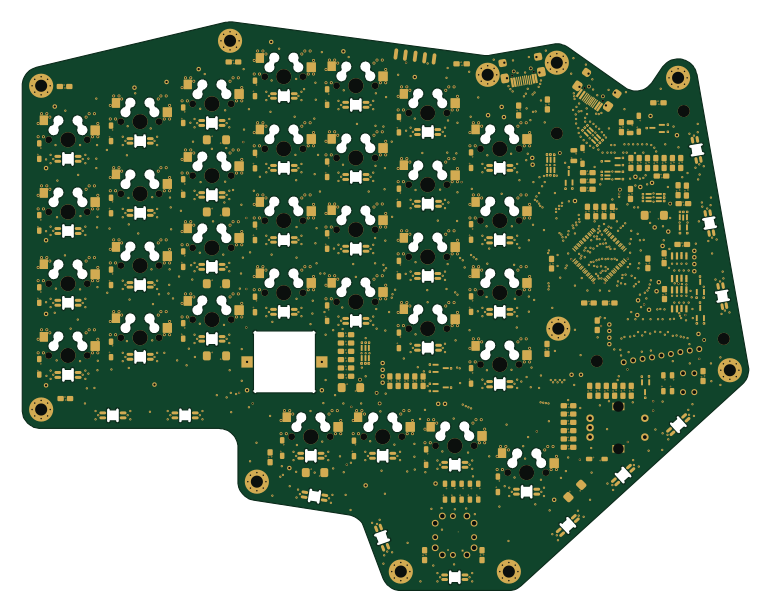 STM32
Djinn
tzarc
192.3 × 150.5 mm216 parts2LCERN-OHL-S-2.0991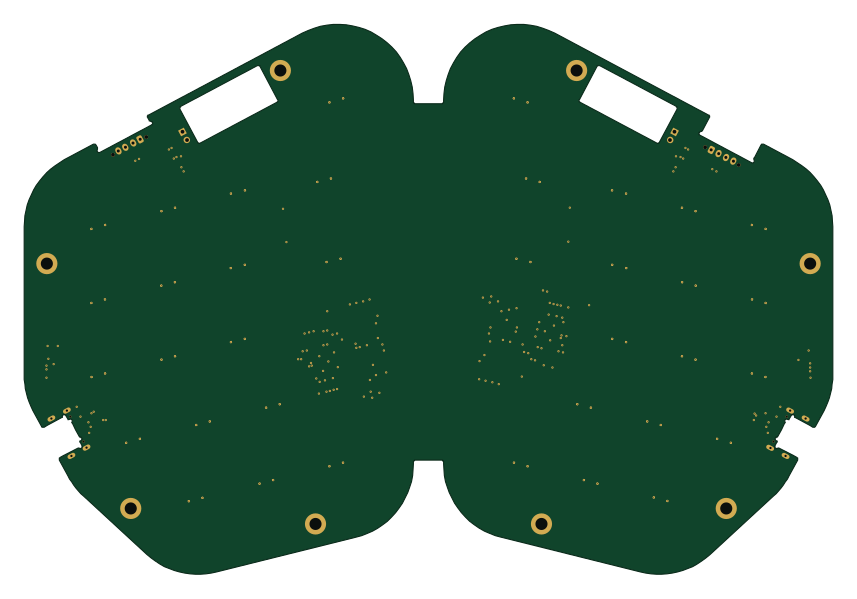 STM32
UnMechanical
ebastler
214 × 145.5 mm156 parts4LCERN-OHL-P-2.013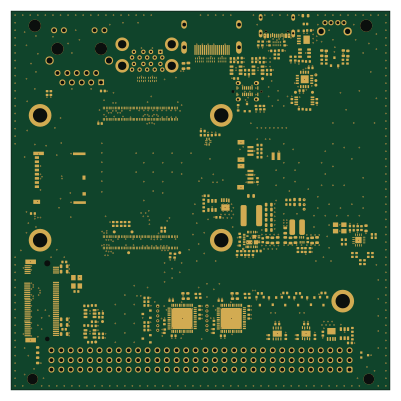 STM32
Moducard cm5-module
Dominik-Workshop
100 × 100 mm246 parts4LMIT5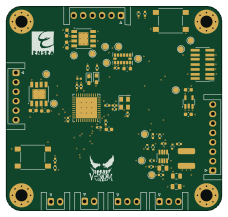 STM32
2425 ESE Projet V-NOM
MohamedBenabdelhadi
57 × 54 mm58 parts4LNo license2- schematic only · 64 partsSTM32
Rf mixed signal security game
jackpham-rgb
64 partsMIT1 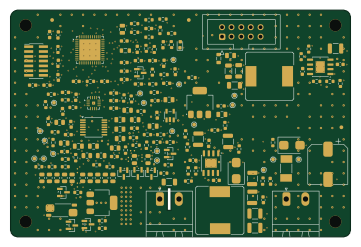 STM32
Board a
ruckusmattster
90 × 60 mm173 parts4LMIT0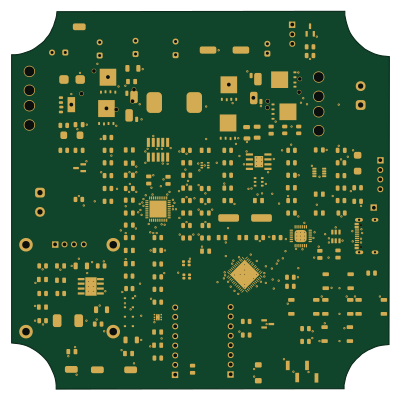 ESP32
Solar Project Rev1
Phil-CIA
100 × 99.9 mm171 parts4LNo license0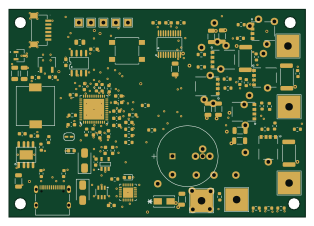 STM32
RUDRAKINUXIS-Lite
RaviKachhwaha
78.5 × 55 mm100 parts4LNo license0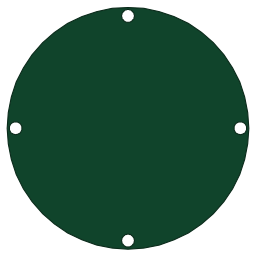 STM32
Quadruped-Robot
eluluke
64 × 64 mm96 parts2LApache-2.00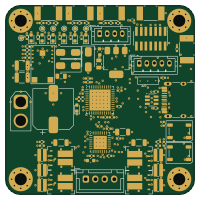 STM32
TMC262 Stepper Driver
MOAalpha
50 × 50 mm92 parts4LNo license0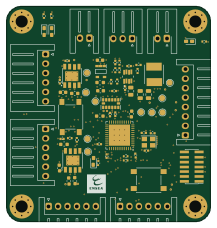 STM32
2425 ESE Projet StealthKitty
flexdrt
54 × 57 mm67 parts4LNo license0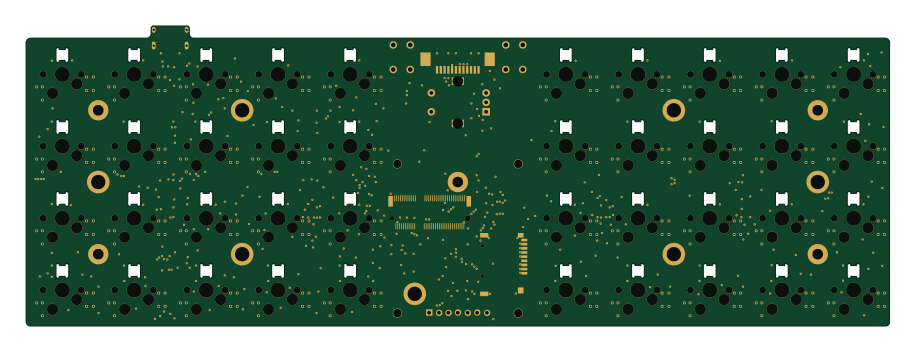 STM32
Ghoul
228.6 × 79.4 mm163 parts2LCERN-OHL-S-2.0991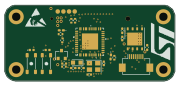 STM32
Commander
kuku-199
45 × 20 mm43 parts2LNo license14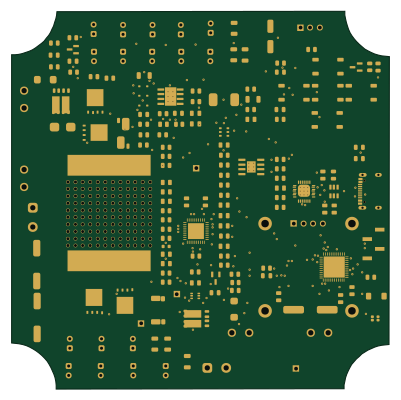 ESP32
Solar Project Rev0 - Manufactured First Build
100 × 99.9 mm157 parts4LNo license0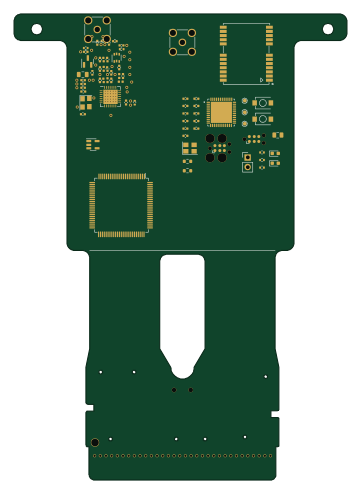 STM32
Underglow2-remote
ConnorRigby
88 × 123.2 mm60 parts2LApache-2.00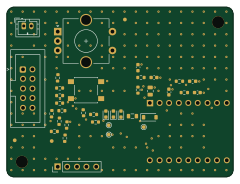 ESP32
Board b
60 × 45 mm33 parts2LMIT0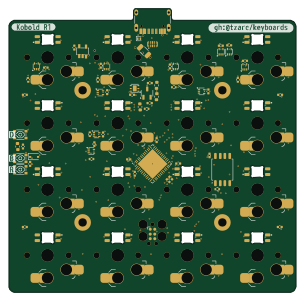 STM32
Kobold
76 × 75.1 mm94 parts4LCERN-OHL-S-2.0991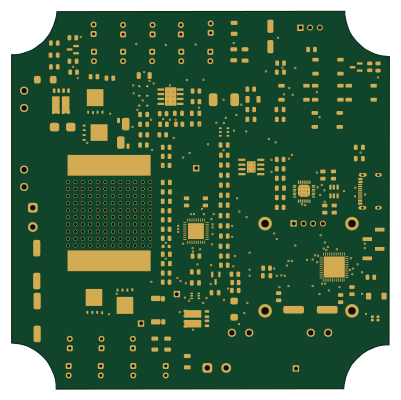 ESP32
Solar Project Rev1 - 2026-07-27 PCB Baseline
100 × 99.9 mm157 parts4LNo license0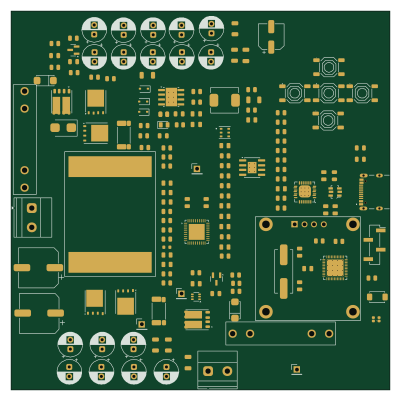 ESP32
Solar Project PreRoute save
100 × 100 mm155 parts2LNo license0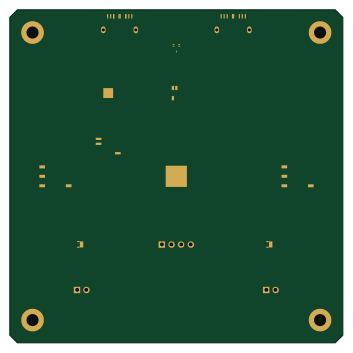 STM32
Pump
LokiMetaSmith
88 × 88 mm13 parts4LAGPL-3.00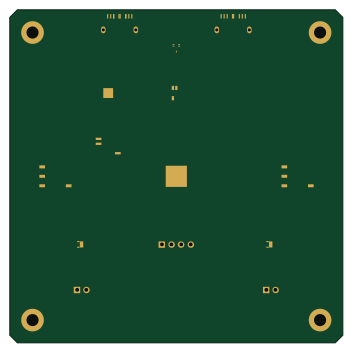 STM32
Pump
EpicQuestBio
88 × 88 mm13 parts4LAGPL-3.00
How designs wire the STM32G431CBU6
Read from the KiCad layouts of 13 open source designs, one per repository: what each pin of the STM32G431CBU6 connects to, and the resistors, capacitors and other passives placed on it.
- The VBAT pin has a decoupling capacitor on 9 of 13 designs, most often 100 nF (then 4.7 µF).
- The PG10 pin has a capacitor to GND on 9 of 12 designs, most often 100 nF.
- The VREF+ pin has a decoupling capacitor on 9 of 12 designs, most often 100 nF (then 1 µF).
- The VDDA pin has a decoupling capacitor on 9 of 12 designs, most often 100 nF (then 1 µF).
| Pin | Connected to | Parts on the pin |
|---|---|---|
| VBATpin 1 | Connected to: 3.3V 77% · a signal 23% |
|
| PC14pin 3 | Connected to: Not connected 62% · a signal 38% | — |
| PC15pin 4 | Connected to: Not connected 77% · a signal 23% | — |
| PF0pin 5 | Connected to: Not connected 46% · a signal 46% |
|
| PF1pin 6 | Connected to: Signal 69% · not connected 31% |
|
| PG10pin 7 | Connected to: A connector 42% |
|
| PA5pin 13 | Connected to: Signal 83% · not connected 17% |
|
| PA6pin 14 | Connected to: Signal 67% · not connected 33% |
|
| PA7pin 15 | Connected to: Signal 67% · not connected 33% |
|
| VREF+pin 20 | Connected to: 3.3V 75% · a signal 25% |
|
| VDDApin 21 | Connected to: 3.3V 67% · a signal 33% |
|
| PB10pin 22 | Connected to: Not connected 75% · a signal 25% | — |
| VDDpin 23, 35, 48 | Connected to: 3.3V 92% |
|
| PB11pin 24 | Connected to: Not connected 67% · a signal 33% | — |
| PB12pin 25 | Connected to: Not connected 67% · a signal 25% | — |
| PB13pin 26 | Connected to: Not connected 67% · a signal 25% | — |
| PB15pin 28 | Connected to: Not connected 67% · a signal 33% | — |
| PC6pin 29 | Connected to: Not connected 75% · a signal 25% | — |
| PA15pin 38 | Connected to: Signal 75% · not connected 25% |
|
| PC11pin 40 | Connected to: Not connected 67% · a signal 33% | — |
| PB8pin 46 | Connected to: A connector 33% · not connected 25% |
|
| PB9pin 47 | Connected to: Signal 67% · not connected 33% |
|
| VSSpin 49 | Connected to: GND 92% | — |
24 more pins vary from design to design. Connections count pins, parts count designs; values in brackets are how many parts had that value. Designs read include LibreVNA by jankae, Djinn by tzarc, Commander by kuku-199 and UnMechanical by ebastler.
The STM32G431CBU6 in open source designs
The gallery holds 22 open source boards using the STM32G431CBU6 from 16 GitHub repositories; a typical one measures about 88 × 88 mm and carries around 98 components.
67% use four copper layers or more, and 59% carry an open source license.
The most starred is LibreVNA by jankae.
Parts used alongside the STM32G431CBU6
What boards using the STM32G431CBU6 are built for
STM32G431CBU6: common questions
Where can I find a STM32G431CBU6 reference design?
Each of the 22 boards on this page is a real design using the STM32G431CBU6. Open one to see how it is wired up, with the full BOM, a render of the layout and links to its KiCad files.
What decoupling capacitors do designs use on the STM32G431CBU6 VBAT pin?
The VBAT pin has a decoupling capacitor on 9 of 13 designs, most often 100 nF (then 4.7 µF). Counted from the KiCad layouts of 13 open source designs using the STM32G431CBU6.
How is the STM32G431CBU6 PG10 pin connected?
The PG10 pin has a capacitor to GND on 9 of 12 designs, most often 100 nF. Counted from the KiCad layouts of 13 open source designs using the STM32G431CBU6.
What decoupling capacitors do designs use on the STM32G431CBU6 VREF+ pin?
The VREF+ pin has a decoupling capacitor on 9 of 12 designs, most often 100 nF (then 1 µF). Counted from the KiCad layouts of 13 open source designs using the STM32G431CBU6.
What parts are used alongside the STM32G431CBU6?
The ABP2_005PG_TRANS, ABP2_015PG_CIS, ADXL343, DRV8837C and LD39050_3V3 appear in the most repositories here.
Which microcontrollers do boards using the STM32G431CBU6 use?
Most are built on STM32 (17) and ESP32 (5).
How big is a typical board using the STM32G431CBU6?
The median is 88 × 88 mm, and 33% are two-layer designs.
What is the most popular open source board using the STM32G431CBU6?
By GitHub stars, LibreVNA by jankae, with 1,636 stars.
Can I simulate one of these boards using the STM32G431CBU6 before building it?
Yes. HardLabs turns a board's netlist and BOM into a working simulation, so you can boot and test firmware against it with no hardware on your desk.