
7 open source boards using the TMP102xxDRL
Real designs built with the TMP102xxDRL, from public GitHub projects: a quick way to see how others power, decouple and connect it. Each board comes with its KiCad files, full parts list and a render — and you can simulate its firmware on HardLabs.
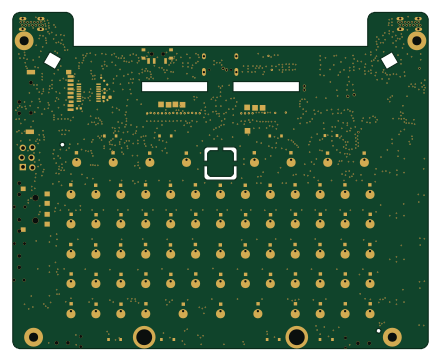 RP2040/RP2350
Bottom board palmtop
ZeroPhone
110 × 89 mm327 parts2LCERN-OHL-S-2.02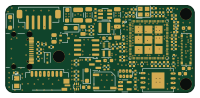 ESP32
ESP32Dpf load monitor wide
v-cu
50 × 23 mm106 parts6LCC-BY-NC-4.01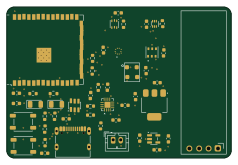 ESP32
ESP32Environment-Monitor
Dynix7
59.5 × 40 mm49 parts2LMIT1- schematic only · 49 partsESP32
ATX-24-Pin-Inline-Power-Monitoring-Board
KazmirFahrier
49 partsMIT1 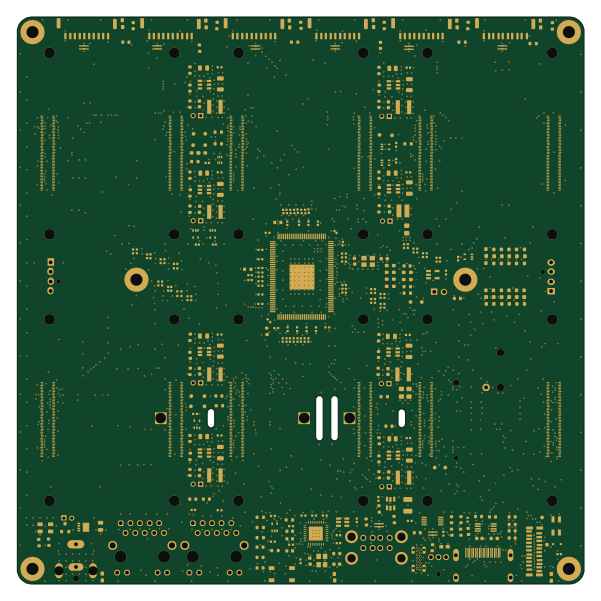 Raspberry Pi
Hexa-Pi
rickcox
150 × 150 mm352 parts4LCC-BY-4.00 RISC-V
Add on Cerveza
ElectronicCats
41.6 × 49.5 mm17 parts2LNo license1- schematic only · 85 partsSTM32
Flashlight full v1-1
ahmadtak-3212
85 parts6LNo license0
The TMP102xxDRL in open source designs
The gallery holds 7 open source boards using the TMP102xxDRL from 7 GitHub repositories; a typical one measures about 59.5 × 49.5 mm and carries around 85 components.
50% are two-layer designs, the rest use four layers or more, and 57% carry an open source license.
The most starred is Bottom board palmtop by ZeroPhone.
Parts used alongside the TMP102xxDRL
Microcontrollers on boards using the TMP102xxDRL
What boards using the TMP102xxDRL are built for
TMP102xxDRL: common questions
Where can I find a TMP102xxDRL reference design?
Each of the 7 boards on this page is a real design using the TMP102xxDRL. Open one to see how it is wired up, with the full BOM, a render of the layout and links to its KiCad files.
Which microcontrollers do boards using the TMP102xxDRL use?
Most are built on ESP32 (3), Raspberry Pi (1), RISC-V (1) and RP2040/RP2350 (1).
How big is a typical board using the TMP102xxDRL?
The median is 59.5 × 49.5 mm, and 50% are two-layer designs.
What is the most popular open source board using the TMP102xxDRL?
By GitHub stars, Bottom board palmtop by ZeroPhone, with 2 stars.
Can I simulate one of these boards using the TMP102xxDRL before building it?
Yes. HardLabs turns a board's netlist and BOM into a working simulation, so you can boot and test firmware against it with no hardware on your desk.