
18 open source boards using the CH334F
Real designs built with the CH334F, from public GitHub projects: a quick way to see how others power, decouple and connect it. Each board comes with its KiCad files, full parts list and a render — and you can simulate its firmware on HardLabs.
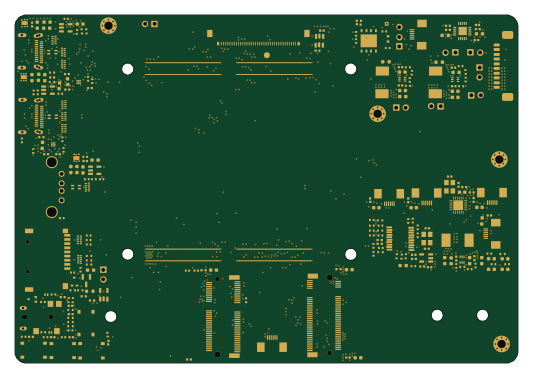
Anyon e motherboard
byrantech
133 × 92 mm258 parts6LMIT4.3k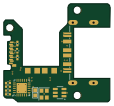
FW-EC-DongleHiderPlus
LeoDJ
28.2 × 26.1 mm14 parts4LCERN-OHL-W-2.0497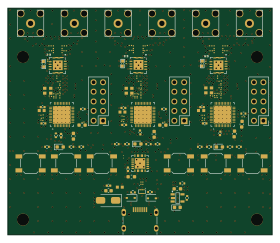 Nordic nRF
BLEhound
BLEhound
70 × 60 mm157 parts6LApache-2.0223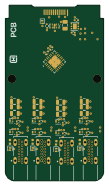
Day 2 - Four Port USB-C
i2cjak
26 × 46.5 mm51 parts4LCERN-OHL-P-2.095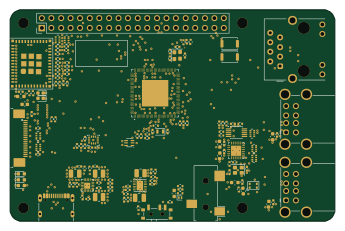 ESP32
Raven1106
EPSILON0-dev
86 × 56 mm209 parts4LNo license4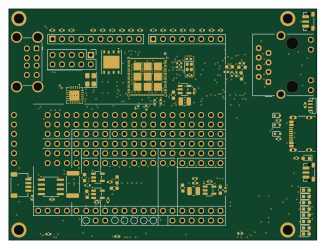 ESP32
P4hil
tannewt
81.3 × 61 mm206 parts4LNo license2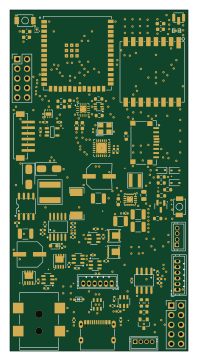 ESP32
IoT-NG
William2R
46.9 × 90 mm110 parts4LMIT1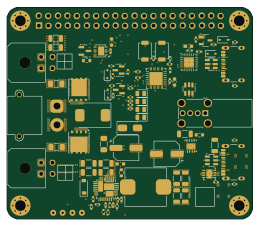 STM32
EWS
eiten
65 × 56 mm99 parts4LNo license1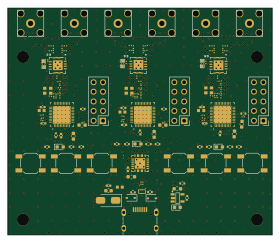 Nordic nRF
BLEhound
huang5780bak
70 × 60 mm157 parts6LApache-2.00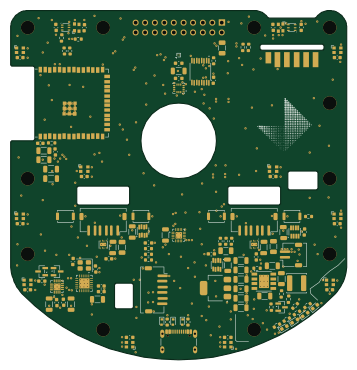 ESP32
Kabot
kabot-io
89 × 92.5 mm137 parts2LCC-BY-NC-4.00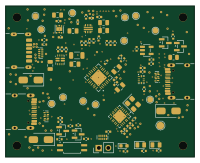
Usb c one
fgihl
50 × 40 mm83 parts4LNo license0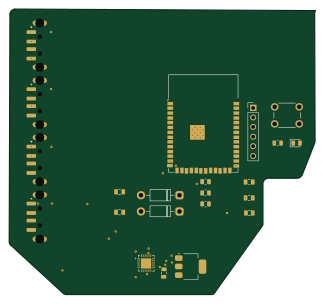 ESP32
Sch
hyduez
81.1 × 75.6 mm22 parts2LNo license0- schematic only · 18 partsRP2040/RP2350
CalcPad-V2
Preston02000
18 partsNo license0 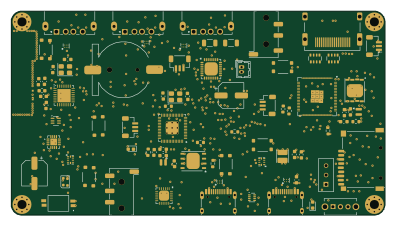 RP2040/RP2350
Frank next
rh1tech
99 × 54 mm245 parts4LGPL-3.065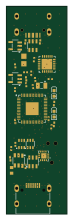
Dongle lite
fcjr
16 × 55 mm56 parts6LApache-2.016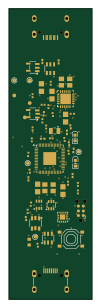
Dongle lite-1s4l
22 × 77 mm56 parts4LApache-2.016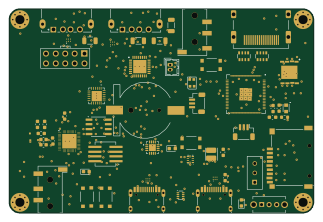 RP2040/RP2350
Frank next proto
80.6 × 54 mm204 parts4LGPL-3.03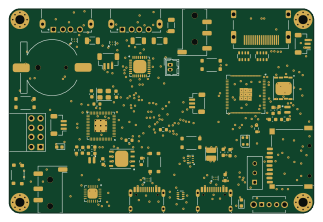 RP2040/RP2350
Frank core2
80.6 × 54 mm190 parts4LGPL-3.03
How designs wire the CH334F
Read from the KiCad layouts of 15 open source designs, one per repository: what each pin of the CH334F connects to, and the resistors, capacitors and other passives placed on it.
- The V5_19 pin has a decoupling capacitor on 15 of 15 designs, most often 100 nF (then 10 µF).
- The VDD33LDO_20 pin has a capacitor to GND on 15 of 15 designs, most often 100 nF (then 10 µF).
- The NC_2 pin is left unconnected on 15 of 15 designs.
- The LED3/SCL_13 pin is left unconnected on 15 of 15 designs.
| Pin | Connected to | Parts on the pin |
|---|---|---|
| NC_2pin 2 | Connected to: Not connected 100% | — |
| XO_3pin 3 | Connected to: Signal 67% · not connected 33% |
|
| XI_4pin 4 | Connected to: Signal 67% · GND 27% |
|
| LED3/SCL_13pin 13 | Connected to: Not connected 100% | — |
| RESET/CDP_16pin 16 | Connected to: Not connected 73% · a signal 27% | — |
| NC_17pin 17 | Connected to: Not connected 100% | — |
| PSELF_18pin 18 | Connected to: Not connected 60% · a signal 27% | — |
| V5_19pin 19 | Connected to: VBUS 87% |
|
| VDD33LDO_20pin 20 | Connected to: Signal 60% · 3.3V 40% |
|
| LED4/SDA_21pin 21 | Connected to: Not connected 93% | — |
| LED1_22pin 22 | Connected to: Not connected 93% | — |
| LED2_23pin 23 | Connected to: Not connected 93% | — |
| PWREN_24pin 24 | Connected to: Not connected 73% · a signal 20% | — |
| GND_25pin 25 | Connected to: GND 100% | — |
11 more pins vary from design to design. Connections count pins, parts count designs; values in brackets are how many parts had that value. Designs read include Anyon e motherboard by byrantech, FW-EC-DongleHiderPlus by LeoDJ, BLEhound by BLEhound and Day 2 - Four Port USB-C by i2cjak.
The CH334F in open source designs
The gallery holds 18 open source boards using the CH334F from 16 GitHub repositories; a typical one measures about 70 × 56 mm and carries around 124 components.
88% use four copper layers or more, and 61% carry an open source license.
The most starred is Anyon e motherboard by byrantech.
Parts used alongside the CH334F
Microcontrollers on boards using the CH334F
What boards using the CH334F are built for
CH334F: common questions
Where can I find a CH334F reference design?
Each of the 18 boards on this page is a real design using the CH334F. Open one to see how it is wired up, with the full BOM, a render of the layout and links to its KiCad files.
What decoupling capacitors do designs use on the CH334F V5_19 pin?
The V5_19 pin has a decoupling capacitor on 15 of 15 designs, most often 100 nF (then 10 µF). Counted from the KiCad layouts of 15 open source designs using the CH334F.
How is the CH334F VDD33LDO_20 pin connected?
The VDD33LDO_20 pin has a capacitor to GND on 15 of 15 designs, most often 100 nF (then 10 µF). Counted from the KiCad layouts of 15 open source designs using the CH334F.
How is the CH334F NC_2 pin connected?
The NC_2 pin is left unconnected on 15 of 15 designs. Counted from the KiCad layouts of 15 open source designs using the CH334F.
What parts are used alongside the CH334F?
The CH343P, USBLC6-2SC6, 74HC4052BQ,115, AO3401A and AP2112K-3.3 appear in the most repositories here.
Which microcontrollers do boards using the CH334F use?
Most are built on ESP32 (5), RP2040/RP2350 (4), Nordic nRF (2) and STM32 (1).
How big is a typical board using the CH334F?
The median is 70 × 56 mm, and 12% are two-layer designs.
What is the most popular open source board using the CH334F?
By GitHub stars, Anyon e motherboard by byrantech, with 4,264 stars.
Can I simulate one of these boards using the CH334F before building it?
Yes. HardLabs turns a board's netlist and BOM into a working simulation, so you can boot and test firmware against it with no hardware on your desk.