
23 open source boards using the FT2232HQ
Real designs built with the FT2232HQ, from public GitHub projects: a quick way to see how others power, decouple and connect it. Each board comes with its KiCad files, full parts list and a render — and you can simulate its firmware on HardLabs.
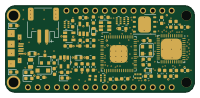 FPGA
ICE40-fpga
joshajohnson
50 × 22.9 mm62 parts2LCC-BY-NC-4.026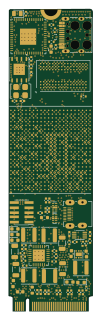 FPGA
M.2-FPGA-Accelerator
KaiPereira
22 × 80 mm276 parts6LNo license25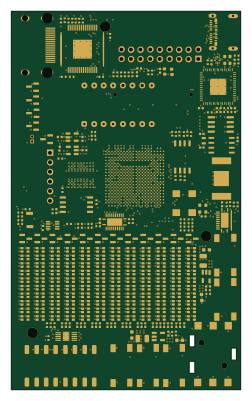 FPGA
Gecko5education
logisim-evolution
60.6 × 100 mm308 parts6LMIT18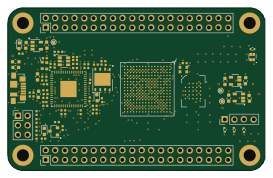 FPGA
Ecp5-dev board
medhyal
68 × 43 mm107 parts4LNo license10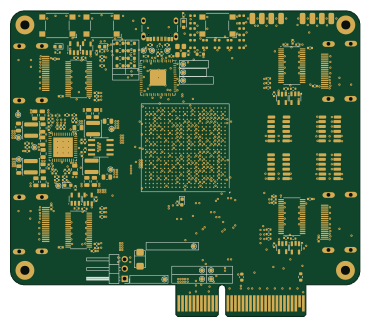 FPGA
ArtixDevBoard
RasmusStagsted
92.5 × 80.9 mm300 parts4LNo license4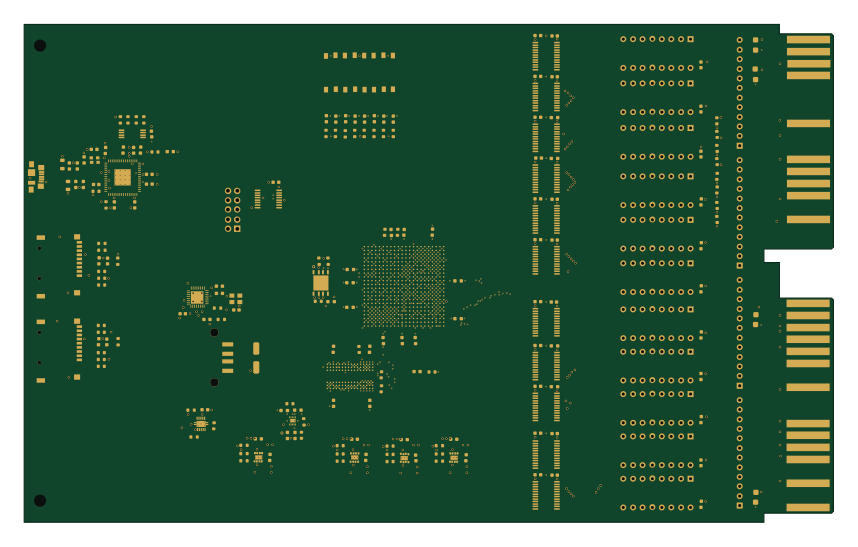 FPGA
QSIC
dabridgham
214.1 × 131.8 mm212 parts6LNo license2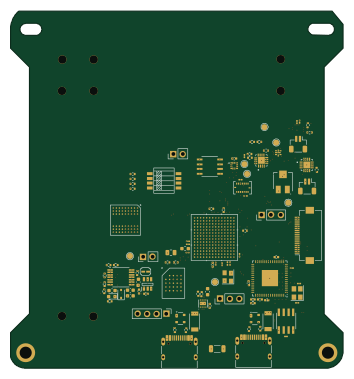 NXP
ADCS-Camera-Payload-Board
NortheasternSatelliteLab
88 × 94.5 mm194 parts4LNo license2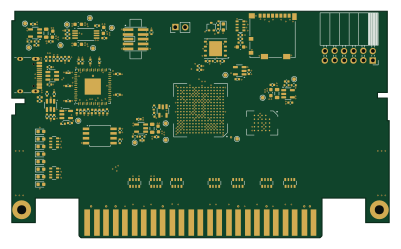 FPGA
Cart ecp5
nelgau
100 × 60 mm145 parts4LNo license1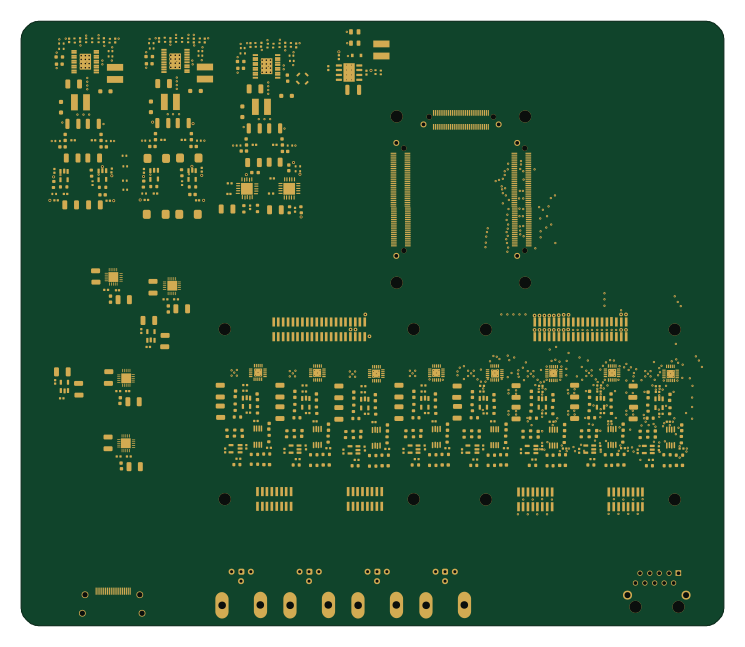 FPGA
Open-TWIST rev0
louisreg
186 × 160 mm805 parts6LNo license0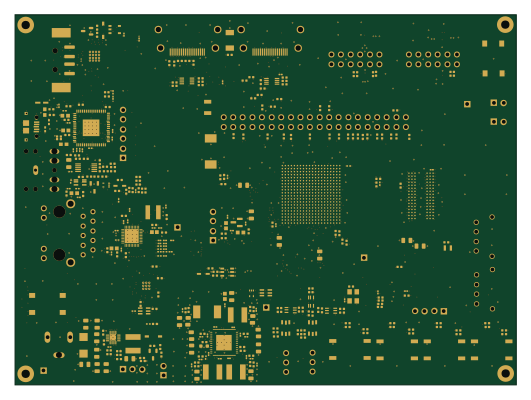 FPGA
FPGA-Board
AbdulAjadi1
132.6 × 97.9 mm569 parts8LNo license0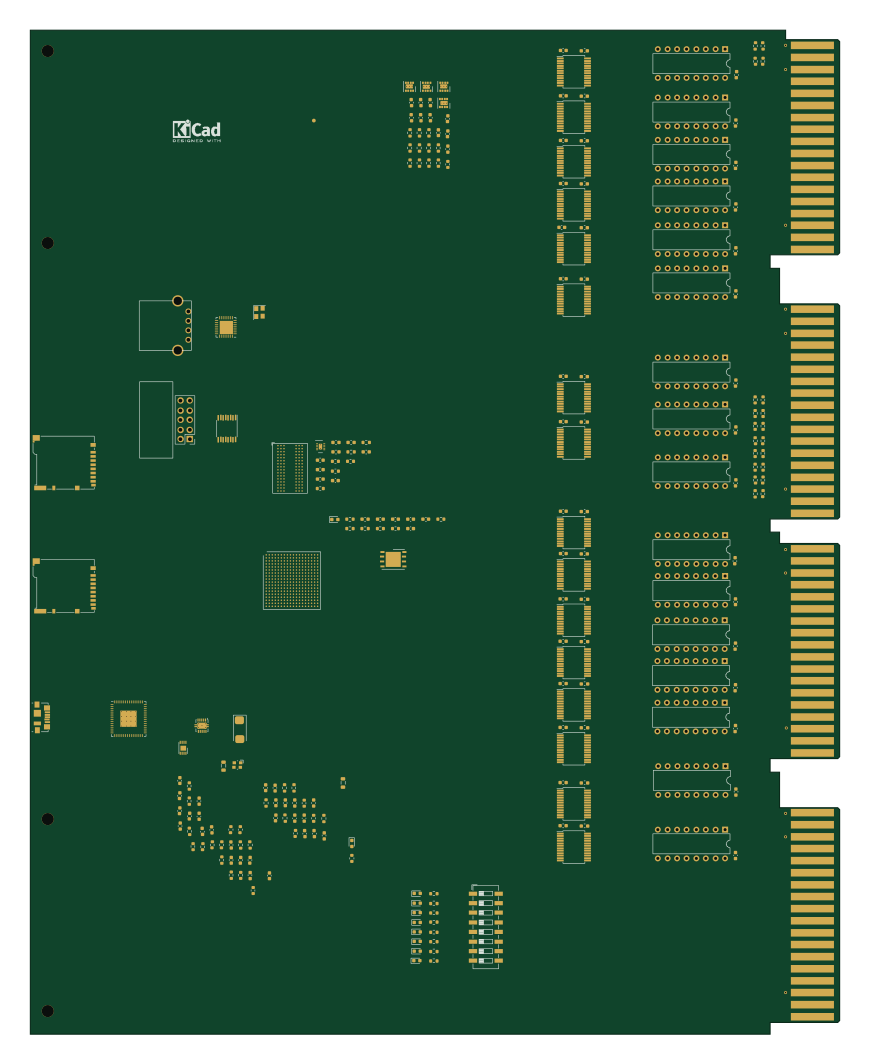 FPGA
USIC
214.1 × 265.6 mm245 parts6LNo license0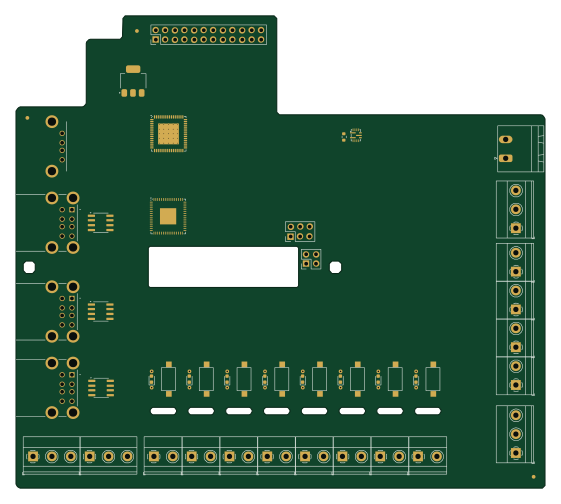
LPV01 SHIELD
pureHK
140 × 125 mm105 parts4LNo license0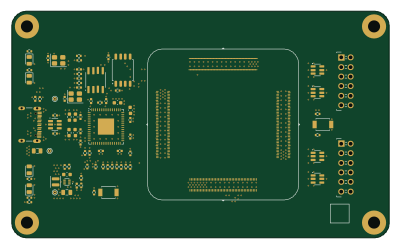
Nuku carrier template basic
supersmau
100 × 60 mm79 parts4LNo license0- schematic only · 89 parts
Tigard
mukkasrikanth
89 partsNo license0 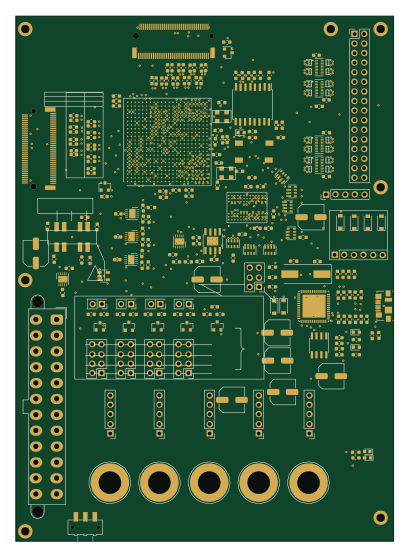 FPGA
FD.02-01-2021
Jegeva
100 × 139 mm274 parts1LNo license0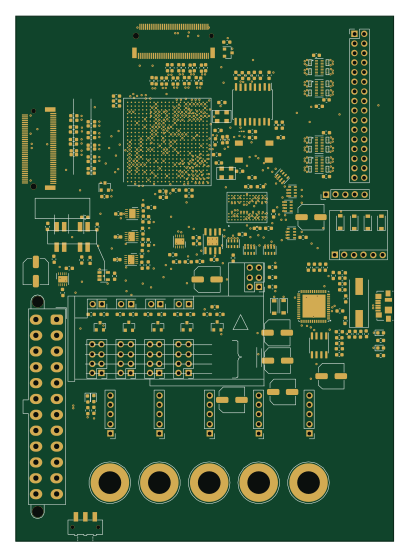 FPGA
FD new testblock2
100 × 139 mm273 parts1LNo license0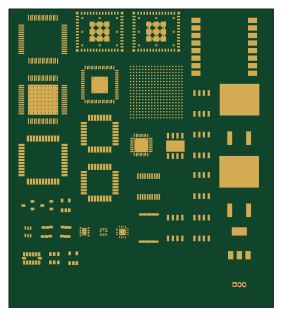 ESP32
Integrated circuits
LilyTronics
70 × 79 mm35 parts2LGPL-3.02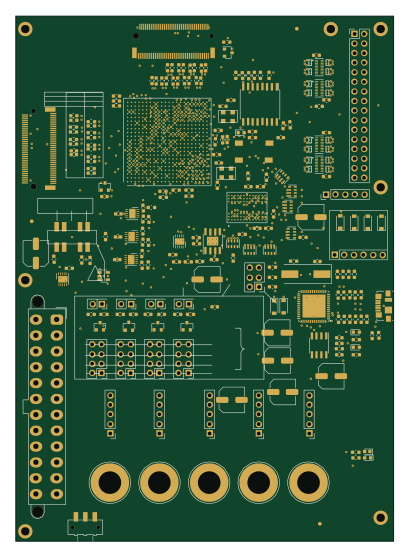 FPGA
FD
100 × 139 mm270 parts6LNo license0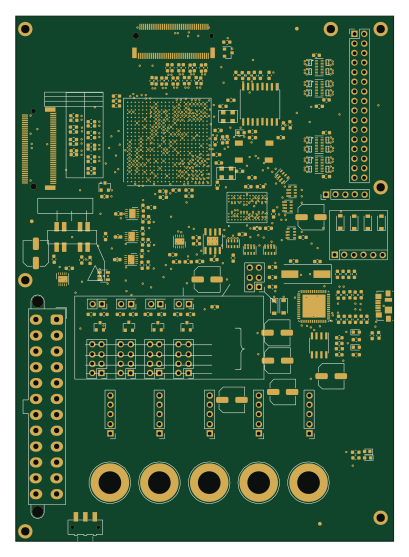 FPGA
FD-checkver
100 × 139 mm270 parts1LNo license0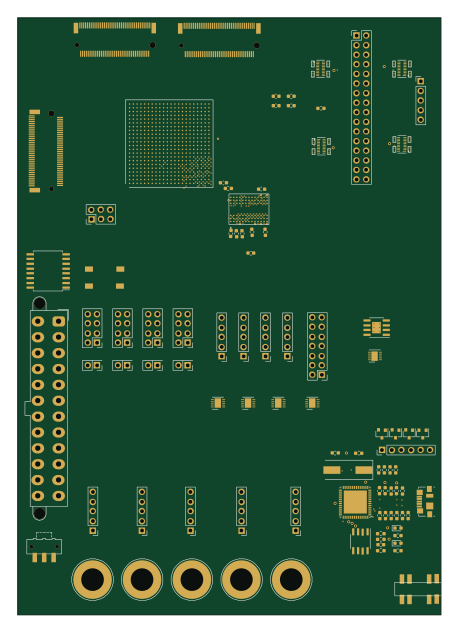 FPGA
FD2
112 × 158 mm263 parts4LNo license0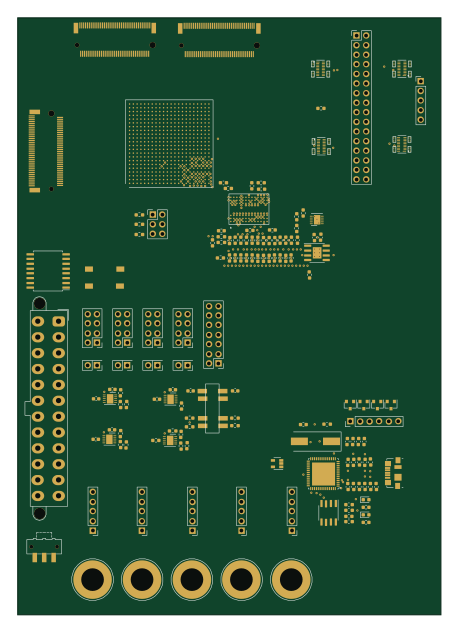 FPGA
FD3
112 × 158 mm259 parts4LNo license0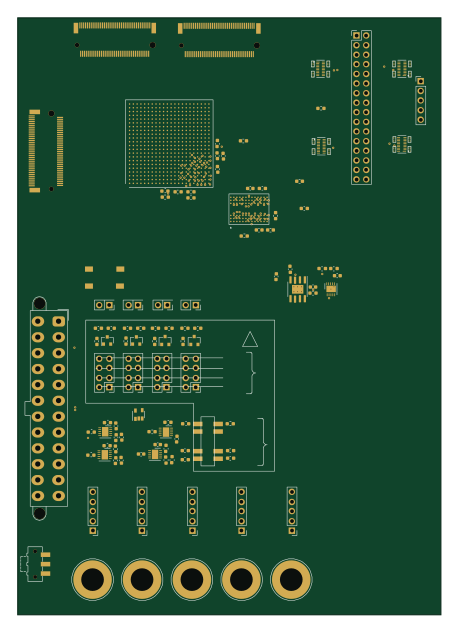 FPGA
FD-TUNEDDDR+TERM@x+500
112 × 158 mm239 parts1LNo license0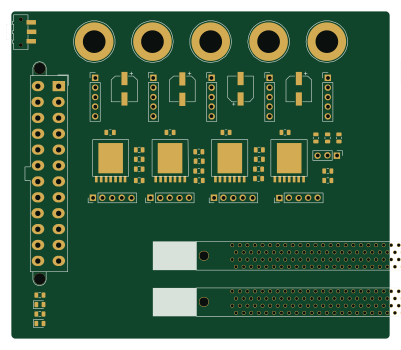 FPGA
Fuzzyduckv1
100 × 86.5 mm156 parts6LNo license0
How designs wire the FT2232HQ
Read from the KiCad layouts of 13 open source designs, one per repository: what each pin of the FT2232HQ connects to, and the resistors, capacitors and other passives placed on it.
- The VPHY pin has a capacitor to GND on 12 of 13 designs, most often 100 nF (then 4.7 µF).
- The REF pin has a resistor to GND on 12 of 12 designs, most often 12 kΩ.
- The VPLL pin has a capacitor to GND on 12 of 12 designs, most often 100 nF (then 4.7 µF).
- The VREGOUT pin has a decoupling capacitor on 11 of 12 designs, most often 100 nF (then 4.7 µF).
| Pin | Connected to | Parts on the pin |
|---|---|---|
| GNDpin 1, 5, 11, 15, 25, 35, 47, 51, 65 | Connected to: GND 91% | — |
| OSCIpin 2 | Connected to: Signal 92% |
|
| OSCOpin 3 | Connected to: Signal 69% · not connected 31% |
|
| VPHYpin 4 | Connected to: Signal 77% · 3.3V 15% |
|
| REFpin 6 | Connected to: Signal 100% |
|
| VPLLpin 9 | Connected to: Signal 83% · 3.3V 17% |
|
| AGNDpin 10 | Connected to: GND 100% | — |
| VCOREpin 12, 37, 64 | Connected to: 1.8V 51% · a signal 46% |
|
| TESTpin 13 | Connected to: GND 92% | — |
| RESETpin 14 | Connected to: Signal 100% |
|
| VCCIOpin 20, 31, 42, 56 | Connected to: 3.3V 83% |
|
| ADBUS4pin 21 | Connected to: Not connected 75% | — |
| ADBUS5pin 22 | Connected to: Not connected 92% | — |
| ADBUS6pin 23 | Connected to: Not connected 83% · a signal 17% | — |
| ADBUS7pin 24 | Connected to: Not connected 92% | — |
| ACBUS0pin 26 | Connected to: Not connected 92% | — |
| ACBUS1pin 27 | Connected to: Not connected 92% | — |
| ACBUS2pin 28 | Connected to: Not connected 83% · a signal 17% | — |
| ACBUS3pin 29 | Connected to: Not connected 92% | — |
| ACBUS4pin 30 | Connected to: Not connected 92% | — |
| ACBUS5pin 32 | Connected to: Not connected 83% · a signal 17% | — |
| ACBUS6pin 33 | Connected to: Not connected 83% · a signal 17% | — |
| ACBUS7pin 34 | Connected to: Not connected 92% | — |
| SUSPENDpin 36 | Connected to: Not connected 83% | — |
| BDBUS2pin 40 | Connected to: Not connected 67% · a signal 33% | — |
| BDBUS3pin 41 | Connected to: Not connected 67% · a signal 25% | — |
| BDBUS4pin 43 | Connected to: Not connected 75% · a signal 25% | — |
| BDBUS5pin 44 | Connected to: Not connected 75% · a signal 17% | — |
| BDBUS6pin 45 | Connected to: Not connected 75% · a signal 17% | — |
| BDBUS7pin 46 | Connected to: Not connected 75% · a signal 25% | — |
| BCBUS0pin 48 | Connected to: Not connected 92% | — |
| VREGOUTpin 49 | Connected to: 1.8V 50% · a signal 50% |
|
| VREGINpin 50 | Connected to: 3.3V 92% |
|
| BCBUS1pin 52 | Connected to: Not connected 100% | — |
| BCBUS2pin 53 | Connected to: Not connected 92% | — |
| BCBUS3pin 54 | Connected to: Not connected 58% · a signal 42% |
|
| BCBUS4pin 55 | Connected to: Not connected 50% · a signal 50% |
|
| BCBUS5pin 57 | Connected to: Not connected 100% | — |
| BCBUS6pin 58 | Connected to: Not connected 100% | — |
| BCBUS7pin 59 | Connected to: Not connected 100% | — |
12 more pins vary from design to design. Connections count pins, parts count designs; values in brackets are how many parts had that value. Designs read include ICE40-fpga by joshajohnson, M.2-FPGA-Accelerator by KaiPereira, Gecko5education by logisim-evolution and Ecp5-dev board by medhyal.
The FT2232HQ in open source designs
The gallery holds 23 open source boards using the FT2232HQ from 16 GitHub repositories; a typical one measures about 100 × 112.5 mm and carries around 245 components.
73% use four copper layers or more, and 9% carry an open source license.
The most starred is ICE40-fpga by joshajohnson.
Parts used alongside the FT2232HQ
What boards using the FT2232HQ are built for
FT2232HQ: common questions
Where can I find a FT2232HQ reference design?
Each of the 23 boards on this page is a real design using the FT2232HQ. Open one to see how it is wired up, with the full BOM, a render of the layout and links to its KiCad files.
How is the FT2232HQ VPHY pin connected?
The VPHY pin has a capacitor to GND on 12 of 13 designs, most often 100 nF (then 4.7 µF). Counted from the KiCad layouts of 13 open source designs using the FT2232HQ.
What resistor goes on the FT2232HQ REF pin?
The REF pin has a resistor to GND on 12 of 12 designs, most often 12 kΩ. Counted from the KiCad layouts of 13 open source designs using the FT2232HQ.
How is the FT2232HQ VPLL pin connected?
The VPLL pin has a capacitor to GND on 12 of 12 designs, most often 100 nF (then 4.7 µF). Counted from the KiCad layouts of 13 open source designs using the FT2232HQ.
What parts are used alongside the FT2232HQ?
The 93CxxC, 93LC46BT-I/OT, 93C46BT-I_OT, MT25QL128ABA1EW7-0SIT and NC7SZ125M5X appear in the most repositories here.
Which microcontrollers do boards using the FT2232HQ use?
Most are built on FPGA (18), ESP32 (1) and NXP (1).
How big is a typical board using the FT2232HQ?
The median is 100 × 112.5 mm, and 27% are two-layer designs.
What is the most popular open source board using the FT2232HQ?
By GitHub stars, ICE40-fpga by joshajohnson, with 26 stars.
Can I simulate one of these boards using the FT2232HQ before building it?
Yes. HardLabs turns a board's netlist and BOM into a working simulation, so you can boot and test firmware against it with no hardware on your desk.