
4 open source boards using the USBLC6
Real designs built with the USBLC6, from public GitHub projects: a quick way to see how others power, decouple and connect it. Each board comes with its KiCad files, full parts list and a render — and you can simulate its firmware on HardLabs.
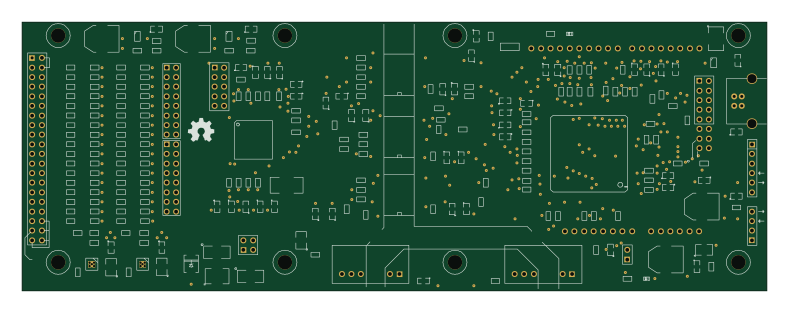 AVR/Arduino
Arduino ads129x
OpenElectronicsLab
197 × 71 mm267 partsGPL-3.0102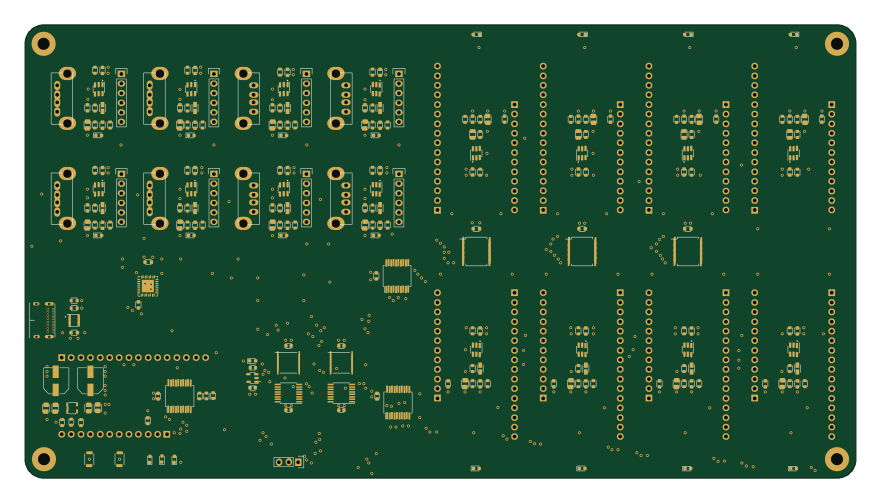
Electricui arena
electricui
220 × 120 mm253 parts4LMIT27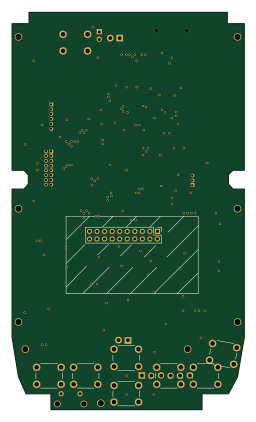 STM32
STM32SDA-Wonder System Board
stanislavbrtna
61.5 × 105.3 mm86 parts2LNo license8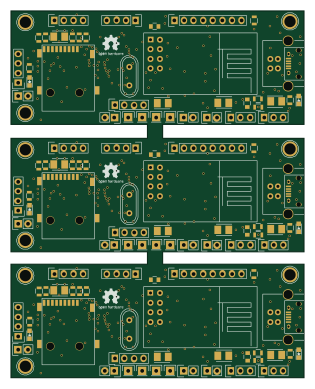 STM32
STM32Rifle mono v1-panelized
DAlexis
77.5 × 97.1 mm75 parts2LGPL-3.016
The USBLC6 in open source designs
The gallery holds 4 open source boards using the USBLC6 from 4 GitHub repositories; a typical one measures about 137.2 × 101.2 mm and carries around 170 components.
67% are two-layer designs, the rest use four layers or more, and 75% carry an open source license.
The most starred is Arduino ads129x by OpenElectronicsLab.
Parts used alongside the USBLC6
Microcontrollers on boards using the USBLC6
What boards using the USBLC6 are built for
USBLC6: common questions
Where can I find a USBLC6 reference design?
Each of the 4 boards on this page is a real design using the USBLC6. Open one to see how it is wired up, with the full BOM, a render of the layout and links to its KiCad files.
Which microcontrollers do boards using the USBLC6 use?
Most are built on STM32 (2) and AVR/Arduino (1).
How big is a typical board using the USBLC6?
The median is 137.2 × 101.2 mm, and 67% are two-layer designs.
What is the most popular open source board using the USBLC6?
By GitHub stars, Arduino ads129x by OpenElectronicsLab, with 102 stars.
Can I simulate one of these boards using the USBLC6 before building it?
Yes. HardLabs turns a board's netlist and BOM into a working simulation, so you can boot and test firmware against it with no hardware on your desk.