
6 open source boards using the 74LS30
Real designs built with the 74LS30, from public GitHub projects: a quick way to see how others power, decouple and connect it. Each board comes with its KiCad files, full parts list and a render — and you can simulate its firmware on HardLabs.
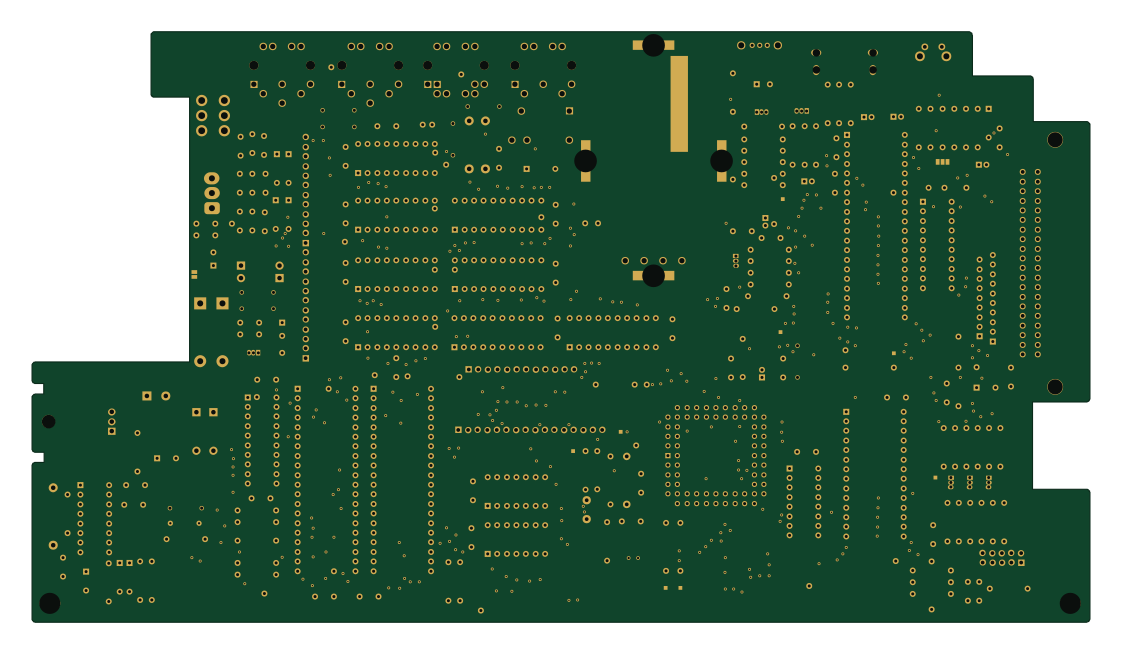
TRS-80 Color Computer 3
qbancoffee
280 × 156.3 mm205 parts2LGPL-3.040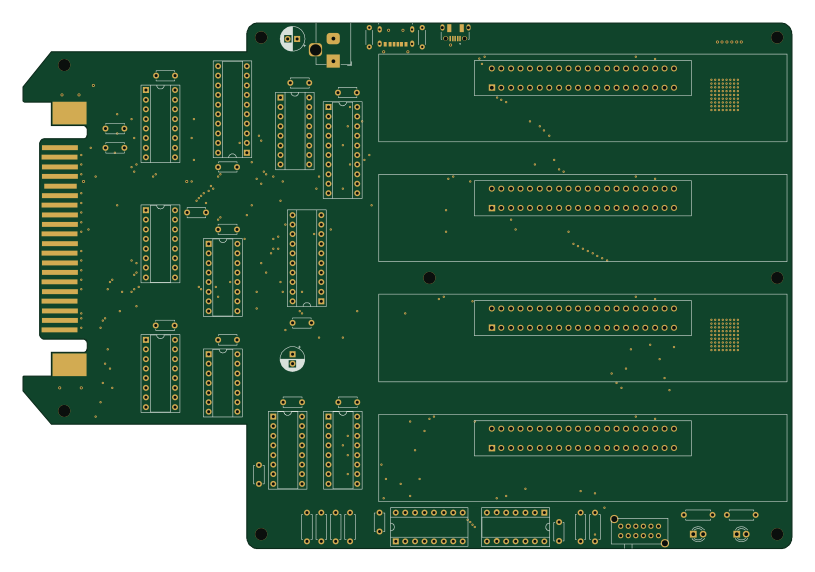
Tandy-Color-Computer-Multi-Pak
djtersteegc
203.4 × 139.1 mm62 parts2LMIT16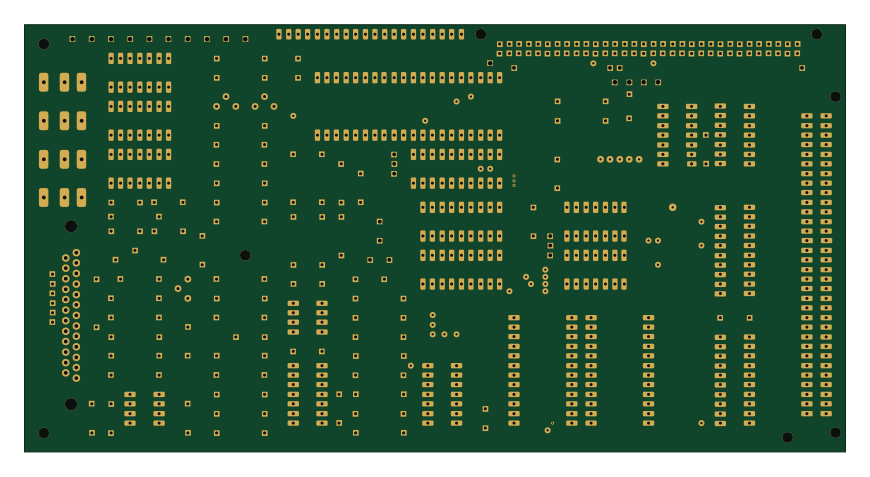
Junior interface
laurent-fr
217.2 × 113 mm116 parts2LCC-BY-NC-4.013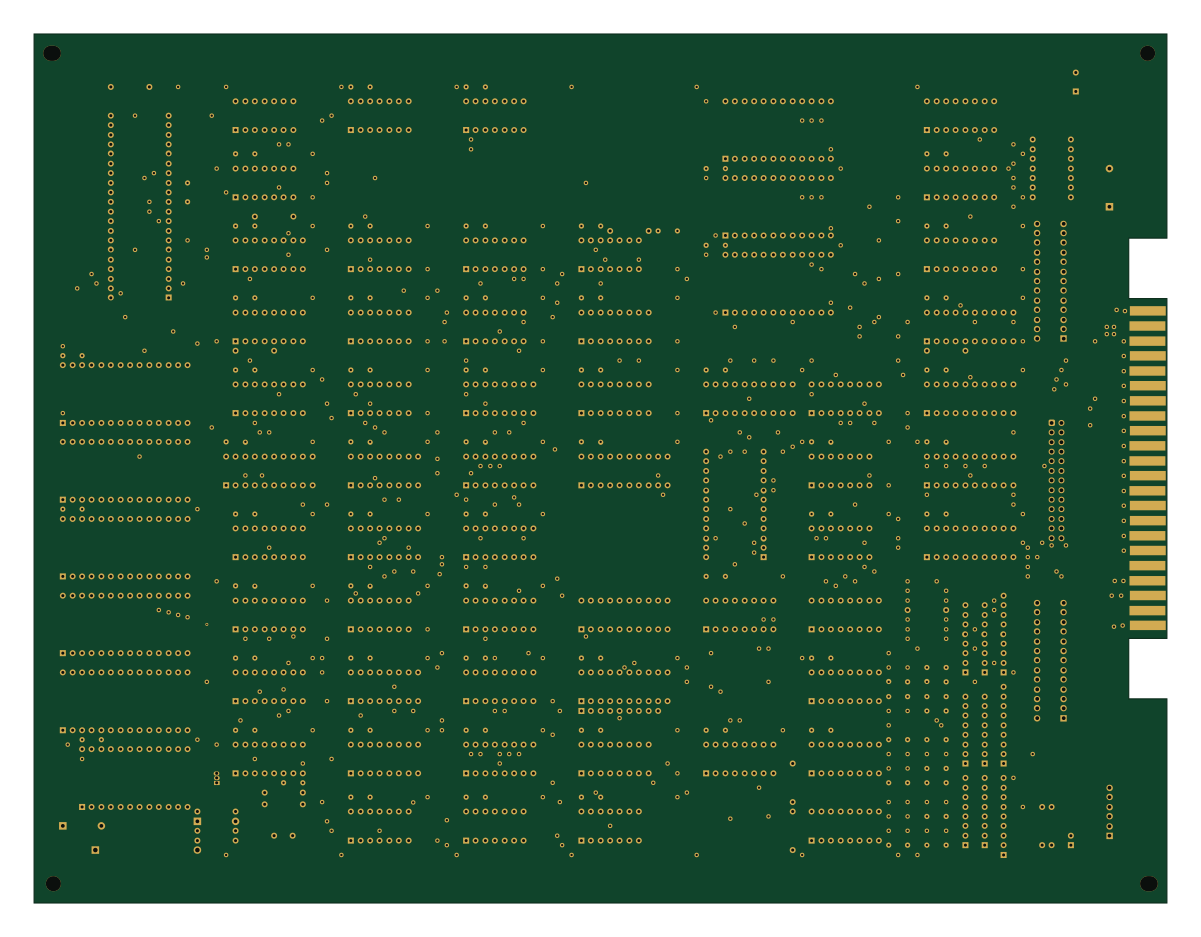
Esh
RulecityLLC
299.7 × 229.9 mm182 parts2LBSD-3-Clause1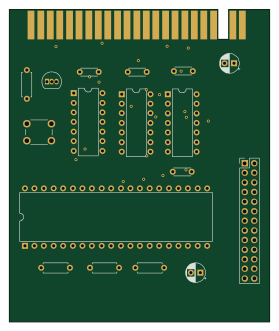
ZX81 Centronics
BrettHallen
68.8 × 82.6 mm18 parts2LNo license5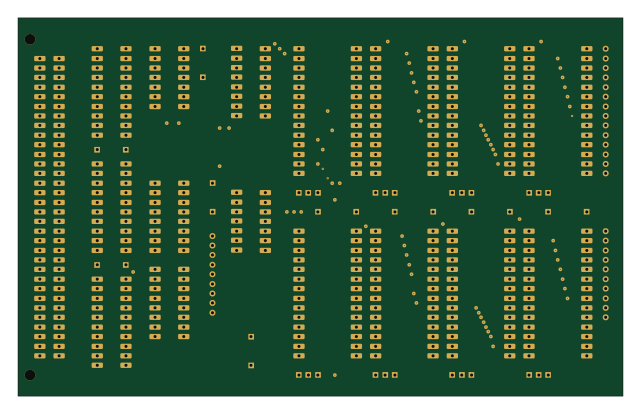
Junior universal memory
160 × 100 mm38 parts2LCC-BY-NC-4.013
The 74LS30 in open source designs
The gallery holds 6 open source boards using the 74LS30 from 5 GitHub repositories; a typical one measures about 210.3 × 126.1 mm and carries around 89 components.
100% are two-layer designs, the rest use four layers or more, and 50% carry an open source license.
The most starred is TRS-80 Color Computer 3 by qbancoffee.
What boards using the 74LS30 are built for
74LS30: common questions
Where can I find a 74LS30 reference design?
Each of the 6 boards on this page is a real design using the 74LS30. Open one to see how it is wired up, with the full BOM, a render of the layout and links to its KiCad files.
What parts are used alongside the 74LS30?
The 74LS27, 74LS374 and GAL16V8 appear in the most repositories here.
How big is a typical board using the 74LS30?
The median is 210.3 × 126.1 mm, and 100% are two-layer designs.
What is the most popular open source board using the 74LS30?
By GitHub stars, TRS-80 Color Computer 3 by qbancoffee, with 40 stars.
Can I simulate one of these boards using the 74LS30 before building it?
Yes. HardLabs turns a board's netlist and BOM into a working simulation, so you can boot and test firmware against it with no hardware on your desk.