
Open source PCB designs you can simulate
21,636 boards
Every public KiCad project we can find on GitHub, with its processor, full parts list and a render of the board. Any of them can be brought up in simulation: open one and run firmware on it before you order a single PCB.
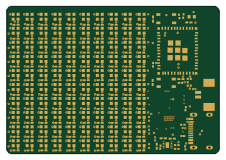 ESP32
ESP32Badge
atopile
56.3 × 39 mm239 parts4LMIT4.0k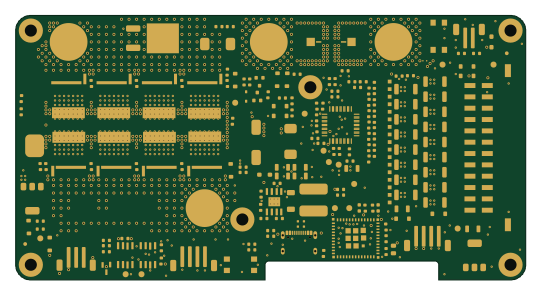 ESP32
ESP32Bms c1
LibreSolar
135 × 70 mm167 parts4LCERN-OHL-W-2.0260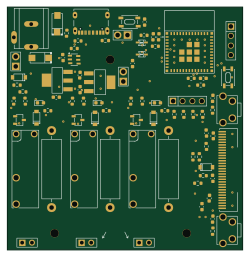 ESP32
ESP32Capacitor alarm clock
ArcaEge
62.3 × 64.3 mm81 parts2LMIT117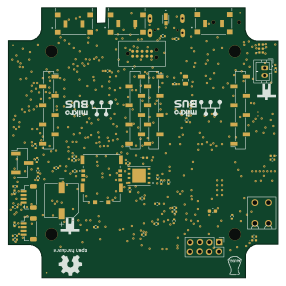 ESP32
ESP32Elixir hw
golioth
71.5 × 71.5 mm218 parts4LCERN-OHL-P-2.036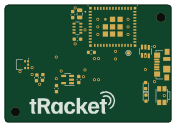 ESP32
ESP32TRacket sensor
CivicTechTO
44 × 31 mm17 parts2LNo license11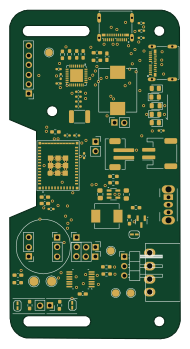 ESP32
ESP32MyBikesGotLED
mcqn
45.2 × 87.1 mm65 parts2LCERN-OHL-S-2.04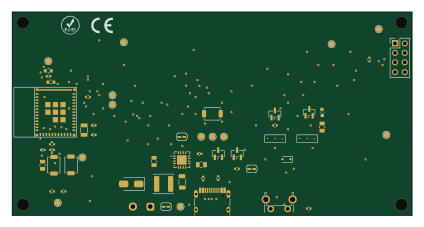 ESP32
ESP32Orologio eink
LucaBenzi
105.8 × 53.8 mm36 parts2LMIT2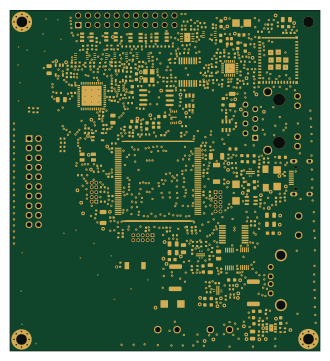 ESP32
ESP32Benchpod
embeddedci-com
82 × 90 mm306 parts4LCERN-OHL-W-2.01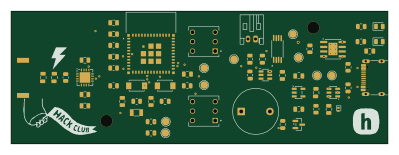 ESP32
ESP32Pocket lightning detector
Matyas604
99.7 × 35 mm56 parts2LGPL-3.01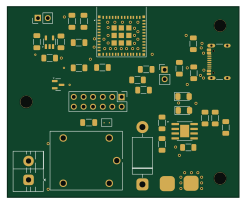 ESP32
ESP32Launchy
sanko0112
61.5 × 50.5 mm33 parts2LMIT1 ESP32
ESP32OpenRemoteID
OpenDrone-hw
13.4 × 23.8 mm6 parts2LCERN-OHL-S-2.01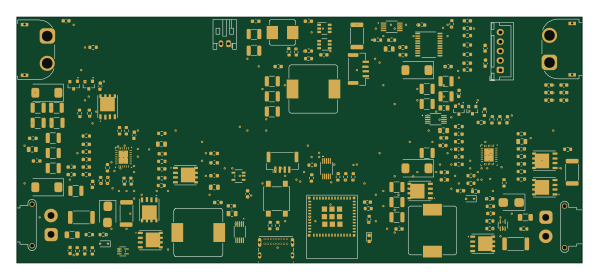 ESP32
ESP32Solar
DinosaurPotato534
149.6 × 65 mm201 parts2LNo license0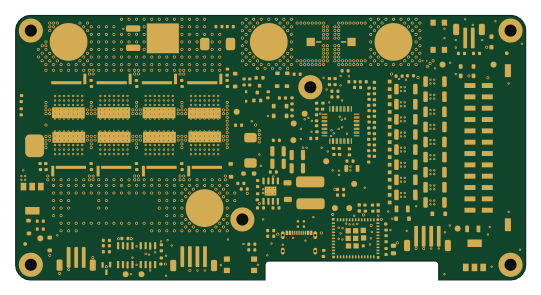 ESP32
ESP32Libre Solar BMS C1
PawelSroczynski
135 × 70 mm166 parts4LGPL-3.00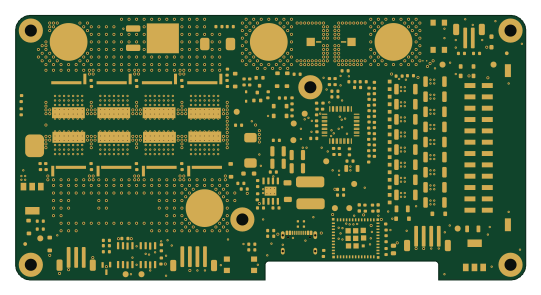 ESP32
ESP32Libre Solar BMS C1
shinemohans061
135 × 70 mm166 parts4LNo license0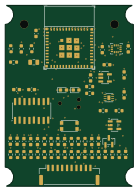 ESP32
ESP32NIVA-pod
https-shubhamsahu
34 × 48 mm62 parts4LNo license0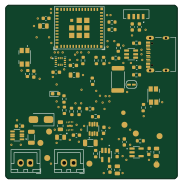 ESP32
ESP32Chipsat v1
noellayang
45.5 × 46 mm59 parts2LMIT0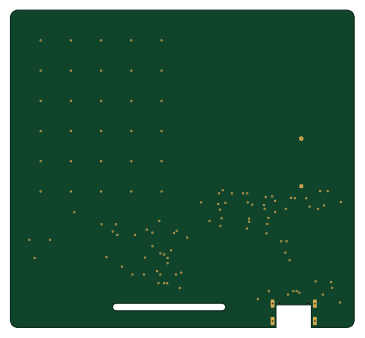 ESP32
ESP32Chroma badge
wisdom-km
91 × 84 mm52 parts2LCustom license0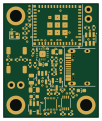 ESP32
ESP32Smove r2-main
okbrainhq
25 × 30 mm48 parts4LMIT0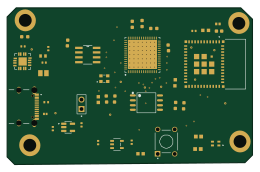 ESP32
ESP32Senseedge asic
fidel-makatia
65 × 41.5 mm42 parts2LApache-2.00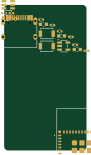 ESP32
ESP32Pcb space
RileyMcCarthy
21.9 × 38.7 mm19 parts2LMIT0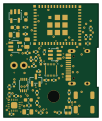 ESP32
ESP32Faf335b recovered
25 × 30 mm46 parts4LMIT0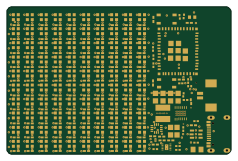 ESP32
ESP32Badge
glovepost
59.3 × 39 mm245 parts4LMIT1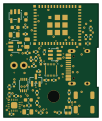 ESP32
ESP32Freerouting rejected-3-opens-In1
25 × 30 mm46 parts4LMIT0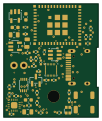 ESP32
ESP32Manual refilled-15-opens
25 × 30 mm46 parts4LMIT0
About these open source PCB designs
Every board here is a published hardware project: a public GitHub repository with KiCad design files and a bill of materials. HardLabs reads those files directly — the board outline for its size, the copper layers, every footprint for the parts list — and draws the render from the layout itself, so what you see is the design as committed rather than a product photo.
Boards are indexed by the microcontroller they are built around, by what they are for, and by every IC and module on them. That makes the gallery a quick way to find a reference design: look up a part number to see how other engineers power, decouple and connect it.
Using an open source board as a reference design
- Find boards built on your chip or with the part you are designing around.
- Compare their size, layer count and bill of materials, and open the KiCad files on GitHub.
- Check the license before reusing any of the design.
- Simulate the firmware on HardLabs to test your changes before you order a PCB.
Open source PCB designs: common questions
What is an open source PCB?
A printed circuit board whose design files — schematic, layout and bill of materials — are published for anyone to study and, depending on the license, to modify and manufacture.
Are these PCB designs free to use?
It depends on each project's license. Open hardware licenses such as CERN-OHL and CC BY-SA, and software licenses such as MIT, allow reuse on their terms; a repository with no license keeps all rights with its author. Every board page shows its license.
What design files do the boards come with?
They are KiCad projects: the .kicad_pcb layout and the schematic (or a netlist from older KiCad versions), plus a bill of materials, usually a CSV. Each board page links to those files in the original GitHub repository.
How do I find boards that use a specific part?
Search for the part number, or open the part's page from the list of parts. It shows every board built with that part and the parts most often used alongside it.
How many boards are there, and how often is the list updated?
21,636 boards from 10,868 repositories today. New projects are found and added every night.
Can I test a board's firmware before ordering the PCB?
Yes. HardLabs builds a simulation of a board from its netlist and BOM, so you can boot and debug firmware against it with no hardware on your desk.