
25 open source boards using the CP2102N
Real designs built with the CP2102N, from public GitHub projects: a quick way to see how others power, decouple and connect it. Each board comes with its KiCad files, full parts list and a render — and you can simulate its firmware on HardLabs.
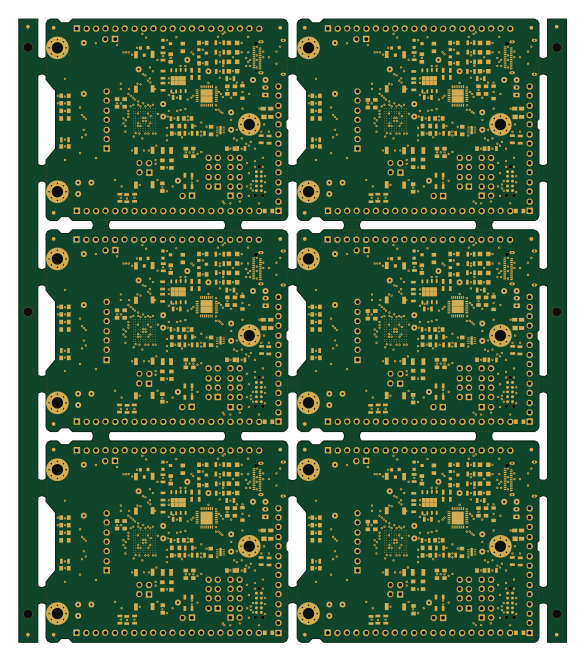
Breakpanel
monero-project
145 × 165 mm105 parts2LCERN-OHL-1.2115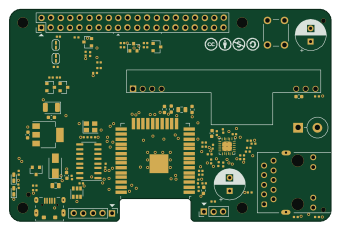 ESP32
HB-RF-ETH
alexreinert
85 × 56 mm86 parts2LCC-BY-NC-4.0104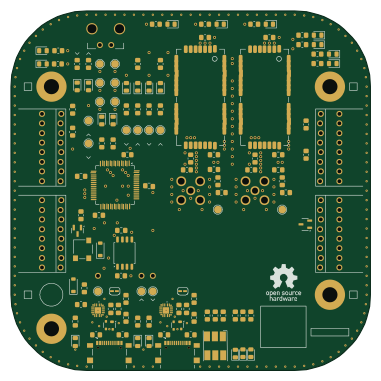
Telemetry Onboard
Spaceflight-Rocketry-Giessen-e-V
95 × 95 mm138 parts4LCERN-OHL-S-2.027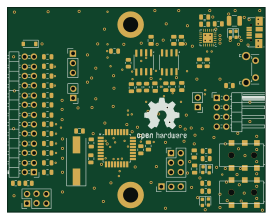 AVR/Arduino
Stepcraft-GRBLizer
eflukx
68 × 54 mm69 parts2LNo license15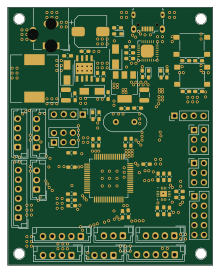 STM32
OpenSTM32F4 LQFP64
phonght32
54 × 68 mm77 parts2LMIT7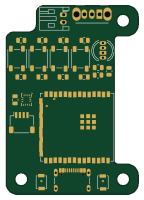 ESP32
Imu rc hand unit
DimitriOnLSD
35 × 50 mm73 parts2LMIT7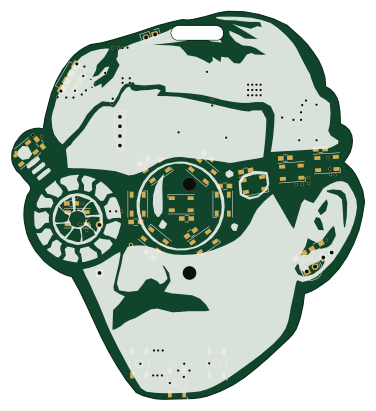
BENOTL
eacandelas
93.3 × 102.6 mm59 parts2LApache-2.03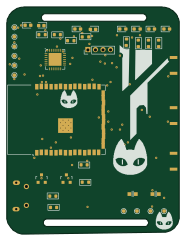 ESP32
Schrodinger-Clock-PCB-Watch-
nithinmathewjoji
45.7 × 60.2 mm40 parts2LMIT3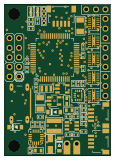 STM32
3-Axis-Gimbal
IsmaHaikal0910
28 × 40 mm73 parts4LNo license0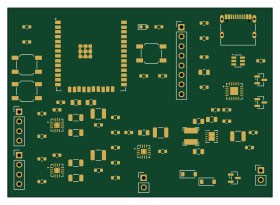 ESP32
Isc motorbeep
ISC-HEI
70 × 50 mm69 parts4LNo license0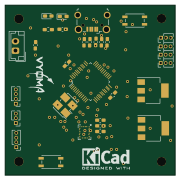 STM32
STM32FC
prashanthmypadi
45 × 45 mm52 parts2LNo license0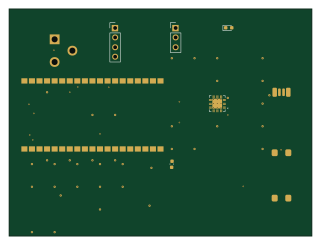 ESP32
Esp32-clima
Ontos-2021
80 × 60 mm30 parts2LNo license0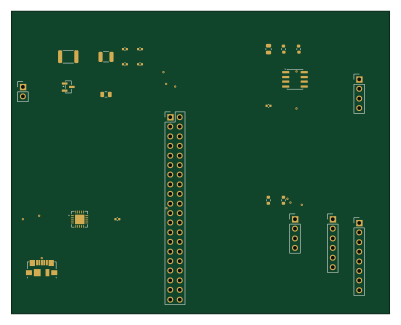 Raspberry Pi
Electrical
engineering-with-ai
100 × 80 mm24 parts2LNo license0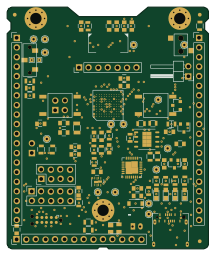
Breakneck
53.3 × 64 mm89 parts2LCERN-OHL-1.2115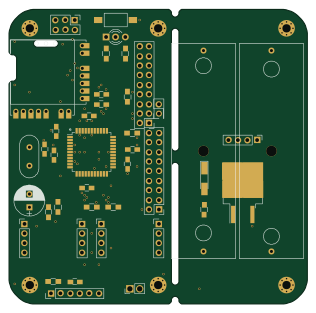 AVR/Arduino
HB-UNI-644
79 × 78 mm64 parts2LCC-BY-NC-4.0104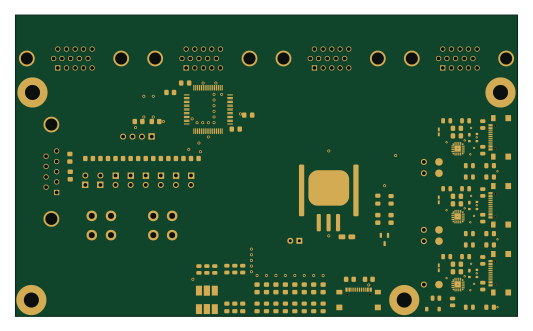
Telemetry Groundstation Motherboard
133 × 79.8 mm119 parts2LCERN-OHL-S-2.027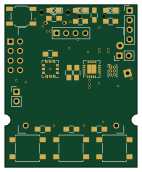 AVR/Arduino
Oc DevKit2
SuperMechaCow
35 × 43 mm39 parts2LMIT20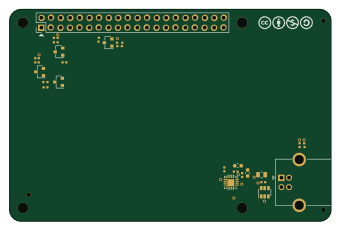
HB-RF-USB-2
85 × 56 mm27 parts2LCC-BY-NC-4.0104 ESP32
Spectre-Sniffer
jayis1
80 × 320 mm23 parts4LNo license3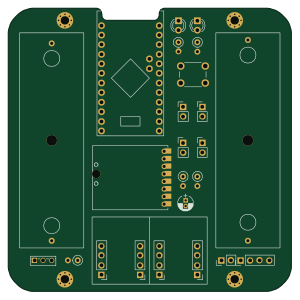 AVR/Arduino
HB-UNI-SEN-BATT
75 × 75 mm25 parts2LCC-BY-NC-4.0104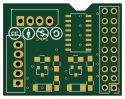
HB-UNI-644-S4-A4
31.1 × 24.1 mm24 parts2LCC-BY-NC-4.0104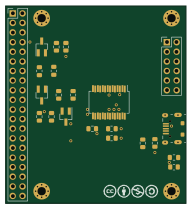
HB-RF-USB
47.6 × 52.1 mm22 parts2LCC-BY-NC-4.0104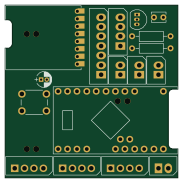 AVR/Arduino
HB-UNI-SEN-WEA
45.7 × 45.7 mm17 parts2LCC-BY-NC-4.0104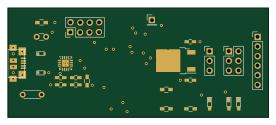
USB CP2102N
hirakuni45
68.9 × 28.9 mm26 parts2LBSD-3-Clause86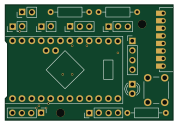 AVR/Arduino
HB-UNI-SEN
44.5 × 30.5 mm15 parts2LCC-BY-NC-4.0104
How designs wire the CP2102N
Read from the KiCad layouts of 15 open source designs, one per repository: what each pin of the CP2102N connects to, and the resistors, capacitors and other passives placed on it.
- The VDD pin has a decoupling capacitor on 11 of 14 designs, most often 100 nF (then 4.7 µF).
- The RS485/GPIO.1 pin is left unconnected on 13 of 15 designs.
- The SUSPEND pins is left unconnected on 93% of them (a signal on 2).
- The WAKEUP pin is left unconnected on 13 of 14 designs.
| Pin | Connected to | Parts on the pin |
|---|---|---|
| RS485/GPIO.1pin 1 | Connected to: Not connected 87% | — |
| VDDpin 6 | Connected to: 3.3V 71% · a signal 21% |
|
| VREGINpin 7 | Connected to: 3.3V 79% |
|
| VBUSpin 8 | Connected to: VBUS 50% · a signal 36% |
|
| NCpin 10 | Connected to: Not connected 93% | — |
| SUSPENDpin 11, 14 | Connected to: Not connected 93% | — |
| WAKEUPpin 13 | Connected to: Not connected 93% | — |
| CTSpin 15 | Connected to: Not connected 79% · a signal 21% | — |
| RTSpin 16 | Connected to: Not connected 93% | — |
| RXDpin 17 | Connected to: Not connected 71% · a signal 29% | — |
| RXT/GPIO.3pin 19 | Connected to: Not connected 57% · a signal 43% |
|
| DSRpin 22, 27 | Connected to: Not connected 92% | — |
| DTRpin 23, 28 | Connected to: Not connected 54% · a signal 46% |
|
| DCDpin 24 | Connected to: Not connected 80% · a signal 20% | — |
7 more pins vary from design to design. Connections count pins, parts count designs; values in brackets are how many parts had that value. Designs read include Breakneck by monero-project, HB-RF-ETH by alexreinert, USB CP2102N by hirakuni45 and Telemetry Groundstation Motherboard by Spaceflight-Rocketry-Giessen-e-V.
The CP2102N in open source designs
The gallery holds 25 open source boards using the CP2102N from 16 GitHub repositories; a typical one measures about 68.9 × 56 mm and carries around 52 components.
84% are two-layer designs, the rest use four layers or more, and 40% carry an open source license.
The most starred is Breakpanel by monero-project.
Parts used alongside the CP2102N
Microcontrollers on boards using the CP2102N
What boards using the CP2102N are built for
CP2102N: common questions
Where can I find a CP2102N reference design?
Each of the 25 boards on this page is a real design using the CP2102N. Open one to see how it is wired up, with the full BOM, a render of the layout and links to its KiCad files.
What decoupling capacitors do designs use on the CP2102N VDD pin?
The VDD pin has a decoupling capacitor on 11 of 14 designs, most often 100 nF (then 4.7 µF). Counted from the KiCad layouts of 15 open source designs using the CP2102N.
How is the CP2102N RS485/GPIO.1 pin connected?
The RS485/GPIO.1 pin is left unconnected on 13 of 15 designs. Counted from the KiCad layouts of 15 open source designs using the CP2102N.
How is the CP2102N SUSPEND pin connected?
The SUSPEND pins is left unconnected on 93% of them (a signal on 2). Counted from the KiCad layouts of 15 open source designs using the CP2102N.
What parts are used alongside the CP2102N?
The AMS1117-3.3, ESP32-S3-WROOM-1 and ESP32-WROOM-32 appear in the most repositories here.
Which microcontrollers do boards using the CP2102N use?
Most are built on AVR/Arduino (6), ESP32 (6), STM32 (3) and Raspberry Pi (1).
How big is a typical board using the CP2102N?
The median is 68.9 × 56 mm, and 84% are two-layer designs.
What is the most popular open source board using the CP2102N?
By GitHub stars, Breakpanel by monero-project, with 115 stars.
Can I simulate one of these boards using the CP2102N before building it?
Yes. HardLabs turns a board's netlist and BOM into a working simulation, so you can boot and test firmware against it with no hardware on your desk.