
Open source PCB designs you can simulate
19,015 boards
Every public KiCad project we can find on GitHub, with its processor, full parts list and a render of the board. Any of them can be brought up in simulation: open one and run firmware on it before you order a single PCB.
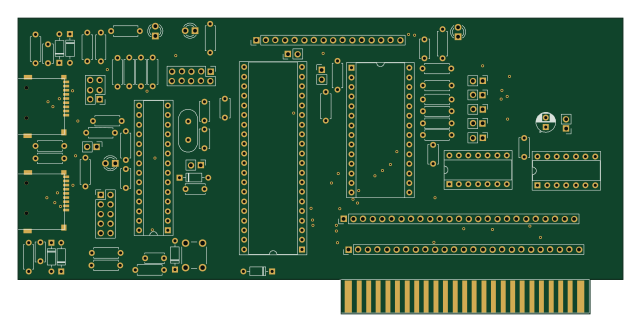 AVR/Arduino
Apple2Card
profdc9
160 × 78.2 mm77 parts2LNo license95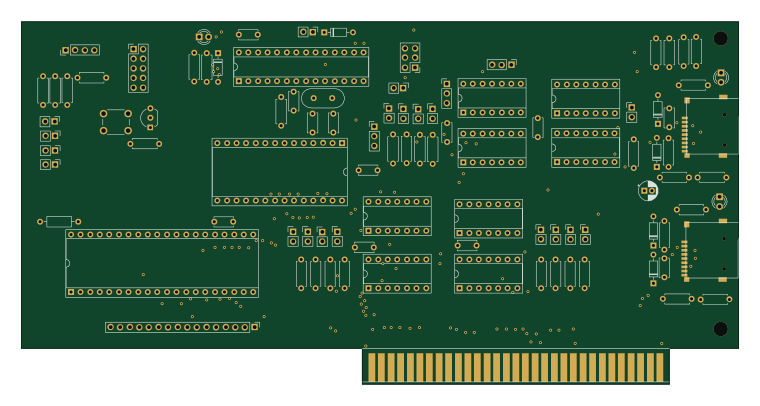 AVR/Arduino
ISACard
189.7 × 95.9 mm99 parts2LCC-BY-SA-4.046- schematic only · 15 partsAVR/Arduino
Kicad firmware generation
DLR-RY
15 partsMIT26 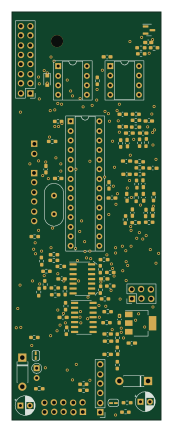 AVR/Arduino
Mainboard
jypma
39.4 × 108 mm122 parts2LNo license8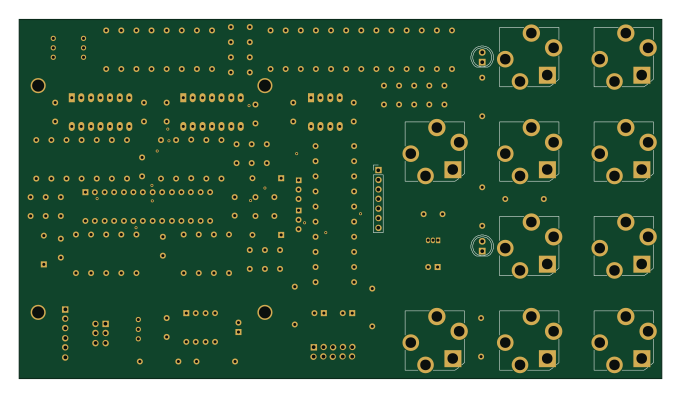 AVR/Arduino
QuantizerBack
BenRufenacht
170 × 95 mm130 parts2LNo license1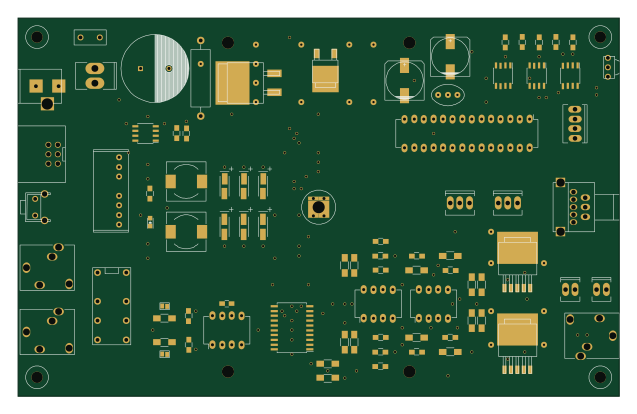 AVR/Arduino
IR remote controlled amplifier main board
ak1211
159 × 100 mm123 parts2LMIT1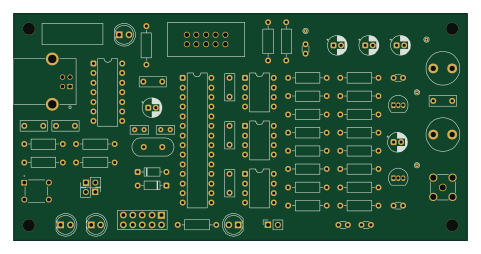 AVR/Arduino
Rtty transmitter
bazsimarkus
120 × 60 mm71 parts2LNo license1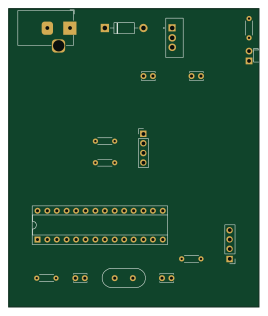 AVR/Arduino
Station-Meteo-ATmega328P
Jordan-eng
66 × 78.7 mm17 parts2LNo license1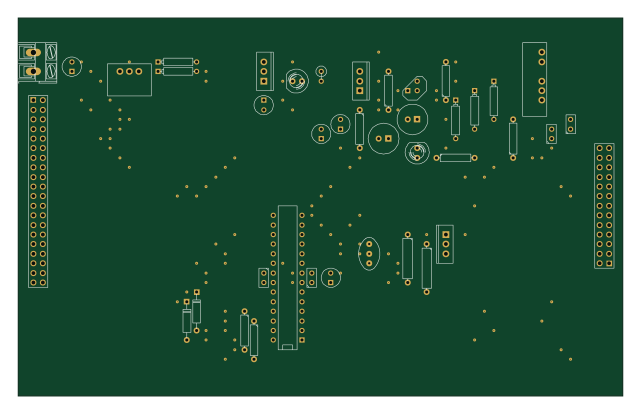 AVR/Arduino
Board
160 × 100 mm118 parts2LMIT1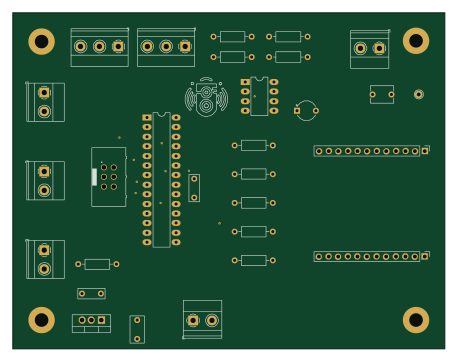 AVR/Arduino
Atmega BM83 RevB
Antonio-Balestrino
114.3 × 88.9 mm29 parts2LApache-2.01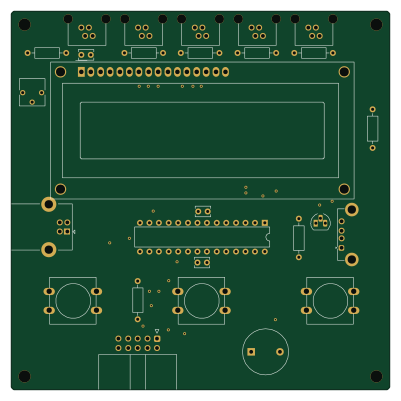 AVR/Arduino
Kamaji classic v1
iley
100 × 100 mm27 parts2LMIT4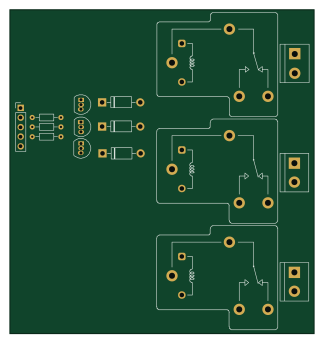 AVR/Arduino
Proyecto V2(1)
NicolasSchkurko
80.5 × 85.7 mm44 parts2LNo license1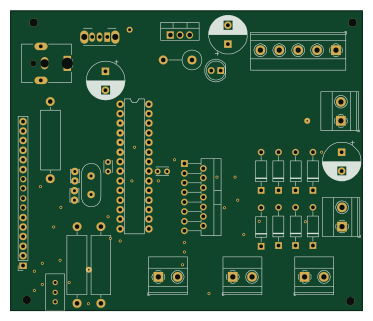 AVR/Arduino
Pcb1
odobot
93.1 × 79.3 mm34 parts2LNo license1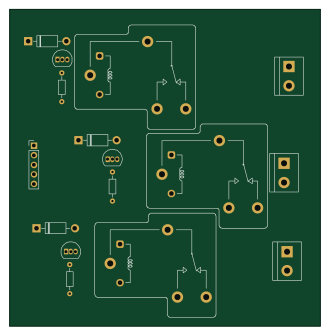 AVR/Arduino
Proyecto V2 nico
82.2 × 83.8 mm44 parts2LNo license1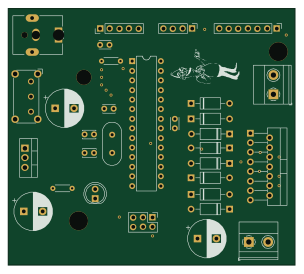 AVR/Arduino
Atmega32 Robot
75.9 × 67.9 mm28 parts2LNo license1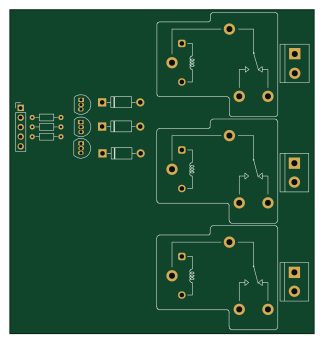 AVR/Arduino
Proyecto V2bckp
80.5 × 85.7 mm44 parts2LNo license1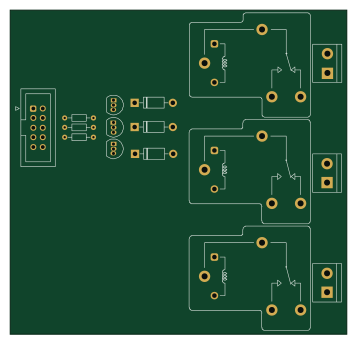 AVR/Arduino
Proyecto V2 backup lvlsens y tempsens
89 × 85.7 mm42 parts2LNo license1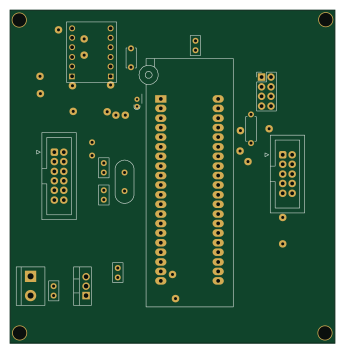 AVR/Arduino
Placa main ESPtestsocket
86.1 × 88.2 mm17 parts2LNo license1
About these open source PCB designs
Every board here is a published hardware project: a public GitHub repository with KiCad design files and a bill of materials. HardLabs reads those files directly — the board outline for its size, the copper layers, every footprint for the parts list — and draws the render from the layout itself, so what you see is the design as committed rather than a product photo.
Boards are indexed by the microcontroller they are built around, by what they are for, and by every IC and module on them. That makes the gallery a quick way to find a reference design: look up a part number to see how other engineers power, decouple and connect it.
Using an open source board as a reference design
- Find boards built on your chip or with the part you are designing around.
- Compare their size, layer count and bill of materials, and open the KiCad files on GitHub.
- Check the license before reusing any of the design.
- Simulate the firmware on HardLabs to test your changes before you order a PCB.
Open source PCB designs: common questions
What is an open source PCB?
A printed circuit board whose design files — schematic, layout and bill of materials — are published for anyone to study and, depending on the license, to modify and manufacture.
Are these PCB designs free to use?
It depends on each project's license. Open hardware licenses such as CERN-OHL and CC BY-SA, and software licenses such as MIT, allow reuse on their terms; a repository with no license keeps all rights with its author. Every board page shows its license.
What design files do the boards come with?
They are KiCad projects: the .kicad_pcb layout and the schematic (or a netlist from older KiCad versions), plus a bill of materials, usually a CSV. Each board page links to those files in the original GitHub repository.
How do I find boards that use a specific part?
Search for the part number, or open the part's page from the list of parts. It shows every board built with that part and the parts most often used alongside it.
How many boards are there, and how often is the list updated?
19,015 boards from 9,380 repositories today. New projects are found and added every night.
Can I test a board's firmware before ordering the PCB?
Yes. HardLabs builds a simulation of a board from its netlist and BOM, so you can boot and debug firmware against it with no hardware on your desk.