
27 open source boards using the INA228AIDGSR
Real designs built with the INA228AIDGSR, from public GitHub projects: a quick way to see how others power, decouple and connect it. Each board comes with its KiCad files, full parts list and a render — and you can simulate its firmware on HardLabs.
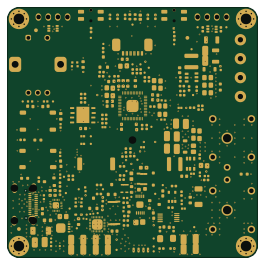 RP2040/RP2350
PD240W
theohg
66 × 66 mm213 parts6LCC-BY-NC-4.0125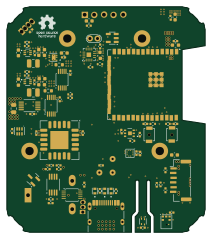 ESP32
ESPHome-Indoor-Multi-Sensor
mikelawrence
52.5 × 59.7 mm97 parts4LCERN-OHL-P-2.012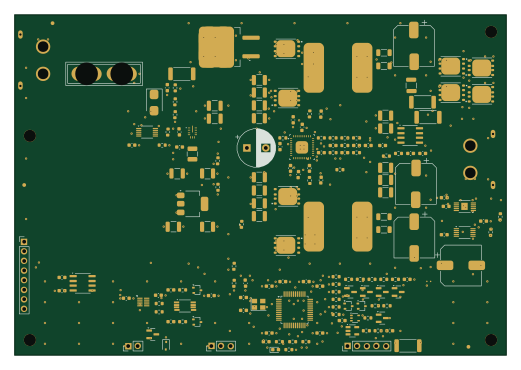 STM32
Phase2-module
udaravima
130 × 90 mm172 parts4LGPL-3.01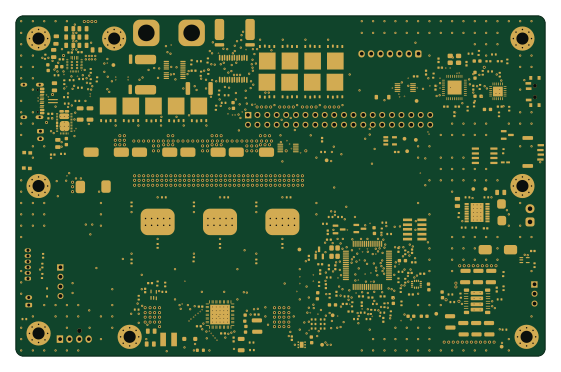 STM32
Atlas drive
AtlasAutoware
140 × 90 mm377 parts6LNo license0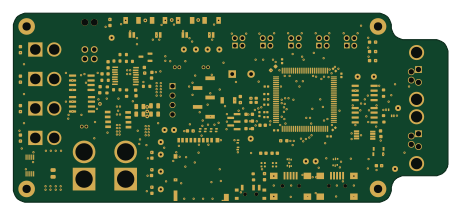 STM32
PROMETHEUS
EPFLRocketTeam
115 × 50 mm259 parts4LNo license0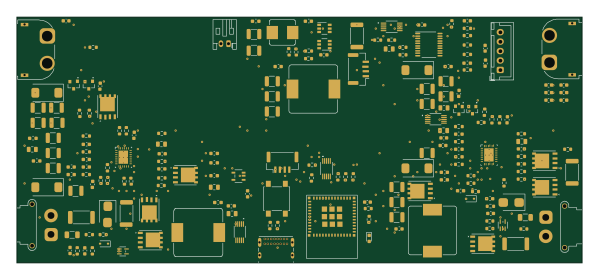 ESP32
Solar
DinosaurPotato534
149.6 × 65 mm201 parts2LNo license0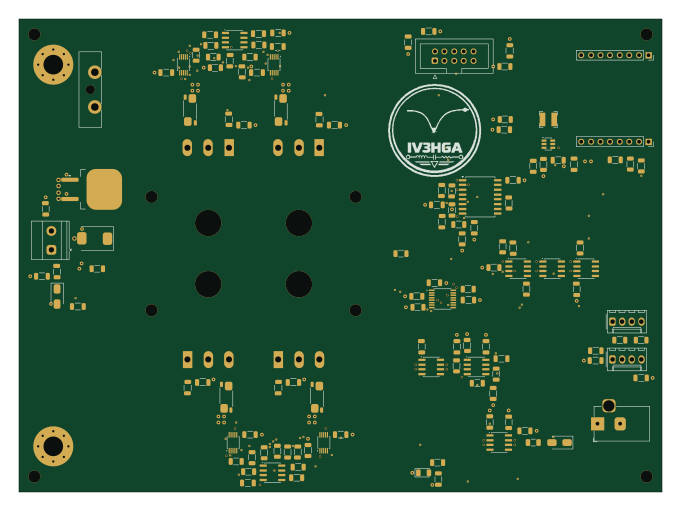
Eload-60v
metallarox
170 × 125 mm132 parts2LCERN-OHL-S-2.00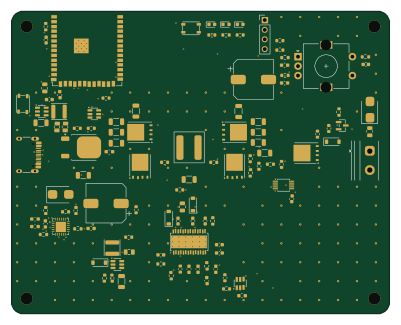 ESP32
Pd brick
enkhbold470
100 × 80 mm116 parts4LCERN-OHL-S-2.00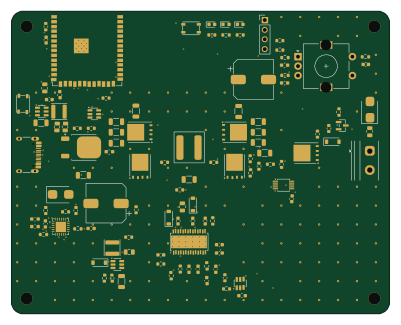 ESP32
Pd brick
100 × 80 mm116 parts4LCERN-OHL-S-2.00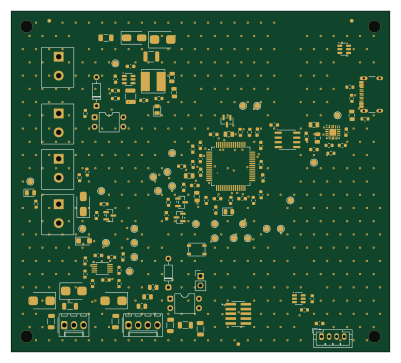 STM32
OSBAMS Rev2 RC1
hle12345
100 × 90 mm115 parts4LMIT0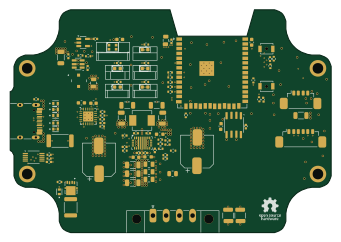 ESP32
ESPHome-Parking-Assistant
85 × 59 mm107 parts4LCERN-OHL-P-2.00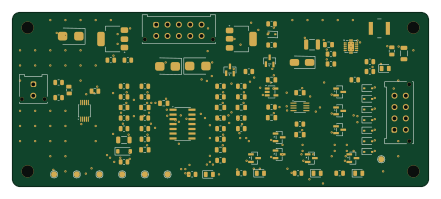
Rover panel
karimf1
110 × 46 mm95 parts2LMIT0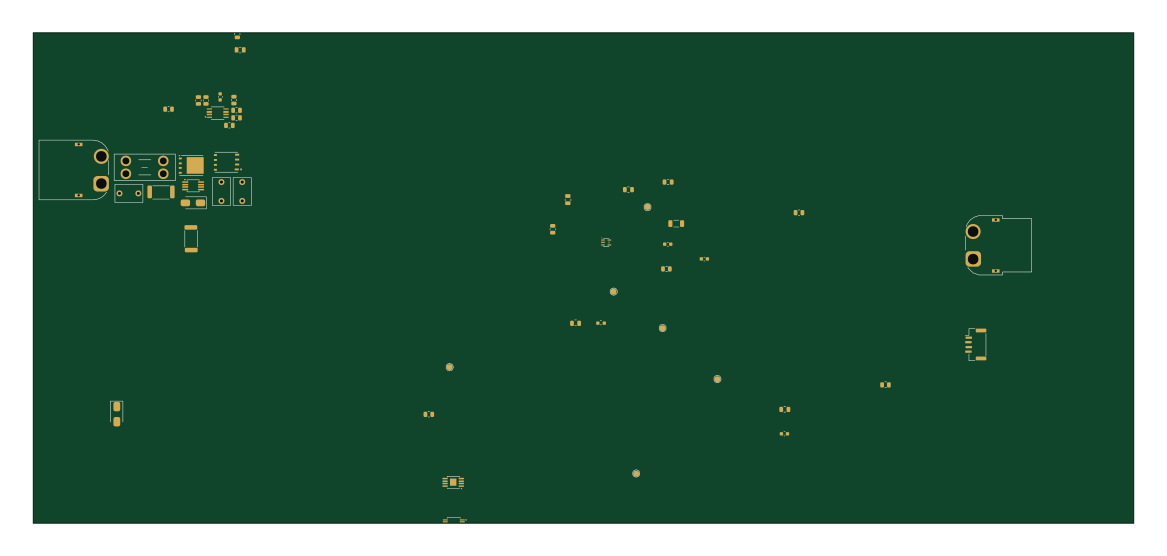
Osiris PDB RevA
JaredGarza
291.3 × 129.8 mm52 parts2LNo license0- schematic only · 121 parts
Lobo Sat EPS V1
jwerzowa
121 partsNo license0 - schematic only · 19 parts
Esl dut dongle
DynamicDevices
19 parts2LCustom license0 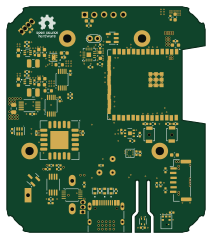 ESP32
Stencil
52.5 × 59.7 mm97 parts4LCERN-OHL-P-2.012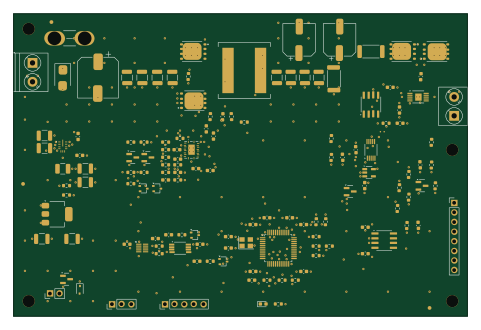 STM32
Phase1-module
120 × 80 mm136 parts4LGPL-3.01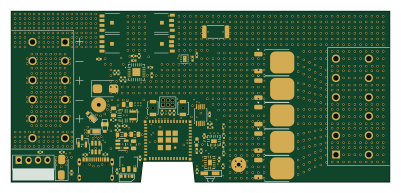 ESP32
Stencil
100 × 45 mm82 parts6LCERN-OHL-P-2.01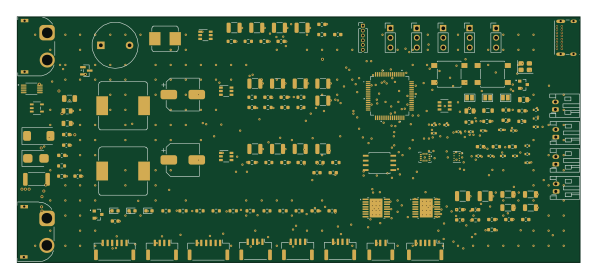 STM32
Flight controller
149 × 65 mm155 parts2LNo license0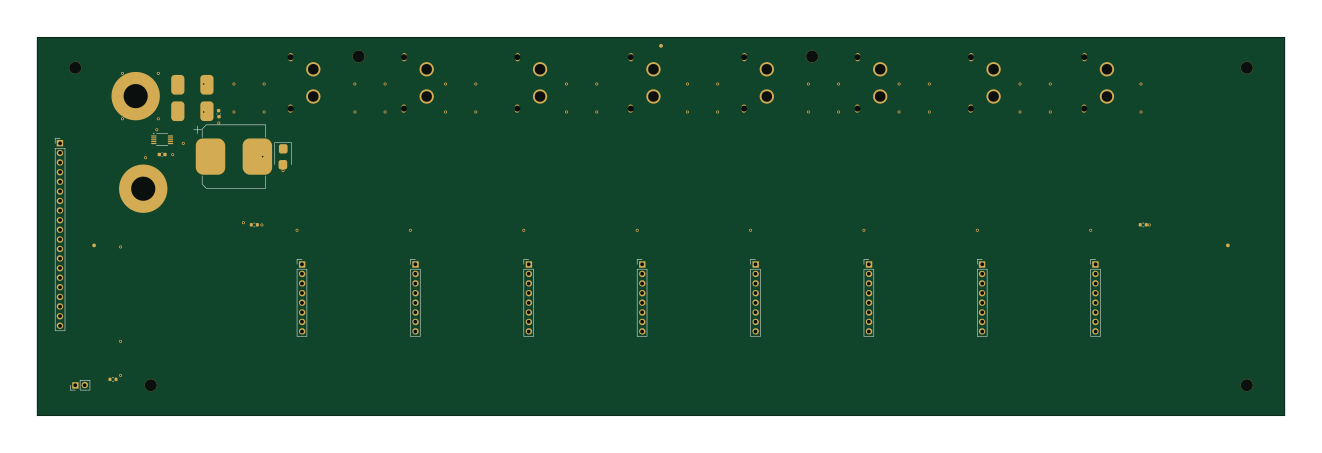
Phase3-backplane
330 × 100 mm28 parts2LGPL-3.01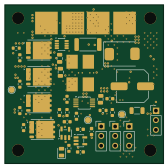
Before power arrays
scarletnova20
42 × 42 mm68 parts4LApache-2.00
Before process
42 × 42 mm68 parts4LApache-2.00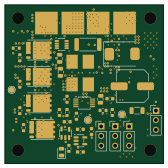
Before resume repair
42 × 42 mm68 parts4LApache-2.00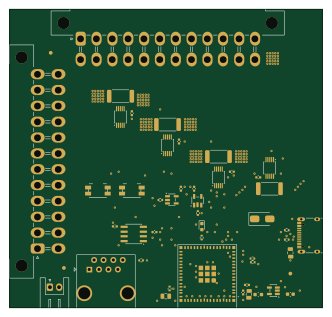 ESP32
24pin module
nathanfraske
82.9 × 79 mm46 parts4LApache-2.00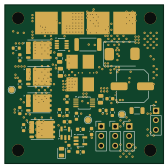
PDB 50A
42 × 42 mm68 parts4LApache-2.00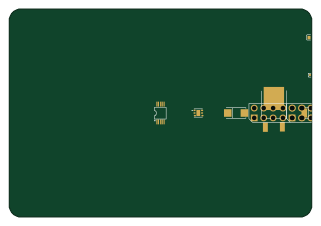
Dumbfinder benchbuddy power
pierrekin
80 × 55 mm19 parts2LNo license0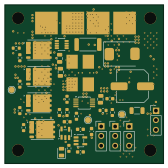
.via backup
42 × 42 mm68 parts4LApache-2.00
How designs wire the INA228AIDGSR
Read from the KiCad layouts of 17 open source designs, one per repository: what each pin of the INA228AIDGSR connects to, and the resistors, capacitors and other passives placed on it.
- The SDA pin has a pull-up to 3.3V on 14 of 17 designs, most often 4.7 kΩ (then 5.1 kΩ).
- The SCL pin has a pull-up to 3.3V on 14 of 17 designs, most often 4.7 kΩ (then 5.1 kΩ).
- The VS pin has a decoupling capacitor on 14 of 17 designs, most often 100 nF (then 10 µF).
- The VIN- pin has a series resistor on 12 of 17 designs, most often 10 Ω (then 100 Ω).
| Pin | Connected to | Parts on the pin |
|---|---|---|
| A1pin 1 | Connected to: GND 82% | — |
| A0pin 2 | Connected to: GND 82% | — |
| SDApin 4 | Connected to: The microcontroller 59%, a connector 47% |
|
| SCLpin 5 | Connected to: The microcontroller 59%, a connector 47% |
|
| VSpin 6 | Connected to: 3.3V 88% |
|
| GNDpin 7 | Connected to: GND 94% | — |
| VBUSpin 8 | Connected to: A connector 24% · VBUS 29% |
|
| VIN-pin 9 | Connected to: A connector 24% |
|
| VIN+pin 10 | Connected to: Signal 82% · VBUS 18% |
|
1 more pin varies from design to design. Connections count pins, parts count designs; values in brackets are how many parts had that value. Designs read include PD240W by theohg, ESPHome-Indoor-Multi-Sensor by mikelawrence, Stencil by mikelawrence and Phase1-module by udaravima.
The INA228AIDGSR in open source designs
The gallery holds 27 open source boards using the INA228AIDGSR from 19 GitHub repositories; a typical one measures about 100 × 65 mm and carries around 97 components.
69% use four copper layers or more, and 67% carry an open source license.
The most starred is PD240W by theohg.
Parts used alongside the INA228AIDGSR
Microcontrollers on boards using the INA228AIDGSR
What boards using the INA228AIDGSR are built for
INA228AIDGSR: common questions
Where can I find a INA228AIDGSR reference design?
Each of the 27 boards on this page is a real design using the INA228AIDGSR. Open one to see how it is wired up, with the full BOM, a render of the layout and links to its KiCad files.
What pull-up resistor is used on the INA228AIDGSR SDA pin?
The SDA pin has a pull-up to 3.3V on 14 of 17 designs, most often 4.7 kΩ (then 5.1 kΩ). Counted from the KiCad layouts of 17 open source designs using the INA228AIDGSR.
What pull-up resistor is used on the INA228AIDGSR SCL pin?
The SCL pin has a pull-up to 3.3V on 14 of 17 designs, most often 4.7 kΩ (then 5.1 kΩ). Counted from the KiCad layouts of 17 open source designs using the INA228AIDGSR.
What decoupling capacitors do designs use on the INA228AIDGSR VS pin?
The VS pin has a decoupling capacitor on 14 of 17 designs, most often 100 nF (then 10 µF). Counted from the KiCad layouts of 17 open source designs using the INA228AIDGSR.
What parts are used alongside the INA228AIDGSR?
The USBLC6-2SC6, ESP32-S3-WROOM-1-N8R8, STUSB4500QTR, AP63203WU-7 and LM5176PWPR appear in the most repositories here.
Which microcontrollers do boards using the INA228AIDGSR use?
Most are built on ESP32 (8), STM32 (6) and RP2040/RP2350 (1).
How big is a typical board using the INA228AIDGSR?
The median is 100 × 65 mm, and 31% are two-layer designs.
What is the most popular open source board using the INA228AIDGSR?
By GitHub stars, PD240W by theohg, with 125 stars.
Can I simulate one of these boards using the INA228AIDGSR before building it?
Yes. HardLabs turns a board's netlist and BOM into a working simulation, so you can boot and test firmware against it with no hardware on your desk.