
1,253 open source PCB designs, indexed by the chip they’re built around
Real boards from 450 public GitHub repositories, read straight from their KiCad files: size, layers, the full parts list and a render of the PCB. Find one close to what you’re building, then simulate its firmware on HardLabs before you order anything.
 STM32
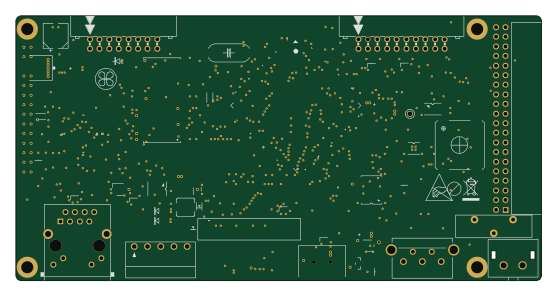
STM32EEZ DIB MCU r1B2
eez-open
139 × 70 mm191 partsTAPR-OHL-1.0391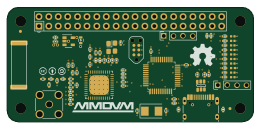 STM32
STM32MMDVM HS Hat
mathisschmieder
65.1 × 30.2 mm79 parts4LNo license200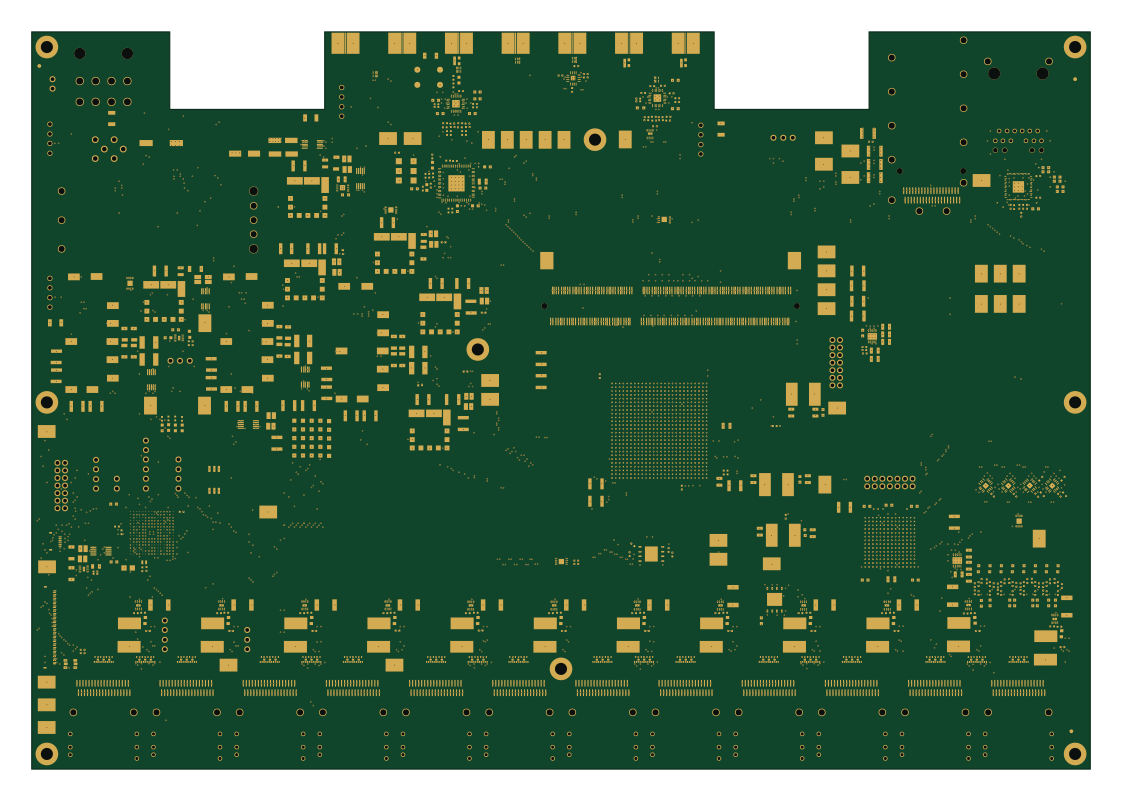 STM32
STM32Maxwell main
azonenberg
280 × 195 mm987 parts8LBSD-3-Clause193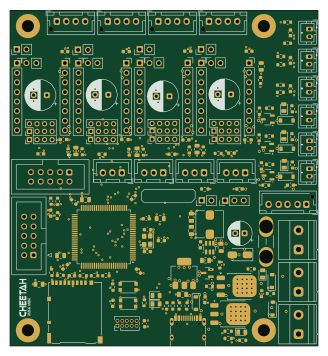 STM32
STM32Cheetah-MX4-Mini
KaiPereira
81.6 × 88.8 mm165 parts4LCERN-OHL-P-2.0180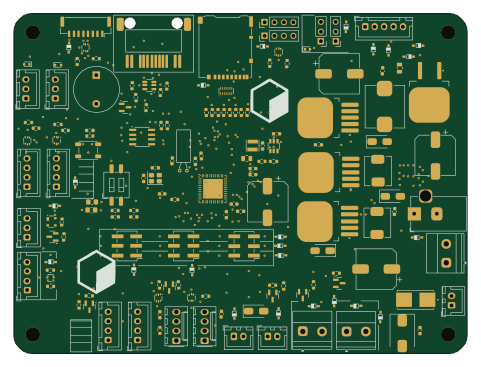 STM32
STM32Mainboard
Cluradev
120 × 90 mm162 parts4LNo license119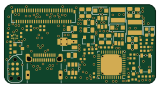 STM32
STM32USB-C-Screen-Adapter
Jana-Marie
40 × 20.8 mm60 parts4LGPL-3.068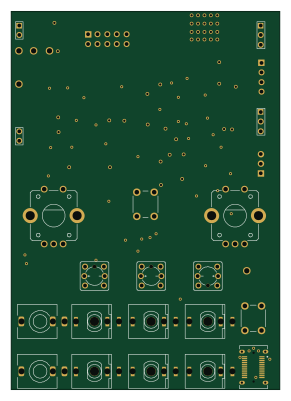 STM32
STM32Oscar components
dchwebb
71 × 100 mm63 parts4LUnlicense38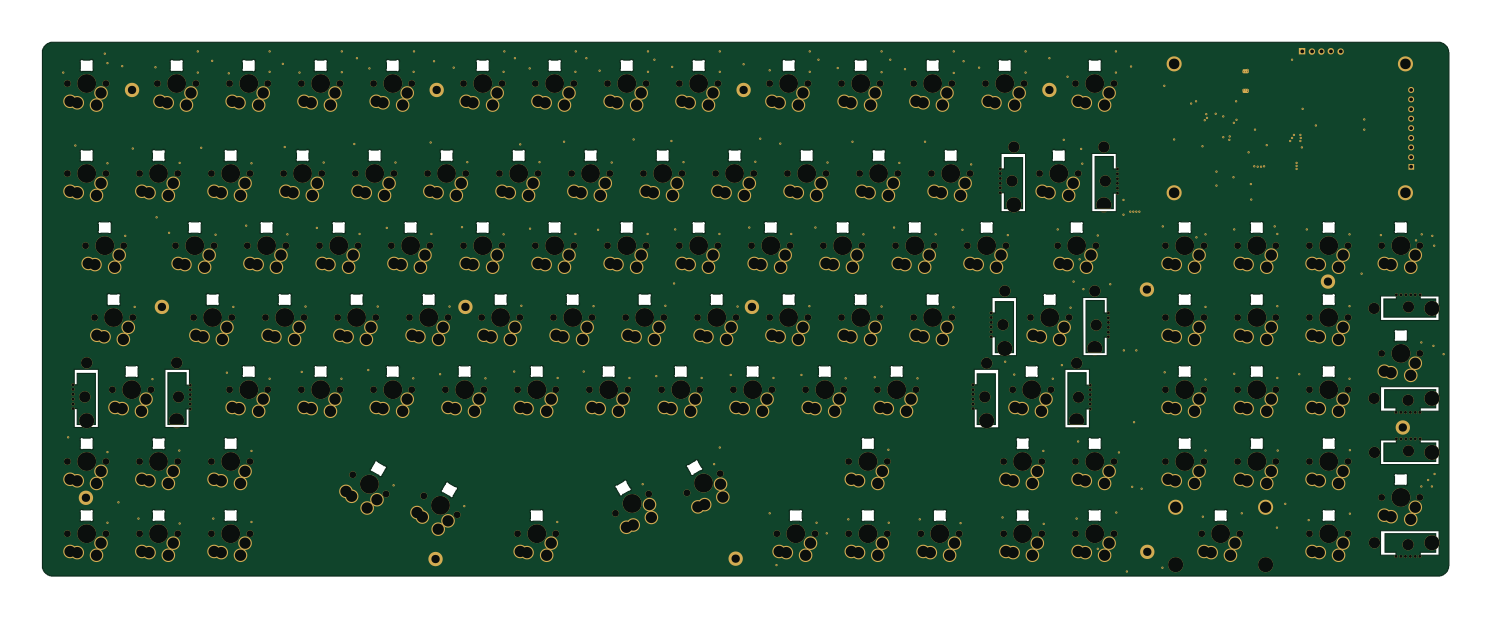 STM32
STM32Mist
modern-hobbyist
372.1 × 141.2 mm445 parts2LMIT25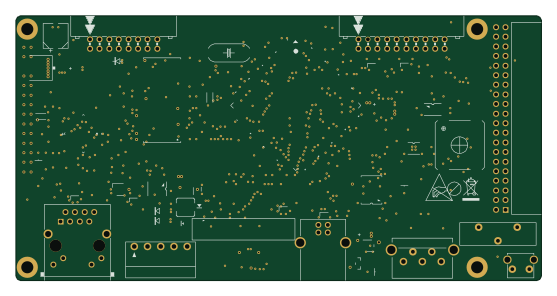 STM32
STM32EEZ DIB MCU r1B1
139 × 70 mm190 partsTAPR-OHL-1.0391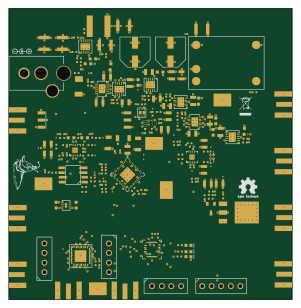 STM32
STM32Entry afe characterization
75 × 77 mm226 parts4LBSD-3-Clause193 STM32
STM32Hermod right
3.6 × 3.3 mm212 parts2LMIT25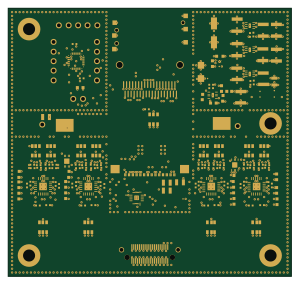 STM32
STM32La pod
75 × 71 mm210 parts4LBSD-3-Clause193 STM32
STM32Hermod left
3.6 × 3.3 mm196 parts2LMIT25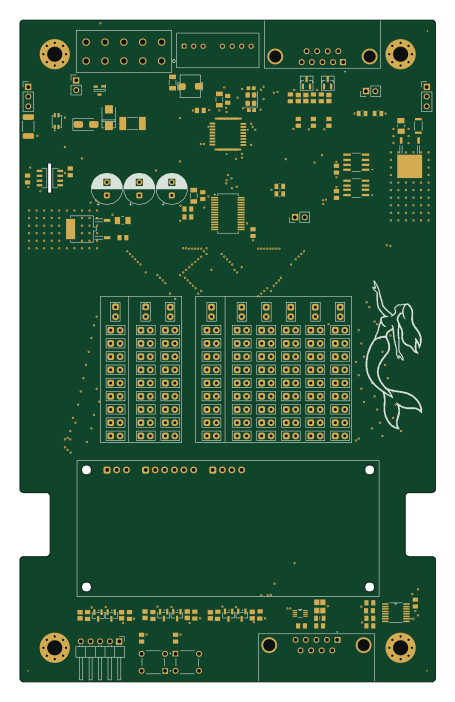 STM32
STM32Battery Display
Tuskar-Marine
110 × 175.3 mm187 parts4LNo license6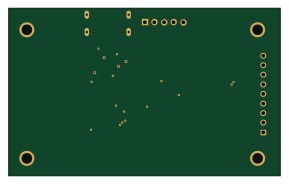 STM32
STM32Modern lcd keyboard
72 × 44.5 mm184 parts2LMIT25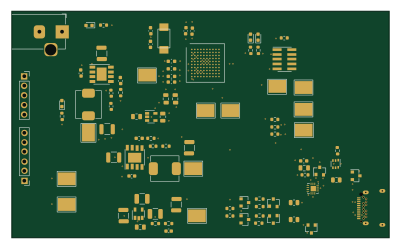 STM32
STM32Active host test
100 × 60 mm93 parts4LBSD-3-Clause193 STM32
STM32Paste
3.6 × 3.3 mm72 parts2LMIT25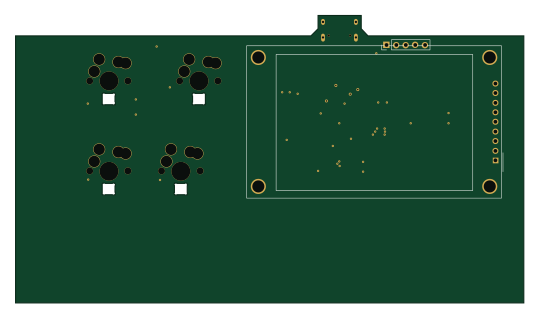 STM32
STM32Stm32G474RETx template
134.5 × 76 mm46 parts2LMIT25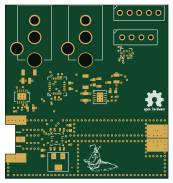 STM32
STM32Akl ad1
43 × 45.8 mm39 parts4LBSD-3-Clause193
About these open source PCB designs
Every board here is a published hardware project: a public GitHub repository with KiCad design files and a bill of materials. HardLabs reads those files directly — the board outline for its size, the copper layers, every footprint for the parts list — and draws the render from the layout itself, so what you see is the design as committed rather than a product photo.
Boards are indexed by the microcontroller they are built around, by what they are for, and by every IC and module on them. That makes the gallery a quick way to find a reference design: look up a part number to see how other engineers power, decouple and connect it.
Using an open source board as a reference design
- Find boards built on your chip or with the part you are designing around.
- Compare their size, layer count and bill of materials, and open the KiCad files on GitHub.
- Check the license before reusing any of the design.
- Simulate the firmware on HardLabs to test your changes before you order a PCB.
Open source PCB designs: common questions
What is an open source PCB?
A printed circuit board whose design files — schematic, layout and bill of materials — are published for anyone to study and, depending on the license, to modify and manufacture.
Are these PCB designs free to use?
It depends on each project's license. Open hardware licenses such as CERN-OHL and CC BY-SA, and software licenses such as MIT, allow reuse on their terms; a repository with no license keeps all rights with its author. Every board page shows its license.
What design files do the boards come with?
They are KiCad projects: the .kicad_pcb layout and the schematic (or a netlist from older KiCad versions), plus a bill of materials, usually a CSV. Each board page links to those files in the original GitHub repository.
How do I find boards that use a specific part?
Search for the part number, or open the part's page from the list of parts. It shows every board built with that part and the parts most often used alongside it.
How many boards are there, and how often is the list updated?
1,253 boards from 450 repositories today. New projects are found and added every night.
Can I test a board's firmware before ordering the PCB?
Yes. HardLabs builds a simulation of a board from its netlist and BOM, so you can boot and debug firmware against it with no hardware on your desk.