
66 open source boards using the FT230XS
Real designs built with the FT230XS, from public GitHub projects: a quick way to see how others power, decouple and connect it. Each board comes with its KiCad files, full parts list and a render — and you can simulate its firmware on HardLabs.
 AVR/Arduino
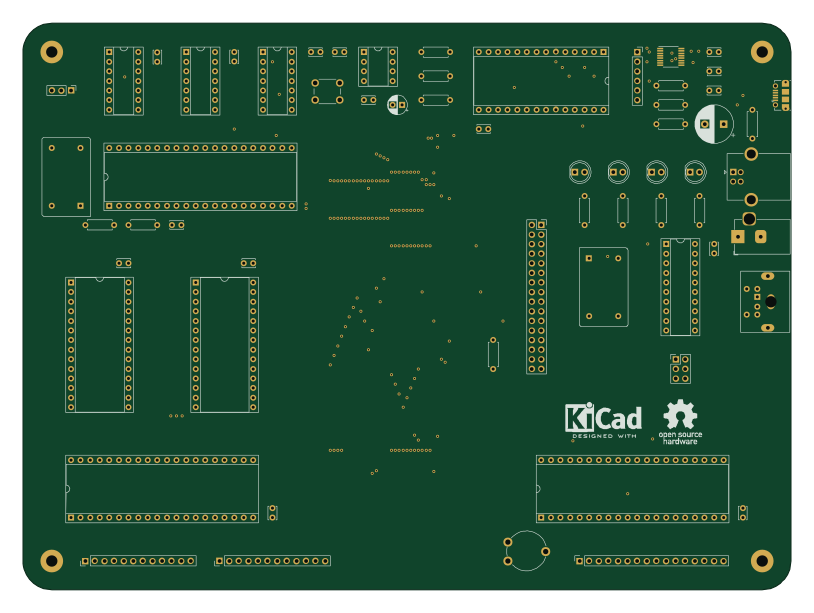
65C02 Computer
dbuchwald
203.2 × 149.9 mm62 parts2LMIT176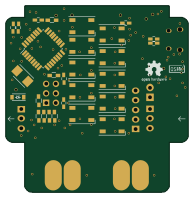 AVR/Arduino
Nixiepipe hardware
tuna-f1sh
48.2 × 49.3 mm45 parts2LCC-BY-SA-4.019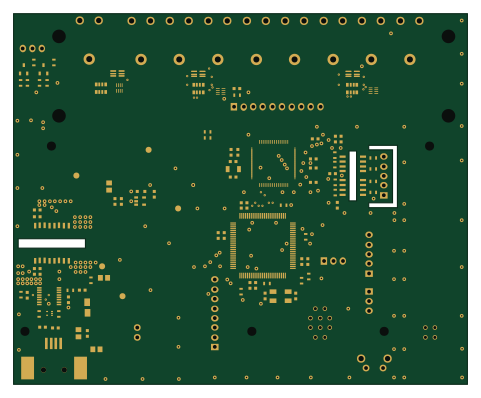 NXP
BioAmp v1.1.0
prototipado
120 × 98 mm111 parts2LBSD-3-Clause16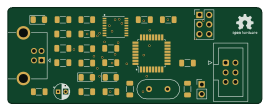 AVR/Arduino
UPDI programmer
67.3 × 25.4 mm29 parts2LMIT10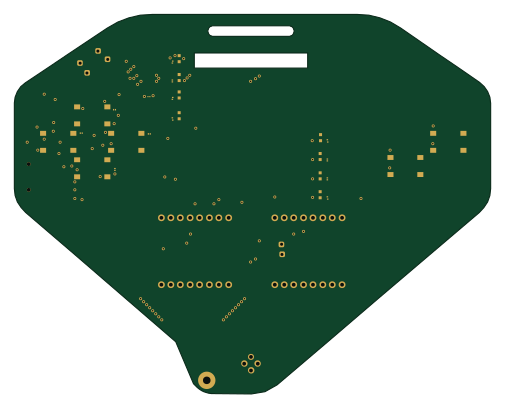 Nordic nRF
Dragon joke
DC801
126 × 100.4 mm83 parts2LNo license8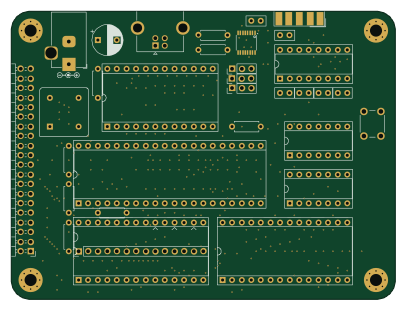
Minimal-6502
techav-homebrew
101.6 × 76.2 mm30 parts2LNo license5- schematic only · 170 parts
Yatagarasu red
DCoJA
170 partsCC-BY-SA-4.05 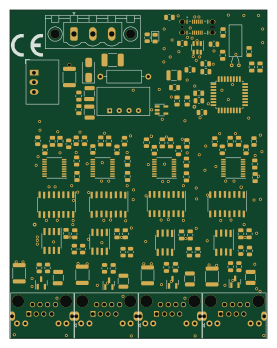
RS485USB
jirihusak
68 × 87 mm120 parts2LGPL-3.04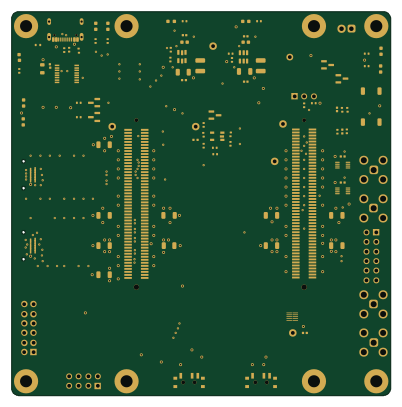
MicroZedIntanInterface
kemerelab
100.3 × 101.6 mm86 parts4LMIT3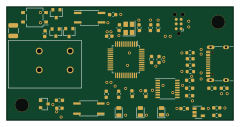 NXP
Kicad dali usb lpc
SvenHaedrich
60 × 30 mm45 parts4LMIT3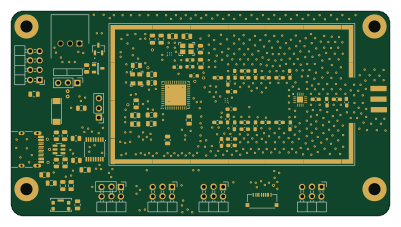 STM32
LoRa-Board
phancak
100 × 54 mm116 parts4LMIT2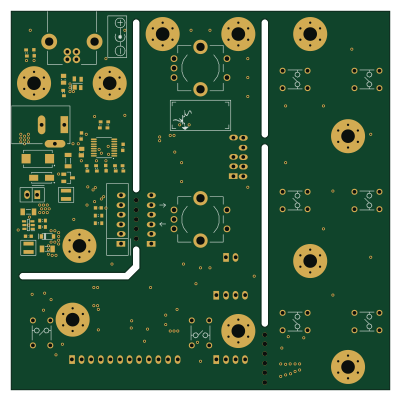 Microchip SAM
Mod1base
semianalog
100 × 100 mm110 parts2LCC0-1.02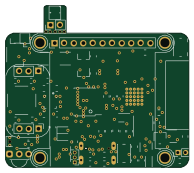 ESP32
Watch2 (copy)
atctwo
48.5 × 42.9 mm70 partsMIT2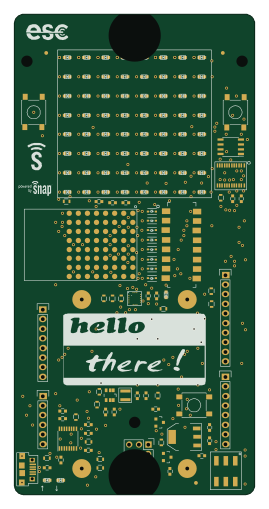 NXP
Snap badge hardware
synapse-wireless
63.5 × 127 mm138 parts2LNo license1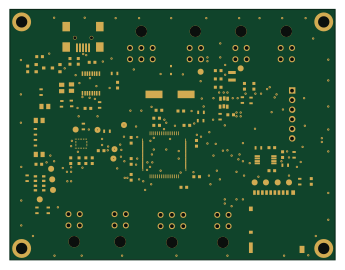 STM32
Andromeda-V2.2
StudentOrganisationForAerospaceResearch
86.1 × 66.3 mm82 parts2LNo license1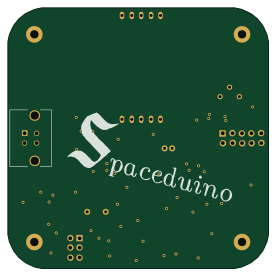 AVR/Arduino
Spaceduino
UWCubeSat
69 × 69 mm81 parts2LMIT1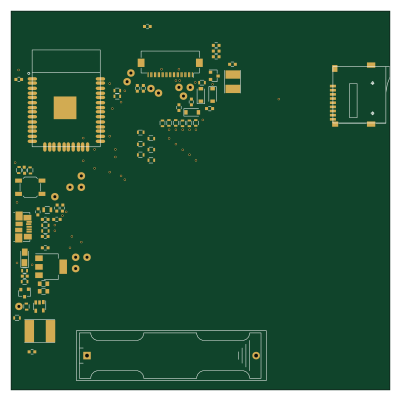 ESP32
Epaper badge
aks4896
100 × 100 mm79 parts2LMIT1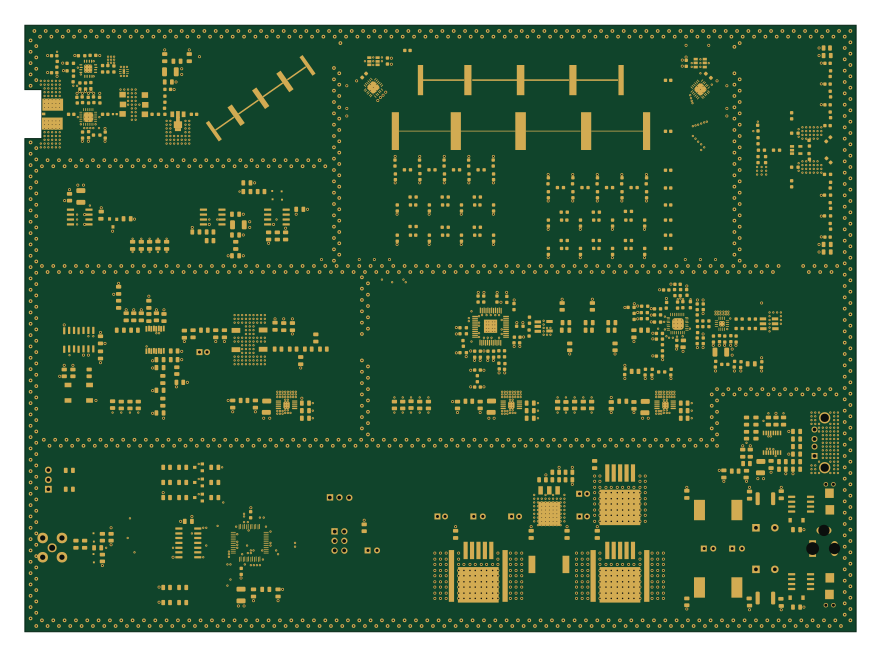 AVR/Arduino
Hauptplatine
JoshCrouch
220 × 160.5 mm504 parts4LNo license0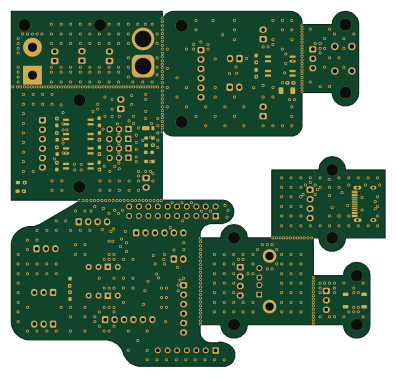 Raspberry Pi
ORCA CORE
UEC-RMF-Rescue
99 × 94 mm182 parts2LNo license0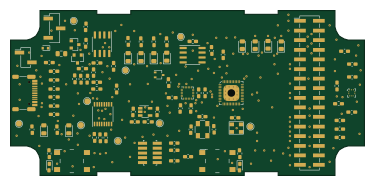 RISC-V
Himudev hw
resset
93.6 × 43.6 mm127 parts4LNo license0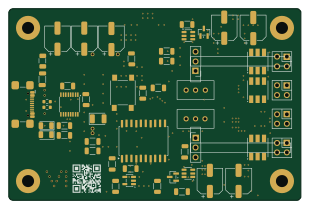 AVR/Arduino
Pdb
0x007E
77.5 × 50.8 mm110 parts2LCC-BY-NC-4.00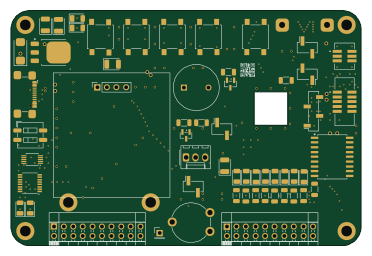
Mgc
92.7 × 62.2 mm108 parts2LCC-BY-NC-4.00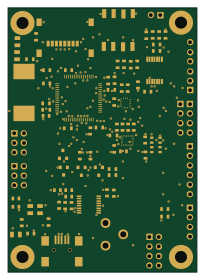 STM32
Avionics-Andromeda
50 × 70 mm86 parts4LNo license0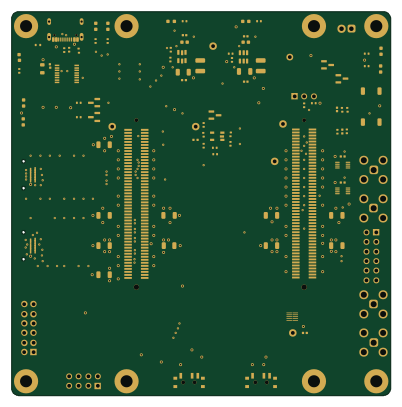
Glance neuro hardware
glanceneuro
100.3 × 101.6 mm86 parts4LCERN-OHL-P-2.00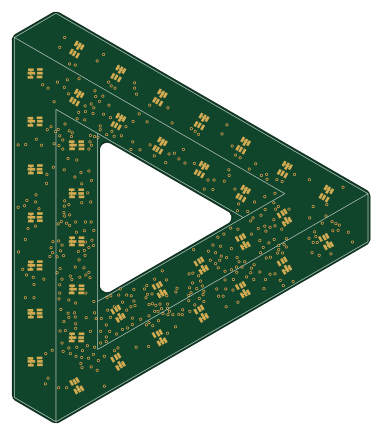 STM32
Penrose hardware
threebytesfull
94.5 × 108.5 mm84 parts2LNo license0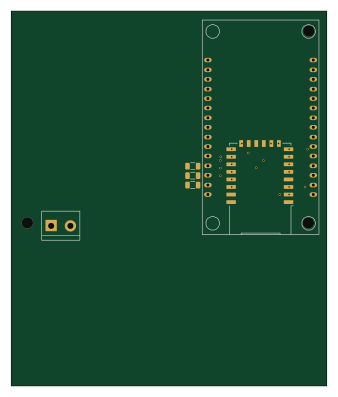 ESP8266
Prueba placa2
FranMald
83.4 × 99.1 mm83 parts2LNo license0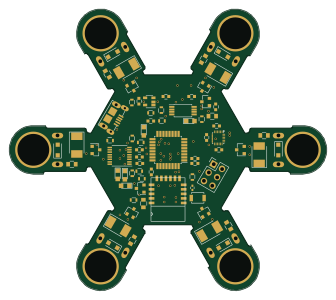 AVR/Arduino
Eclectronics micro quad
HALtheWise
83.8 × 74.3 mm79 parts2LNo license0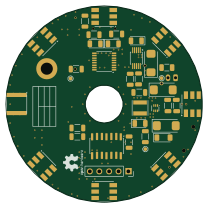 AVR/Arduino
Rcl
52 × 52 mm73 parts2LCC-BY-NC-4.00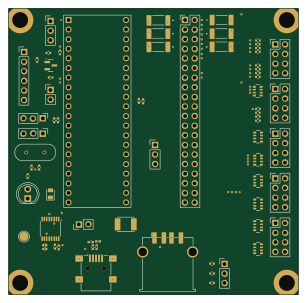 PIC
PIC18
pixelatedknight27
76.5 × 75.5 mm70 parts4LNo license0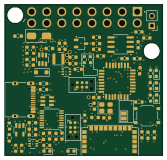 STM32
OBD12
samnadol
41.8 × 39.9 mm70 parts4LNo license0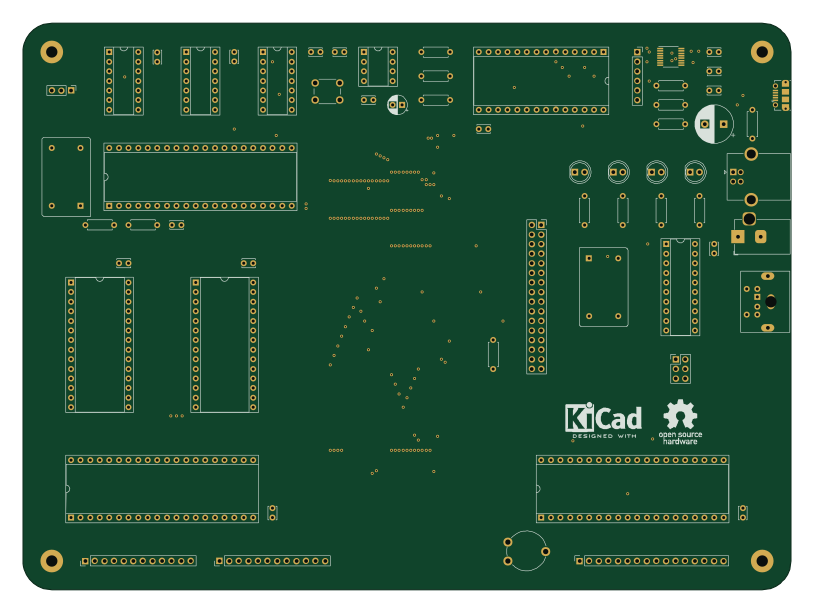 AVR/Arduino
65C02 Computer
rprouse
203.2 × 149.9 mm62 parts2LMIT0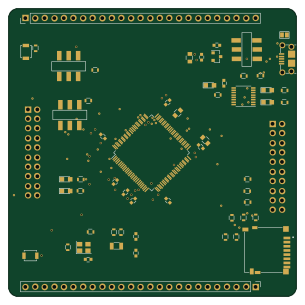 STM32
Eclectronics project2
76.2 × 76.2 mm60 parts2LMIT0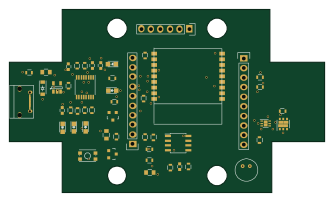 ESP32
Window sensor
physiii
83.5 × 48.5 mm51 parts2LNo license0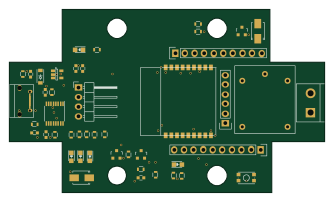 ESP32
Garage opener
83.5 × 48.5 mm46 parts2LNo license0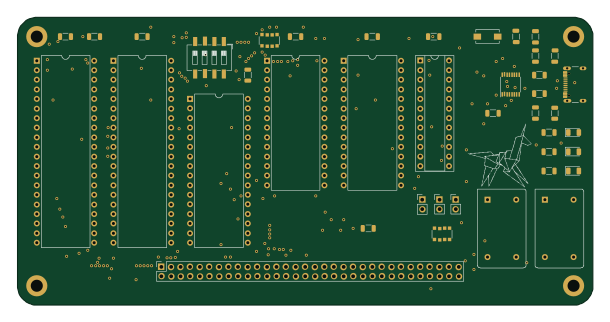
6502-SBC-V1.3
UraniumNutt
152.4 × 76.2 mm41 parts2LNo license0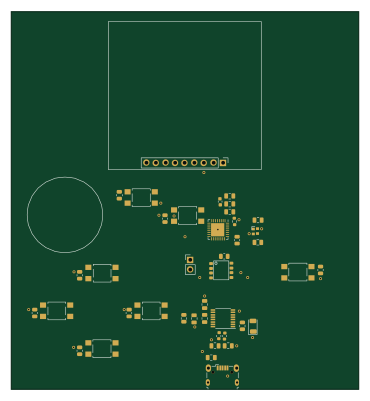 ESP8266
Gamerboy
no5pace
92 × 100 mm41 parts2LNo license0
How designs wire the FT230XS
Read from the KiCad layouts of 51 open source designs, one per repository: what each pin of the FT230XS connects to, and the resistors, capacitors and other passives placed on it.
- The USBDP pin has a series resistor on 43 of 51 designs, most often 27 Ω (then 0 Ω).
- The USBDM pin has a series resistor on 43 of 51 designs, most often 27 Ω (then 0 Ω).
- The CBUS3 pin is left unconnected on 43 of 51 designs (a signal on 8).
- The 3V3OUT pin has a capacitor to GND on 33 of 51 designs, most often 100 nF (then 47 pF).
| Pin | Connected to | Parts on the pin |
|---|---|---|
| RTSpin 2 | Connected to: Not connected 65% · a signal 35% | — |
| VCCIOpin 3 | Connected to: Signal 55% · 3.3V 37% |
|
| GNDpin 5, 13 | Connected to: GND 98% | — |
| CTSpin 6 | Connected to: Not connected 67% · a signal 29% | — |
| USBDPpin 8 | Connected to: Signal 100% |
|
| USBDMpin 9 | Connected to: Signal 100% |
|
| 3V3OUTpin 10 | Connected to: Signal 59% · not connected 18% · 3.3V 24% |
|
| RESETpin 11 | Connected to: Signal 57% · 3.3V 31% |
|
| VCCpin 12 | Connected to: 5V 67% · a signal 33% |
|
| CBUS0pin 15 | Connected to: Not connected 71% · a signal 27% | — |
| CBUS3pin 16 | Connected to: Not connected 84% · a signal 16% | — |
4 more pins vary from design to design. Connections count pins, parts count designs; values in brackets are how many parts had that value. Designs read include Smu back usb by jaromir-sukuba, 65C02 Computer by dbuchwald, BPI-AddOn by GBert and DC801 Badge - BM Pogo Fixture by DC801.
The FT230XS in open source designs
The gallery holds 66 open source boards using the FT230XS from 55 GitHub repositories; a typical one measures about 83.5 × 74.9 mm and carries around 70 components.
75% are two-layer designs, the rest use four layers or more, and 45% carry an open source license.
The most starred is Smu back usb by jaromir-sukuba.
Parts used alongside the FT230XS
What boards using the FT230XS are built for
FT230XS: common questions
Where can I find a FT230XS reference design?
Each of the 66 boards on this page is a real design using the FT230XS. Open one to see how it is wired up, with the full BOM, a render of the layout and links to its KiCad files.
What resistor goes on the FT230XS USBDP pin?
The USBDP pin has a series resistor on 43 of 51 designs, most often 27 Ω (then 0 Ω). Counted from the KiCad layouts of 51 open source designs using the FT230XS.
What resistor goes on the FT230XS USBDM pin?
The USBDM pin has a series resistor on 43 of 51 designs, most often 27 Ω (then 0 Ω). Counted from the KiCad layouts of 51 open source designs using the FT230XS.
How is the FT230XS CBUS3 pin connected?
The CBUS3 pin is left unconnected on 43 of 51 designs (a signal on 8). Counted from the KiCad layouts of 51 open source designs using the FT230XS.
What parts are used alongside the FT230XS?
The USBLC6-2SC6, 28C256, 62256, 65C02S and 65C22S appear in the most repositories here.
Which microcontrollers do boards using the FT230XS use?
Most are built on AVR/Arduino (14), STM32 (9), ESP32 (8) and PIC (6).
How big is a typical board using the FT230XS?
The median is 83.5 × 74.9 mm, and 75% are two-layer designs.
What is the most popular open source board using the FT230XS?
By GitHub stars, Smu back usb by jaromir-sukuba, with 188 stars.
Can I simulate one of these boards using the FT230XS before building it?
Yes. HardLabs turns a board's netlist and BOM into a working simulation, so you can boot and test firmware against it with no hardware on your desk.