
137 open source boards using the ATmega328P-PU
Real designs built with the ATmega328P-PU, from public GitHub projects: a quick way to see how others power, decouple and connect it. Each board comes with its KiCad files, full parts list and a render — and you can simulate its firmware on HardLabs.
 AVR/Arduino
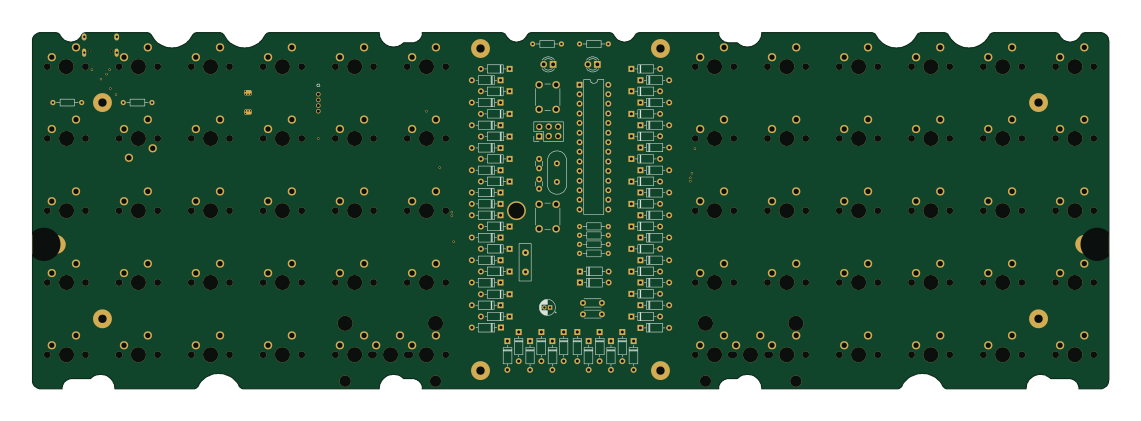
Lumberjack
peej
284.7 × 94.2 mm149 parts2LMIT403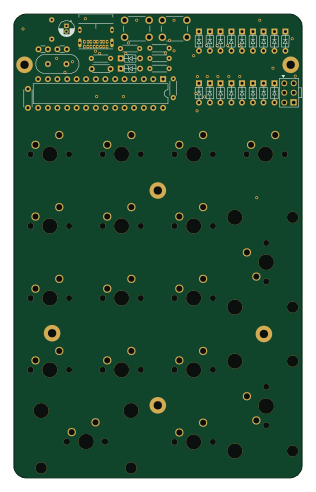 AVR/Arduino
Discipad
coseyfannitutti
76.3 × 122.8 mm54 parts2LGPL-3.0220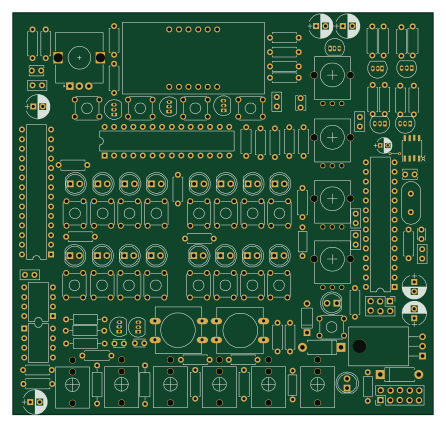 AVR/Arduino
Super Sixteen v1
matthewcieplak
111.3 × 106.4 mm141 parts2LNo license171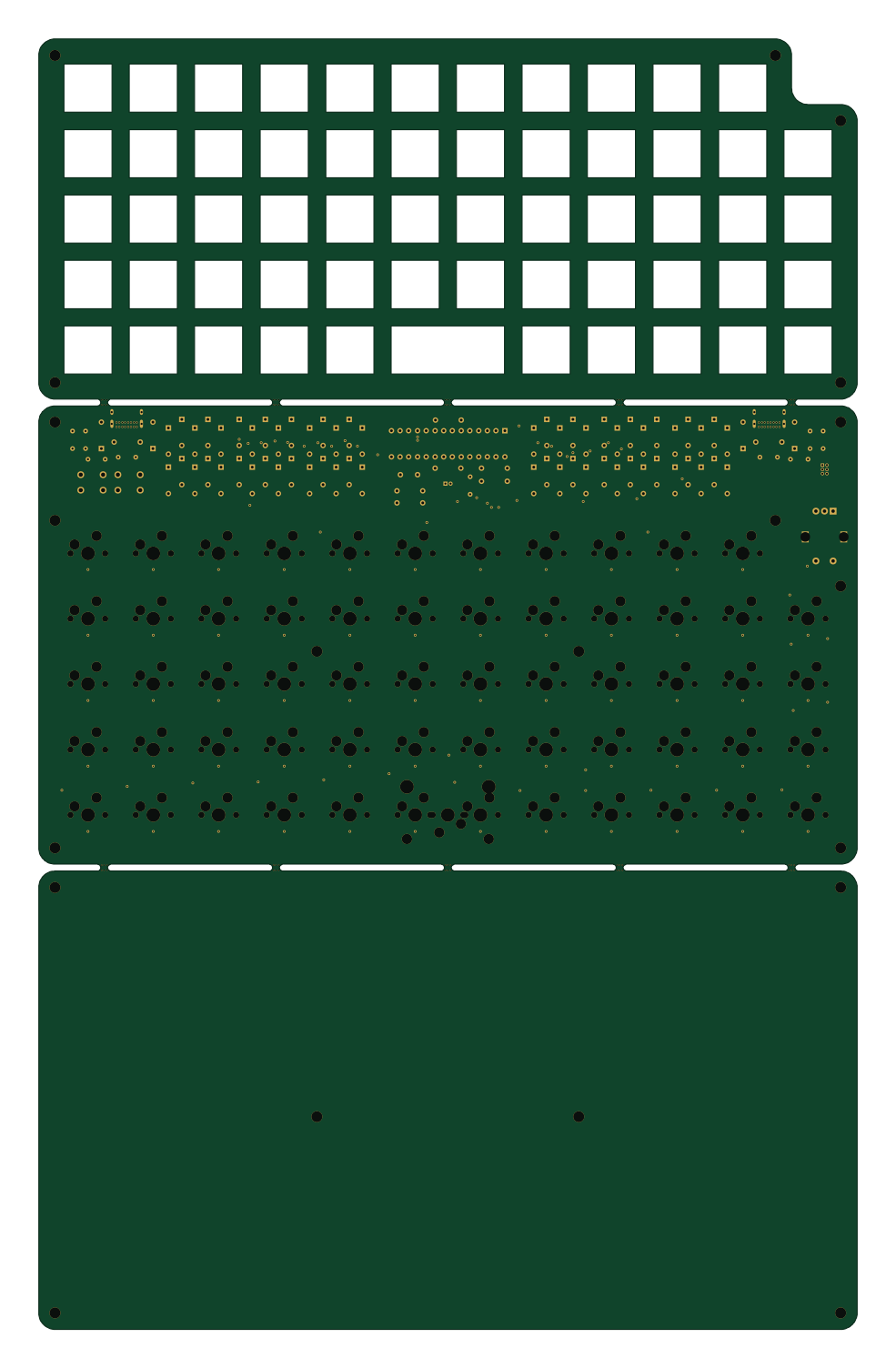 AVR/Arduino
Framework
stevennguyen
238.1 × 375.5 mm151 parts2LNo license131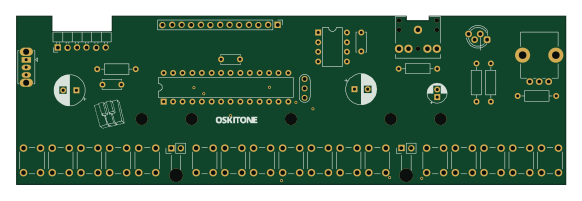 AVR/Arduino
Scout
oskitone
145.3 × 44.5 mm38 parts2LCustom license114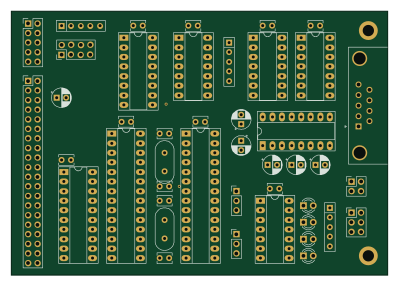 AVR/Arduino
TTY
KALTCHUK
99.7 × 69.9 mm43 parts2LNo license94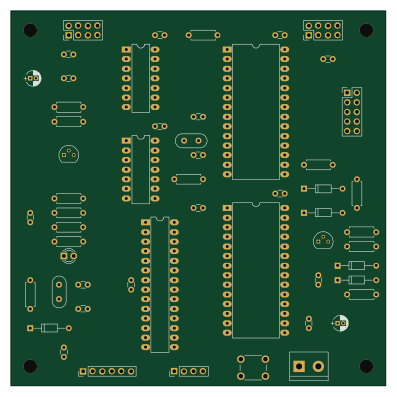 AVR/Arduino
Misc
slgrobotics
99.1 × 99.1 mm55 parts2LNo license30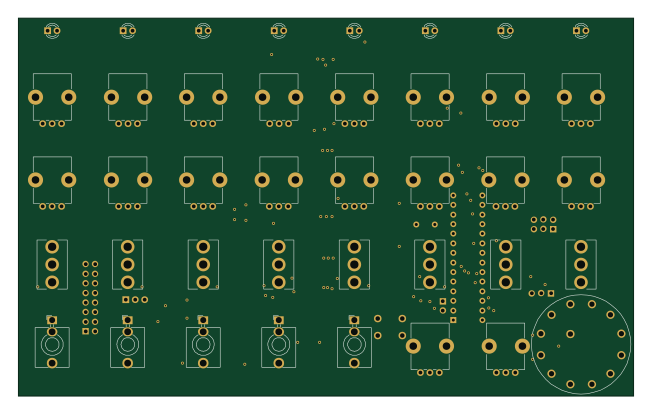 AVR/Arduino
Diymetro
tomarus
162.8 × 100 mm115 parts2LNo license27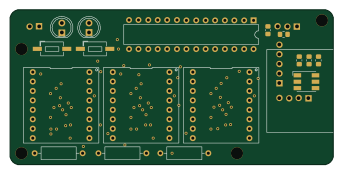 AVR/Arduino
Hl alyx glove
StarGate01
85.6 × 41 mm33 parts2LMIT20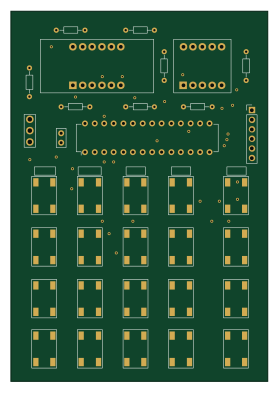 AVR/Arduino
Kim uno
maxstrauch
68 × 98 mm36 parts2LNo license17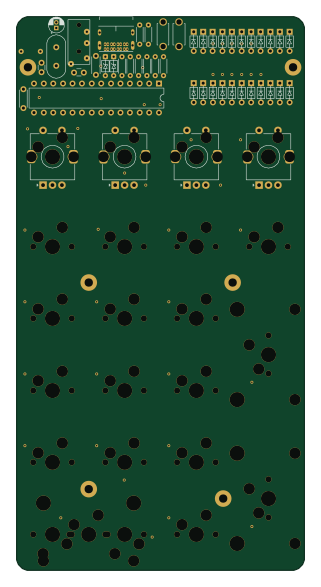 AVR/Arduino
Mysteripad
piit79
76.2 × 146.6 mm67 parts2LGPL-3.012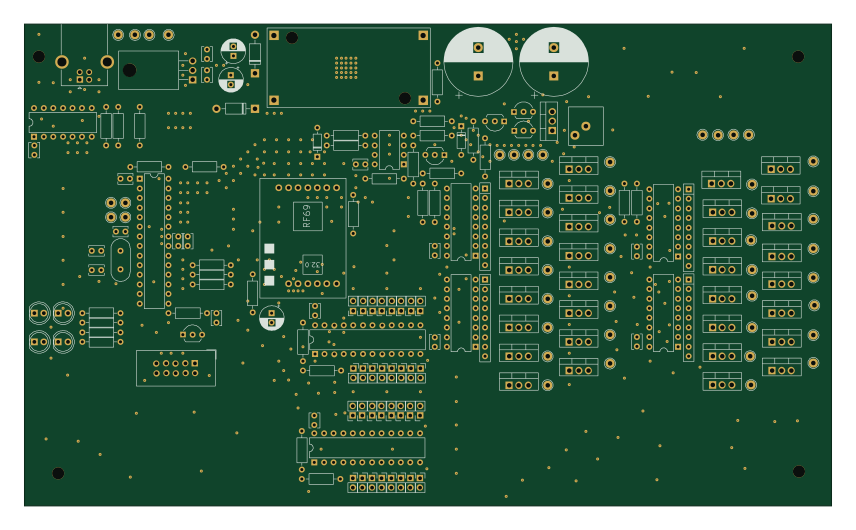 AVR/Arduino
Zuendbox v3 32
fixxl
213.6 × 127.5 mm153 parts2LNo license10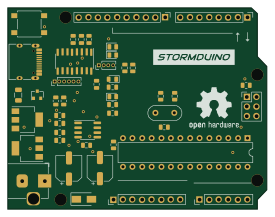 AVR/Arduino
Stormduino
Chromico
68.6 × 53.3 mm45 parts2LMIT10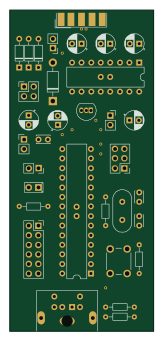 AVR/Arduino
Pontag
hkzlab
38.1 × 85.1 mm35 parts2LGPL-3.09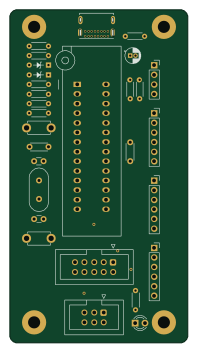 AVR/Arduino
Atmega328p standalone board
BenRoe
47 × 88 mm29 parts2LNo license9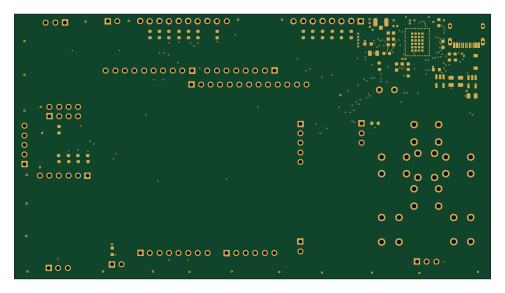 STM32
Fipper Zero
aaakum4
126 × 70 mm70 parts4LGPL-3.08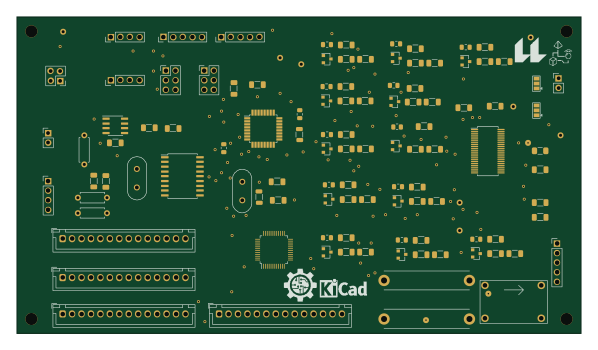 AVR/Arduino
Nodo BMS
AugustoS97
149.2 × 83.7 mm107 parts2LGPL-3.07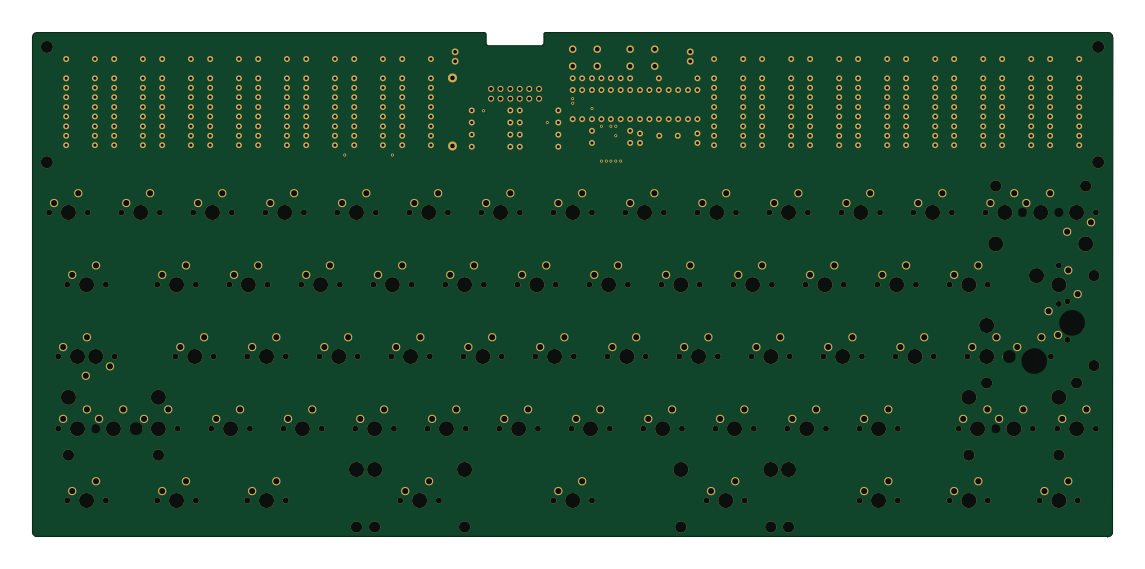 AVR/Arduino
SEGMENT-60
slonket
285.8 × 133.4 mm119 parts2LMIT4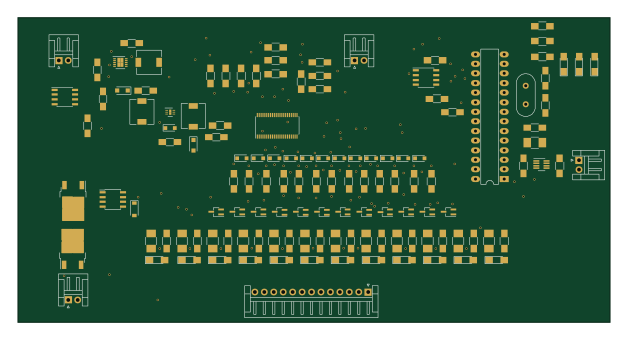 AVR/Arduino
Battry-Management-System
src94
156.7 × 80.6 mm143 parts2LGPL-3.03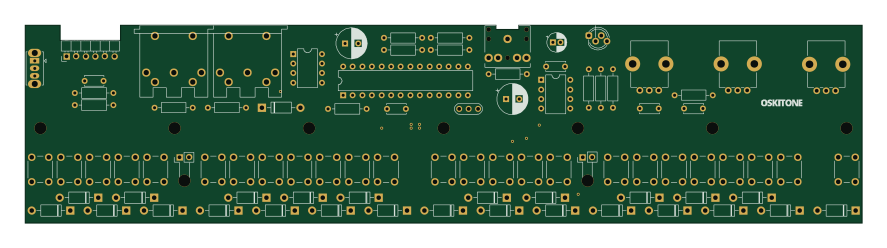 AVR/Arduino
SCOUT2
221.4 × 52.3 mm88 parts2LNo license3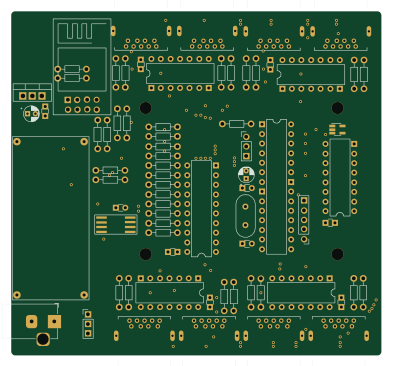 ESP8266
Soil Sensor Hub
ArtoLabs
98 × 91.1 mm74 parts2LMIT3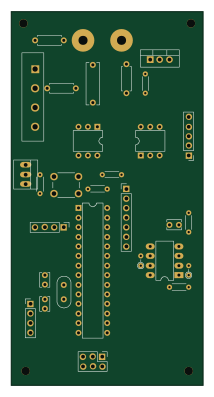 AVR/Arduino
DiySolderingStation
kr4fty
50.8 × 99.1 mm69 parts2LGPL-2.03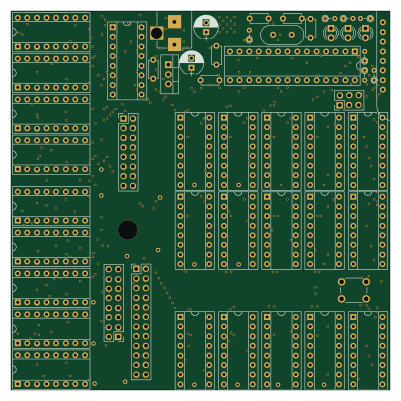 ESP8266
FlipDotDisplay
comakingspace
100 × 100 mm53 parts2LNo license3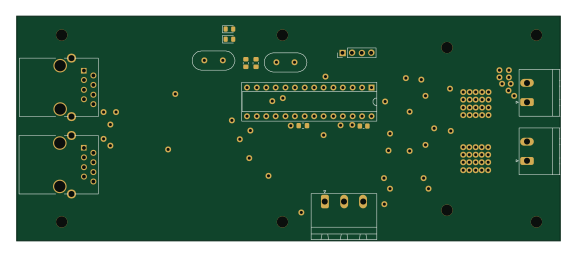 AVR/Arduino
MDE22
ZeniteSolar
144 × 59.5 mm69 parts2LNo license2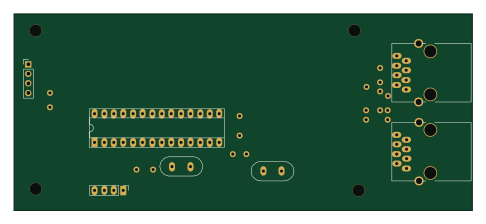 AVR/Arduino
Basicsensormodule
121.3 × 52.1 mm50 parts2LGPL-3.02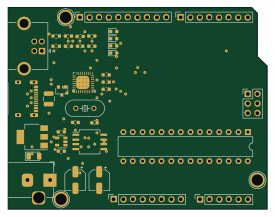 AVR/Arduino
Moriduino
akita11
68.6 × 53.3 mm40 parts2LMIT2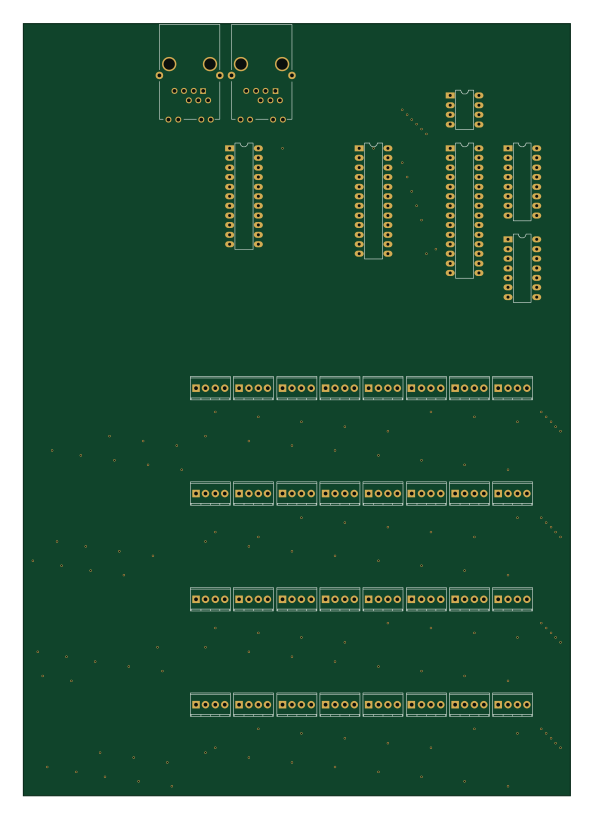 AVR/Arduino
BetaBoard
BetaWall
144.8 × 204.5 mm40 parts2LAGPL-3.02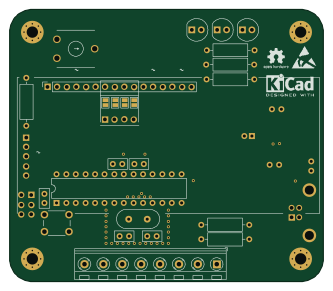 AVR/Arduino
Scheda livello serbatoio
giorossi91
83 × 72 mm35 parts2LGPL-3.02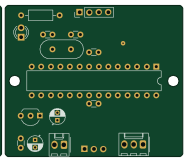 AVR/Arduino
SpeedRadar
jwchang418
47 × 40 mm34 parts2LNo license2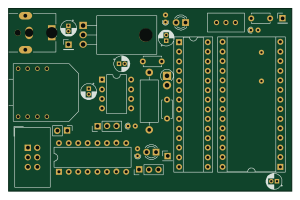 AVR/Arduino
Tms5220-atmega
madworx
74.9 × 48.3 mm32 parts2LNo license2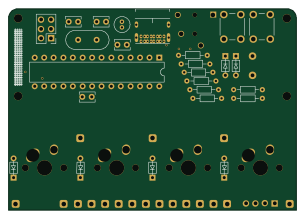 AVR/Arduino
Pin check
htpkbs
76.2 × 53.3 mm32 parts2LBSD-2-Clause2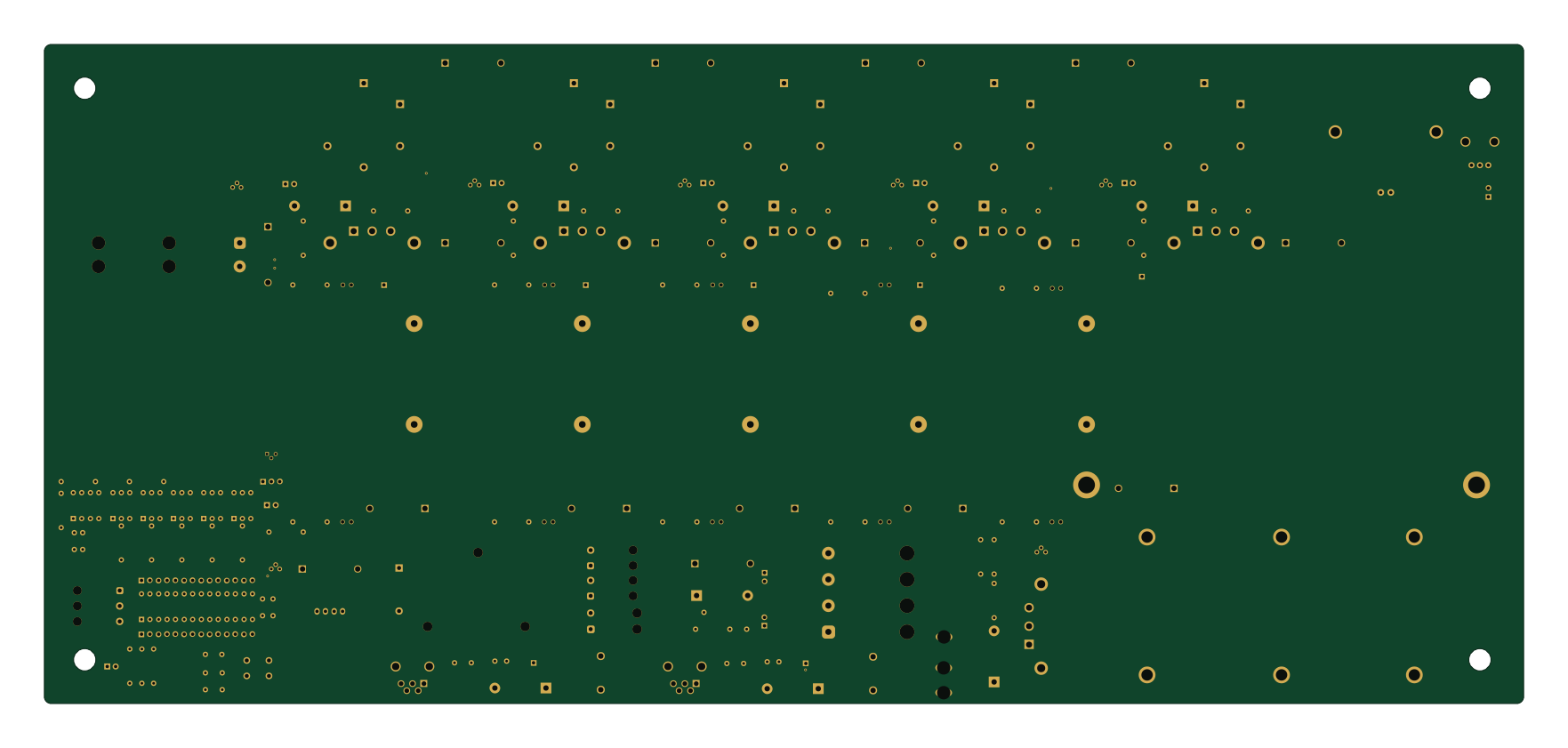 AVR/Arduino
Inefficient coil gun
jamesbrayy
440 × 196 mm151 parts2LMIT1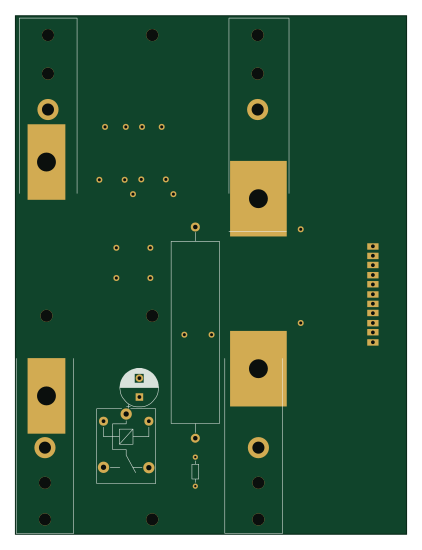 AVR/Arduino
Main
103.5 × 137.2 mm120 parts2LGPL-3.01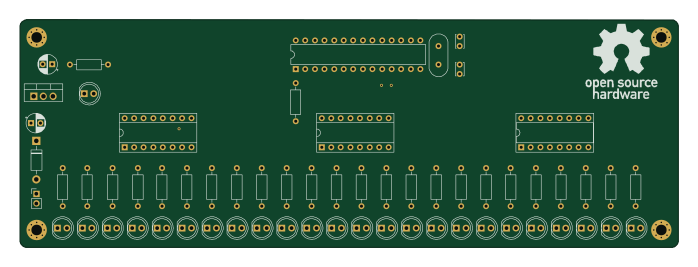 AVR/Arduino
KiCad-LarsonScanner
kaderud
174.4 × 60.3 mm63 parts2LCustom license1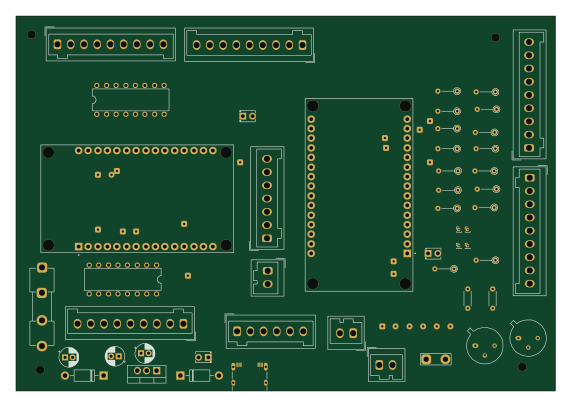 AVR/Arduino
Carputer
 Carputer-project142.5 × 99.1 mm52 parts2LCERN-OHL-P-2.01
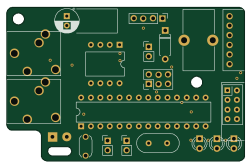 AVR/Arduino
Transmitter
damianmoore
63 × 40.6 mm37 parts2LNo license1
How designs wire the ATmega328P-PU
Read from the KiCad layouts of 100 open source designs, one per repository: what each pin of the ATmega328P-PU connects to, and the resistors, capacitors and other passives placed on it.
- The XTAL1/PB6 pin has a crystal on 78 of 98 designs, most often 16 MHz (then 20 MHz).
- The XTAL2/PB7 pin has a crystal on 78 of 98 designs, most often 16 MHz (then 20 MHz).
- The RESET/PC6 pin has a pull-up to 5V on 73 of 100 designs, most often 10 kΩ (then 1 kΩ).
- The XTAL2/PB7 pin has a capacitor to GND on 67 of 98 designs, most often 22 pF (then 20 pF).
| Pin | Connected to | Parts on the pin |
|---|---|---|
| RESET/PC6pin 1 | Connected to: A connector 52% |
|
| VCCpin 7 | Connected to: 5V 85% |
|
| GNDpin 8, 22 | Connected to: GND 88% | — |
| XTAL1/PB6pin 9 | Connected to: Signal 92% |
|
| XTAL2/PB7pin 10 | Connected to: Signal 90% |
|
| AVCCpin 20 | Connected to: 5V 81% |
|
| AREFpin 21 | Connected to: Signal 40% · not connected 37% · 5V 23% |
|
20 more pins vary from design to design. Connections count pins, parts count designs; values in brackets are how many parts had that value. Designs read include Lumberjack by peej, PortableTerminal by profdc9, Discipad pcb by coseyfannitutti and Super Sixteen v1 by matthewcieplak.
The ATmega328P-PU in open source designs
The gallery holds 137 open source boards using the ATmega328P-PU from 107 GitHub repositories; a typical one measures about 90 × 75 mm and carries around 50 components.
95% are two-layer designs, the rest use four layers or more, and 45% carry an open source license.
The most starred is Lumberjack by peej.
Parts used alongside the ATmega328P-PU
Microcontrollers on boards using the ATmega328P-PU
What boards using the ATmega328P-PU are built for
ATmega328P-PU: common questions
Where can I find a ATmega328P-PU reference design?
Each of the 137 boards on this page is a real design using the ATmega328P-PU. Open one to see how it is wired up, with the full BOM, a render of the layout and links to its KiCad files.
How is the ATmega328P-PU XTAL1/PB6 pin connected?
The XTAL1/PB6 pin has a crystal on 78 of 98 designs, most often 16 MHz (then 20 MHz). Counted from the KiCad layouts of 100 open source designs using the ATmega328P-PU.
How is the ATmega328P-PU XTAL2/PB7 pin connected?
The XTAL2/PB7 pin has a crystal on 78 of 98 designs, most often 16 MHz (then 20 MHz). Counted from the KiCad layouts of 100 open source designs using the ATmega328P-PU.
What pull-up resistor is used on the ATmega328P-PU RESET/PC6 pin?
The RESET/PC6 pin has a pull-up to 5V on 73 of 100 designs, most often 10 kΩ (then 1 kΩ). Counted from the KiCad layouts of 100 open source designs using the ATmega328P-PU.
What parts are used alongside the ATmega328P-PU?
The LM7805, LM7805_TO220, MCP2515-xSO, MCP2551-I-SN and 74HC595 appear in the most repositories here.
Which microcontrollers do boards using the ATmega328P-PU use?
Most are built on AVR/Arduino (126), ESP8266 (5), RP2040/RP2350 (2) and Raspberry Pi (2).
How big is a typical board using the ATmega328P-PU?
The median is 90 × 75 mm, and 95% are two-layer designs.
What is the most popular open source board using the ATmega328P-PU?
By GitHub stars, Lumberjack by peej, with 403 stars.
Can I simulate one of these boards using the ATmega328P-PU before building it?
Yes. HardLabs turns a board's netlist and BOM into a working simulation, so you can boot and test firmware against it with no hardware on your desk.