
44 open source boards using the FUSB302BMPX
Real designs built with the FUSB302BMPX, from public GitHub projects: a quick way to see how others power, decouple and connect it. Each board comes with its KiCad files, full parts list and a render — and you can simulate its firmware on HardLabs.
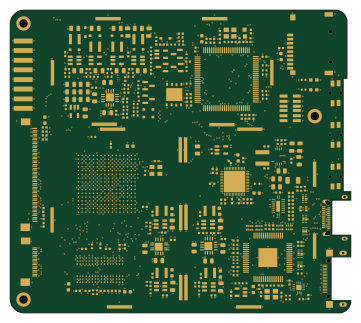 STM32
Glider
Modos-Labs
90 × 80 mm356 parts4LCERN-OHL-S-2.02.7k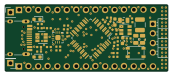 STM32
OtterPill
Jana-Marie
43.2 × 17.6 mm42 parts2LCERN-OHL-S-2.0162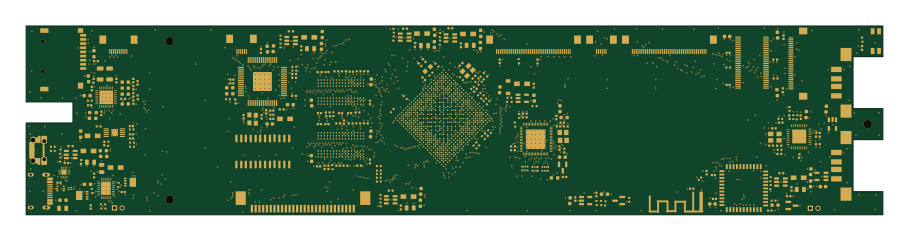 NXP
Archer mainboard
EI2030
227 × 50 mm392 parts4LCERN-OHL-S-2.040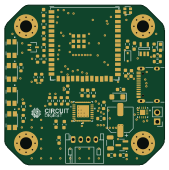 ESP32
Wireless-Stepper-Motor-Controller
Circuit-Digest
42.3 × 42.3 mm55 parts2LMIT17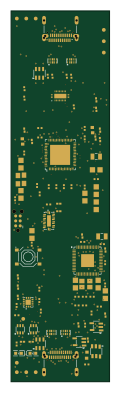
Dongle pro
fcjr
26 × 98 mm99 parts4LApache-2.016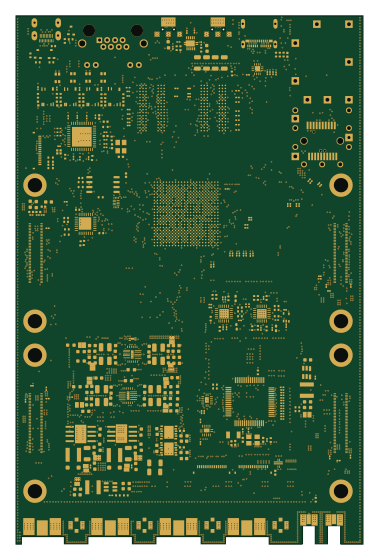 STM32
TRNXSDR-carrier
acruxcz
91.8 × 139.8 mm702 parts6LCERN-OHL-S-2.015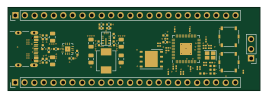 RP2040/RP2350
USB-C-FUSB302-PI
bentwire
66.8 × 22 mm64 parts4LMIT12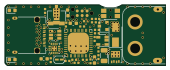 STM32
Usb c otter
lucysrausch
42.4 × 16 mm43 parts4LCERN-OHL-1.26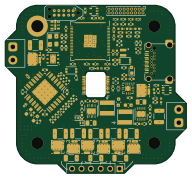 RP2040/RP2350
Smol servo rpi2350-tmc6200
dognotdog
48 × 44.5 mm143 parts4LCustom license5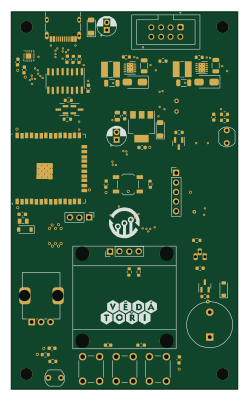 ESP32
PaLampa MoBo H00
Vedatori
60 × 100 mm75 parts2LNo license4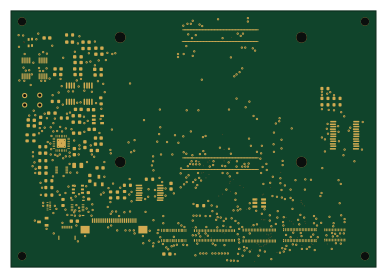 ESP32
Slate113-mk1
xeno3dev
96.7 × 67.8 mm609 parts8LCC-BY-NC-4.02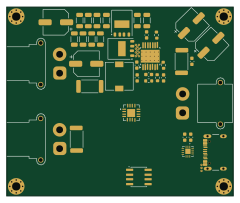 STM32
Mini pd psu
ManhTi3012
60 × 50 mm66 parts2LMIT2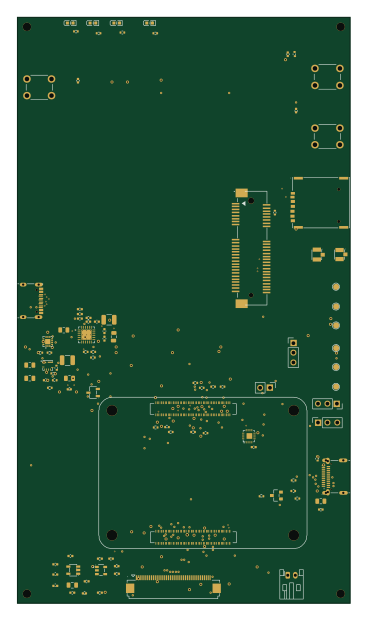 Raspberry Pi
HACK CLUB RELATED
Studented0
88 × 155 mm93 parts4LMIT1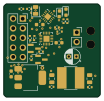 RISC-V
Rusb pd second
ambraglow
25.5 × 24.6 mm31 parts2LGPL-3.01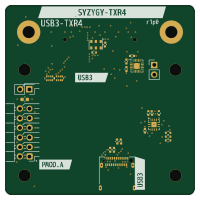 RISC-V
Syzygy txr4-usb3
gregdavill
50 × 50 mm27 parts4LNo license1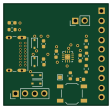
FUSB302
cdg66
27.7 × 26.9 mm21 parts2LMIT1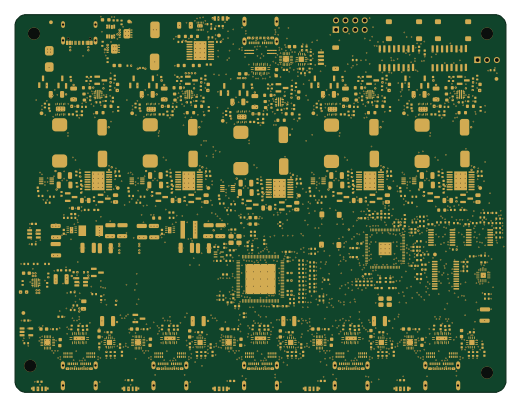 Raspberry Pi
Iasis
hydazz
130 × 100 mm636 parts6LApache-2.00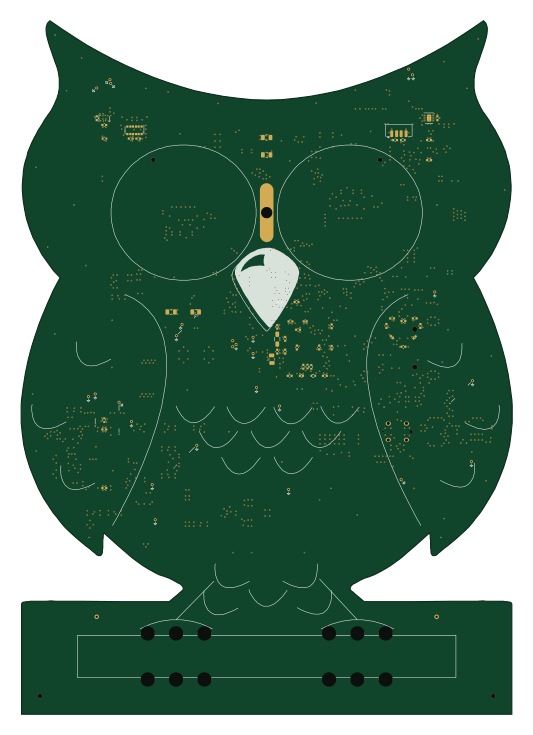 PIC
MsfOwlClock
pete-restall
130.1 × 183.6 mm378 parts4LMIT0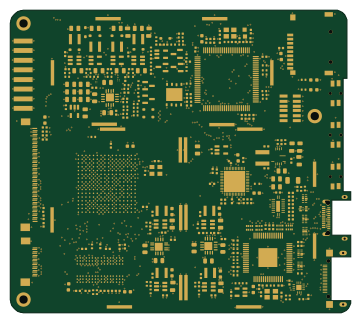 STM32
Glider
pdyxs
90 × 80 mm356 parts4LCERN-OHL-S-2.00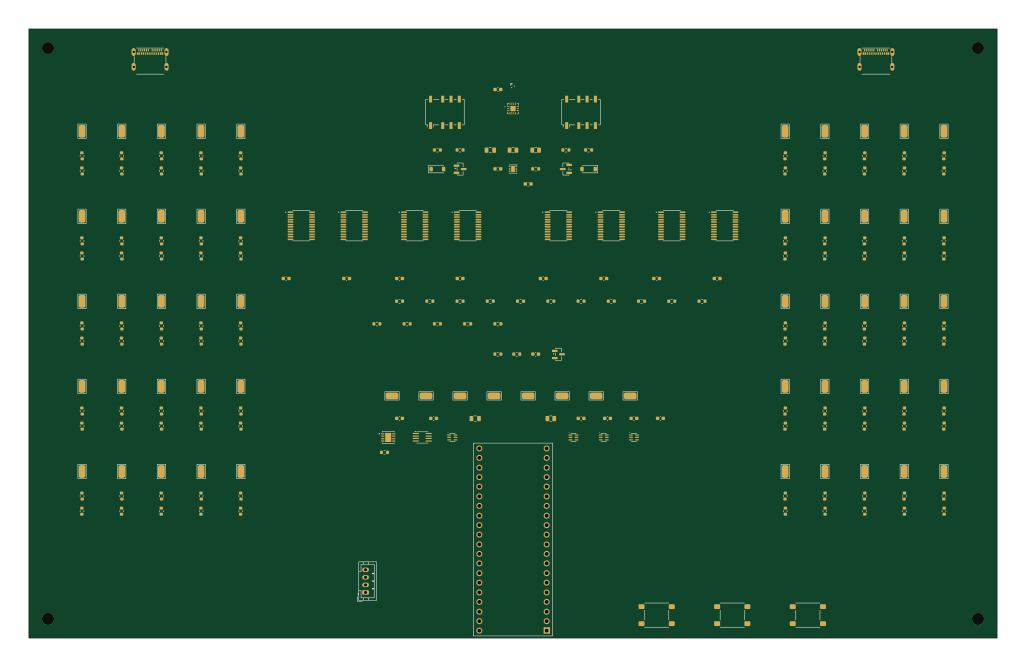 RP2040/RP2350
Usb c cable analyzer
rwjblue
256 × 161 mm236 parts4LNo license0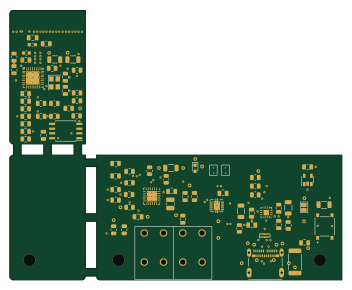 ESP8266
WeatherStation
aleksul
87.9 × 71.4 mm163 parts2LMIT0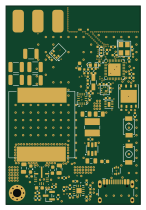 ESP32
Ledify
notaroomba
35.5 × 52.5 mm79 parts4LNo license0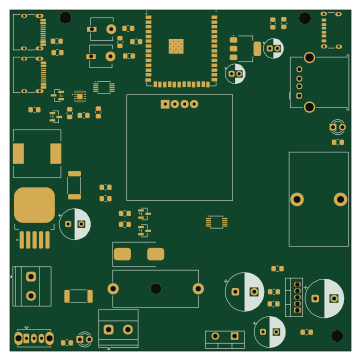 ESP32
PowerDistributionBoard
AnmolS-EE
90 × 90 mm58 parts4LMIT0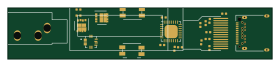 STM32
USBPDSolderingIron
keionbis
70 × 13.5 mm40 parts2LNo license0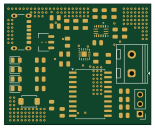 AVR/Arduino
Portable Charger
jacksterb1234
38.6 × 31.8 mm38 parts2LNo license0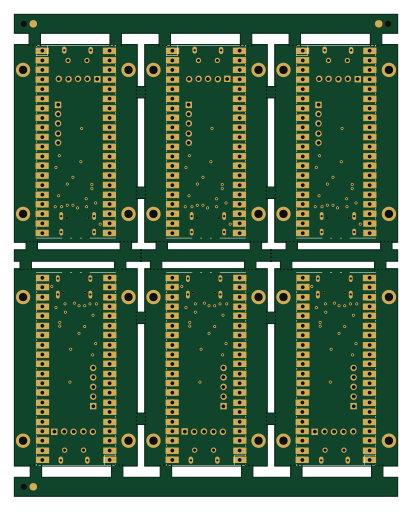
Panel
kernelorg-mirror
101.3 × 127.5 mm24 parts2LMIT0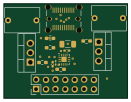
PicoPowerManagement
Fortinbra
32.6 × 25 mm16 parts4LMIT0
FUSB302Breakout
21.1 × 23.9 mm11 parts2LMIT0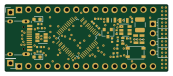 STM32
OtterPillG
43.2 × 17.6 mm37 parts2LCERN-OHL-S-2.0162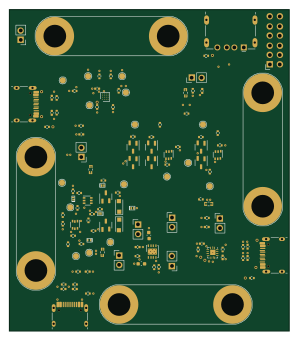
Vbus switch
greatscottgadgets
74 × 85 mm109 parts4LGPL-2.021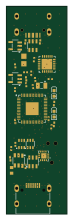
Dongle lite
16 × 55 mm56 parts6LApache-2.016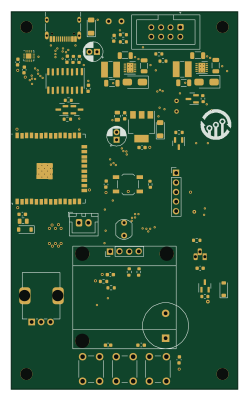 ESP32
PaLampa MoBo H01
60 × 100 mm74 parts2LNo license4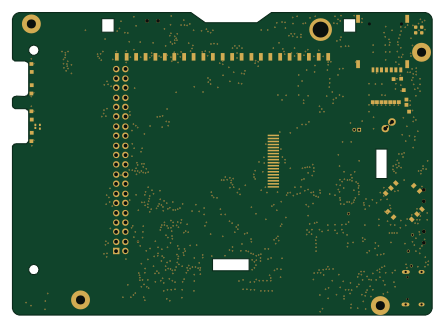 ESP32
Top board pizero
ZeroPhone
111 × 80 mm249 parts2LCERN-OHL-S-2.02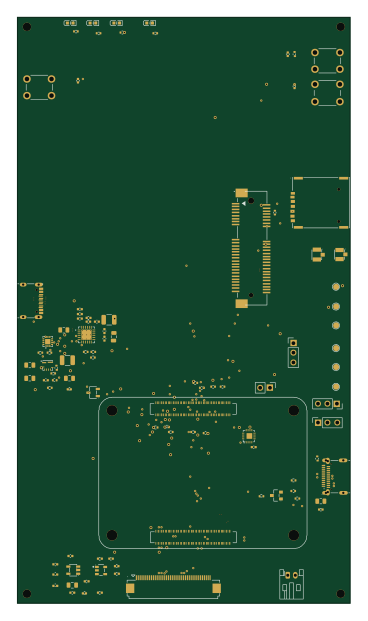 Raspberry Pi
HACK CLUB RELATEDbackup
88 × 155 mm93 parts4LMIT1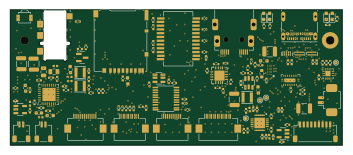
Nref ports one
cetola
88 × 35.9 mm146 parts4LNo license0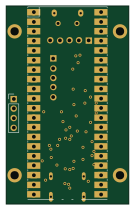
M1-ubmc
32.4 × 52.4 mm23 parts2LMIT0
How designs wire the FUSB302BMPX
Read from the KiCad layouts of 37 open source designs, one per repository: what each pin of the FUSB302BMPX connects to, and the resistors, capacitors and other passives placed on it.
- The SCL pin has a pull-up to 3.3V on 30 of 37 designs, most often 4.7 kΩ (then 10 kΩ).
- The SDA pin has a pull-up to 3.3V on 30 of 37 designs, most often 4.7 kΩ (then 10 kΩ).
- The VDD pins have a decoupling capacitor on 29 of 37 designs, most often 100 nF (then 1 µF).
- The INT_N pin has a pull-up to 3.3V on 21 of 37 designs, most often 4.7 kΩ (then 10 kΩ).
| Pin | Connected to | Parts on the pin |
|---|---|---|
| CC2pin 1, 14 | Connected to: A connector 78% |
|
| VDDpin 3, 4 | Connected to: 3.3V 89% |
|
| INT_Npin 5 | Connected to: The microcontroller 46%, a connector 24% |
|
| SCLpin 6 | Connected to: The microcontroller 46%, a connector 32% |
|
| SDApin 7 | Connected to: The microcontroller 46%, a connector 32% |
|
| GNDpin 8, 9, 15 | Connected to: GND 100% | — |
| CC1pin 10, 11 | Connected to: A connector 78% |
|
| VCONNpin 12, 13 | Connected to: Not connected 35% · 5V 32% · a signal 22% |
|
1 more pin varies from design to design. Connections count pins, parts count designs; values in brackets are how many parts had that value. Designs read include Glider by Modos-Labs, Zpn devboard by CRImier, Active host test by azonenberg and OtterPill by Jana-Marie.
The FUSB302BMPX in open source designs
The gallery holds 44 open source boards using the FUSB302BMPX from 37 GitHub repositories; a typical one measures about 63.4 × 61.8 mm and carries around 75 components.
59% use four copper layers or more, and 73% carry an open source license.
The most starred is Glider by Modos-Labs.
Parts used alongside the FUSB302BMPX
Microcontrollers on boards using the FUSB302BMPX
What boards using the FUSB302BMPX are built for
FUSB302BMPX: common questions
Where can I find a FUSB302BMPX reference design?
Each of the 44 boards on this page is a real design using the FUSB302BMPX. Open one to see how it is wired up, with the full BOM, a render of the layout and links to its KiCad files.
What pull-up resistor is used on the FUSB302BMPX SCL pin?
The SCL pin has a pull-up to 3.3V on 30 of 37 designs, most often 4.7 kΩ (then 10 kΩ). Counted from the KiCad layouts of 37 open source designs using the FUSB302BMPX.
What pull-up resistor is used on the FUSB302BMPX SDA pin?
The SDA pin has a pull-up to 3.3V on 30 of 37 designs, most often 4.7 kΩ (then 10 kΩ). Counted from the KiCad layouts of 37 open source designs using the FUSB302BMPX.
What decoupling capacitors do designs use on the FUSB302BMPX VDD pin?
The VDD pins have a decoupling capacitor on 29 of 37 designs, most often 100 nF (then 1 µF). Counted from the KiCad layouts of 37 open source designs using the FUSB302BMPX.
What parts are used alongside the FUSB302BMPX?
The USBLC6-2P6, AMS1117-3.3, INA3221, TPD4E02B04DQA and 74AVC1T45GW,125 appear in the most repositories here.
Which microcontrollers do boards using the FUSB302BMPX use?
Most are built on STM32 (9), ESP32 (7), RP2040/RP2350 (5) and Raspberry Pi (3).
How big is a typical board using the FUSB302BMPX?
The median is 63.4 × 61.8 mm, and 41% are two-layer designs.
What is the most popular open source board using the FUSB302BMPX?
By GitHub stars, Glider by Modos-Labs, with 2,676 stars.
Can I simulate one of these boards using the FUSB302BMPX before building it?
Yes. HardLabs turns a board's netlist and BOM into a working simulation, so you can boot and test firmware against it with no hardware on your desk.