
50 open source boards using the RP2354A
Real designs built with the RP2354A, from public GitHub projects: a quick way to see how others power, decouple and connect it. Each board comes with its KiCad files, full parts list and a render — and you can simulate its firmware on HardLabs.
 ESP32
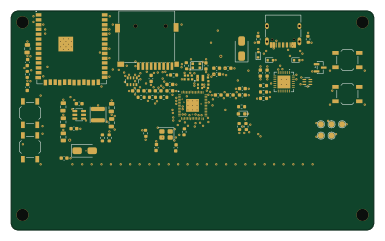
FujiNet-Astrocade-Rev0
FujiNetWIFI
96 × 58 mm77 parts6LCERN-OHL-S-2.0138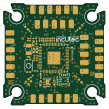
OpenFC-Lite-Mini
OpenDrone-hw
26.9 × 26.9 mm97 parts6LCERN-OHL-S-2.0104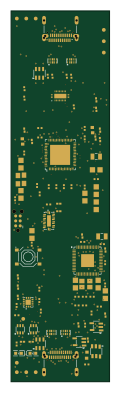
Dongle pro
fcjr
26 × 98 mm99 parts4LApache-2.016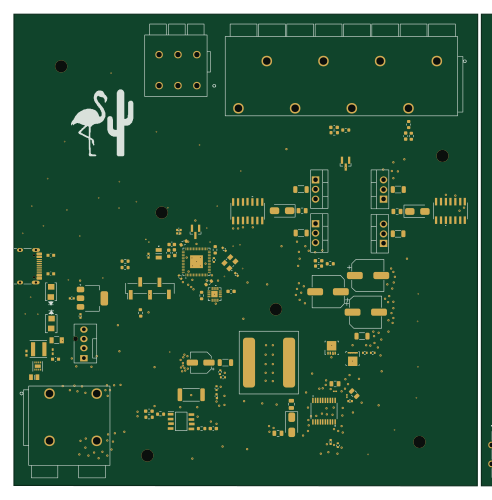 Raspberry Pi
Lamoka1/2
 bearjhartjen122.7 × 124.8 mm126 parts2LCERN-OHL-W-2.07
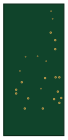
Apw meister
skot
16 × 35 mm46 parts6LNo license2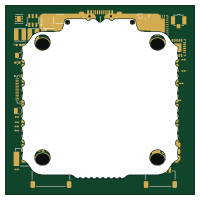 ESP32
DrikrAIO
tetraethylmethane
50 × 50 mm339 parts6LNo license1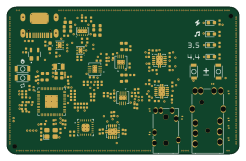 RP2040/RP2350
Feather
wolf-yuan-6115
61.4 × 38.8 mm137 parts4LGPL-3.01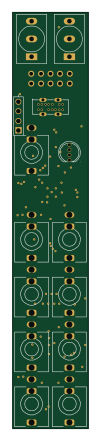 Raspberry Pi
ComposerMIDICV
CopycatMusic
20 × 110 mm86 parts2LAGPL-3.01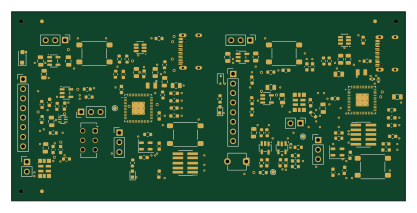
Fsoc txrx-1x2-panel
SharbelMarshi
104.2 × 50 mm73 parts4LNo license1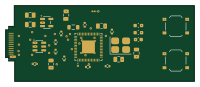 Raspberry Pi
FIDO2-Custom-RP2354A-Hardware-Security-Key with male-USB-C
jtausif568
49.9 × 20 mm28 parts2LNo license1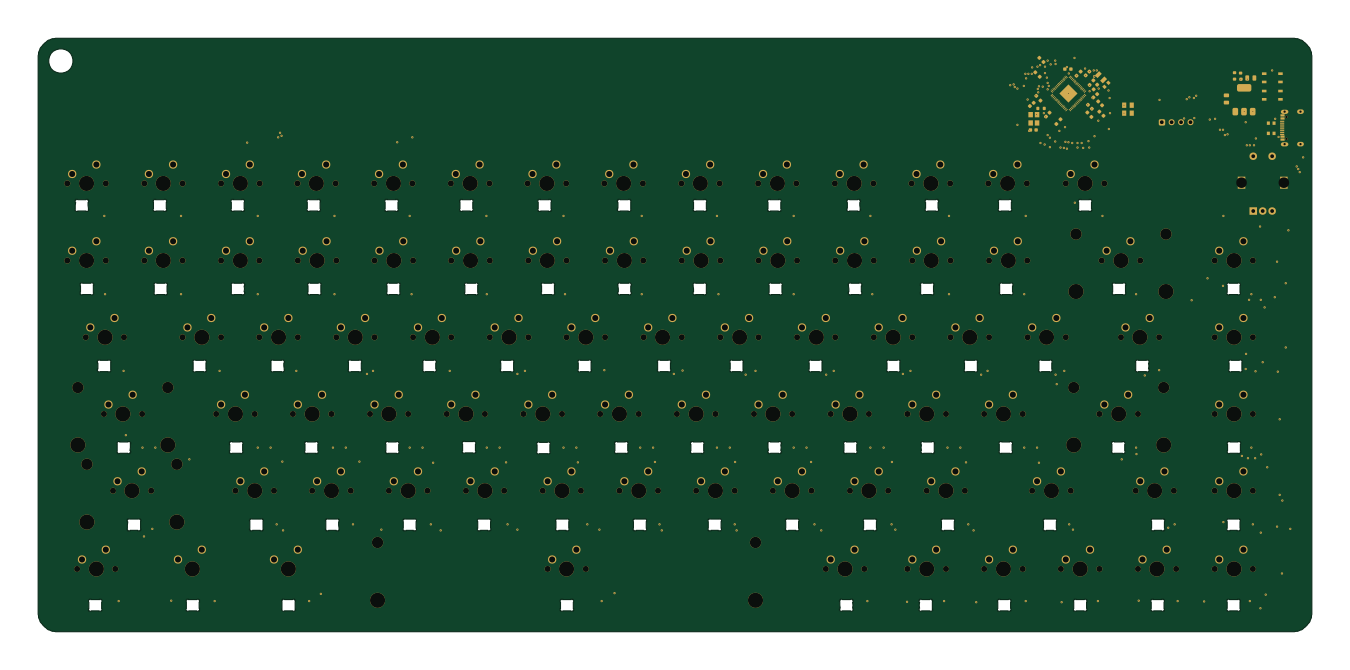 Raspberry Pi
Keyboard
Acidicts
337 × 157 mm307 parts2LNo license0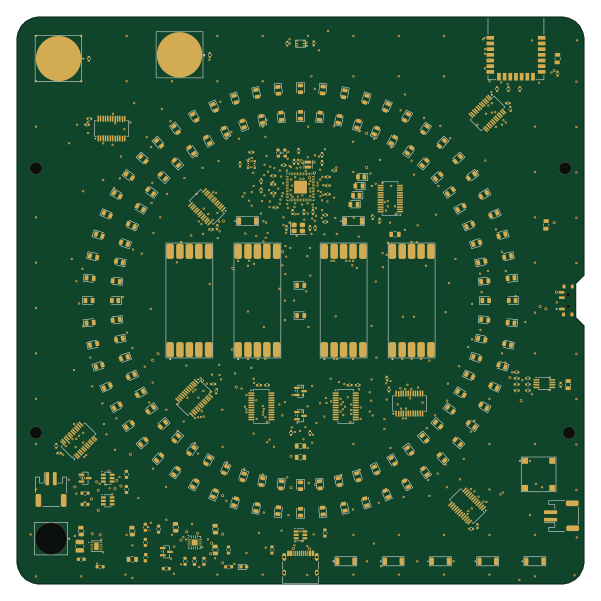 Raspberry Pi
Kids timer
jnd-cz
150 × 150 mm266 parts2LNo license0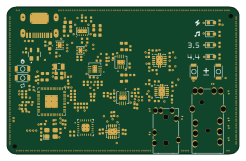 RP2040/RP2350
Feather
61.4 × 38.8 mm137 parts4LNo license0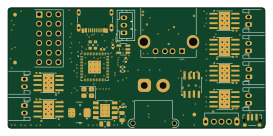 Raspberry Pi
Thegoose
Marsgate
68.2 × 32 mm117 parts6LNo license0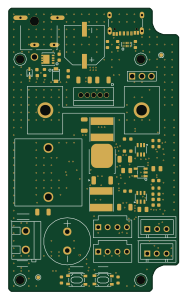
Camera-Cooler
lukaslibar
45 × 75 mm106 parts4LCustom license0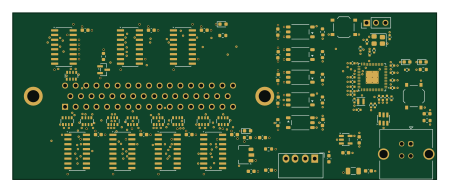 Raspberry Pi
Solartron 7075 USB interface (SKiDL)
cHemingway
112 × 44 mm93 parts4LNo license0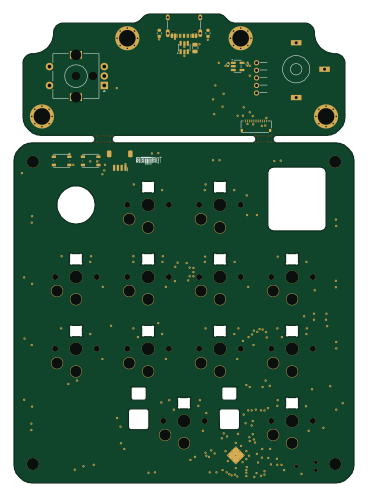 Raspberry Pi
Tome nano 100
i2cjak
90 × 124.1 mm93 parts6LCERN-OHL-P-2.00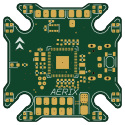 Raspberry Pi
Aerix-20x20
FBIopeningUPP
31 × 31 mm88 parts4LNo license0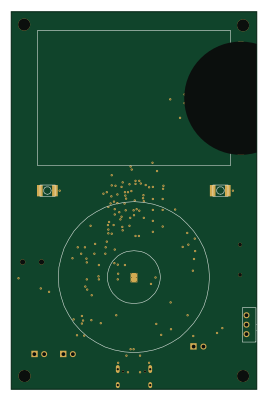 Raspberry Pi
Tesseract
hridcode
65 × 100 mm82 parts4LNo license0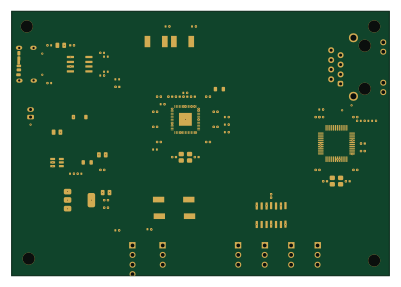
2040-artnode
pixeldestrukt
100 × 70 mm80 parts4LNo license0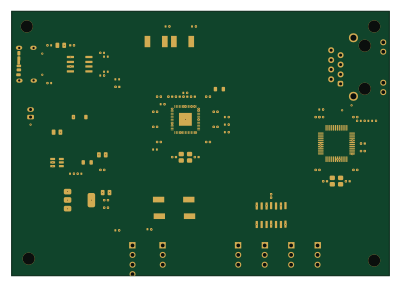
2040-artnode
dnewcome
100 × 70 mm80 parts4LNo license0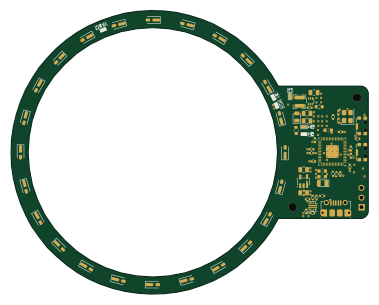 RP2040/RP2350
USB LED Ring
atuleu
94.5 × 75 mm76 parts2LCERN-OHL-S-2.00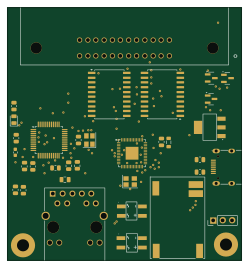
Tmc gateway
tridentsx
62 × 67 mm76 parts4LNo license0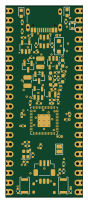 Raspberry Pi
Rp2354a micro devboard
esehehelp
20.3 × 50.8 mm64 parts2LMIT0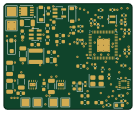 Raspberry Pi
Hyperion controller
adamhrnciar
34 × 28 mm64 parts2LCERN-OHL-S-2.00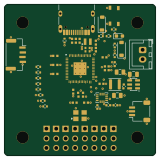 Raspberry Pi
Rp2354-fcu
alvgaona
40 × 40 mm63 parts2LMIT0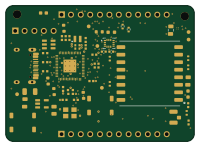
Minicontrol
Jotrorox
50 × 36 mm58 parts4LBSD-2-Clause0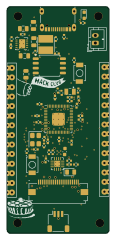 RP2040/RP2350
Citrus board
obobed
27 × 60 mm56 parts4LGPL-3.00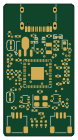 Raspberry Pi
Pico2Probe
TTF-fog
18.5 × 34.9 mm56 parts2LNo license0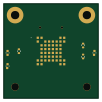 Raspberry Pi
OpenPrint
dac63701
25 × 25 mm48 parts4LNo license0 RP2040/RP2350
Knuckles imu lsm6-lis2-rp2354a
jakeread
20 × 21.5 mm43 parts4LCERN-OHL-S-2.00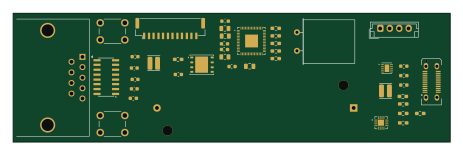 Raspberry Pi
HGS
natehorst240-sketch
115.5 × 34 mm42 parts2LNo license0
VeryTinyPi
HynixCJR
14.4 × 14.2 mm35 parts6LGPL-3.00- schematic only · 165 partsRaspberry Pi
R.A.W.R.
WiktorKociuba
165 partsNo license0 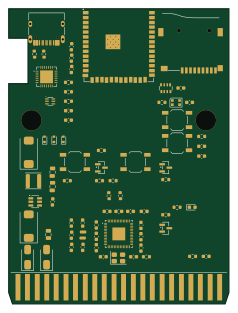 ESP32
FujiNet-INTV-Rev0
58.2 × 78 mm77 parts4LCERN-OHL-S-2.0138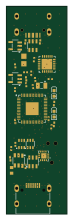
Dongle lite
16 × 55 mm56 parts6LApache-2.016
How designs wire the RP2354A
Read from the KiCad layouts of 34 open source designs, one per repository: what each pin of the RP2354A connects to, and the resistors, capacitors and other passives placed on it.
- The XIN_21 pin has a capacitor to GND on 33 of 34 designs, most often 15 pF (then 20 pF).
- The IOVDD_45 pin has a decoupling capacitor on 32 of 34 designs, most often 100 nF (then 4.7 µF).
- The VREG_AVDD_46 pin has a decoupling capacitor on 32 of 34 designs, most often 4.7 µF (then 100 nF).
- The USB_DM_51 pin has a series resistor on 32 of 34 designs, most often 27 Ω (then 30 Ω).
| Pin | Connected to | Parts on the pin |
|---|---|---|
| IOVDD_1pin 1 | Connected to: 3.3V 100% |
|
| DVDD_6pin 6 | Connected to: 1.1V 100% |
|
| IOVDD_11pin 11 | Connected to: 3.3V 100% |
|
| IOVDD_20pin 20 | Connected to: 3.3V 100% |
|
| XIN_21pin 21 | Connected to: Signal 100% |
|
| XOUT_22pin 22 | Connected to: Signal 100% |
|
| DVDD_23pin 23 | Connected to: 1.1V 100% |
|
| RUN_26pin 26 | Connected to: A connector 21% |
|
| IOVDD_30pin 30 | Connected to: 3.3V 100% |
|
| GPIO25_37pin 37 | Connected to: A connector 21% · not connected 38% |
|
| IOVDD_38pin 38 | Connected to: 3.3V 100% |
|
| DVDD_39pin 39 | Connected to: 1.1V 100% |
|
| GPIO28/ADC2_42pin 42 | Connected to: Not connected 65% · a signal 29% | — |
| GPIO29/ADC3_43pin 43 | Connected to: Not connected 71% · a signal 26% | — |
| ADC_AVDD_44pin 44 | Connected to: 3.3V 100% |
|
| IOVDD_45pin 45 | Connected to: 3.3V 100% |
|
| VREG_AVDD_46pin 46 | Connected to: VREG_AVDD 56% · a signal 44% |
|
| VREG_PGND_47pin 47 | Connected to: GND 97% | — |
| VREG_LX_48pin 48 | Connected to: VREG_LX 53% · a signal 41% |
|
| VREG_VIN_49pin 49 | Connected to: 3.3V 97% |
|
| VREG_FB_50pin 50 | Connected to: 1.1V 97% |
|
| USB_DM_51pin 51 | Connected to: Signal 100% |
|
| USB_DP_52pin 52 | Connected to: Signal 100% |
|
| USB_OTP_VDD_53pin 53 | Connected to: 3.3V 100% |
|
| QSPI_IOVDD_54pin 54 | Connected to: 3.3V 100% |
|
| QSPI_SD3_55pin 55 | Connected to: Not connected 94% | — |
| QSPI_SCLK_56pin 56 | Connected to: Not connected 94% | — |
| QSPI_SD0_57pin 57 | Connected to: Not connected 94% | — |
| QSPI_SD2_58pin 58 | Connected to: Not connected 94% | — |
| QSPI_SD1_59pin 59 | Connected to: Not connected 94% | — |
| QSPI_SS_60pin 60 | Connected to: Signal 97% |
|
| GND_61pin 61 | Connected to: GND 100% | — |
29 more pins vary from design to design. Connections count pins, parts count designs; values in brackets are how many parts had that value. Designs read include FujiNet-Astrocade-Rev0 by FujiNetWIFI, OpenFC-Lite-Mini by OpenDrone-hw, Dongle lite by fcjr and Lamoka1/2 by bearjhartjen.
The RP2354A in open source designs
The gallery holds 50 open source boards using the RP2354A from 35 GitHub repositories; a typical one measures about 58.2 × 50 mm and carries around 76 components.
71% use four copper layers or more, and 40% carry an open source license.
The most starred is FujiNet-Astrocade-Rev0 by FujiNetWIFI.
Parts used alongside the RP2354A
Microcontrollers on boards using the RP2354A
What boards using the RP2354A are built for
RP2354A: common questions
Where can I find a RP2354A reference design?
Each of the 50 boards on this page is a real design using the RP2354A. Open one to see how it is wired up, with the full BOM, a render of the layout and links to its KiCad files.
How is the RP2354A XIN_21 pin connected?
The XIN_21 pin has a capacitor to GND on 33 of 34 designs, most often 15 pF (then 20 pF). Counted from the KiCad layouts of 34 open source designs using the RP2354A.
What decoupling capacitors do designs use on the RP2354A IOVDD_45 pin?
The IOVDD_45 pin has a decoupling capacitor on 32 of 34 designs, most often 100 nF (then 4.7 µF). Counted from the KiCad layouts of 34 open source designs using the RP2354A.
What decoupling capacitors do designs use on the RP2354A VREG_AVDD_46 pin?
The VREG_AVDD_46 pin has a decoupling capacitor on 32 of 34 designs, most often 4.7 µF (then 100 nF). Counted from the KiCad layouts of 34 open source designs using the RP2354A.
What parts are used alongside the RP2354A?
The USBLC6-2SC6, AP2112K-3.3TRG1, SN74AHCT1G125DBVR, ABM8-272-T3 and AMS1117-3.3 appear in the most repositories here.
Which microcontrollers do boards using the RP2354A use?
Most are built on Raspberry Pi (20), RP2040/RP2350 (6) and ESP32 (3).
How big is a typical board using the RP2354A?
The median is 58.2 × 50 mm, and 29% are two-layer designs.
What is the most popular open source board using the RP2354A?
By GitHub stars, FujiNet-Astrocade-Rev0 by FujiNetWIFI, with 138 stars.
Can I simulate one of these boards using the RP2354A before building it?
Yes. HardLabs turns a board's netlist and BOM into a working simulation, so you can boot and test firmware against it with no hardware on your desk.