
56 open source boards using the BQ24075RGT
Real designs built with the BQ24075RGT, from public GitHub projects: a quick way to see how others power, decouple and connect it. Each board comes with its KiCad files, full parts list and a render — and you can simulate its firmware on HardLabs.
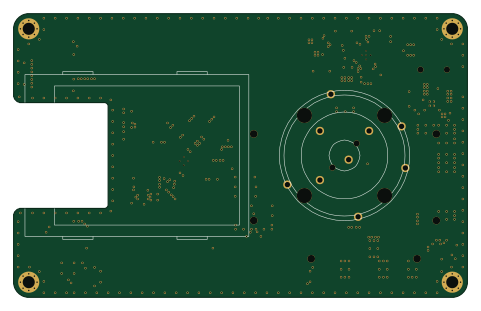
Portapack havoc modified
jamesshao8
120 × 75 mm108 partsGPL-2.0186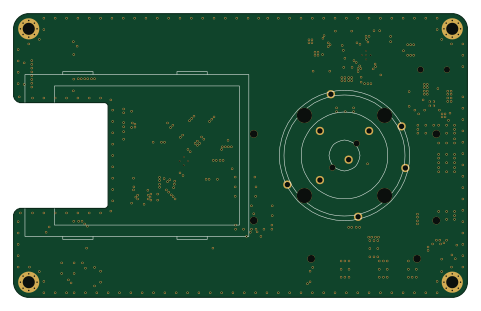
Portapack carnage
Acetolyne
120 × 75 mm108 partsGPL-2.046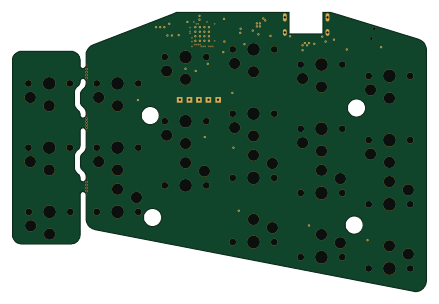 Nordic nRF
Borne keyboard
gibbz00
109.6 × 73.9 mm74 parts2LMPL-2.032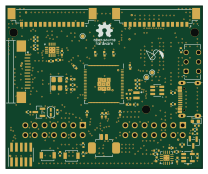 RP2040/RP2350
Hackxpansion
KOEGlike
52 × 43 mm74 parts4LGPL-3.06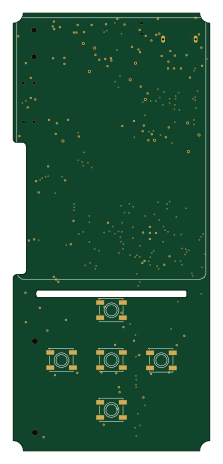 RP2040/RP2350
Mp3-player
espcaa
52 × 115.8 mm141 parts4LCustom license5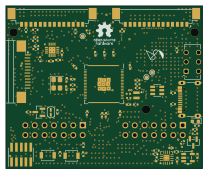 RP2040/RP2350
Hackxpansion
hackclub
52 × 43 mm73 parts4LGPL-3.05 ESP32
SlimeVR-Tracker-HW
xuan25
30 × 30 mm45 parts2LMIT5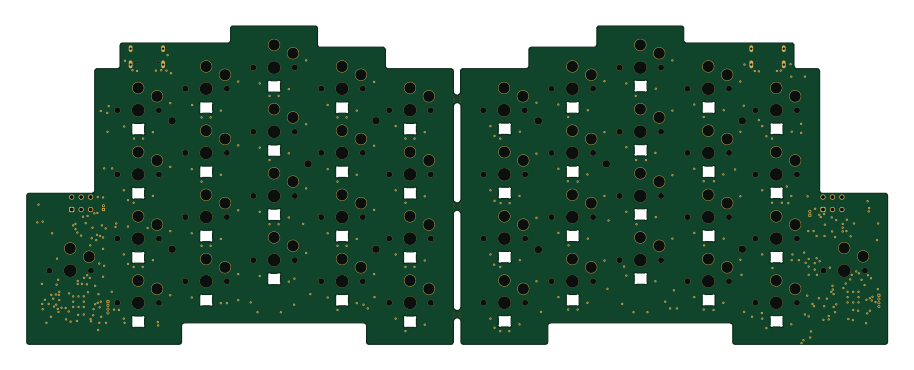 Nordic nRF
Mito
228 × 84.3 mm260 parts4LGPL-3.04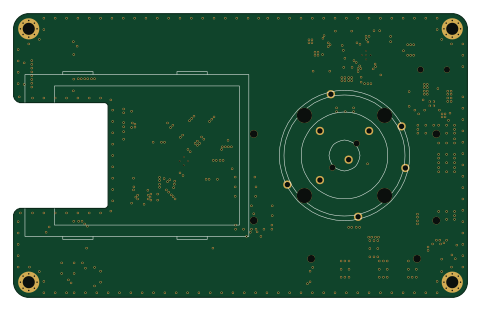
Havoc mayhem-177
zipper177
120 × 75 mm108 partsGPL-2.03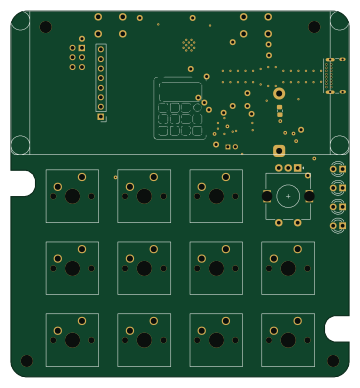 ESP32
MicroPad
JonasLindinger
89.5 × 96.8 mm67 parts4LMIT2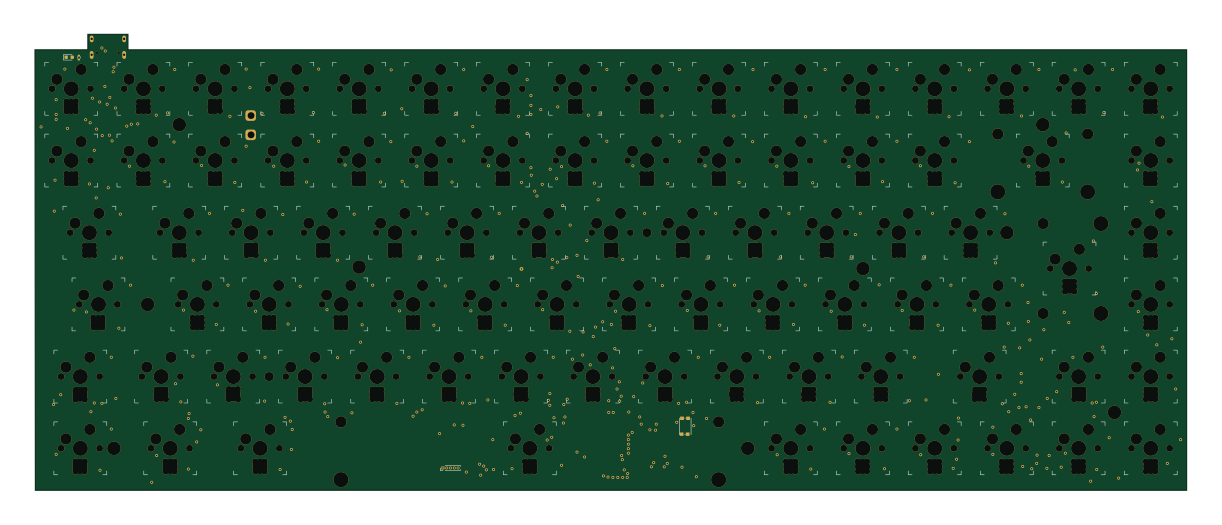
Comp75
benzooku
304.9 × 120.7 mm373 parts2LGPL-3.01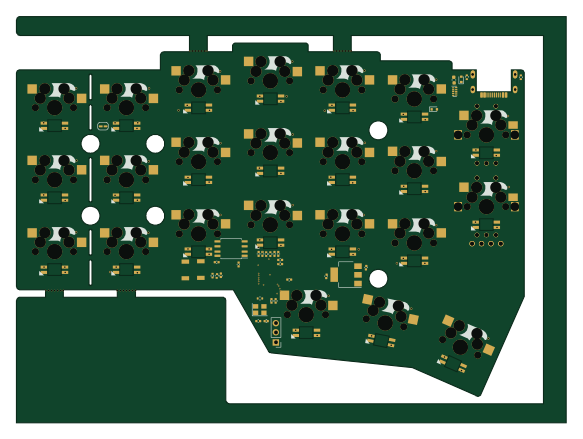 RP2040/RP2350
Corne cherry
yangxing844
145.5 × 107.5 mm204 parts4LNo license1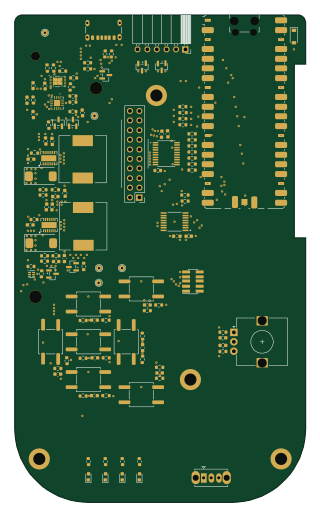 RP2040/RP2350
PortaPLUTO
kpezeshki
77 × 129 mm135 parts4LNo license1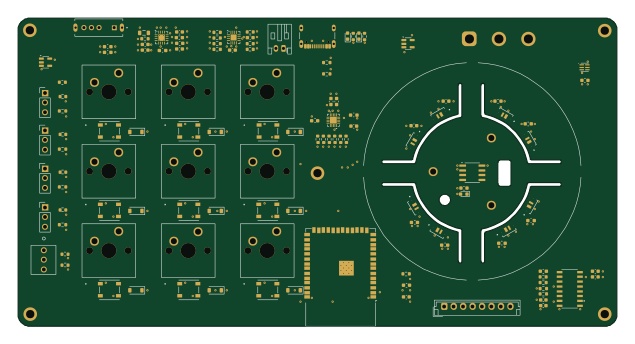 ESP32
Biro 1
PROJECT-BIRO
158.5 × 81.5 mm129 parts4LMIT1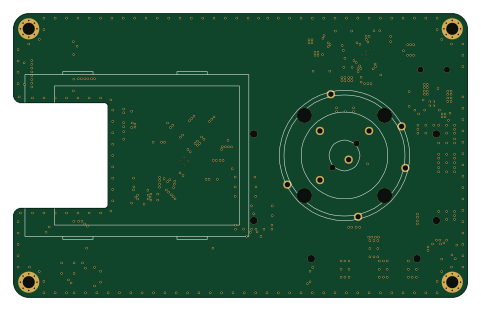
Havoc
mksmiffy
120 × 75 mm108 partsGPL-2.01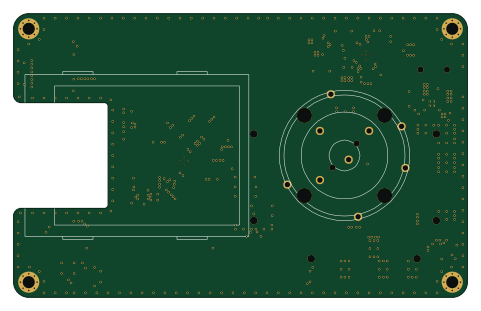
Portapack havoc
emtee40
120 × 75 mm108 partsGPL-2.01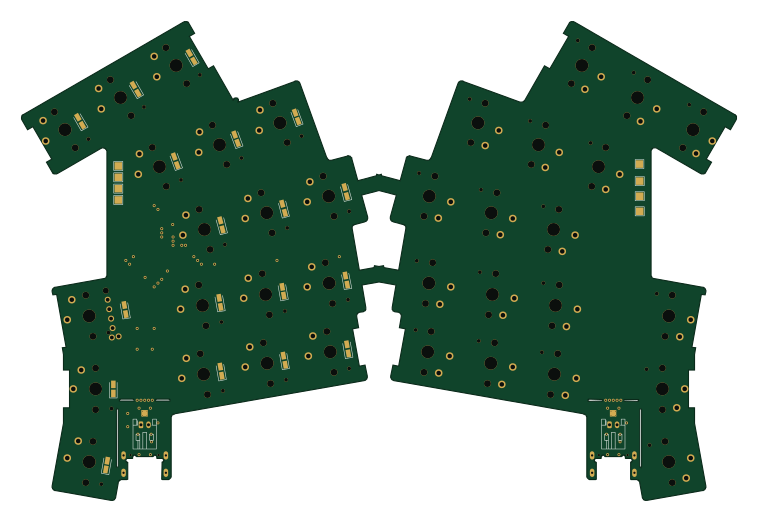 Nordic nRF
Ursa base
plty
189.2 × 126.8 mm64 parts2LNo license1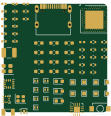 Nordic nRF
NRFBlueSlime-Tracker-HW
wb1016
27.3 × 28.6 mm61 parts4LMIT1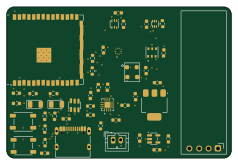 ESP32
Environment-Monitor
Dynix7
59.5 × 40 mm49 parts2LMIT1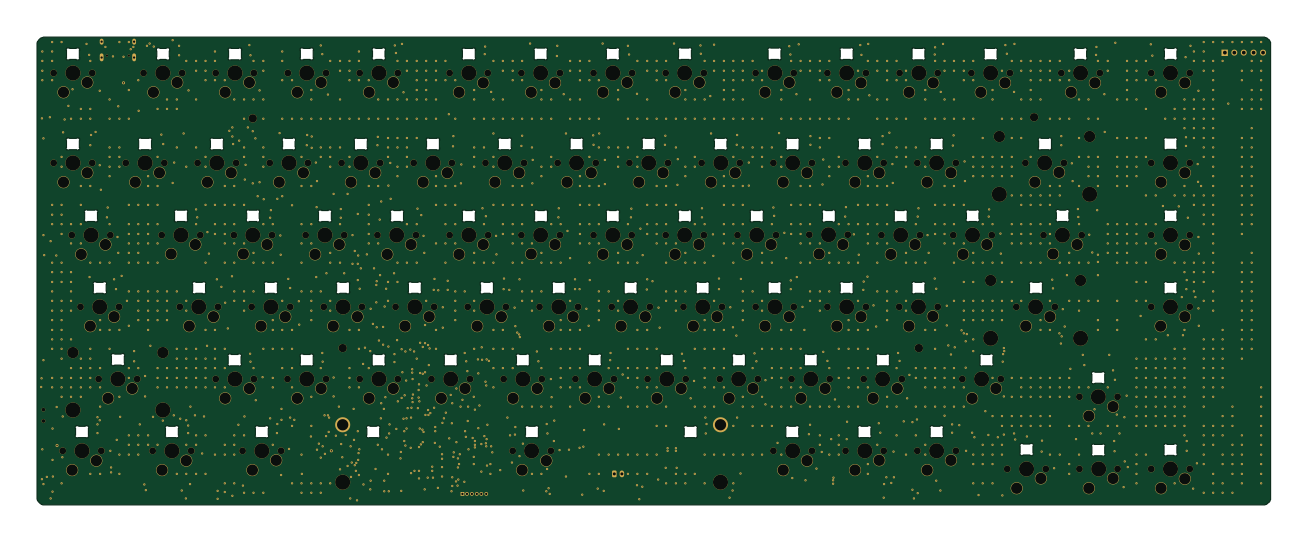 Nordic nRF
Arc
DynamicWhiteHat
326.6 × 123.8 mm415 parts2LNo license0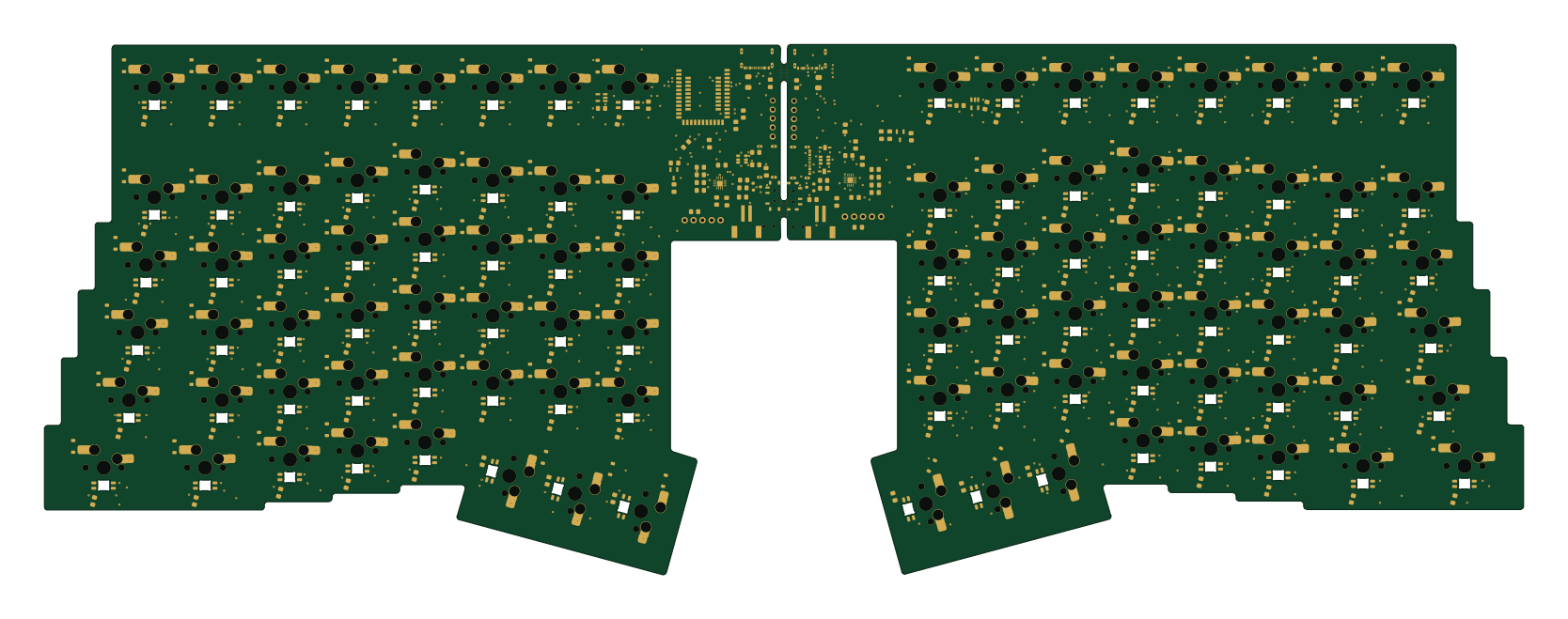 Nordic nRF
Combined
sanoojes
416.3 × 149.4 mm239 parts2LMIT0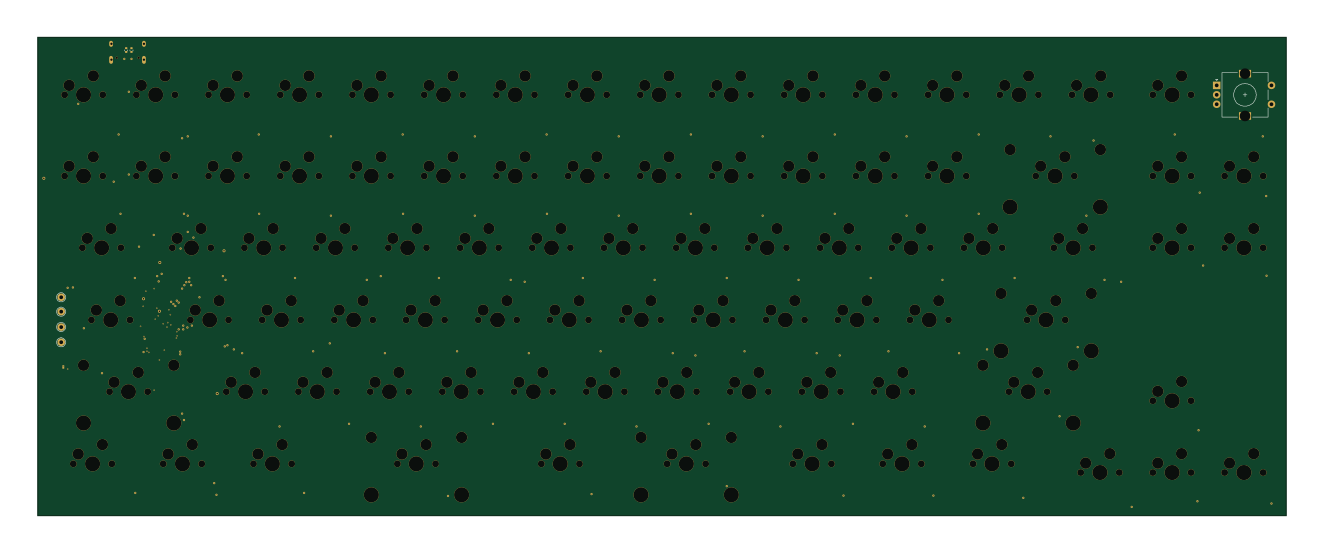 Nordic nRF
Cubitboard
cubit010
330.5 × 126.6 mm204 parts4LNo license0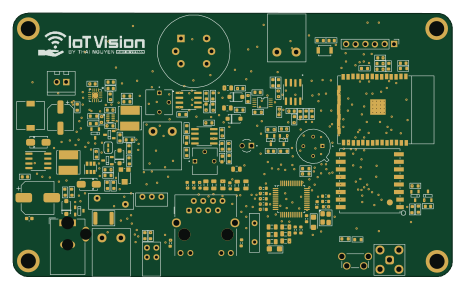 ESP32
Hardware
nguyenmihn
116.2 × 69.6 mm163 parts2LApache-2.00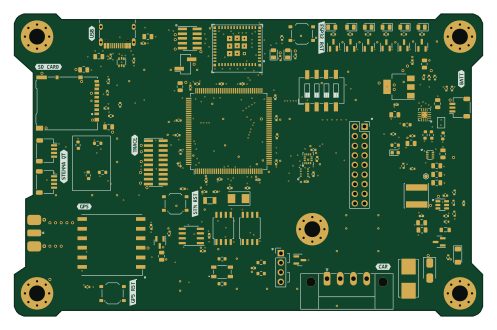 ESP32
Telem3
5aji
124 × 80 mm151 parts4LNo license0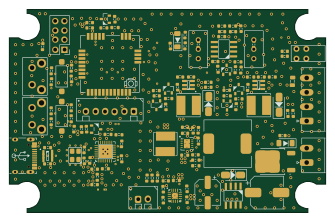 ESP32
Node Analog
maivananh111
83.7 × 53.7 mm130 parts2LNo license0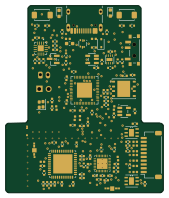 ESP32
Rebound
41.8 × 49.6 mm118 parts4LNo license0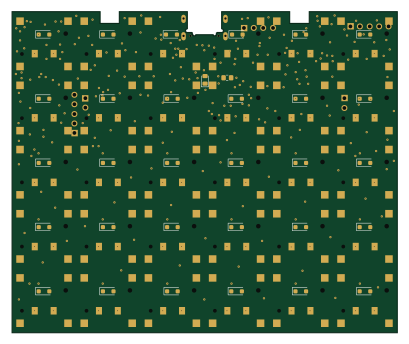 Nordic nRF
Superflat
cheyao
102 × 85 mm103 parts2LNo license0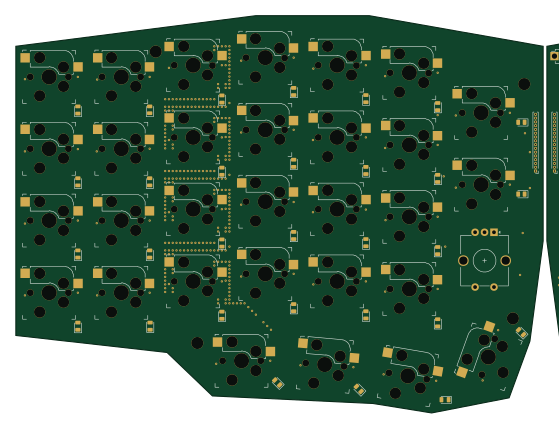 ESP32
BTK-0
lnvke
139.5 × 105 mm102 parts4LNo license0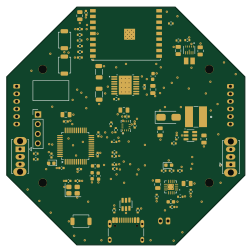 ESP32
Swarm Robot Hardware
Khoi281248
62.8 × 62.8 mm83 parts2LMIT0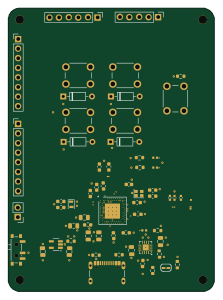 Nordic nRF
Nrf52840-devkit
samodostal
54.4 × 74.8 mm65 parts4LNo license0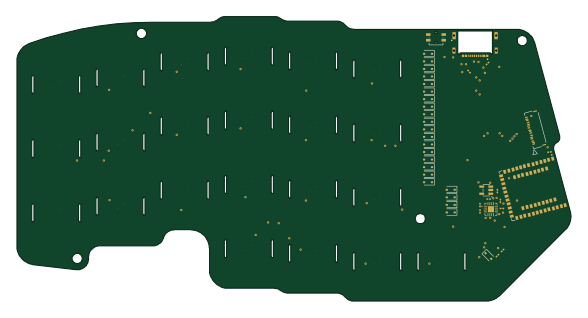 Nordic nRF
3leaf left
marcuswu
146.7 × 75.4 mm62 parts2LMIT0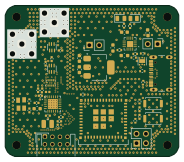 ESP32
DH-LRC-0
46 × 40 mm55 parts4LNo license0 Nordic nRF
Smd smores
infopcgood
18 × 21.1 mm50 parts2LNo license0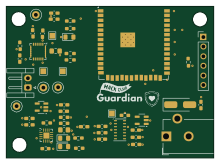 ESP32
Guardian
kian09
55 × 40.1 mm49 parts2LNo license0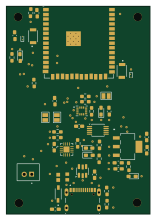 ESP32
Double-Sports
Ameister621
38 × 55 mm47 parts4LNo license0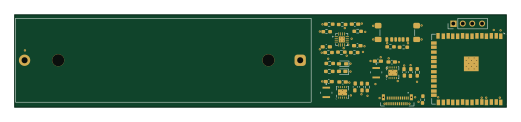 ESP32
Kbd bt adapter
GuyOnWifi
130 × 24.4 mm37 parts4LNo license0
How designs wire the BQ24075RGT
Read from the KiCad layouts of 44 open source designs, one per repository: what each pin of the BQ24075RGT connects to, and the resistors, capacitors and other passives placed on it.
- The TS pin has a resistor to GND on 38 of 44 designs, most often 10 kΩ.
- The BAT pins have a decoupling capacitor on 38 of 44 designs, most often 4.7 µF (then 10 µF).
- The ISET pin has a resistor to GND on 38 of 44 designs, most often 1.8 kΩ (then 10 kΩ).
- The OUT pins have a capacitor to GND on 37 of 44 designs, most often 4.7 µF (then 10 µF).
| Pin | Connected to | Parts on the pin |
|---|---|---|
| TSpin 1 | Connected to: Signal 95% |
|
| BATpin 2, 3 | Connected to: VBAT 73% · a signal 27% |
|
| CEpin 4 | Connected to: GND 68% · a signal 30% | — |
| EN1pin 6 | Connected to: Signal 41% · GND 25% · VDDH 34% |
|
| VSSpin 8, 17 | Connected to: GND 95% | — |
| OUTpin 10, 11 | Connected to: Signal 59% · VDDH 41% |
|
| ILIMpin 12 | Connected to: Signal 75% · not connected 25% |
|
| INpin 13 | Connected to: VBUS 82% · a signal 18% | — |
| TMRpin 14 | Connected to: Signal 43% · not connected 41% |
|
| ISETpin 16 | Connected to: Signal 98% |
|
4 more pins vary from design to design. Connections count pins, parts count designs; values in brackets are how many parts had that value. Designs read include Portapack havoc modified by jamesshao8, Portapack carnage by Acetolyne, Lemon pcb wireless by rianadon and Borne keyboard by gibbz00.
The BQ24075RGT in open source designs
The gallery holds 56 open source boards using the BQ24075RGT from 45 GitHub repositories; a typical one measures about 86.7 × 75 mm and carries around 102 components.
55% use four copper layers or more, and 46% carry an open source license.
The most starred is Portapack havoc modified by jamesshao8.
Parts used alongside the BQ24075RGT
Microcontrollers on boards using the BQ24075RGT
What boards using the BQ24075RGT are built for
BQ24075RGT: common questions
Where can I find a BQ24075RGT reference design?
Each of the 56 boards on this page is a real design using the BQ24075RGT. Open one to see how it is wired up, with the full BOM, a render of the layout and links to its KiCad files.
What resistor goes on the BQ24075RGT TS pin?
The TS pin has a resistor to GND on 38 of 44 designs, most often 10 kΩ. Counted from the KiCad layouts of 44 open source designs using the BQ24075RGT.
What decoupling capacitors do designs use on the BQ24075RGT BAT pin?
The BAT pins have a decoupling capacitor on 38 of 44 designs, most often 4.7 µF (then 10 µF). Counted from the KiCad layouts of 44 open source designs using the BQ24075RGT.
What resistor goes on the BQ24075RGT ISET pin?
The ISET pin has a resistor to GND on 38 of 44 designs, most often 1.8 kΩ (then 10 kΩ). Counted from the KiCad layouts of 44 open source designs using the BQ24075RGT.
What parts are used alongside the BQ24075RGT?
The USBLC6-2SC6, ESP32-S3-WROOM-1, 5M40ZE64, 74HC1G04GW and AK4951EN appear in the most repositories here.
Which microcontrollers do boards using the BQ24075RGT use?
Most are built on ESP32 (24), Nordic nRF (15), RP2040/RP2350 (7) and AVR/Arduino (1).
How big is a typical board using the BQ24075RGT?
The median is 86.7 × 75 mm, and 45% are two-layer designs.
What is the most popular open source board using the BQ24075RGT?
By GitHub stars, Portapack havoc modified by jamesshao8, with 186 stars.
Can I simulate one of these boards using the BQ24075RGT before building it?
Yes. HardLabs turns a board's netlist and BOM into a working simulation, so you can boot and test firmware against it with no hardware on your desk.