
101 open source boards using the Raspberry_Pi_Pico
Real designs built with the Raspberry_Pi_Pico, from public GitHub projects: a quick way to see how others power, decouple and connect it. Each board comes with its KiCad files, full parts list and a render — and you can simulate its firmware on HardLabs.
 RP2040/RP2350
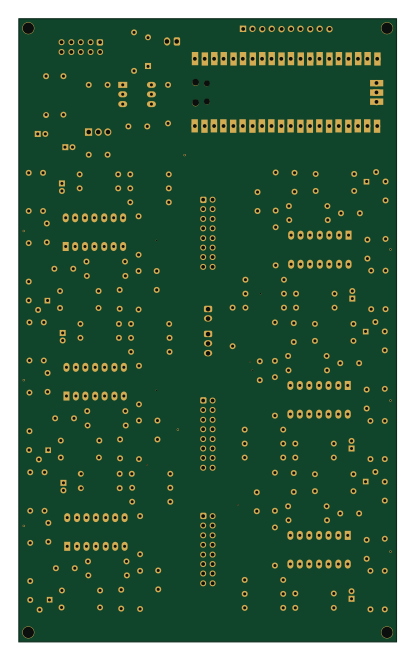
Pico dco
polykit
100 × 165 mm148 parts2LNo license161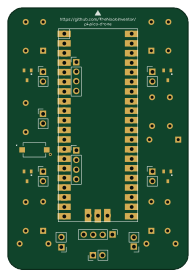 RP2040/RP2350
Pi pico drone
TheNoobInventor
47.6 × 69.1 mm31 parts2LApache-2.029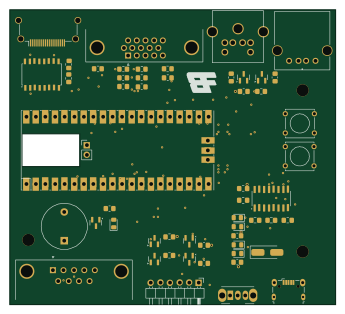 RP2040/RP2350
VersaTermMinus
jimbro1000
86.2 × 78 mm53 parts2LGPL-3.020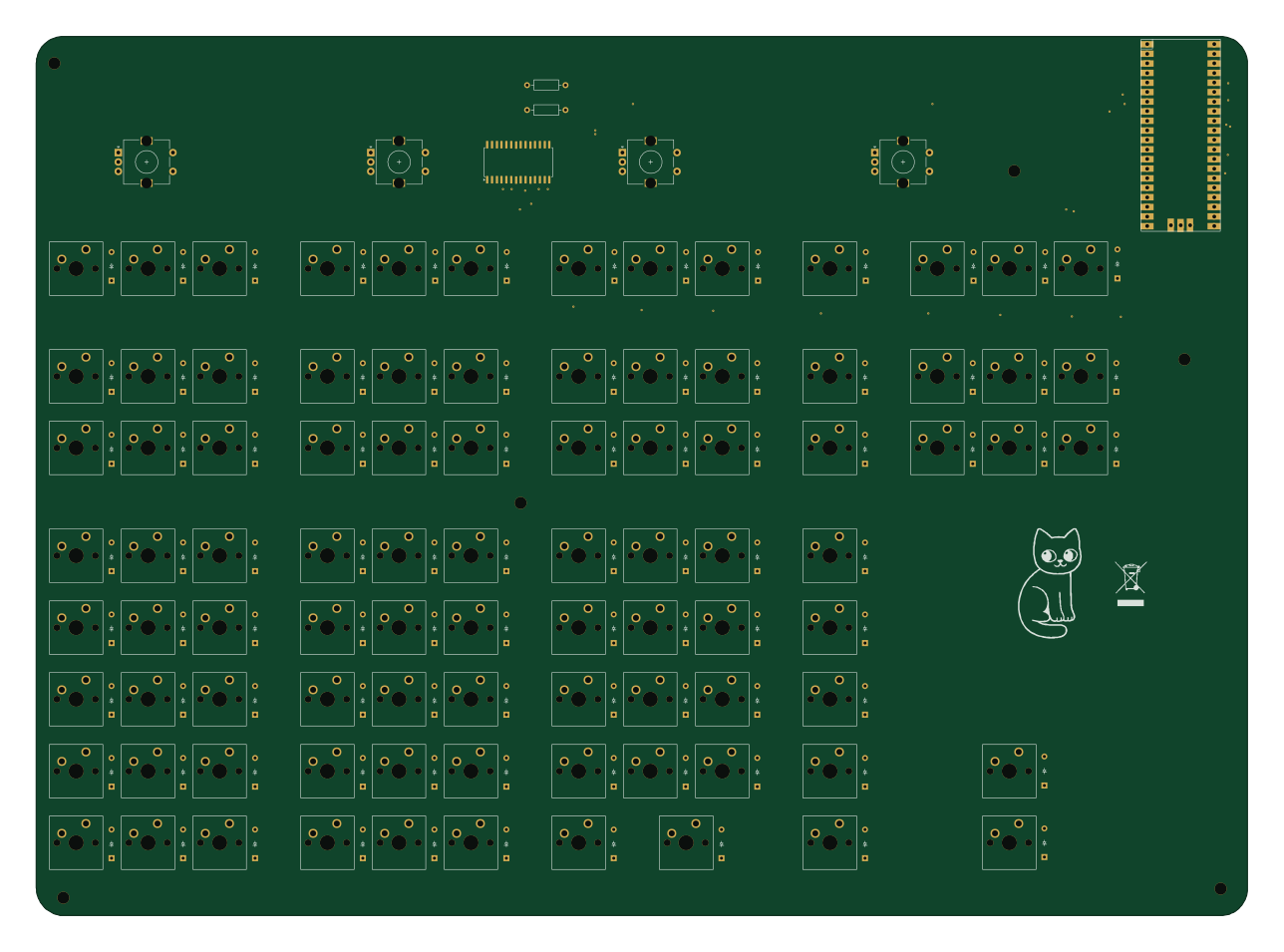 RP2040/RP2350
ElementWing
jamiejcole
321.5 × 233.4 mm188 parts2LNo license11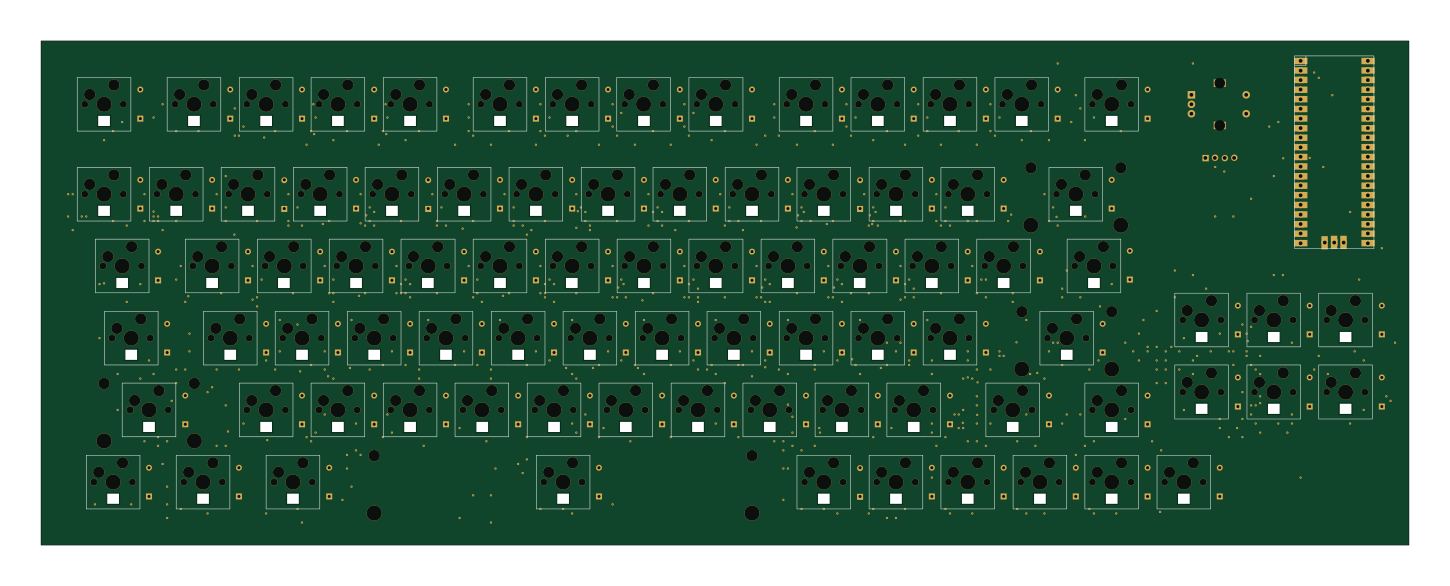 RP2040/RP2350
Easy75
eddyzow
362 × 133.4 mm255 parts2LMIT6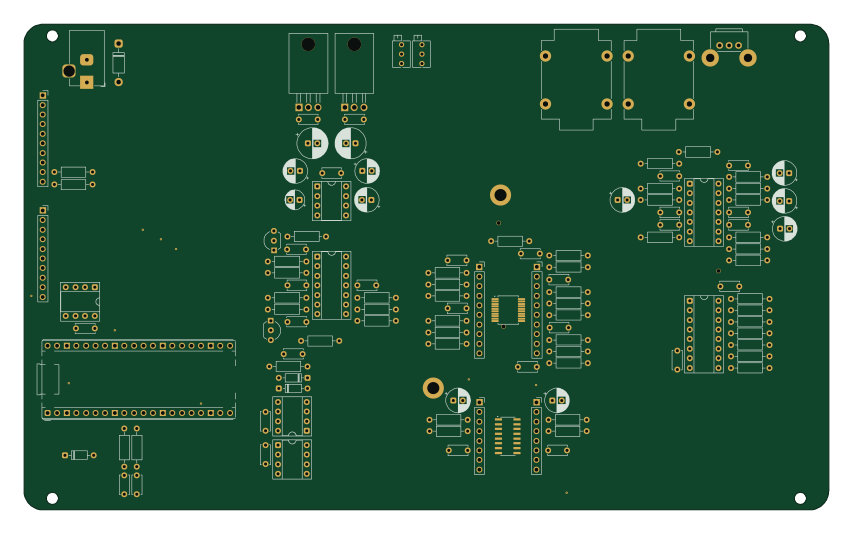 RP2040/RP2350
Iosefka motherboard
GlobalSequence
213 × 128.5 mm122 parts2LNo license5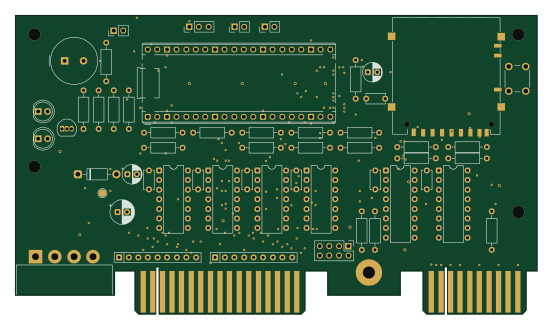 RP2040/RP2350
Pico506
hmerrett
138 × 79 mm57 parts2LGPL-3.05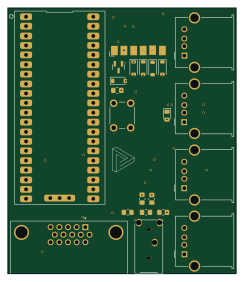 RP2040/RP2350
Pico vga
mdrobot7
60.4 × 70.4 mm46 parts4LGPL-3.05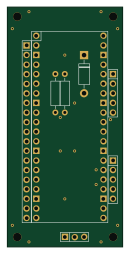 RP2040/RP2350
ClassicControllerPico
tt3333
30.5 × 63.5 mm8 parts2LGPL-3.04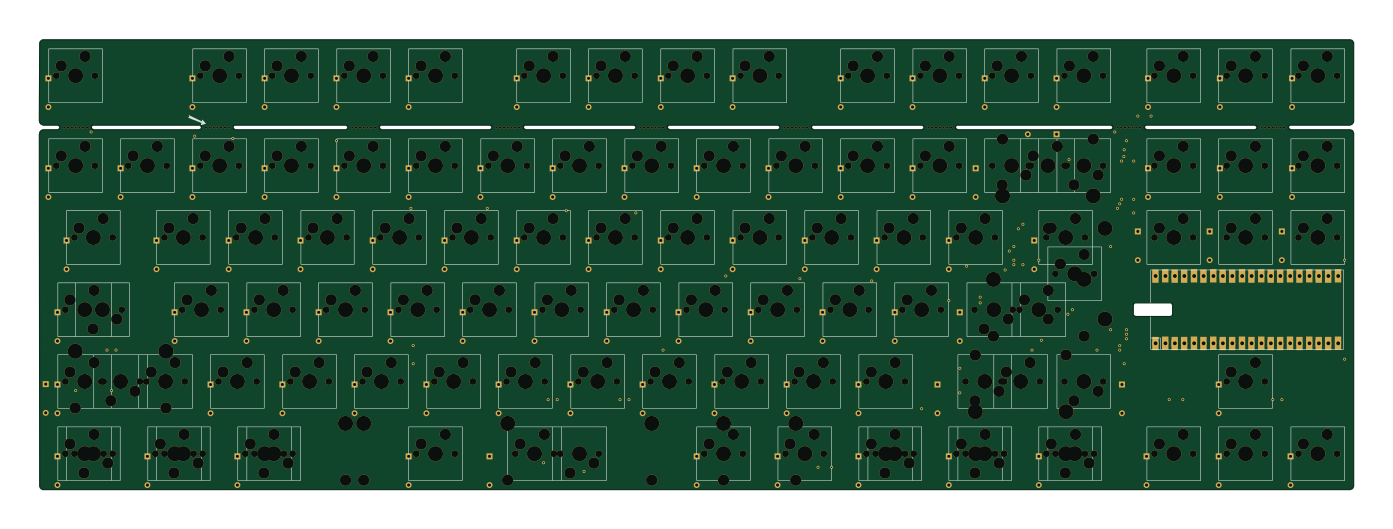 RP2040/RP2350
Bb pcb v1
derEchteJan
347.7 × 119.1 mm216 parts2LNo license3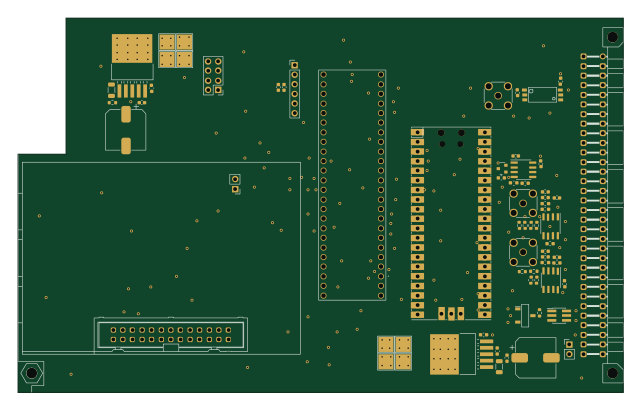 RP2040/RP2350
Eurocard DDS
JQIamo
160 × 99.1 mm60 parts2LNo license3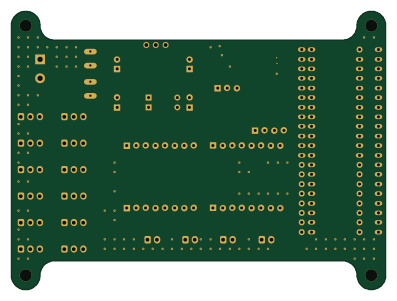 RP2040/RP2350
BT DC motor board
VinnyCordeiro
99.1 × 73.7 mm34 parts4LCERN-OHL-S-2.03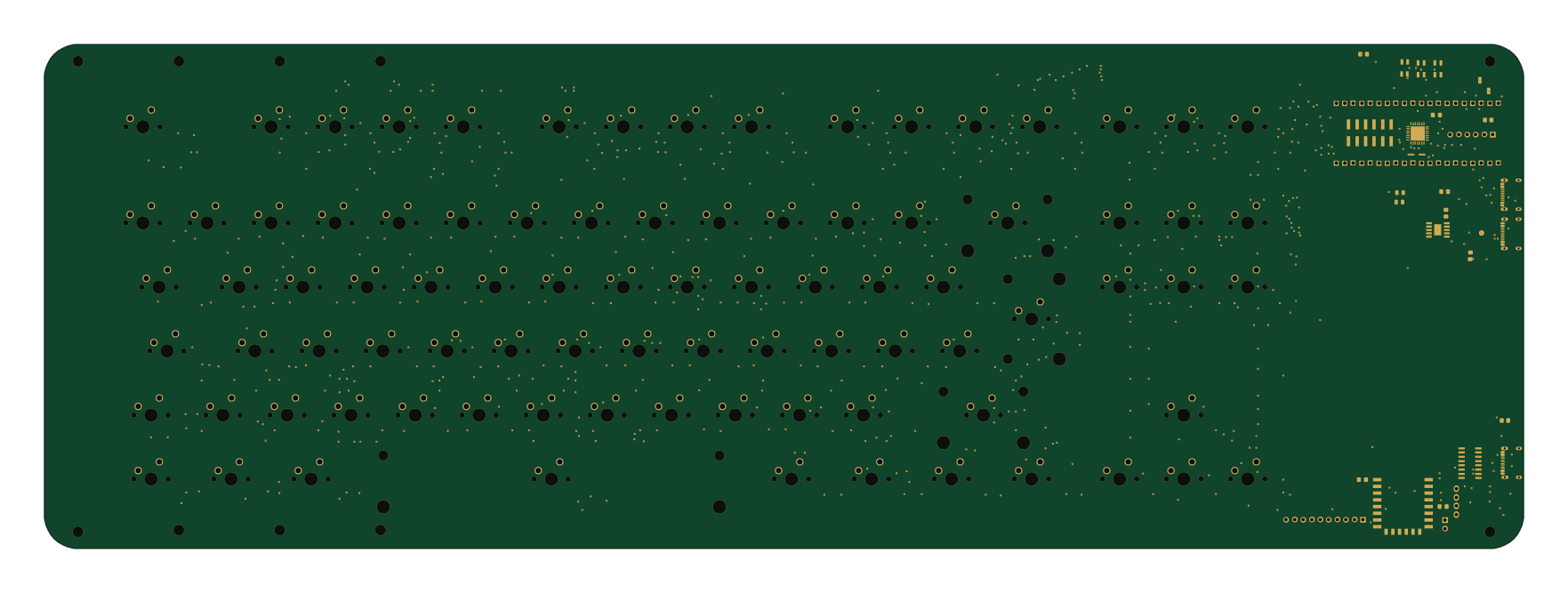 RP2040/RP2350
Kbn1
souptik-samanta
440 × 150 mm398 parts2LNo license2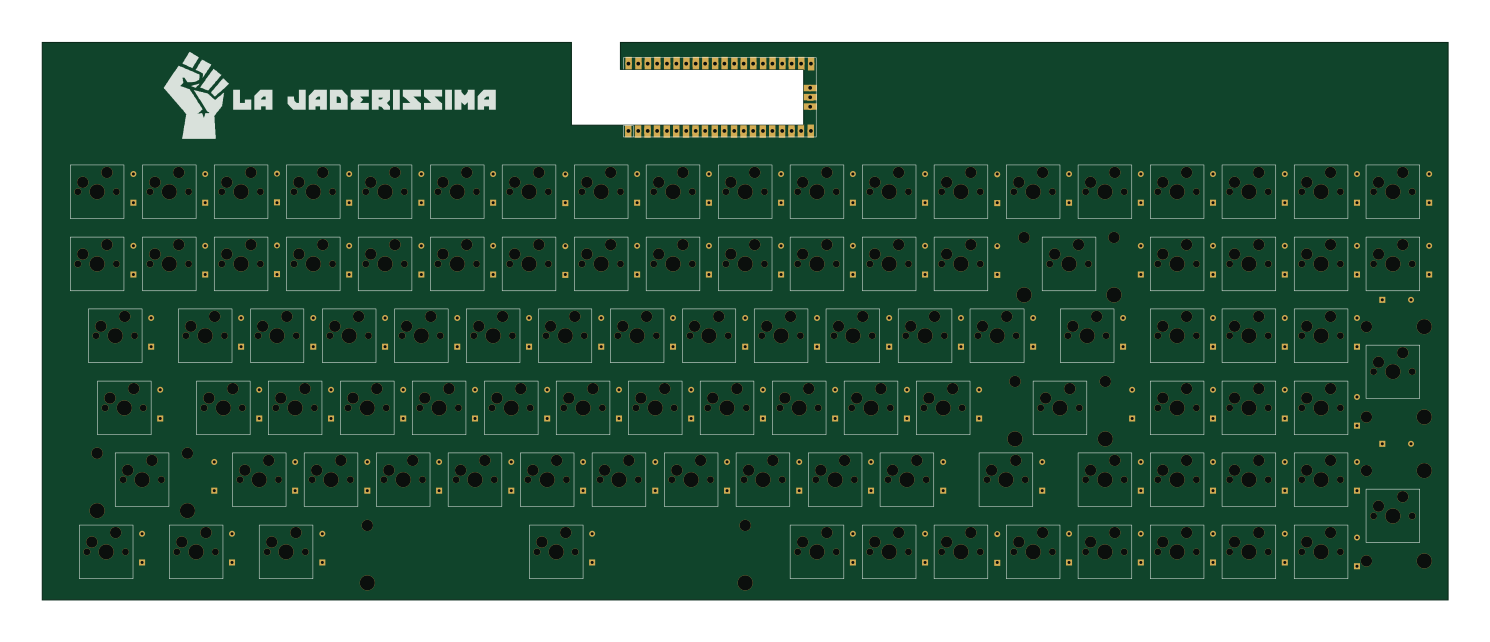 RP2040/RP2350
La Jaderissima mkb
ubolakes
372 × 147.5 mm201 parts2LApache-2.02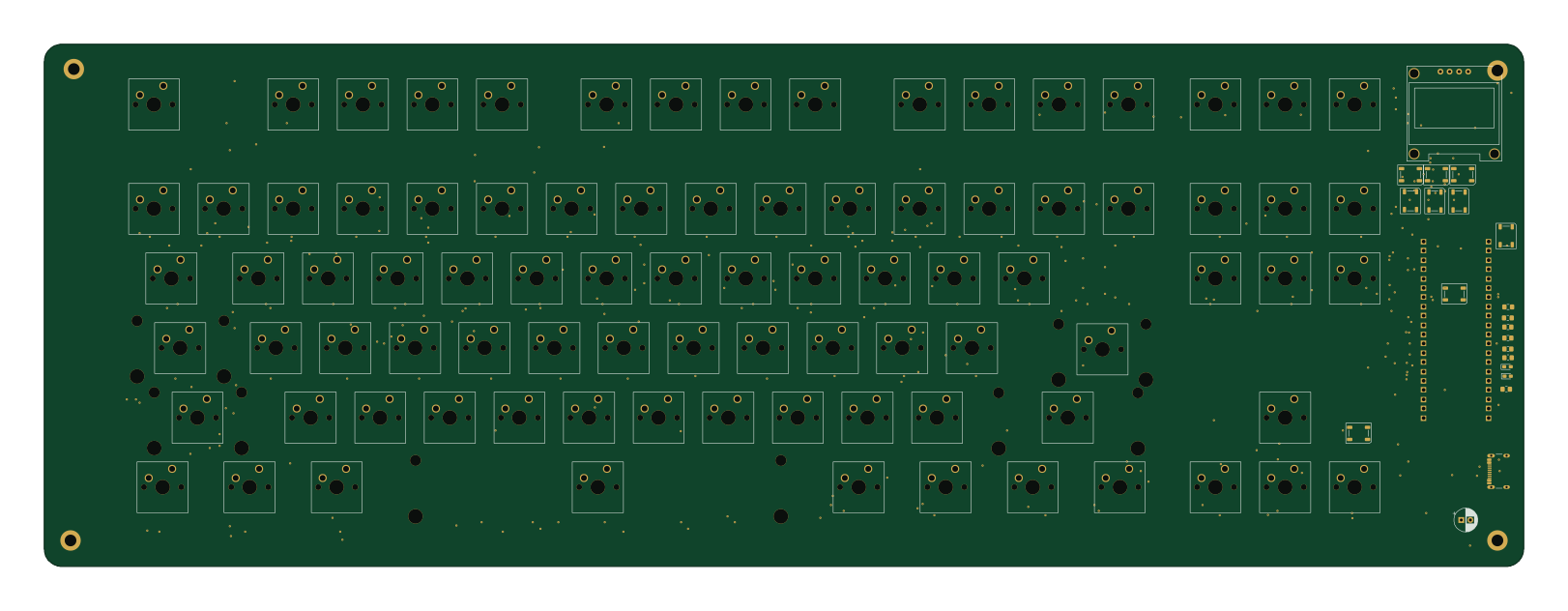 RP2040/RP2350
Keyboard
404.8 × 142.9 mm367 parts2LNo license1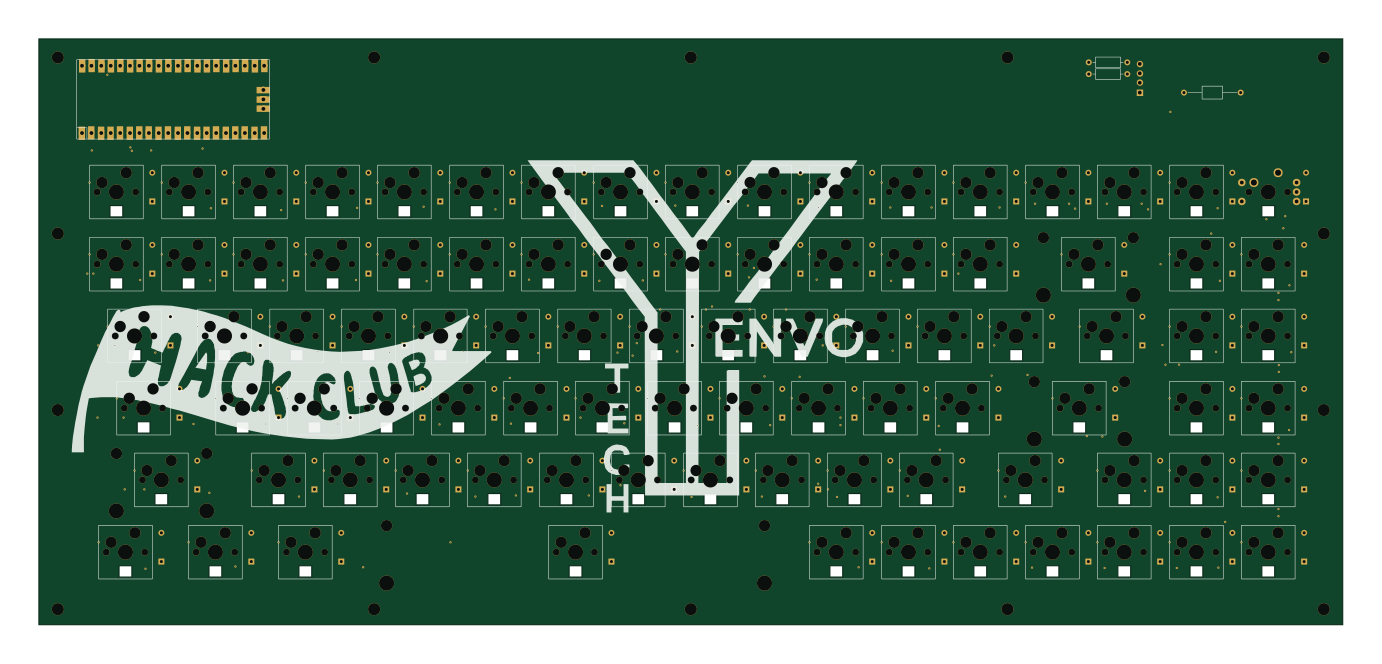 RP2040/RP2350
K90r
shubhamp2007
345 × 155 mm275 parts2LMIT1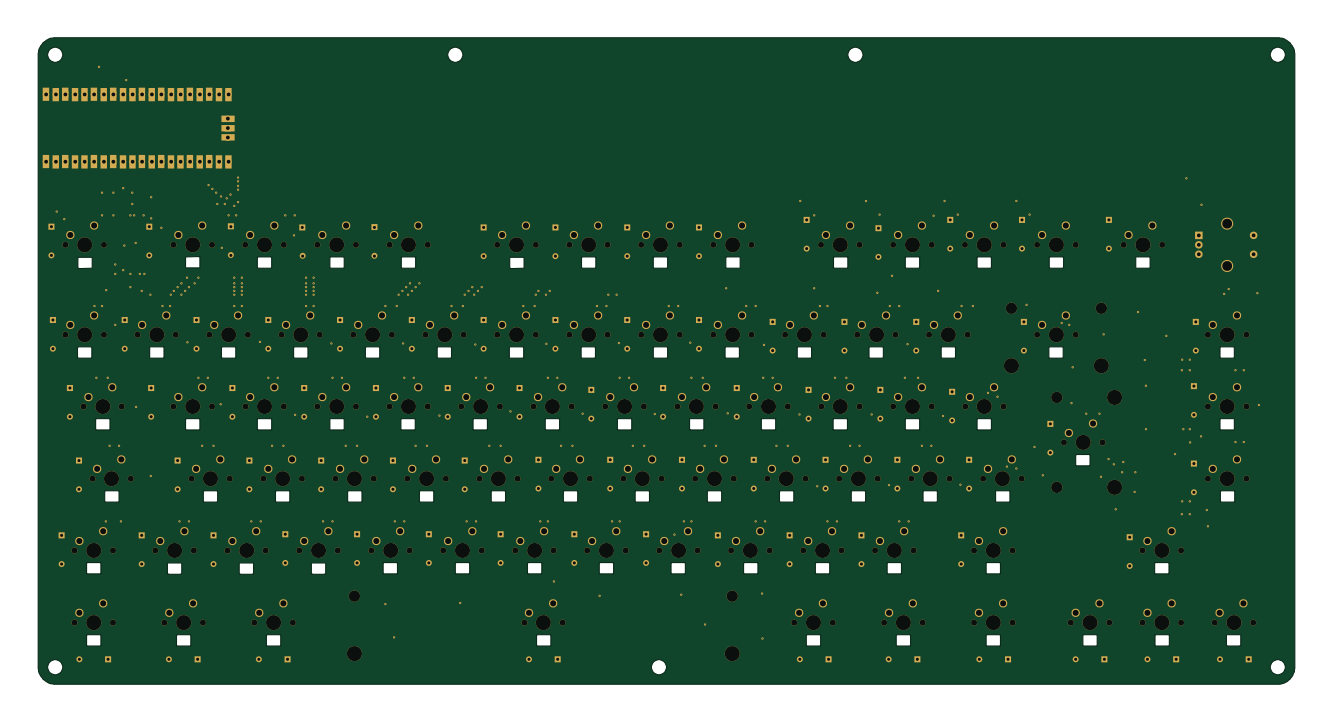 RP2040/RP2350
Jamboard
Jam12390
332.6 × 171.1 mm247 parts2LNo license1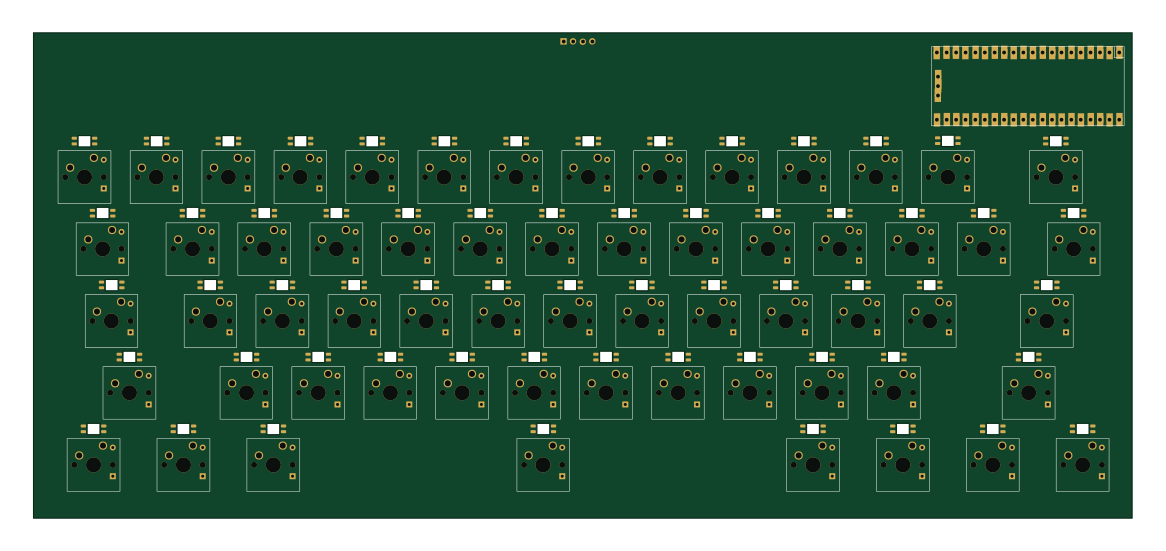 RP2040/RP2350
Custom Keyboard
X-3maar
290.9 × 128.4 mm185 parts2LNo license1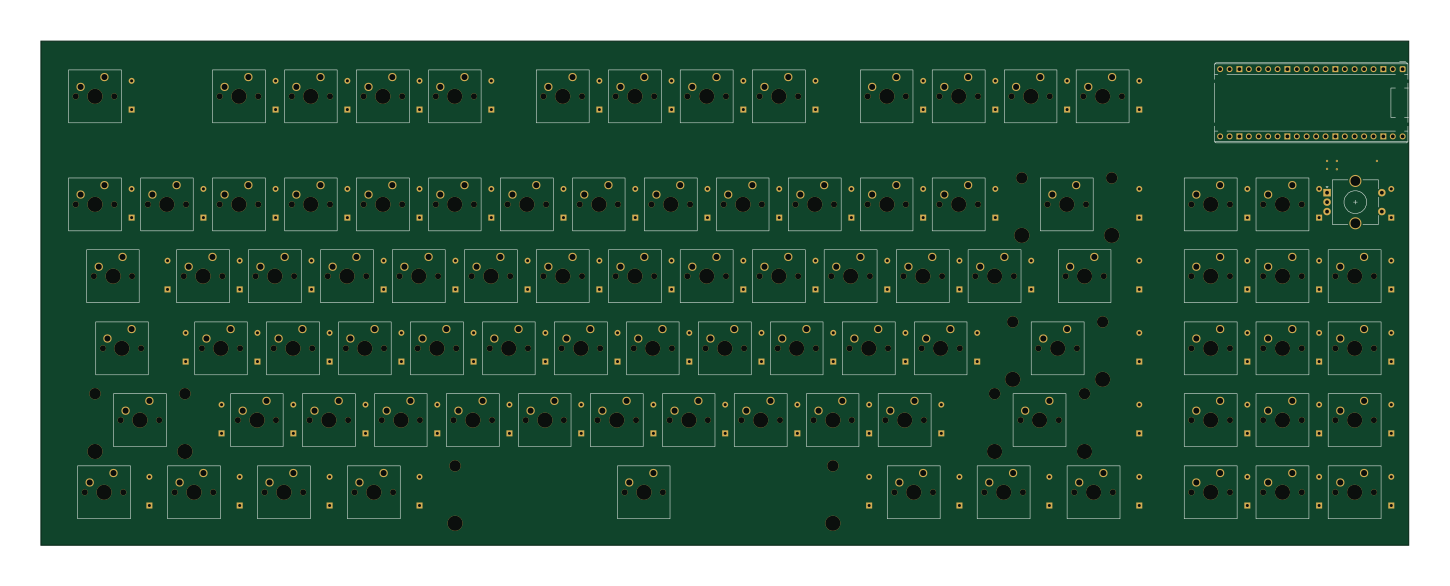 RP2040/RP2350
Syvrcboard v0
syvrc
362 × 133.4 mm178 parts2LNo license1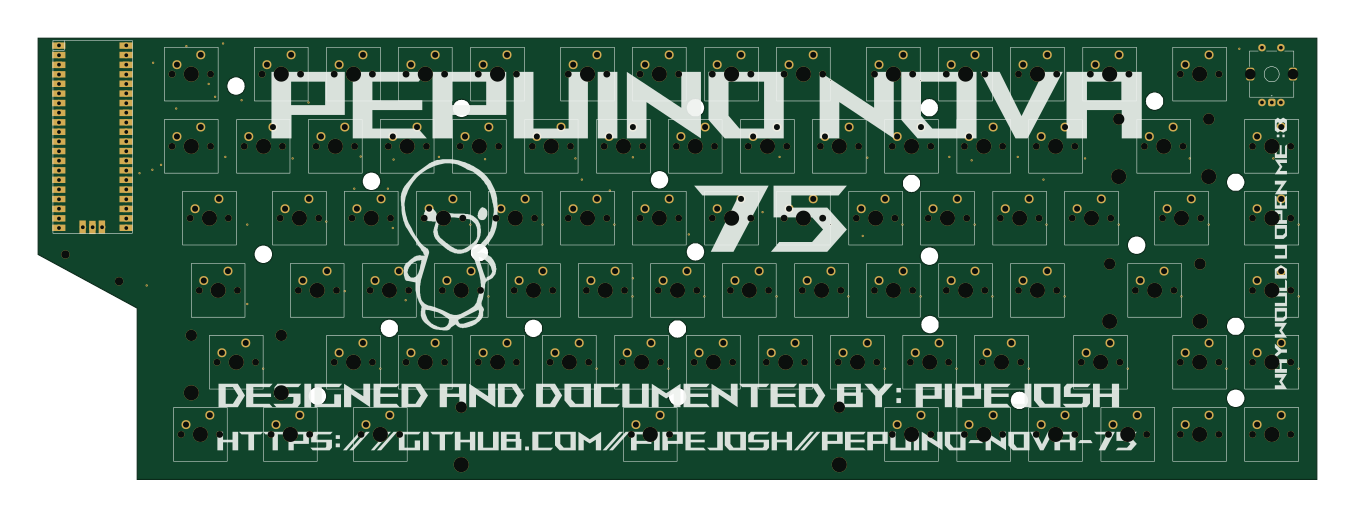 RP2040/RP2350
Pepuino-Nova-75
pipejosh
338.1 × 116.7 mm171 parts2LNo license1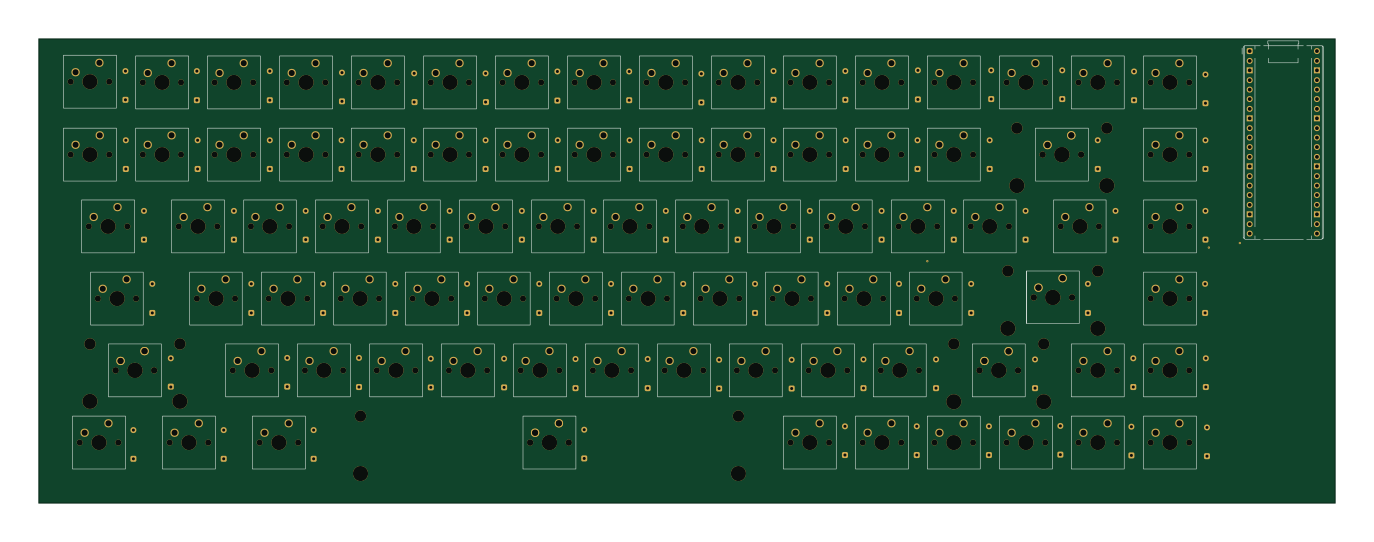 RP2040/RP2350
Sivasankar s-Keyboard
sasukeop108
343.1 × 122.8 mm169 parts2LMIT1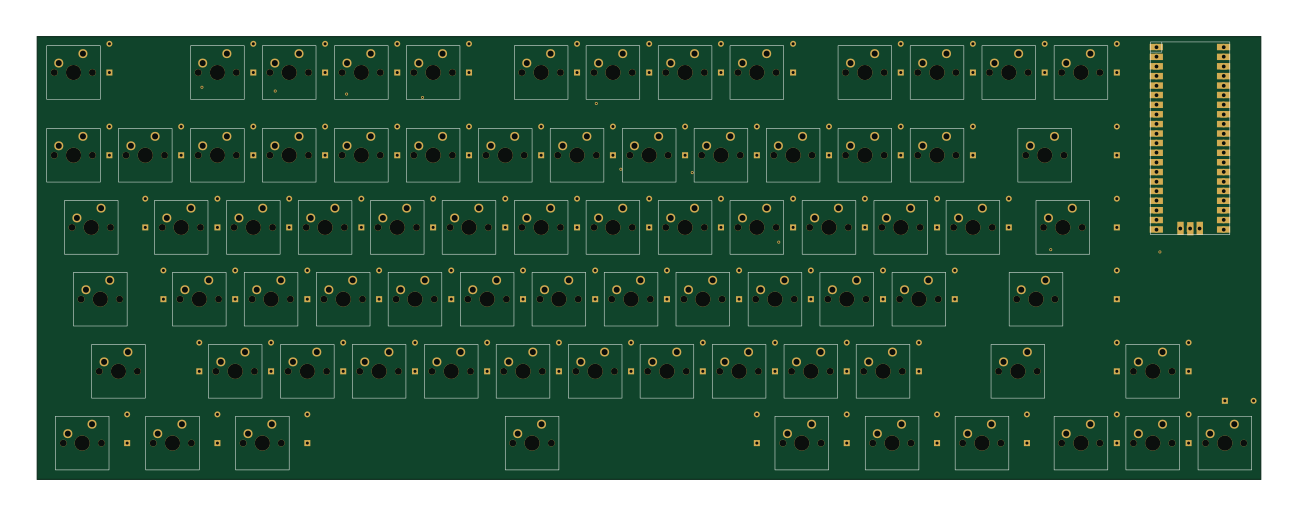 RP2040/RP2350
Emu-Board
Emmanuel-Roy
323.9 × 117.2 mm155 parts2LMIT1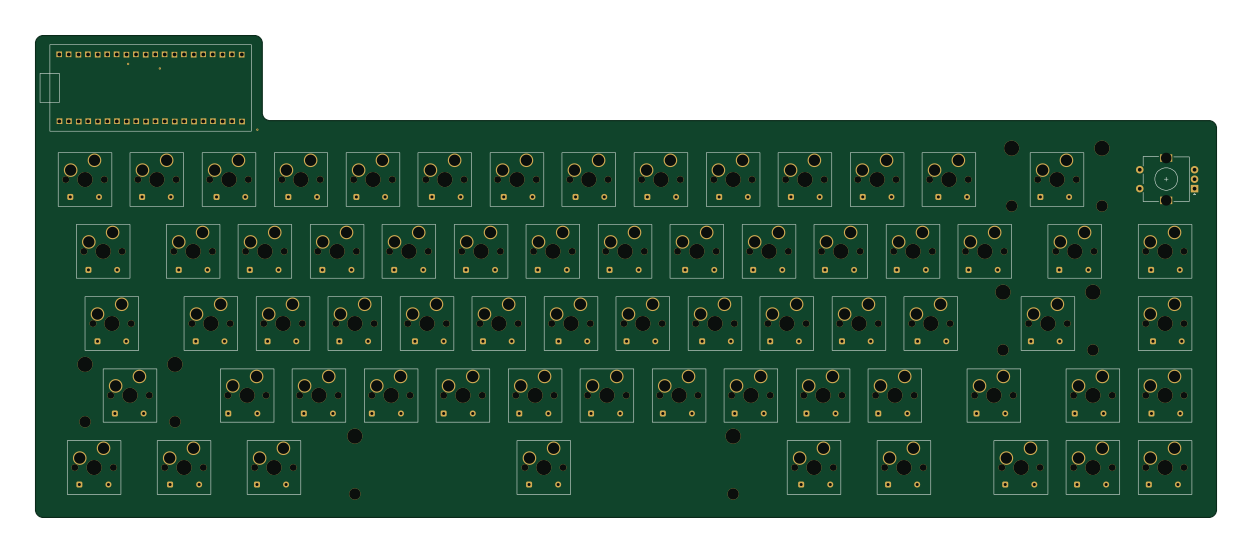 RP2040/RP2350
Ninjaboard65
Ninjadude01
312.5 × 127.5 mm134 parts2LNo license1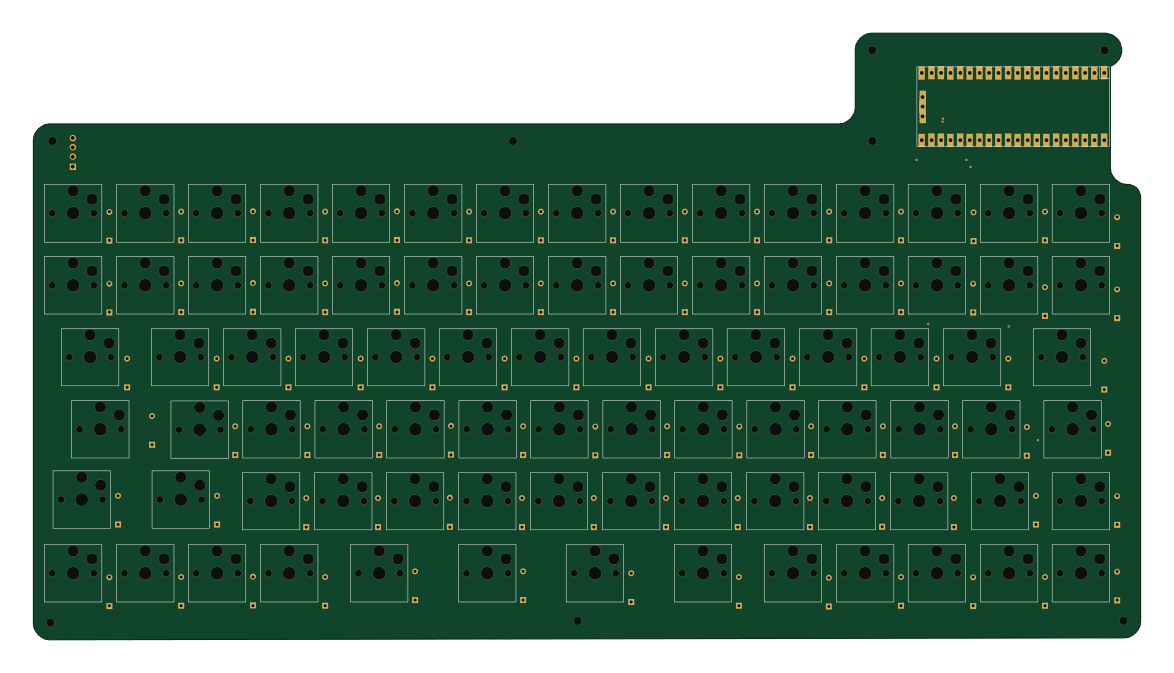 RP2040/RP2350
Noir keyboard pro
advaitconty
293 × 160.5 mm99 parts2LNo license1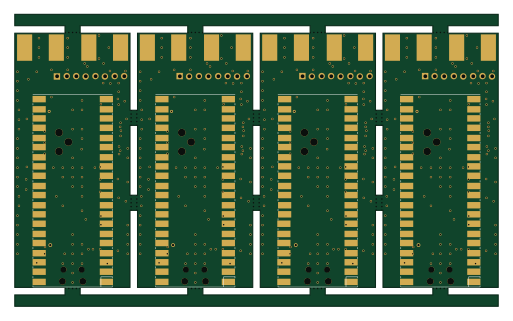 RP2040/RP2350
Momentum panel
rjhsun
127.9 × 77.3 mm34 parts2LNo license1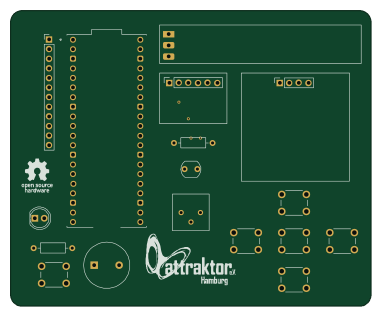 RP2040/RP2350
Micropython Demoboard
attraktorhh
95.3 × 78.1 mm17 parts2LMIT1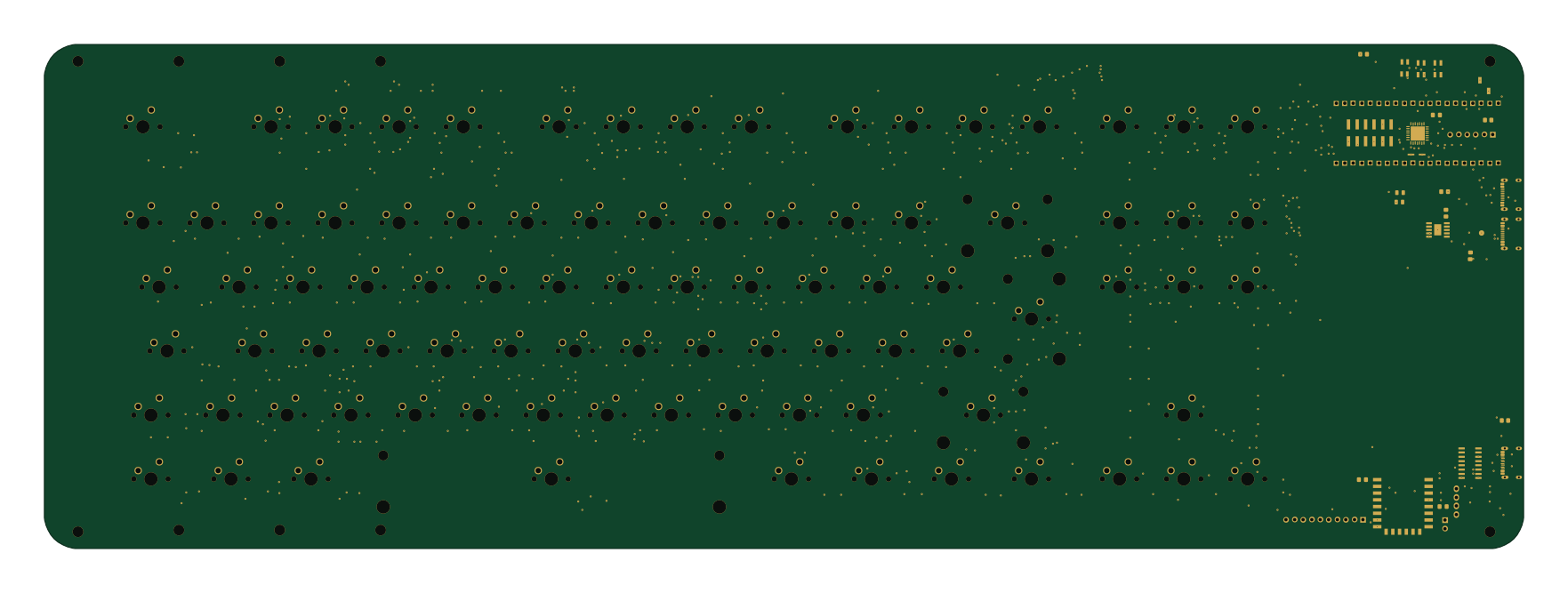 RP2040/RP2350
Keyboard
440 × 150 mm398 parts2LNo license0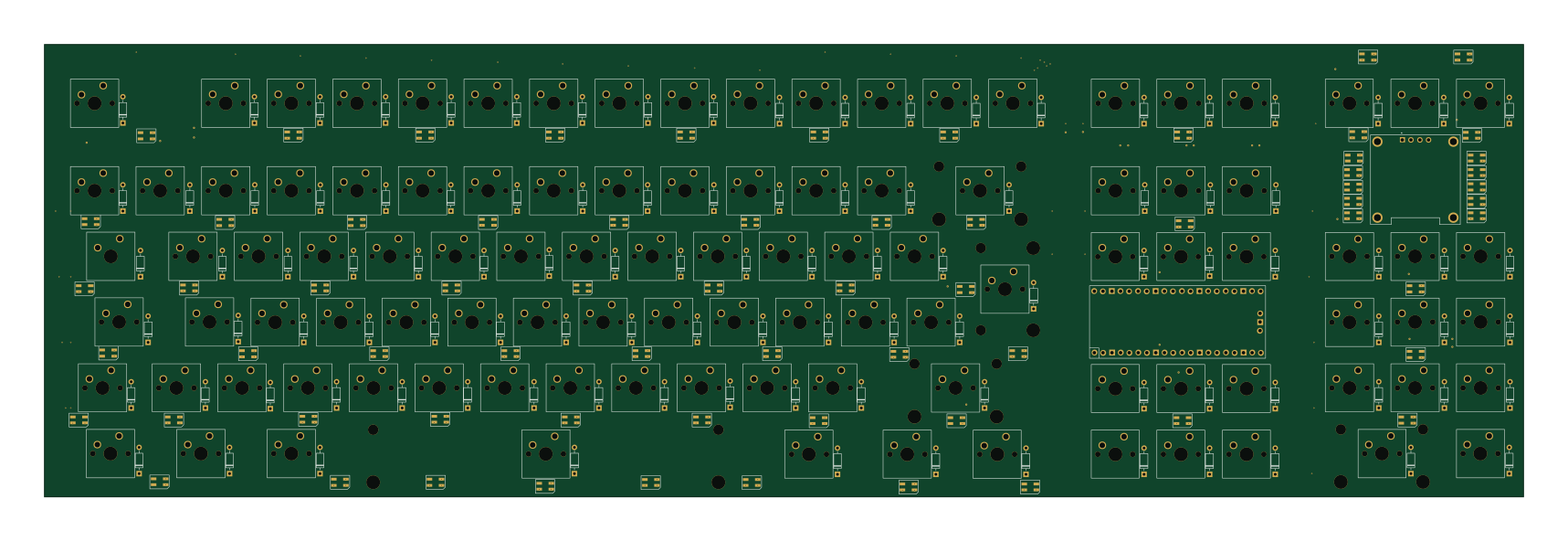 RP2040/RP2350
Linus-Keyboard
Schlafhase
428.5 × 130.9 mm276 parts2LNo license0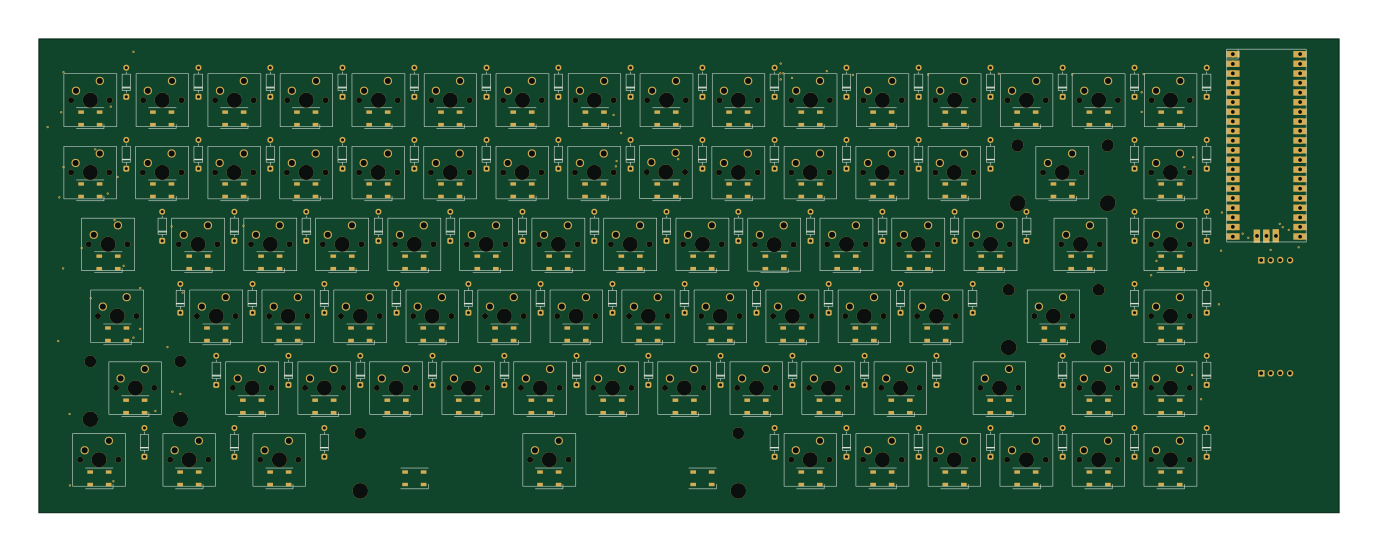 RP2040/RP2350
Koreem board
koreem-ahmed
343.9 × 125.4 mm261 parts2LMIT0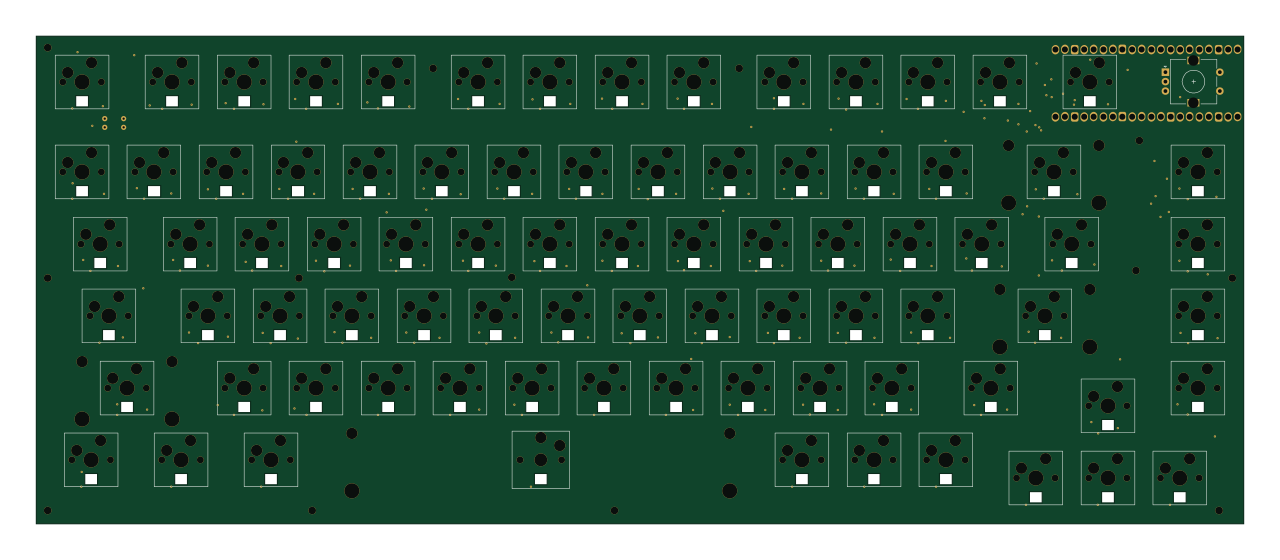 RP2040/RP2350
Keyboard
qwel-exe
319.5 × 129 mm251 parts2LNo license0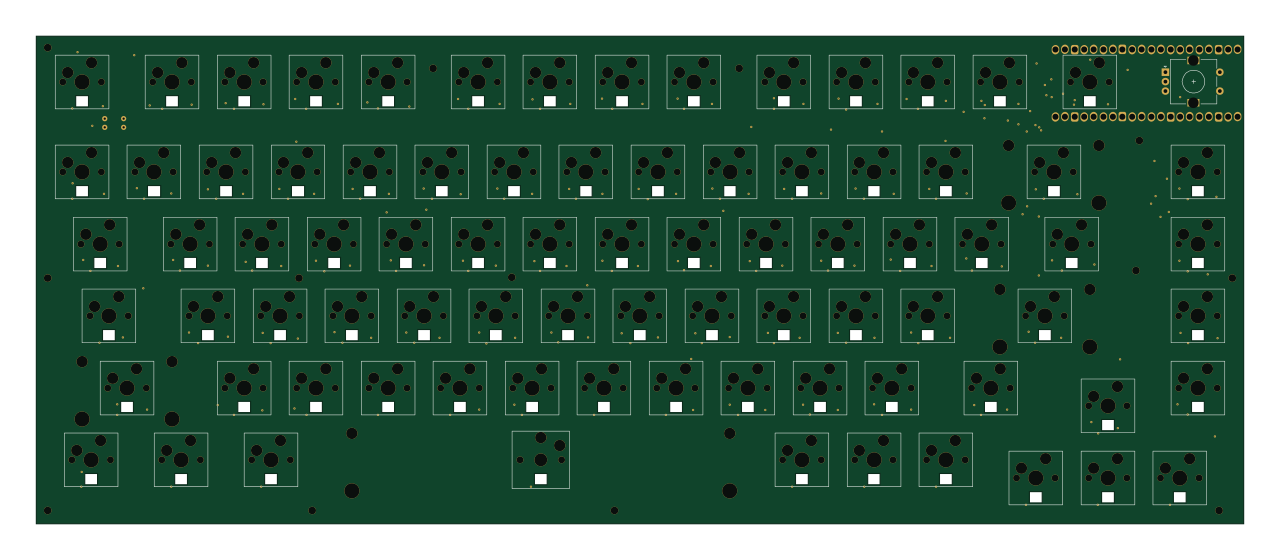 RP2040/RP2350
Hackboard
319.5 × 129 mm251 parts2LNo license0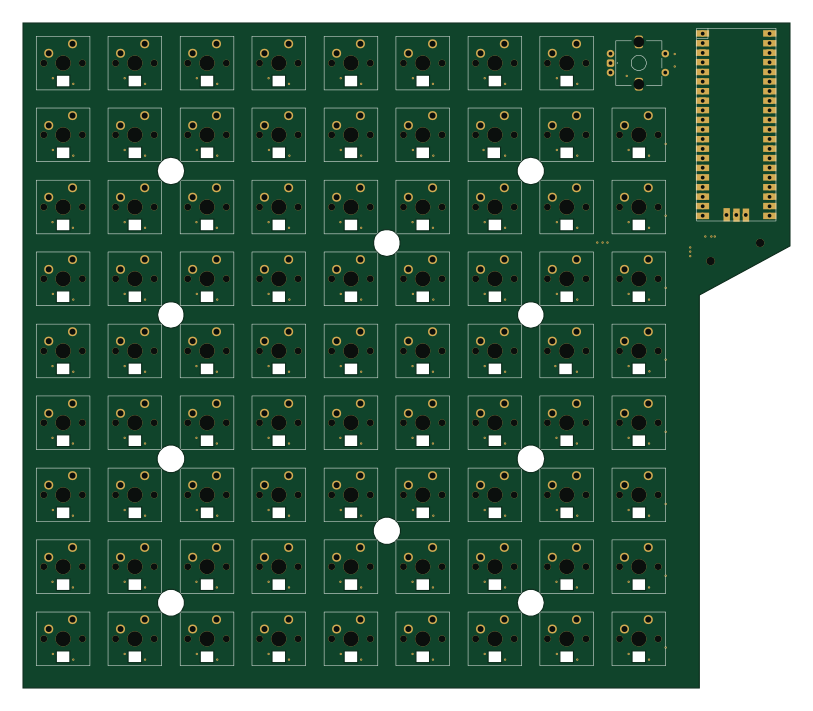 RP2040/RP2350
PepuinoPad
203 × 176 mm243 parts2LNo license0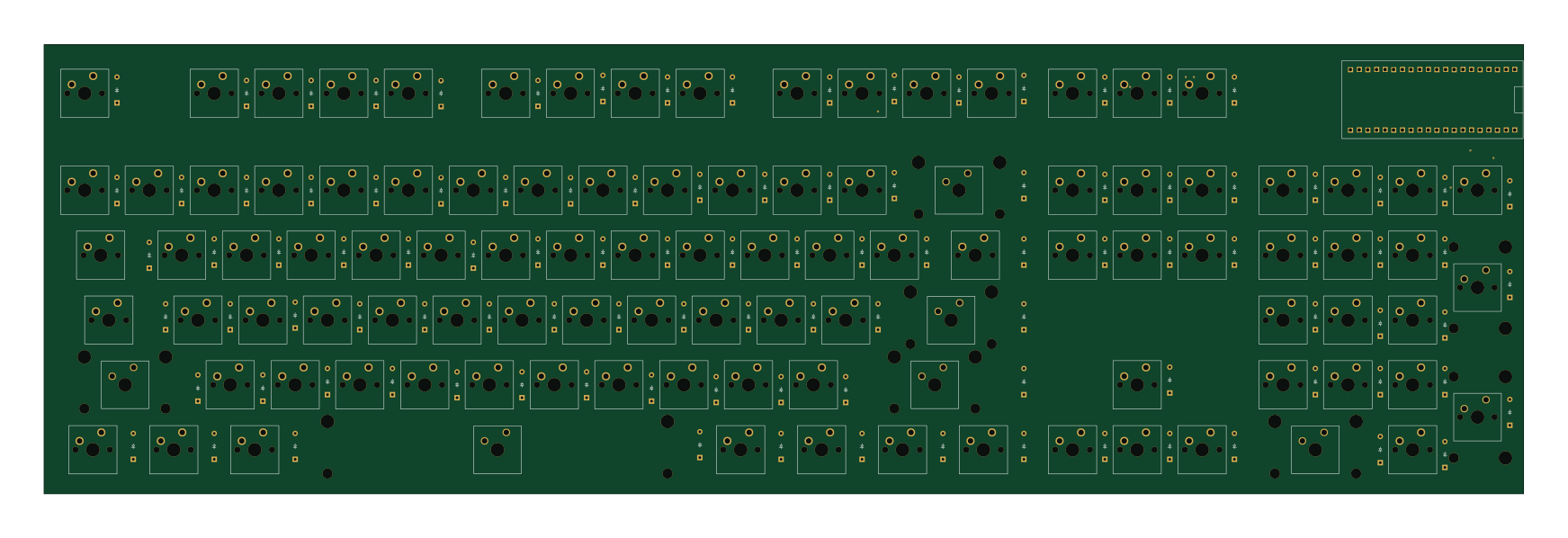 RP2040/RP2350
The-Mech
Sash-Reek2010
435 × 132 mm209 parts2LNo license0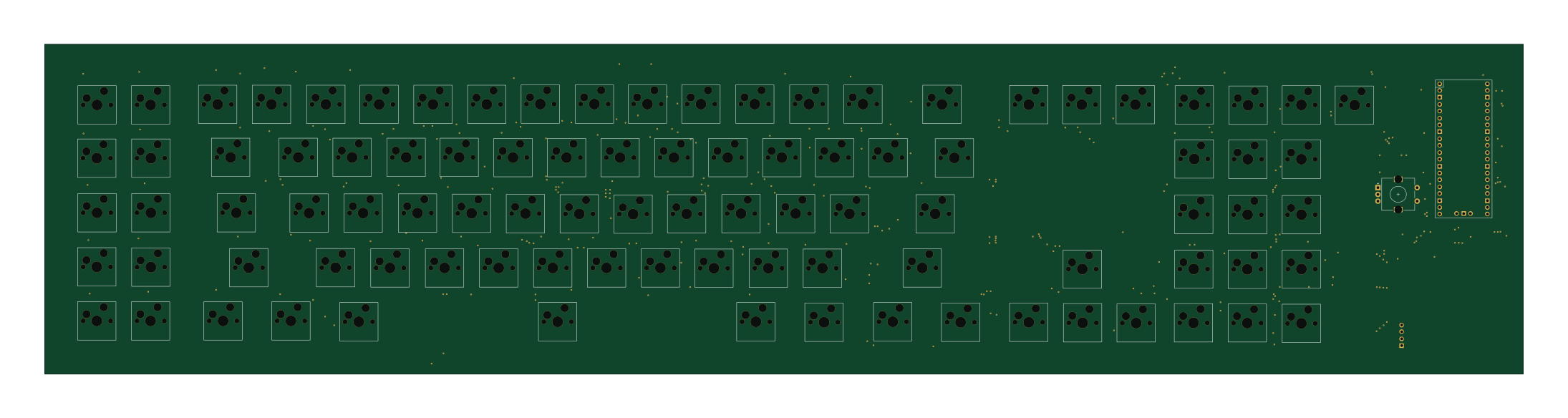 RP2040/RP2350
CLACK
praveenj2x
546.6 × 121.9 mm191 parts2LGPL-3.00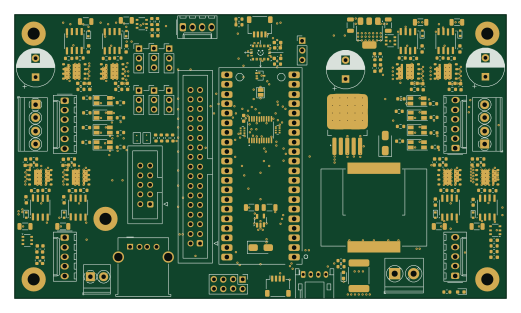 RP2040/RP2350
Rp2040 robotronix v 1.1
bm6t
130 × 75 mm185 parts4LNo license0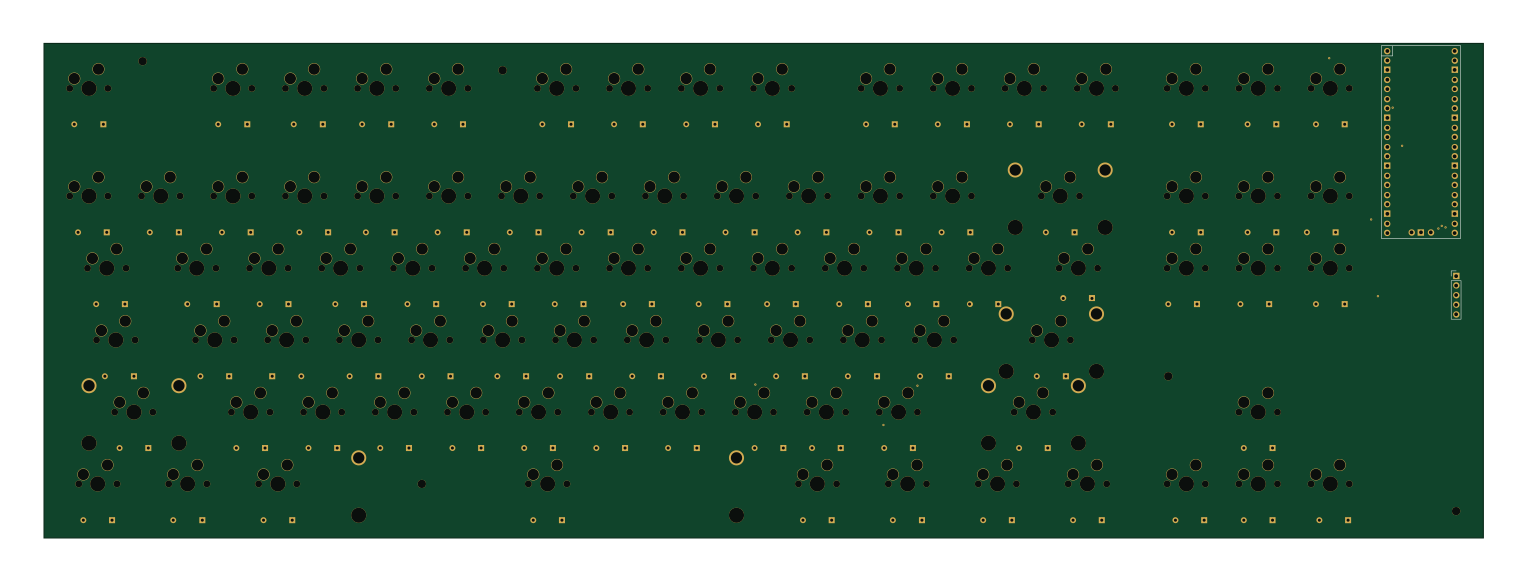 RP2040/RP2350
Hackclub keyboard
emb3rcia
381 × 131 mm181 parts2LNo license0
How designs wire the Raspberry_Pi_Pico
Read from the KiCad layouts of 86 open source designs, one per repository: what each pin of the Raspberry_Pi_Pico connects to, and the resistors, capacitors and other passives placed on it.
- The 3V3_EN pin is left unconnected on 85 of 86 designs.
- The ADC_VREF pin is left unconnected on 78 of 86 designs (3.3V on 3, a signal on 5).
- The RUN pin is left unconnected on 70 of 86 designs (a signal on 15).
- The VSYS pin is left unconnected on 63 of 86 designs (5V on 20, a signal on 3).
| Pin | Connected to | Parts on the pin |
|---|---|---|
| RUNpin 30 | Connected to: Not connected 81% · a signal 17% | — |
| GPIO27_ADC1pin 32 | Connected to: Not connected 60% · a signal 39% | — |
| AGNDpin 33 | Connected to: Not connected 69% · GND 29% | — |
| GPIO28_ADC2pin 34 | Connected to: Not connected 68% · a signal 32% | — |
| ADC_VREFpin 35 | Connected to: Not connected 91% | — |
| 3V3_ENpin 37 | Connected to: Not connected 99% | — |
| VSYSpin 39 | Connected to: Not connected 73% · 5V 23% | — |
| SWCLKpin 41 | Connected to: Not connected 98% | — |
| SWDIOpin 43 | Connected to: Not connected 98% | — |
27 more pins vary from design to design. Connections count pins, parts count designs; values in brackets are how many parts had that value. Designs read include Pico dco by polykit, Pi pico drone by TheNoobInventor, VersaTermMinus by jimbro1000 and ElementWing by jamiejcole.
The Raspberry_Pi_Pico in open source designs
The gallery holds 101 open source boards using the Raspberry_Pi_Pico from 89 GitHub repositories; a typical one measures about 167.4 × 112.4 mm and carries around 122 components.
93% are two-layer designs, the rest use four layers or more, and 29% carry an open source license.
The most starred is Pico dco by polykit.
Parts used alongside the Raspberry_Pi_Pico
Microcontrollers on boards using the Raspberry_Pi_Pico
What boards using the Raspberry_Pi_Pico are built for
Raspberry_Pi_Pico: common questions
Where can I find a Raspberry_Pi_Pico reference design?
Each of the 101 boards on this page is a real design using the Raspberry_Pi_Pico. Open one to see how it is wired up, with the full BOM, a render of the layout and links to its KiCad files.
How is the Raspberry_Pi_Pico 3V3_EN pin connected?
The 3V3_EN pin is left unconnected on 85 of 86 designs. Counted from the KiCad layouts of 86 open source designs using the Raspberry_Pi_Pico.
How is the Raspberry_Pi_Pico ADC_VREF pin connected?
The ADC_VREF pin is left unconnected on 78 of 86 designs (3.3V on 3, a signal on 5). Counted from the KiCad layouts of 86 open source designs using the Raspberry_Pi_Pico.
How is the Raspberry_Pi_Pico RUN pin connected?
The RUN pin is left unconnected on 70 of 86 designs (a signal on 15). Counted from the KiCad layouts of 86 open source designs using the Raspberry_Pi_Pico.
What parts are used alongside the Raspberry_Pi_Pico?
The AMS1117-3.3, CH224K, CH340C, ESP-12F and MCP23017_ML appear in the most repositories here.
Which microcontrollers do boards using the Raspberry_Pi_Pico use?
Most are built on RP2040/RP2350 (101).
How big is a typical board using the Raspberry_Pi_Pico?
The median is 167.4 × 112.4 mm, and 93% are two-layer designs.
What is the most popular open source board using the Raspberry_Pi_Pico?
By GitHub stars, Pico dco by polykit, with 161 stars.
Can I simulate one of these boards using the Raspberry_Pi_Pico before building it?
Yes. HardLabs turns a board's netlist and BOM into a working simulation, so you can boot and test firmware against it with no hardware on your desk.