
38 open source boards using the BQ24074RGT
Real designs built with the BQ24074RGT, from public GitHub projects: a quick way to see how others power, decouple and connect it. Each board comes with its KiCad files, full parts list and a render — and you can simulate its firmware on HardLabs.
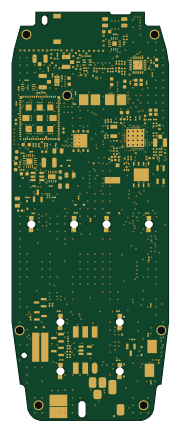 Nordic nRF
The-Mesh3310-Project
JLTelectronics
41.4 × 108 mm171 parts4LMIT26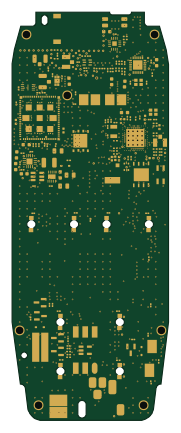 Nordic nRF
The-Mesh3310-Project
41.4 × 108 mm165 parts6LMIT9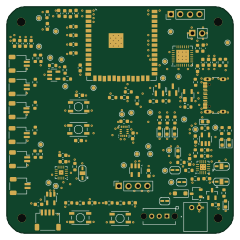 ESP32
3117 AUSIGN
r4hulrr
60 × 60 mm113 parts4LMIT3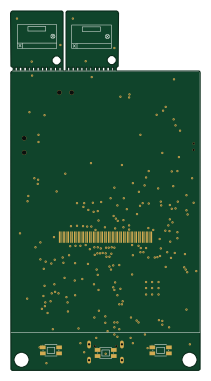 ESP32
CheetoPet
Cheet0sDelet0s
50.2 × 95.2 mm96 parts2LGPL-2.03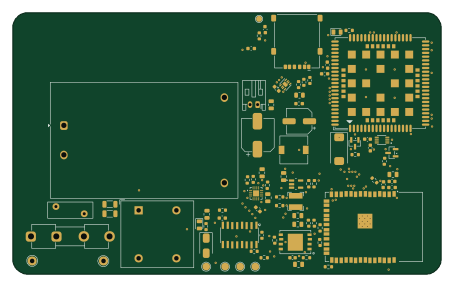 ESP32
GridWatcher
kylerichter36-coder
113.4 × 69.2 mm79 parts2LNo license3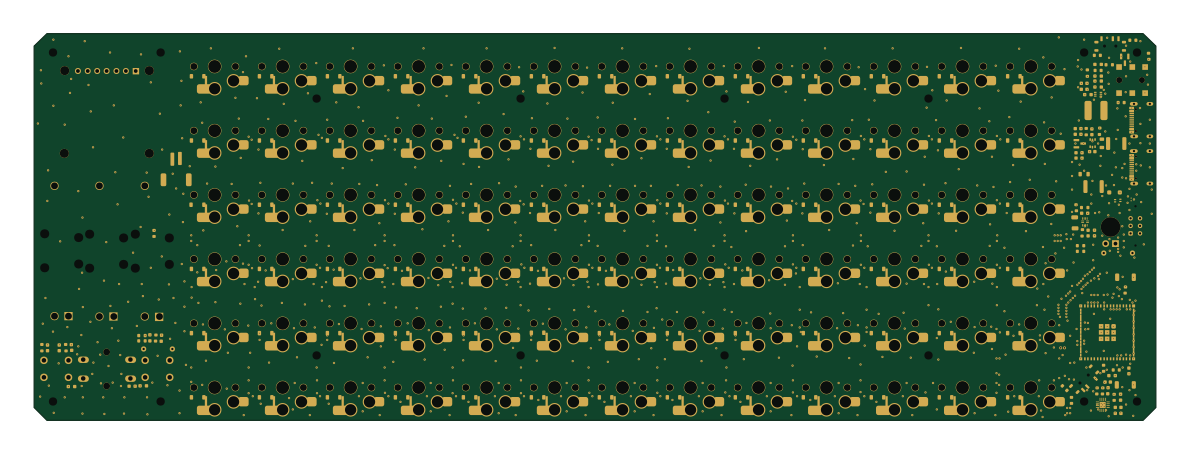 ESP32
EUB-04 Emiuet
emnyeca
297 × 102.4 mm251 parts2LNo license2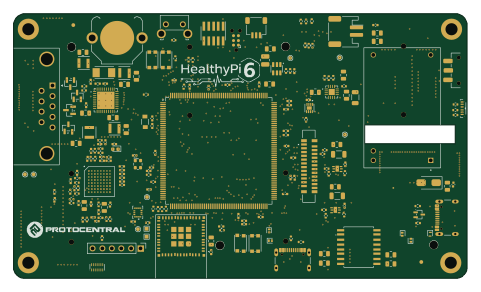 STM32
Healthypi 6 v5
Protocentral
120.1 × 70 mm223 parts6LCERN-OHL-P-2.02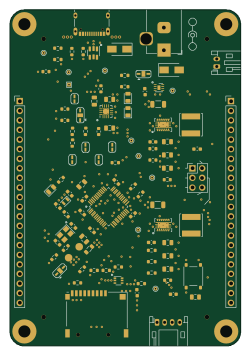 STM32
Bluegrass
agrif
61 × 88.9 mm107 parts4LCC-BY-SA-4.02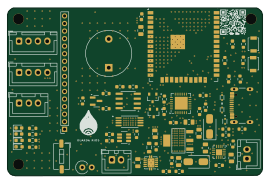 ESP32
PGR
Projeto-Guarda-Rios
67.5 × 44.4 mm75 parts4LMIT2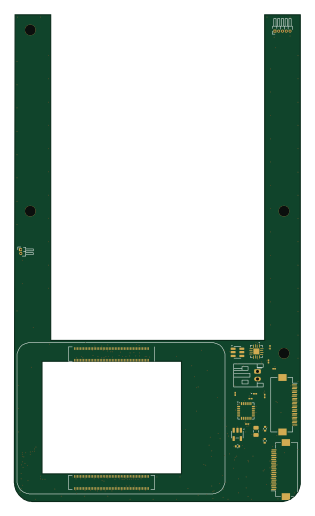 Raspberry Pi
Phone6layer
Unlim8ted-Studios
75.6 × 128.7 mm26 parts6LNo license2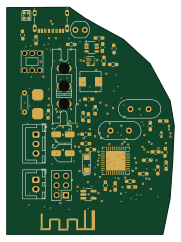 AVR/Arduino
VoidLens-DIY-VR-Headset-V2
scattercat-123
44.4 × 60.3 mm79 parts2LNo license1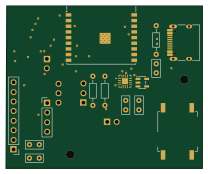 ESP32
Eidolon
alaotach
52 × 43 mm19 parts2LNo license1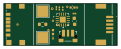
Ultra compact pmic bq24074
the-abra
30 × 11 mm12 parts2LCustom license1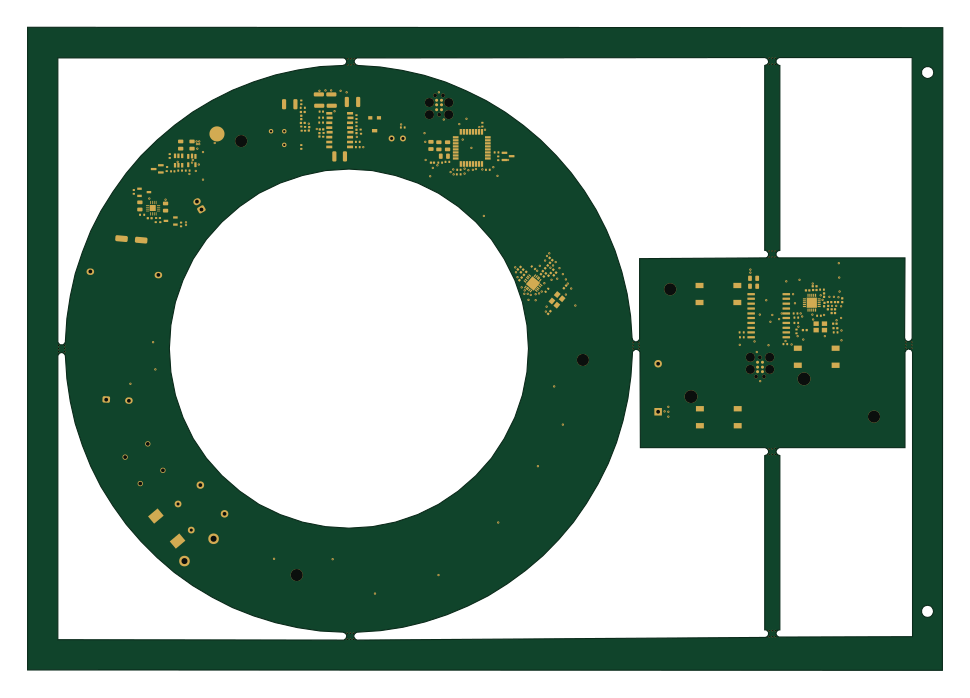 STM32
Night light-PCB-prototype
oyeniyihakeem08-blip
242.1 × 170 mm147 parts4LNo license0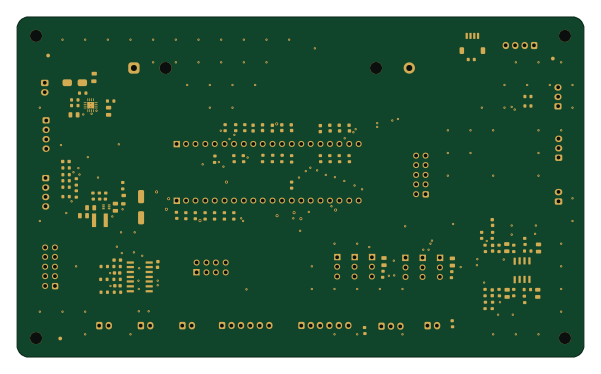
Caryatid
ideocentric
150 × 90 mm128 parts2LCERN-OHL-S-2.00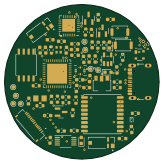 RP2040/RP2350
MedSafe
VarunAPatil
41 × 41 mm113 parts4LNo license0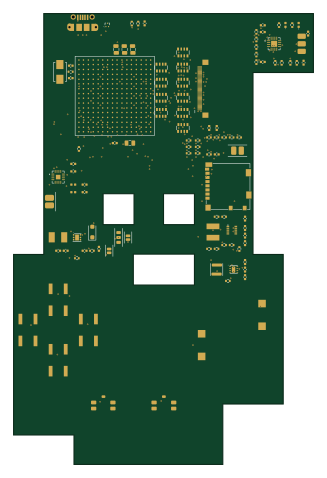
Pokeboy
cameo-5958
79.4 × 119.4 mm111 parts4LMIT0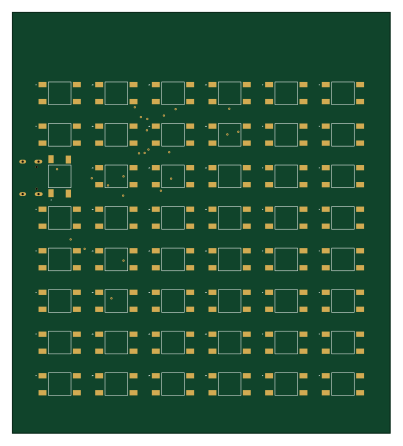 RP2040/RP2350
Calc v2
rod520
100 × 111.4 mm100 parts2LMIT0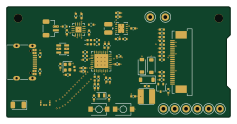 ESP32
ESP32-Eink
Outdatedcandy92
59.2 × 29.2 mm81 parts4LCERN-OHL-W-2.00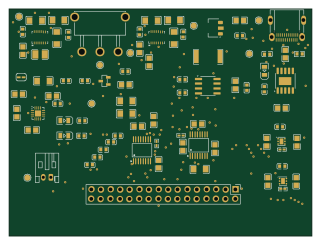
EEE3088F-MicroMouse-Power-Board-Group-21
MikeLight11
80 × 60 mm78 parts2LNo license0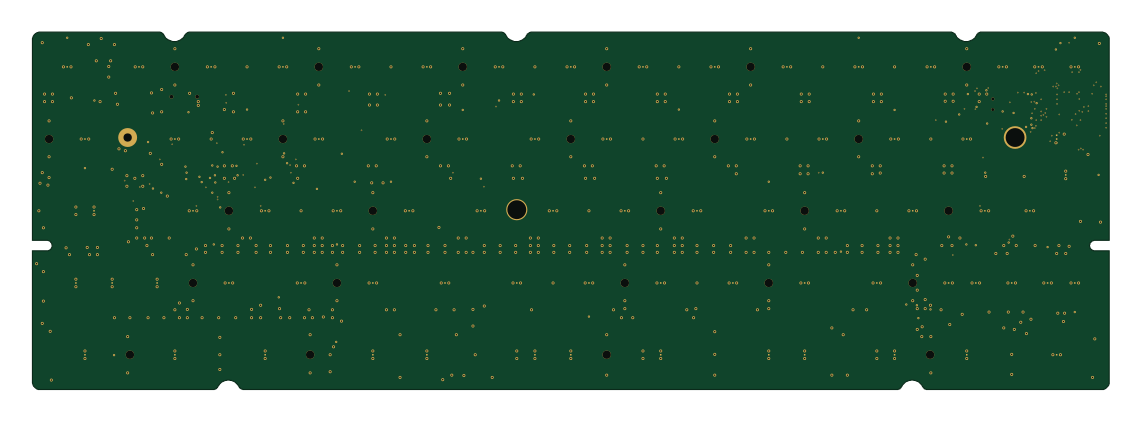
YETI60
wZuck
285 × 94.6 mm77 parts4LNo license0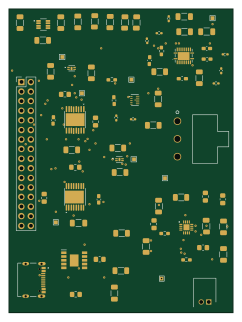
Power subsystem
MTHSEK006
59.3 × 80.4 mm71 parts2LNo license0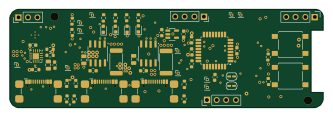 ESP8266
Smartpowerbank2026
MAIK97MAX
83 × 26 mm71 parts4LNo license0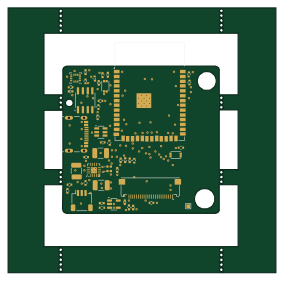 ESP32
Camera project
kitnol
70.9 × 70.1 mm70 parts4LNo license0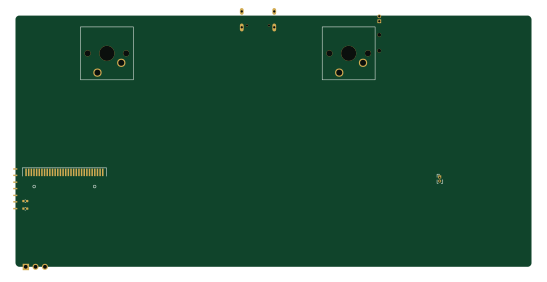 RP2040/RP2350
Mck parting board
preyneyv
136.6 × 66.5 mm67 parts4LNo license0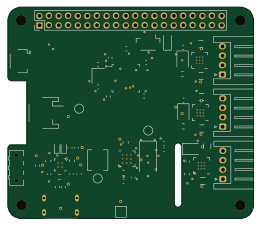 STM32
Astropi micro
acalinp
65.1 × 56 mm60 partsNo license0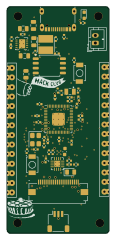 RP2040/RP2350
Citrus board
obobed
27 × 60 mm56 parts4LGPL-3.00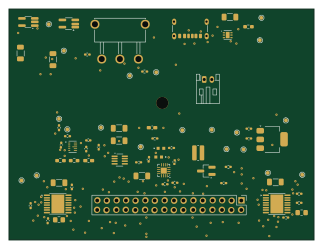
EEE3088F-Design-Project
maarijbhai
80.6 × 61 mm54 parts2LNo license0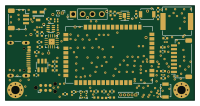
BPV4 Collar
rees3901
50 × 25 mm51 parts2LNo license0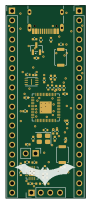 RP2040/RP2350
Custom-RP2040-based-Devboard
hashim-cpro
21 × 51 mm49 parts2LNo license0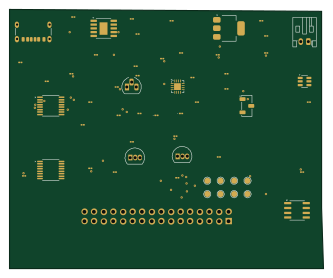
EEE3088F Power Subsystem Group61
Sipho-Junior
83 × 68.5 mm48 parts2LNo license0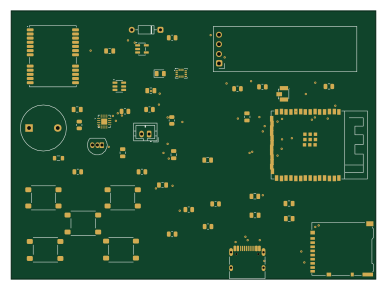 ESP32
Gps logger
kaushalch1
96.5 × 71 mm47 parts2LNo license0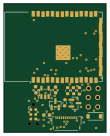 ESP32
Child wearable notification bracelet
27 × 34 mm38 parts4LNo license0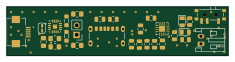
Pcbvr left
SINRG-Lab
58.6 × 12.9 mm28 parts2LNo license0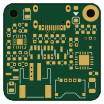
Luna65 Daughter Board
NeilKhera
25.4 × 25.4 mm42 parts2LCustom license6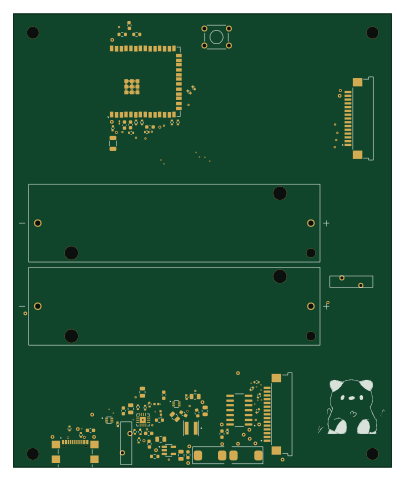 ESP32
Main
Ajakovski
100 × 120 mm30 parts4LMIT1
How designs wire the BQ24074RGT
Read from the KiCad layouts of 36 open source designs, one per repository: what each pin of the BQ24074RGT connects to, and the resistors, capacitors and other passives placed on it.
- The OUT pins have a capacitor to GND on 32 of 35 designs, most often 10 µF (then 4.7 µF).
- The ILIM pin has a resistor to GND on 32 of 35 designs, most often 1 kΩ (then 1.18 kΩ).
- The ISET pin has a resistor to GND on 30 of 35 designs, most often 1.8 kΩ (then 1.13 kΩ).
- The TS pin has a resistor to GND on 26 of 36 designs, most often 10 kΩ.
| Pin | Connected to | Parts on the pin |
|---|---|---|
| TSpin 1 | Connected to: Signal 92% |
|
| BATpin 2, 3 | Connected to: BATT 49% · a signal 49% |
|
| CEpin 4 | Connected to: GND 80% | — |
| EN2pin 5 | Connected to: Signal 40% · GND 37% |
|
| VSSpin 8, 17 | Connected to: GND 94% | — |
| OUTpin 10, 11 | Connected to: Signal 61% · VSYS 34% |
|
| ILIMpin 12 | Connected to: Signal 94% |
|
| INpin 13 | Connected to: VBUS 69% · a signal 29% | — |
| ITERMpin 15 | Connected to: Not connected 51% · a signal 46% |
|
| ISETpin 16 | Connected to: Signal 97% |
|
4 more pins vary from design to design. Connections count pins, parts count designs; values in brackets are how many parts had that value. Designs read include The-Mesh3310-Project by JLTelectronics, The-Mesh3310-Project by JDJelectronics, Luna65 Daughter Board by NeilKhera and CheetoPet by Cheet0sDelet0s.
The BQ24074RGT in open source designs
The gallery holds 38 open source boards using the BQ24074RGT from 36 GitHub repositories; a typical one measures about 66.3 × 63.7 mm and carries around 71 components.
51% are two-layer designs, the rest use four layers or more, and 34% carry an open source license.
The most starred is The-Mesh3310-Project by JLTelectronics.
Parts used alongside the BQ24074RGT
Microcontrollers on boards using the BQ24074RGT
What boards using the BQ24074RGT are built for
BQ24074RGT: common questions
Where can I find a BQ24074RGT reference design?
Each of the 38 boards on this page is a real design using the BQ24074RGT. Open one to see how it is wired up, with the full BOM, a render of the layout and links to its KiCad files.
How is the BQ24074RGT OUT pin connected?
The OUT pins have a capacitor to GND on 32 of 35 designs, most often 10 µF (then 4.7 µF). Counted from the KiCad layouts of 36 open source designs using the BQ24074RGT.
What resistor goes on the BQ24074RGT ILIM pin?
The ILIM pin has a resistor to GND on 32 of 35 designs, most often 1 kΩ (then 1.18 kΩ). Counted from the KiCad layouts of 36 open source designs using the BQ24074RGT.
What resistor goes on the BQ24074RGT ISET pin?
The ISET pin has a resistor to GND on 30 of 35 designs, most often 1.8 kΩ (then 1.13 kΩ). Counted from the KiCad layouts of 36 open source designs using the BQ24074RGT.
What parts are used alongside the BQ24074RGT?
The USBLC6-2SC6, AP2112K-3.3, MAX98357A, TPS63802DLAR and CH224K appear in the most repositories here.
Which microcontrollers do boards using the BQ24074RGT use?
Most are built on ESP32 (11), RP2040/RP2350 (5), STM32 (4) and Nordic nRF (2).
How big is a typical board using the BQ24074RGT?
The median is 66.3 × 63.7 mm, and 51% are two-layer designs.
What is the most popular open source board using the BQ24074RGT?
By GitHub stars, The-Mesh3310-Project by JLTelectronics, with 26 stars.
Can I simulate one of these boards using the BQ24074RGT before building it?
Yes. HardLabs turns a board's netlist and BOM into a working simulation, so you can boot and test firmware against it with no hardware on your desk.