
48 open source boards using the TPS63802DLAR
Real designs built with the TPS63802DLAR, from public GitHub projects: a quick way to see how others power, decouple and connect it. Each board comes with its KiCad files, full parts list and a render — and you can simulate its firmware on HardLabs.
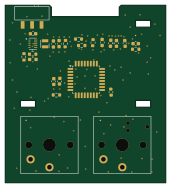 STM32
Bongo-Cat-Fidget-Toy
afonsus1997
42.5 × 47 mm25 parts2LCC-BY-NC-4.014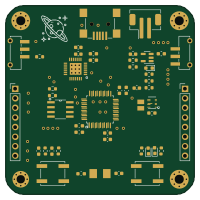 STM32
Battery-Powered-STM32-Board-With-USB
mohamedboubaker
50 × 50 mm48 parts2LMIT13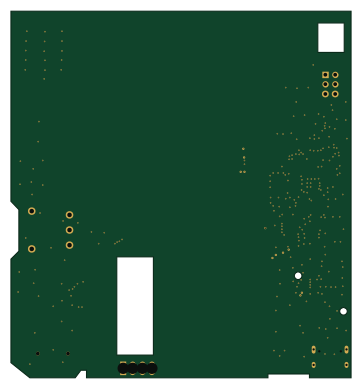 RP2040/RP2350
Inercia floppy badge
90 × 97 mm76 parts2LNo license11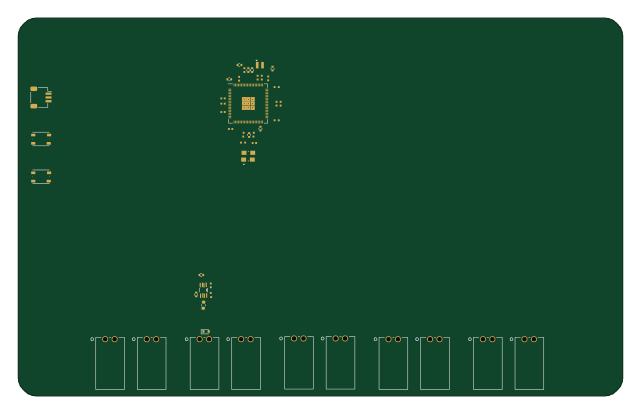 RP2040/RP2350
Opensync before chb h placement-20260915
ErichZimmer
160 × 100 mm233 parts2LCERN-OHL-S-2.04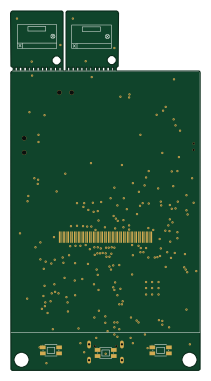 ESP32
CheetoPet
Cheet0sDelet0s
50.2 × 95.2 mm96 parts2LGPL-2.03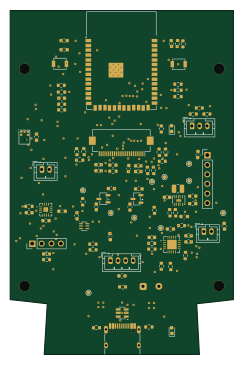
Doorlink
calebhabesh
59 × 91 mm88 parts2LMIT2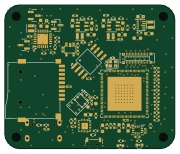 RISC-V
MerlynCAM
YeetTheAnson
45 × 38 mm144 parts4LNo license1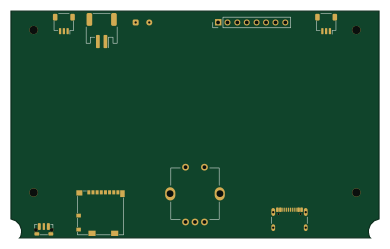 STM32
Stm32-epaper
Mlynn217
97.4 × 60 mm142 parts4LNo license1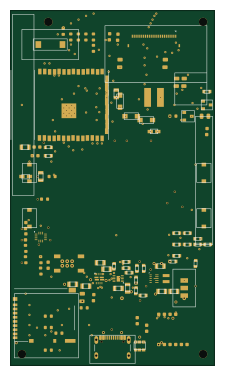 ESP32
ENKU-Base reader
aliaksei-lameyka
54 × 94 mm103 parts4LNo license1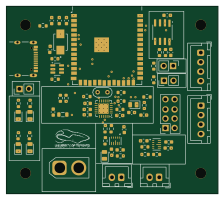 ESP32
TyphoonMotherboard rev1
hpvdt
55.9 × 49.5 mm70 parts2LNo license1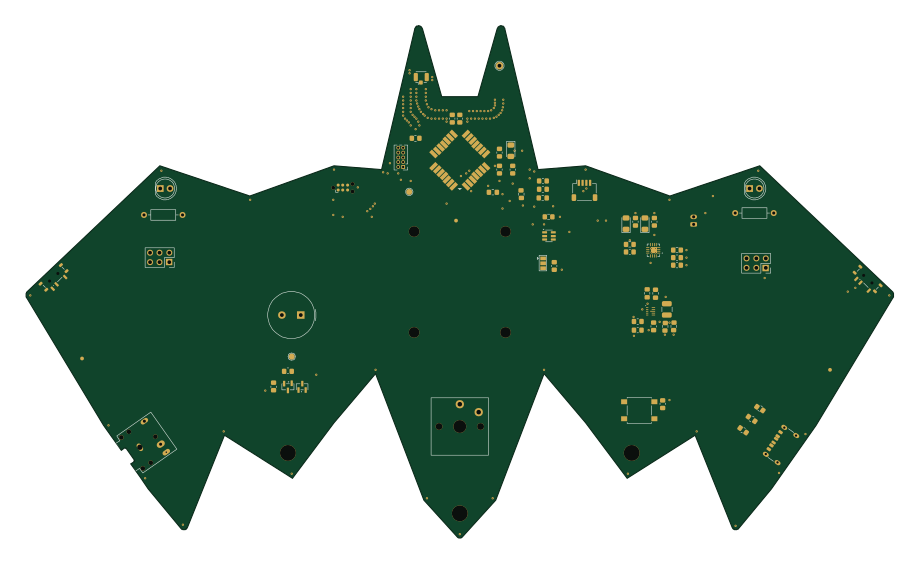
Morse mesh
eihli
229.7 × 135.6 mm61 parts2LCustom license1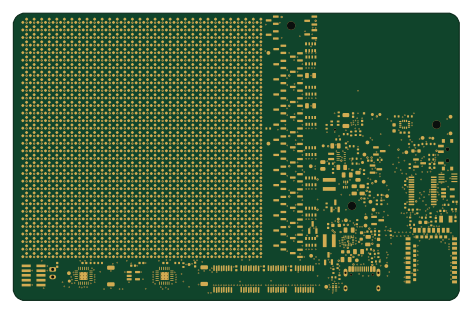
Pixel-Badge
zgeez
118 × 76 mm1202 parts4LMIT0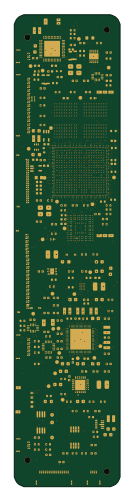
Compact tablet
CopperPilot
28 × 125 mm385 parts8LCERN-OHL-S-2.00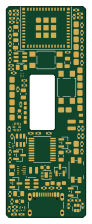 ESP32
Candidate
earlynerd
21 × 55.9 mm261 parts4LNo license0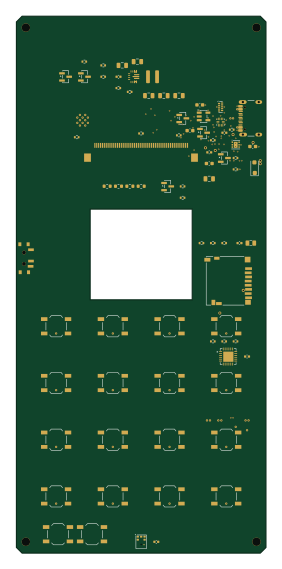 ESP32
Handset
JeremyLakeyJr
66 × 142 mm217 parts4LNo license0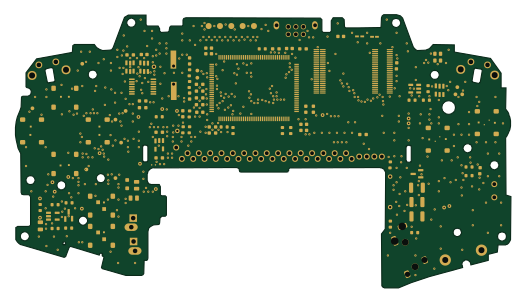
AGBM-02 AA 1-1
AnasSarkiz
131.3 × 72.4 mm200 parts4LCC-BY-SA-4.00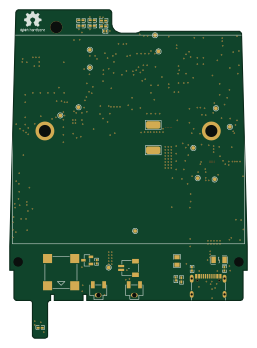 ESP32
Airgradient-GO
Open-Air-Foundation
62.9 × 87 mm141 parts4LCC-BY-SA-4.00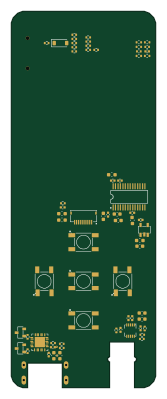 RP2040/RP2350
Mp3-player
stefanVanadium
38.2 × 99.6 mm113 parts4LMIT0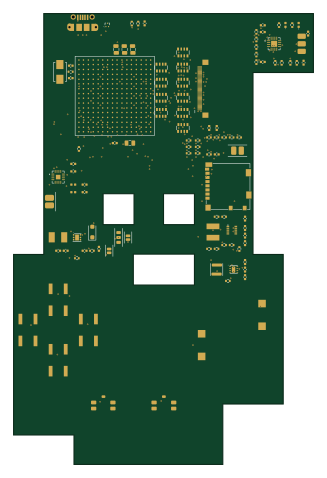
Pokeboy
cameo-5958
79.4 × 119.4 mm111 parts4LMIT0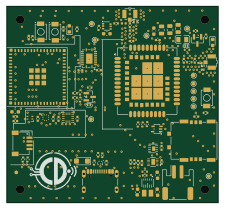 ESP32
EdgeLink S3 Cellular
CDonohoe-Designs
56 × 52 mm93 parts4LNo license0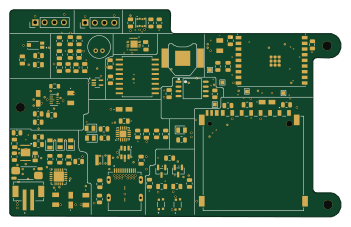 ESP32
Secure edge logger
landjas09
87.5 × 54.7 mm92 parts4LNo license0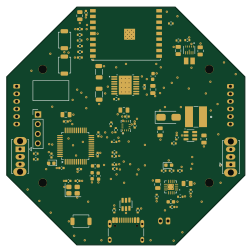 ESP32
Swarm Robot Hardware
Khoi281248
62.8 × 62.8 mm83 parts2LMIT0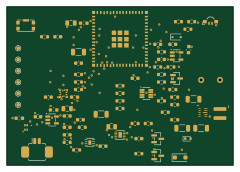 ESP32
Smart Safety Tag V1
balu-16
60 × 42 mm76 parts2LNo license0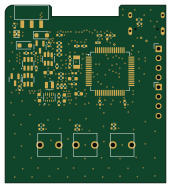 STM32
Tamagotchi thing
42.5 × 47 mm76 parts4LNo license0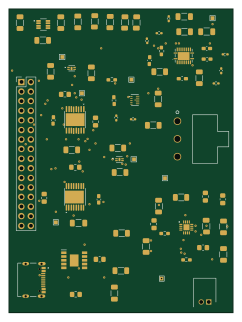
Power subsystem
MTHSEK006
59.3 × 80.4 mm71 parts2LNo license0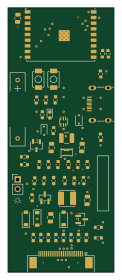 ESP32
Eprinter
tact1m4n3
28 × 70 mm57 parts4LMIT0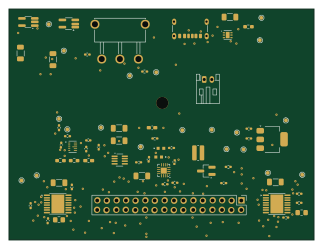
EEE3088F-Design-Project
maarijbhai
80.6 × 61 mm54 parts2LNo license0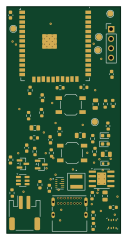 ESP32
Sensor node
shyver
30 × 60 mm48 parts2LMIT0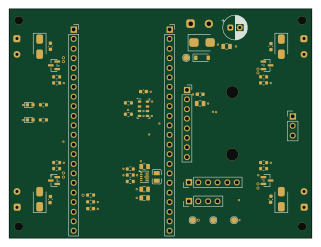
HalfLife-Drone
Miky8745
80 × 60.6 mm44 parts4LNo license0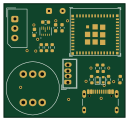 ESP32
Avi hw mesh node
Apoll011
32 × 30 mm27 parts2LMIT0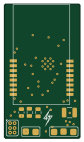 ESP32
SquidTX-Nano-ELRS
unixvoid
20 × 35.5 mm15 parts2LCERN-OHL-S-2.00- schematic only · 47 partsESP32
Smartwatch-HackClub-Fallen-Project
aAhmer1677
47 partsMIT0 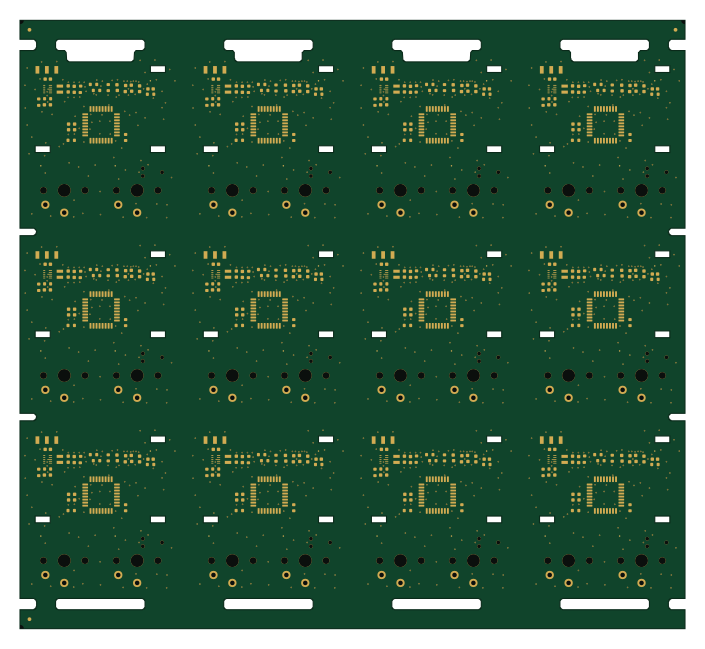 STM32
Panel
176 × 161 mm25 parts2LCC-BY-NC-4.014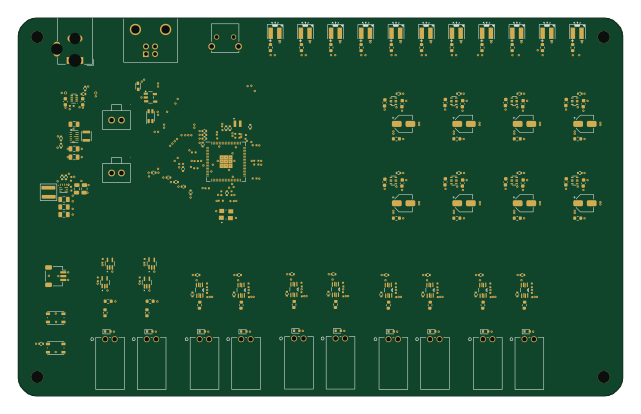 RP2040/RP2350
Opensync
160 × 100 mm220 parts4LCERN-OHL-S-2.04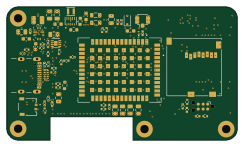 ESP32
V2 mini
teehee567
60.8 × 35.1 mm112 parts6LNo license4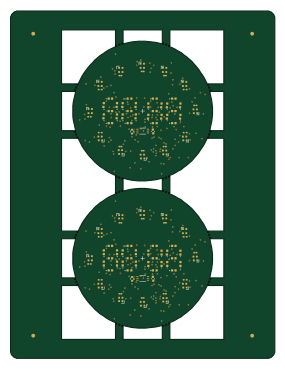 STM32
Panelized watch
HolTyc
70 × 92 mm125 parts4LNo license1
How designs wire the TPS63802DLAR
Read from the KiCad layouts of 33 open source designs, one per repository: what each pin of the TPS63802DLAR connects to, and the resistors, capacitors and other passives placed on it.
- The L2_7 pin has a inductor on 32 of 33 designs, most often 470 nH.
- The L1_9 pin has a inductor on 32 of 33 designs, most often 470 nH.
- The FB_4 pin has a resistor to GND on 30 of 33 designs, most often 91 kΩ (then 10 kΩ).
- The VIN_10 pin has a capacitor to GND on 29 of 33 designs, most often 10 µF (then 22 µF).
| Pin | Connected to | Parts on the pin |
|---|---|---|
| EN_1pin 1 | Connected to: Signal 88% |
|
| MODE_2pin 2 | Connected to: GND 76% · a signal 21% | — |
| AGND_3pin 3 | Connected to: GND 91% | — |
| FB_4pin 4 | Connected to: Signal 100% |
|
| PG_5pin 5 | Connected to: Signal 58% · not connected 39% |
|
| VOUT_6pin 6 | Connected to: 3.3V 79% · a signal 21% |
|
| L2_7pin 7 | Connected to: Signal 97% |
|
| GND_8pin 8 | Connected to: GND 94% | — |
| L1_9pin 9 | Connected to: Signal 97% |
|
| VIN_10pin 10 | Connected to: Signal 58% · VSYS 42% |
|
Connections count pins, parts count designs; values in brackets are how many parts had that value. Designs read include Bongo-Cat-Fidget-Toy by afonsus1997, Battery-Powered-STM32-Board-With-USB by mohamedboubaker, Inercia floppy badge by afonsus1997 and Opensync by ErichZimmer.
The TPS63802DLAR in open source designs
The gallery holds 48 open source boards using the TPS63802DLAR from 35 GitHub repositories; a typical one measures about 62.8 × 76 mm and carries around 95 components.
62% use four copper layers or more, and 50% carry an open source license.
The most starred is Panel by afonsus1997.
Parts used alongside the TPS63802DLAR
Microcontrollers on boards using the TPS63802DLAR
What boards using the TPS63802DLAR are built for
TPS63802DLAR: common questions
Where can I find a TPS63802DLAR reference design?
Each of the 48 boards on this page is a real design using the TPS63802DLAR. Open one to see how it is wired up, with the full BOM, a render of the layout and links to its KiCad files.
How is the TPS63802DLAR L2_7 pin connected?
The L2_7 pin has a inductor on 32 of 33 designs, most often 470 nH. Counted from the KiCad layouts of 33 open source designs using the TPS63802DLAR.
How is the TPS63802DLAR L1_9 pin connected?
The L1_9 pin has a inductor on 32 of 33 designs, most often 470 nH. Counted from the KiCad layouts of 33 open source designs using the TPS63802DLAR.
What resistor goes on the TPS63802DLAR FB_4 pin?
The FB_4 pin has a resistor to GND on 30 of 33 designs, most often 91 kΩ (then 10 kΩ). Counted from the KiCad layouts of 33 open source designs using the TPS63802DLAR.
What parts are used alongside the TPS63802DLAR?
The USBLC6-2SC6, BQ24074RGT, MAX17048G+T10, BQ25185DLHR and DW01A appear in the most repositories here.
Which microcontrollers do boards using the TPS63802DLAR use?
Most are built on ESP32 (19), RP2040/RP2350 (11), STM32 (6) and RISC-V (1).
How big is a typical board using the TPS63802DLAR?
The median is 62.8 × 76 mm, and 38% are two-layer designs.
What is the most popular open source board using the TPS63802DLAR?
By GitHub stars, Panel by afonsus1997, with 14 stars.
Can I simulate one of these boards using the TPS63802DLAR before building it?
Yes. HardLabs turns a board's netlist and BOM into a working simulation, so you can boot and test firmware against it with no hardware on your desk.