
191 open source boards using the TP4056-42-ESOP8
Real designs built with the TP4056-42-ESOP8, from public GitHub projects: a quick way to see how others power, decouple and connect it. Each board comes with its KiCad files, full parts list and a render — and you can simulate its firmware on HardLabs.
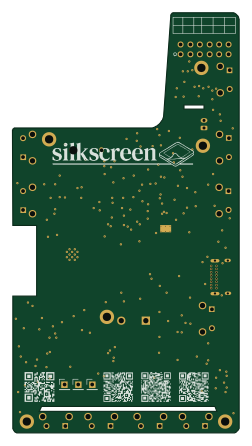 ESP32
Silkscreen
iandchasse
60 × 111.3 mm171 parts2LCERN-OHL-S-2.0585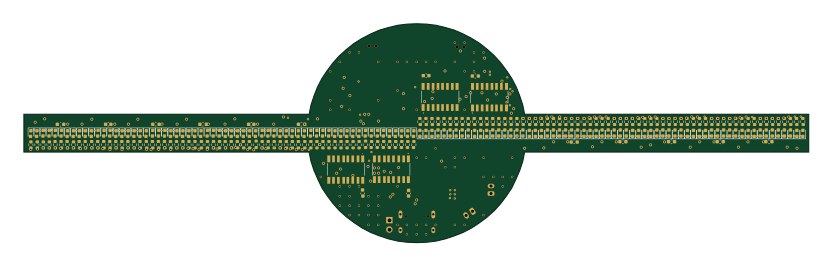 ESP32
POV-Display
Circuit-Digest
208 × 58 mm324 parts2LNo license34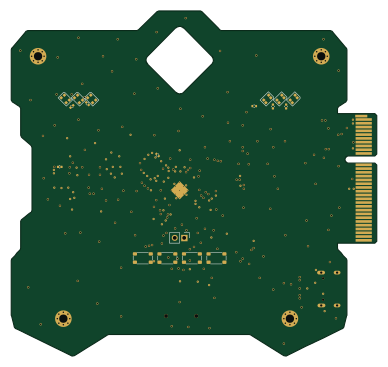 RP2040/RP2350
Ink screen badge for Undercity
cheyao
96.8 × 91.4 mm86 parts2LSHL-2.122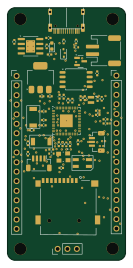 RP2040/RP2350
Rpboard squared
euvalennn
31.3 × 67 mm56 parts2LNo license9 RP2040/RP2350
Trhw
nimitvijayvargee
210 × 31 mm55 parts2LNo license7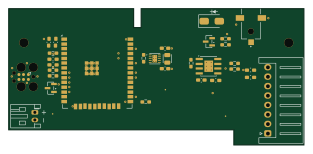 ESP32
Bluetooth nes advantage
cajunpanda
78 × 36 mm36 parts2LMIT7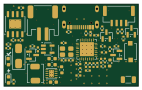 ESP32
Esp32-c3-iot sensor board
Ans1S
35.4 × 21.6 mm57 parts4LMIT6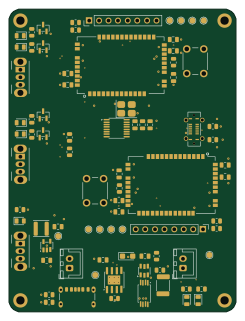
Meshphone
DerRKDCB
60 × 80 mm72 parts2LNo license5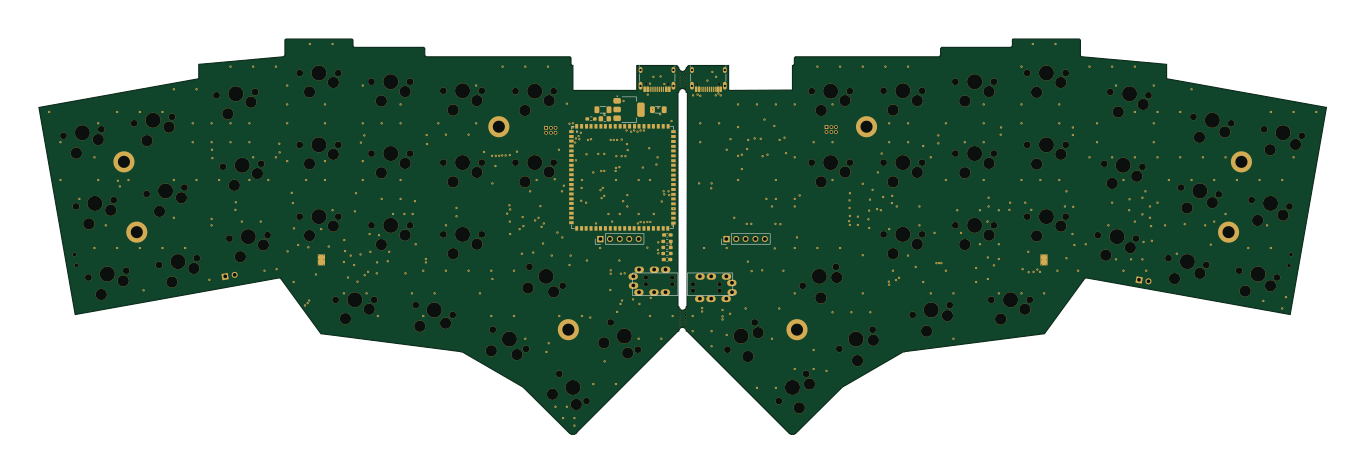 ESP32
Niphar
mornepousse
340.8 × 104.7 mm275 parts4LMIT4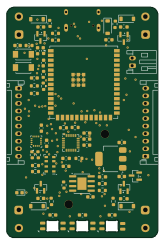 ESP32
UWB Fly Drone
DynamicWhiteHat
40 × 61 mm75 parts2LNo license4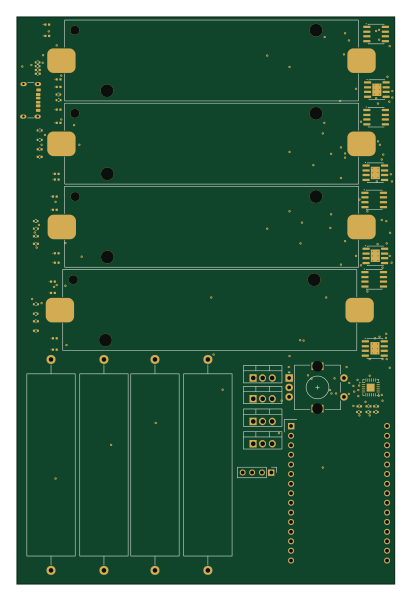 ESP32
18650-Tester
Studented0
100 × 150 mm65 parts2LMIT4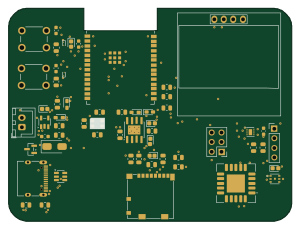 ESP32
Esp32-c6-environmental logger
pushtiujeniya
75 × 56.4 mm59 parts4LNo license4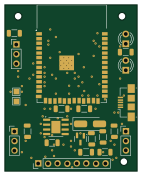 ESP32
OpenTimeWatch-1
OpenTimeWatch-Project
35 × 44 mm41 parts2LMIT4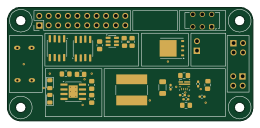
My-Own-UPS-HAT-for-Raspberry-Pi-Zero
harshverma27
65 × 30 mm31 parts2LNo license4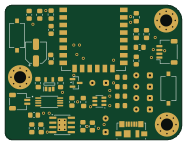 ESP8266
TWIN NODE2
MAATHES-THILAK-K
46.6 × 35.5 mm41 parts2LApache-2.03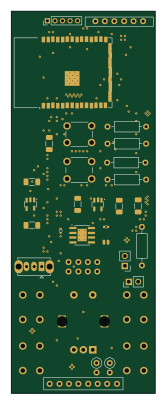 ESP32
BikeNav
utydfd
38 × 101 mm34 parts2LGPL-3.03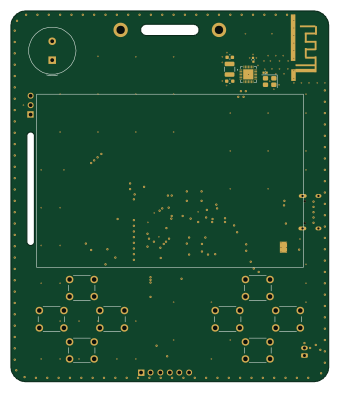 RP2040/RP2350
Badges
sophiayduan
84 × 98 mm83 parts2LUnlicense2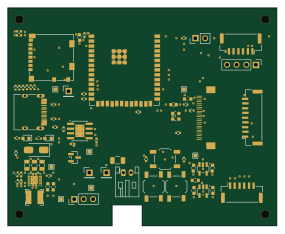 ESP32
Main Board
jackshisd
71 × 57.5 mm74 parts4LNo license2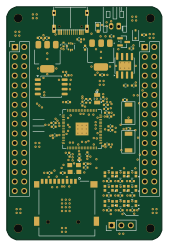 RP2040/RP2350
Whitefox
nxrmqlly
41 × 61.6 mm73 parts4LCERN-OHL-S-2.02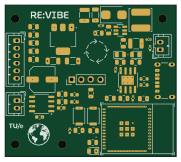 ESP32
TUe-CBL-Circular-Electronics
bgb-0
45.3 × 40.1 mm54 parts4LCERN-OHL-P-2.02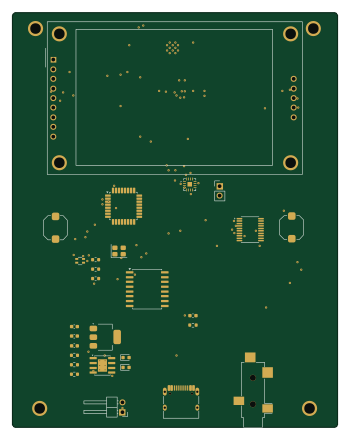 ESP32
Kiki player
alaotach
86 × 109.7 mm42 parts2LNo license2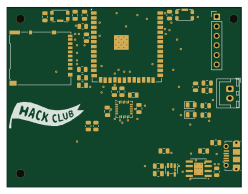 ESP32
Dropsense v2
ParthDhiman32
62 × 47.5 mm38 parts2LNo license2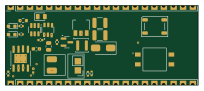
FOX-JACK EXT BOARD TOP
GabeGiancarlo
51 × 21 mm29 parts2LGPL-3.02
Pcb lipo power management system
devKOff
30 × 25 mm28 parts2LNo license2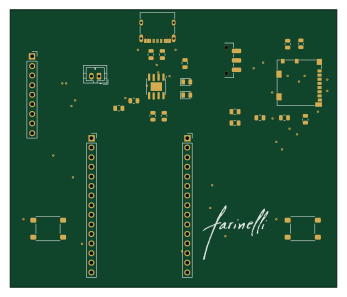
Digital-Photo-Frame-ESP32
pablovazquezmartinez
86.5 × 73.5 mm26 parts2LMIT2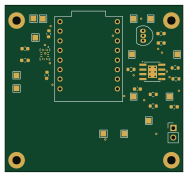 ESP32
Velocity-Based-Training
m351351
47 × 44 mm18 parts2LNo license2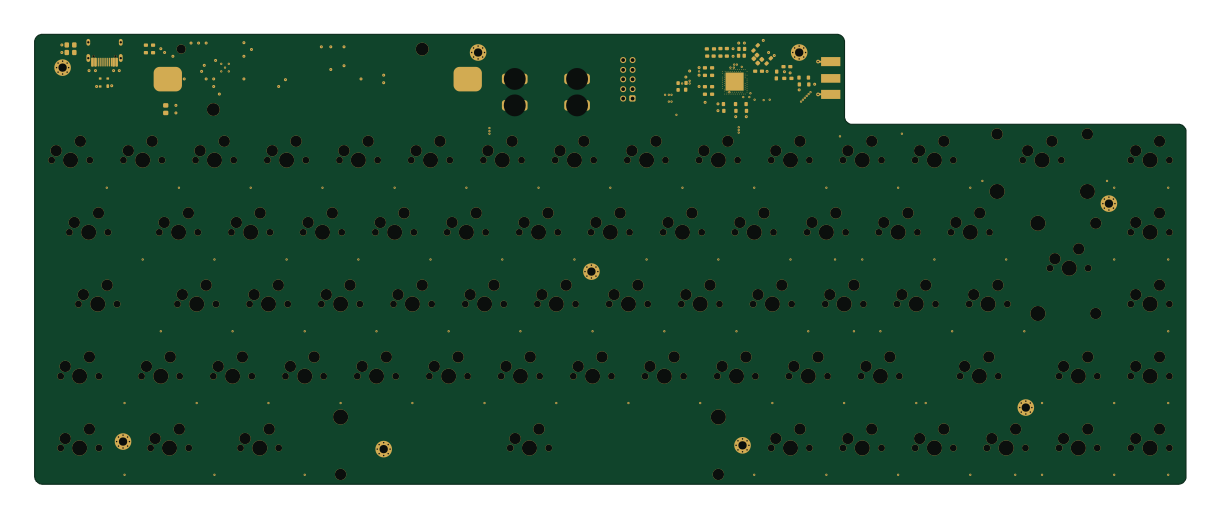 Nordic nRF
Keyboard
tritoke
304.8 × 119.1 mm199 parts4LNo license1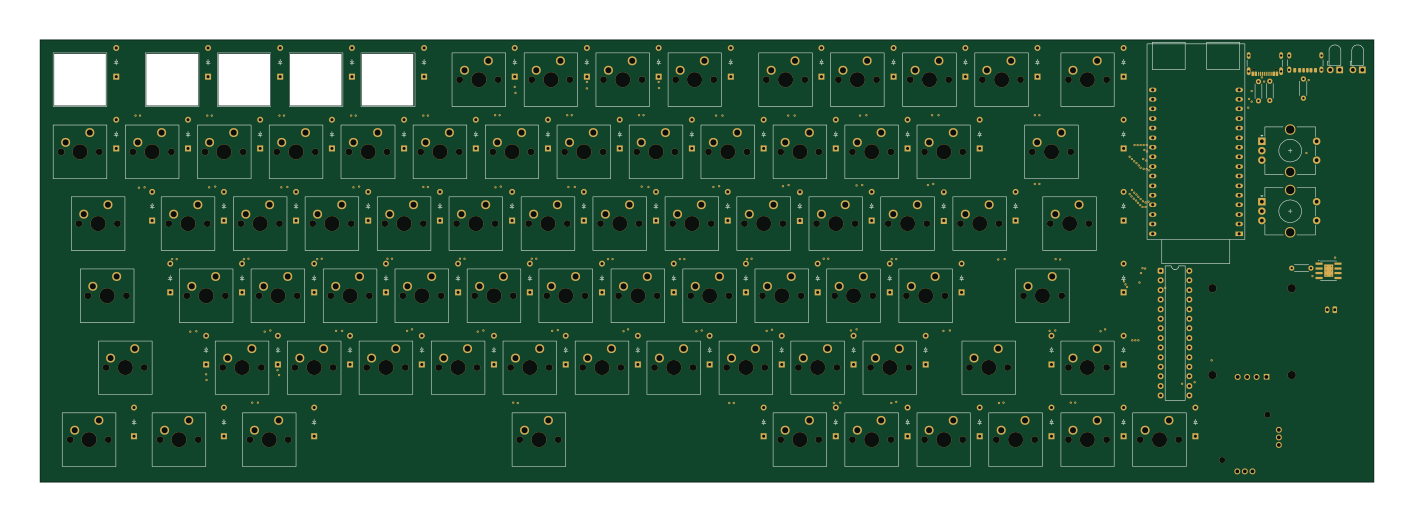 ESP32
Nexus.terminal
Ekam-wadhwa1
353 × 117 mm170 parts4LGPL-3.01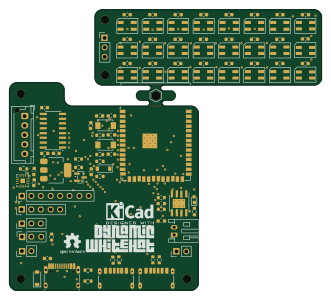 ESP32
Reverb
82.6 × 74.3 mm102 parts2LNo license1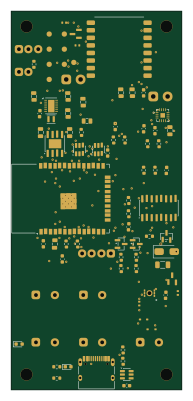 ESP32
ESP32-Walkie-Talkie-V2
houseofthe051010
45 × 100 mm87 parts2LNo license1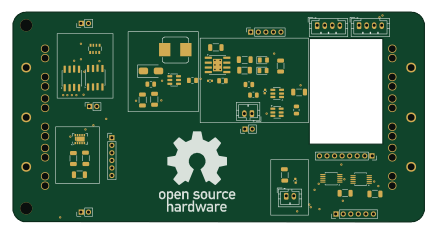
Whole
Benedikt3141
109 × 55.5 mm83 parts2LMIT1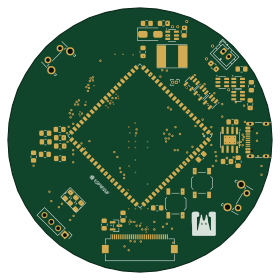 ESP32
Camera-R2000
grbbt
70 × 70 mm82 parts4LMIT1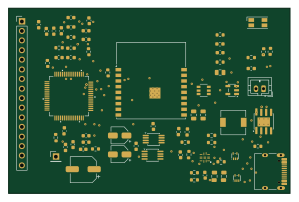 ESP32
ADS1299-BioAmp
wangq22
74.5 × 49 mm76 parts2LNo license1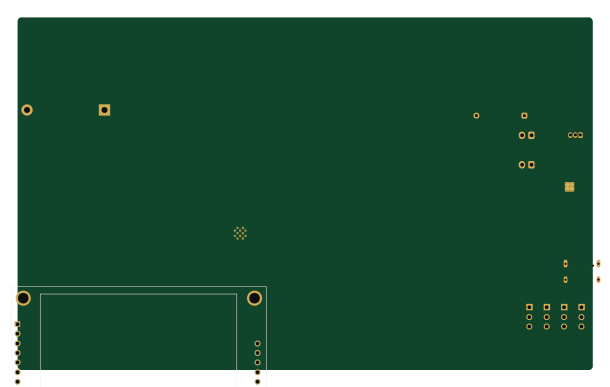 ESP32
ESP
MurilloHorvath
152.2 × 93.3 mm72 parts2LMIT1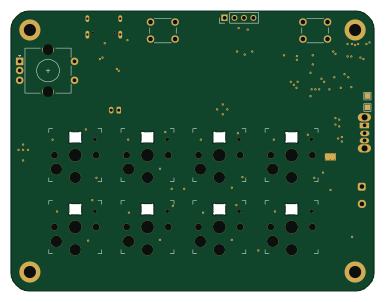 Nordic nRF
Nrf52840-macro controller
alex1klimovich
96 × 74 mm72 parts2LNo license1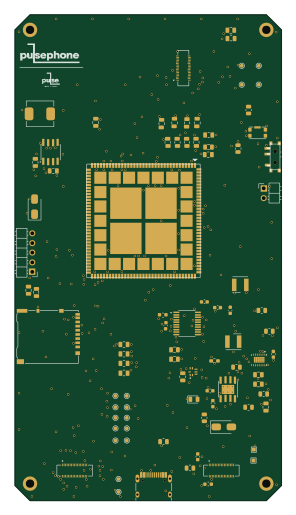
Pulsephone main board
pulseopen
70.5 × 128.5 mm70 parts4LGPL-3.01
How designs wire the TP4056-42-ESOP8
Read from the KiCad layouts of 161 open source designs, one per repository: what each pin of the TP4056-42-ESOP8 connects to, and the resistors, capacitors and other passives placed on it.
- The PROG pin has a resistor to GND on 138 of 161 designs, most often 1.2 kΩ (then 2 kΩ).
- The TEMP pin is tied to GND on 115 of 161 designs (not connected on 16, VCC on 2, a signal on 28).
- The BAT pin has a decoupling capacitor on 89 of 160 designs, most often 10 µF (then 22 µF).
- The VCC pin has a decoupling capacitor on 86 of 161 designs, most often 10 µF (then 100 nF).
| Pin | Connected to | Parts on the pin |
|---|---|---|
| TEMPpin 1 | Connected to: GND 71% · a signal 17% | — |
| PROGpin 2 | Connected to: Signal 96% |
|
| GNDpin 3 | Connected to: GND 92% | — |
| VCCpin 4 | Connected to: 5V 58% · a signal 40% |
|
| BATpin 5 | Connected to: BATT 58% · a signal 41% |
|
| STDBYpin 6 | Connected to: Signal 75% · not connected 21% |
|
| CHRGpin 7 | Connected to: Signal 87% |
|
| EPADpin 9 | Connected to: GND 80% · not connected 15% | — |
1 more pin varies from design to design. Connections count pins, parts count designs; values in brackets are how many parts had that value. Designs read include Silkscreen pcb by iandchasse, POV-Display by Circuit-Digest, Ink screen badge for Undercity by cheyao and Rpboard squared by euvalennn.
The TP4056-42-ESOP8 in open source designs
The gallery holds 191 open source boards using the TP4056-42-ESOP8 from 178 GitHub repositories; a typical one measures about 66.8 × 60 mm and carries around 49 components.
75% are two-layer designs, the rest use four layers or more, and 34% carry an open source license.
The most starred is Silkscreen pcb by iandchasse.
Parts used alongside the TP4056-42-ESOP8
Microcontrollers on boards using the TP4056-42-ESOP8
What boards using the TP4056-42-ESOP8 are built for
TP4056-42-ESOP8: common questions
Where can I find a TP4056-42-ESOP8 reference design?
Each of the 191 boards on this page is a real design using the TP4056-42-ESOP8. Open one to see how it is wired up, with the full BOM, a render of the layout and links to its KiCad files.
What resistor goes on the TP4056-42-ESOP8 PROG pin?
The PROG pin has a resistor to GND on 138 of 161 designs, most often 1.2 kΩ (then 2 kΩ). Counted from the KiCad layouts of 161 open source designs using the TP4056-42-ESOP8.
How is the TP4056-42-ESOP8 TEMP pin connected?
The TEMP pin is tied to GND on 115 of 161 designs (not connected on 16, VCC on 2, a signal on 28). Counted from the KiCad layouts of 161 open source designs using the TP4056-42-ESOP8.
What decoupling capacitors do designs use on the TP4056-42-ESOP8 BAT pin?
The BAT pin has a decoupling capacitor on 89 of 160 designs, most often 10 µF (then 22 µF). Counted from the KiCad layouts of 161 open source designs using the TP4056-42-ESOP8.
What parts are used alongside the TP4056-42-ESOP8?
The DW01A, AP2112K-3.3, MT3608, AMS1117-3.3 and ESP32-S3-WROOM-1 appear in the most repositories here.
Which microcontrollers do boards using the TP4056-42-ESOP8 use?
Most are built on ESP32 (107), RP2040/RP2350 (11), STM32 (9) and AVR/Arduino (6).
How big is a typical board using the TP4056-42-ESOP8?
The median is 66.8 × 60 mm, and 75% are two-layer designs.
What is the most popular open source board using the TP4056-42-ESOP8?
By GitHub stars, Silkscreen pcb by iandchasse, with 585 stars.
Can I simulate one of these boards using the TP4056-42-ESOP8 before building it?
Yes. HardLabs turns a board's netlist and BOM into a working simulation, so you can boot and test firmware against it with no hardware on your desk.